Me-Page Team
Last modified 13 Aug 2026
Article Plan
- Why a Dedicated Contact Page Matters
- Make Contact Information Easy to Find
- Build Trust with Clear Information
- Choose the Right Contact Form
- Add a Clear Call-to-Action
- Include Business Hours
- Show Your Location When Relevant
- Create a Mobile-Friendly Contact Experience
- Essential Elements of a Business Contact Page
- Keep Your Contact Page Updated
- How ME-Page Helps Create Professional Contact Pages
- Common Contact Page Mistakes
- Conclusion
- Frequently Asked Questions about Contact Page
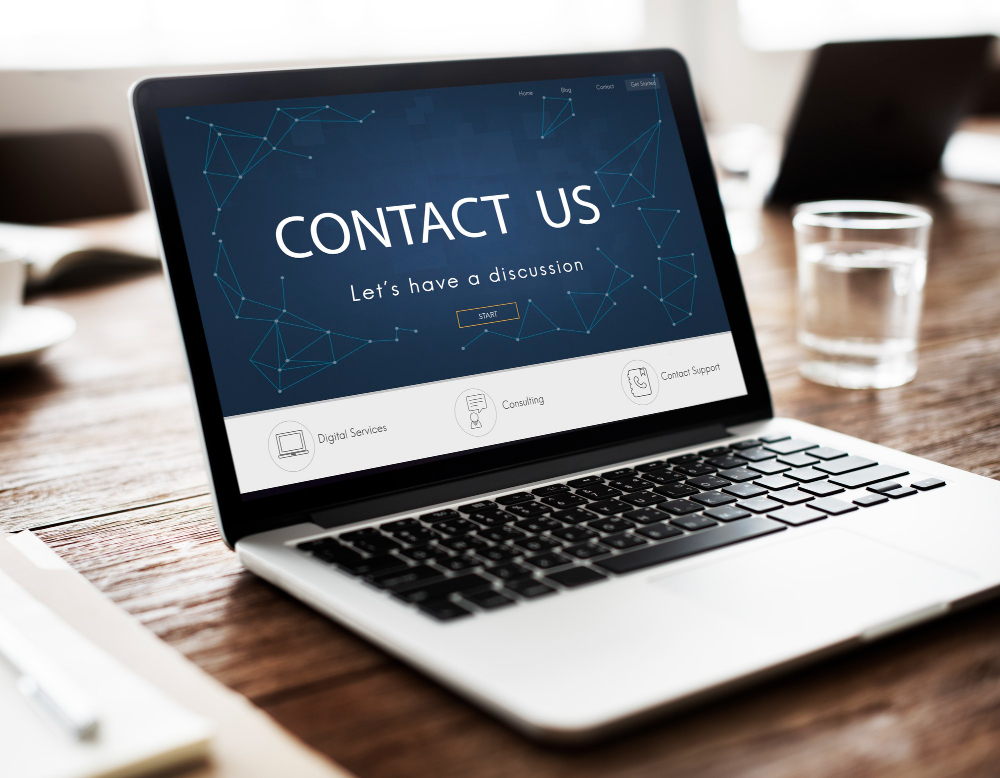
Your website can have an impressive homepage, detailed service pages, and engaging content, but there's one page visitors should never have to search for: your Contact page.
A dedicated contact page gives potential customers a clear way to reach your business. It also answers important questions about how and where they can communicate with you. When visitors can easily find your contact information, your website feels more professional, accessible, and trustworthy.
A thoughtful contact page design can turn simple website visits into real conversations, inquiries, bookings, and sales.
Why a Dedicated Contact Page Matters
Some businesses place a phone number in the footer and assume that's enough. While a footer contact link is useful, a dedicated business contact page gives you much more space to provide helpful information.
Your Contact page can include:
- Email address
- Phone number
- Business hours
- Location
- Contact form
- Social media profiles
- Booking options
- Frequently asked contact questions
This creates one central place where visitors can find everything they need to get in touch.
Make Contact Information Easy to Find
Visitors shouldn't have to search through several pages to find your email or phone number. Add a clear "Contact" link to your main navigation and consider including additional links in your footer and relevant pages.
For example, a consulting business could place a "Book a Consultation" button on its service pages that leads directly to the Contact page. Easy access removes unnecessary friction.
Build Trust with Clear Information
A professional contact page can act as one of your most useful website trust signals. When visitors see clear business information, they may feel more confident that they're dealing with a legitimate organization.
Depending on your business, consider displaying:
- Business name
- Professional email address
- Phone number
- Physical address
- Opening hours
- Customer support information
You don't necessarily need to include every detail. Focus on the information that helps your customers feel comfortable contacting you.


Choose the Right Contact Form
Contact forms make it easier for visitors to send inquiries without opening another application.
A simple form might include:
- Name
- Subject
- Message
For specific businesses, you can add relevant fields.
For example, a web design agency might ask about project type, estimated timeline, and budget. A photographer could ask about the event date and location.
Keep forms as short as possible. Asking for unnecessary information can discourage people from completing them.
Add a Clear Call-to-Action
Your Contact page should tell visitors what to do next.
Instead of simply writing "Contact Us," make the action more specific when appropriate.
Examples include:
- Request a Quote
- Book a Consultation
- Ask a Question
- Start Your Project
- Contact Our Team
- Schedule a Call
A clear call-to-action makes the next step obvious and can improve conversions.


Include Business Hours
If your business has specific operating hours, display them clearly.
This is particularly useful for:
- Restaurants
- Salons
- Clinics
- Retail stores
- Local service providers
- Customer support teams
For example, showing "Monday–Friday, 9:00 AM–6:00 PM" tells visitors when they can expect a response.
It also reduces unnecessary frustration when someone tries to contact you outside working hours.
Show Your Location When Relevant
Businesses with physical locations can make their Contact page more useful by including their address and location information.
You can also provide:
- Directions
- Nearby landmarks
- Parking information
- Public transportation details
For local businesses, this information helps potential customers decide whether visiting is convenient.
If your business operates entirely online, you may not need to display a physical address. Focus instead on the communication methods your customers actually use.


Create a Mobile-Friendly Contact Experience
Many people will discover your business through their smartphones.
Your contact page design should therefore work smoothly on smaller screens.
Make sure:
- Contact buttons are easy to tap.
- Forms are simple to complete.
- Text is easy to read.
- Phone numbers are clearly displayed.
- Important information isn't hidden.
A mobile-friendly contact experience makes it easier for visitors to reach you at the exact moment they're interested.
Essential Elements of a Business Contact Page

Keep Your Contact Page Updated
Outdated contact information can damage your credibility.
Regularly check:
- Phone numbers
- Email addresses
- Business hours
- Locations
- Contact forms
- Social media links
- Booking links
A form that doesn't work or an old phone number can cause visitors to give up on contacting your business.
How ME-Page Helps Create Professional Contact Pages
ME-Page makes it easy to create dedicated pages that fit naturally into your overall website structure.
You can use a Contact page to organize important information while maintaining consistent branding across your website. As your business changes, you can also update contact details and page content without rebuilding your entire site.
- Create structured contact pages with forms, buttons, and sections
- Maintain consistent branding across pages
- Easily update contact details without redesign
- Ensure mobile-friendly layouts
- Integrate with other pages like services and booking
A well-organized Contact page works especially well alongside Home, About, Services, Pricing, and other important pages.

Common Contact Page Mistakes
Avoid these frequent problems:
- Hiding the Contact link
- Providing only one communication method
- Using overly complicated forms
- Forgetting business hours
- Displaying outdated information
- Making phone numbers difficult to find
- Ignoring mobile users
- Using a weak call-to-action
- Leaving visitors unsure about response times
The best Contact pages are usually simple, informative, and easy to use.
Conclusion
A dedicated business contact page gives visitors a clear path from interest to action. With thoughtful contact page design, you can make communication easier while strengthening important website trust signals that help potential customers feel more confident about your business.
Whether you run a local company, provide professional services, sell products, or work as an independent creator, a well-structured Contact page deserves a place in your website navigation. With ME-Page, you can create a professional contact experience that fits your brand, works across devices, and makes it easier for visitors to start a conversation.
Frequently Asked Questions about Contact Page
Yes. For most business websites, placing a Contact link in the main navigation makes it easier for visitors to find your contact information from any page.
Was This Article Helpful?
Click on a star to rate it!
Average Rating: 5/5
Voutes: 2
Share with Friends:



Previous
Build a Link-in-Bio Page That Converts
Next
Best Call-to-Action Examples for Business Websites
Recent Articles
Everything You Need to Know About Using ME-Page Constructor for Your Website.
How to Use CSS to Fine-Tune ME-Page Website Elements
A website builder makes it easy to create pages without writing code, but sometimes the standard design option...

How to Use Search Intent to Plan Pages for Your Website
Choosing keywords is an important part of SEO, but knowing what people expect to find when they search is just...

How to Design an Effective Testimonials Section for Your Website
When people visit your website for the first time, they don't always know what to expect. They may like your s...

How to Add Social Media Links to Your ME-Page Website
Your website gives visitors a place to learn about you, explore your work, and discover what you offer. But yo...
How to Write SEO-Friendly Page Titles and Meta Descriptions
When people search for something on Google, they usually see a list of results with a clickable title and a sh...
How to Create an Effective Services Page for Your Business
When potential customers visit your business website, they want to understand what you offer, how you can help...
How to Use CSS to Fine-Tune ME-Page Website Elements
A website builder makes it easy to create pages without writing code, but sometimes the standard design option...
How to Use Search Intent to Plan Pages for Your Website
Choosing keywords is an important part of SEO, but knowing what people expect to find when they search is just...
How to Design an Effective Testimonials Section for Your Website
When people visit your website for the first time, they don't always know what to expect. They may like your s...
How to Add Social Media Links to Your ME-Page Website
Your website gives visitors a place to learn about you, explore your work, and discover what you offer. But yo...
How to Write SEO-Friendly Page Titles and Meta Descriptions
When people search for something on Google, they usually see a list of results with a clickable title and a sh...
How to Create an Effective Services Page for Your Business
When potential customers visit your business website, they want to understand what you offer, how you can help...


