Me-Page Team
Last modified 29 Oct 2026
Article Plan
- 1. Start with a Clear Headline and Introduction
- 2. Organize Your Services into Clear Sections
- 3. Focus on Benefits, Not Just Features
- 4. Explain What's Included in Each Service
- 5. Make Pricing Easy to Understand
- 6. Build Trust with Proof and Credibility
- 7. Use a Clear Call to Action
- 8. Make Your Services Page Easy to Navigate
- 9. Support SEO with Useful Website Content
- Create Your Services Page with ME-Page
- Conclusion
- Frequently Asked Questions
When potential customers visit your business website, they want to understand what you offer, how you can help them, and whether you're the right choice. If they have to search through several pages to find these answers, they may leave before contacting you.
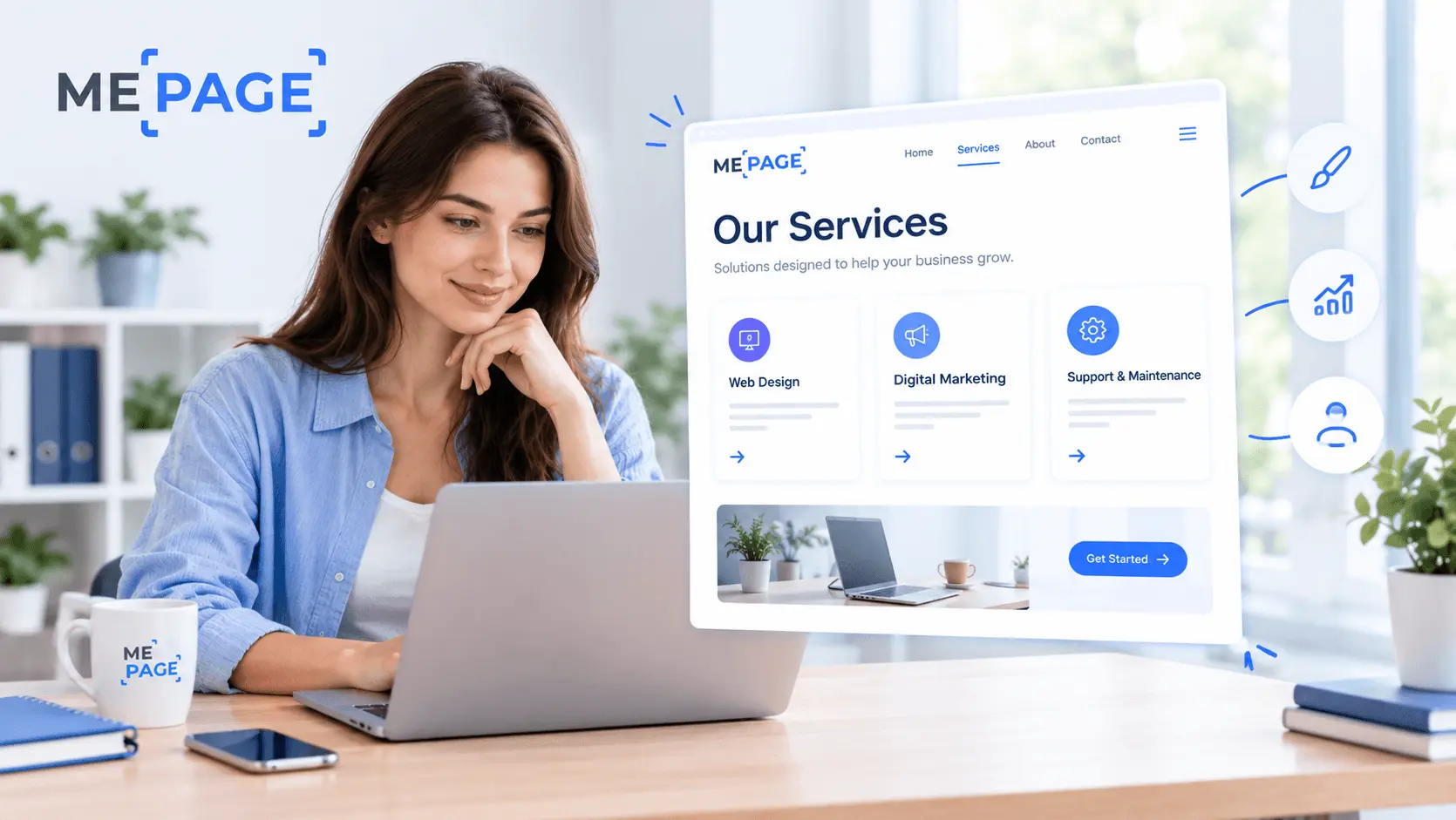
That's why a well-designed services page matters. It explains your offers, highlights the value customers receive, and guides visitors toward the next step. Whether you run a consulting business, a creative agency, or a local service company, your service page design can influence how people perceive your business and whether they decide to get in touch.
Let's explore how to create a services page that communicates your value clearly and supports your business goals.
1. Start with a Clear Headline and Introduction
The top of your services page should immediately tell visitors what your business does. Avoid vague headlines that sound impressive but don't explain your offer.
For example, “Digital Marketing Services for Small Businesses” communicates more than “Helping Your Business Reach Its Potential.” You can still use a creative tagline, but pair it with a clear description of your services.
Your introduction should answer three basic questions:
- What services do you provide?
- Who are they designed for?
- What problem do they help solve?
Keep this section short. Visitors should understand your main offer without reading several paragraphs. A strong introduction also sets the tone for the rest of your website content. Use language that reflects your brand while staying focused on what matters to potential customers.
2. Organize Your Services into Clear Sections
If your business offers several services, make each one easy to understand. Avoid placing everything into one long paragraph or using a list of technical terms without explanations.
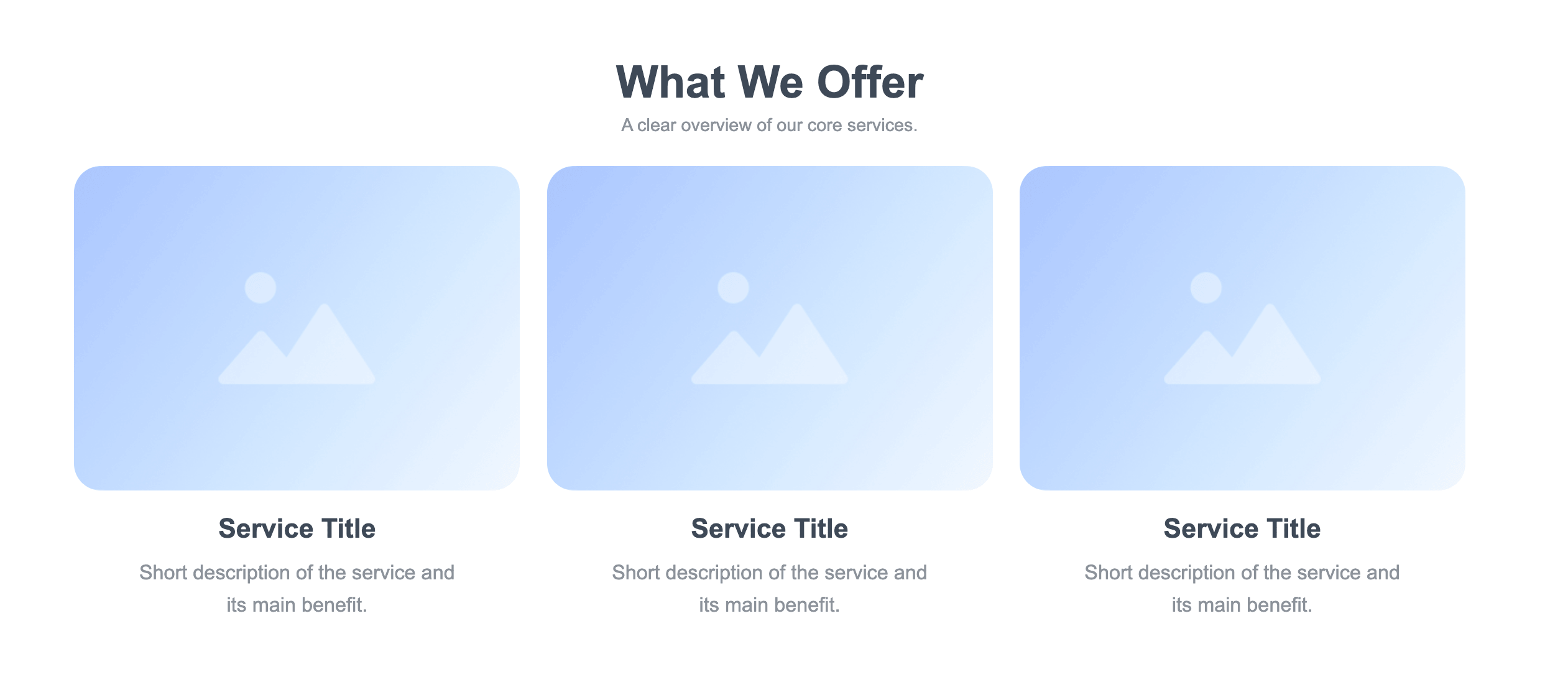
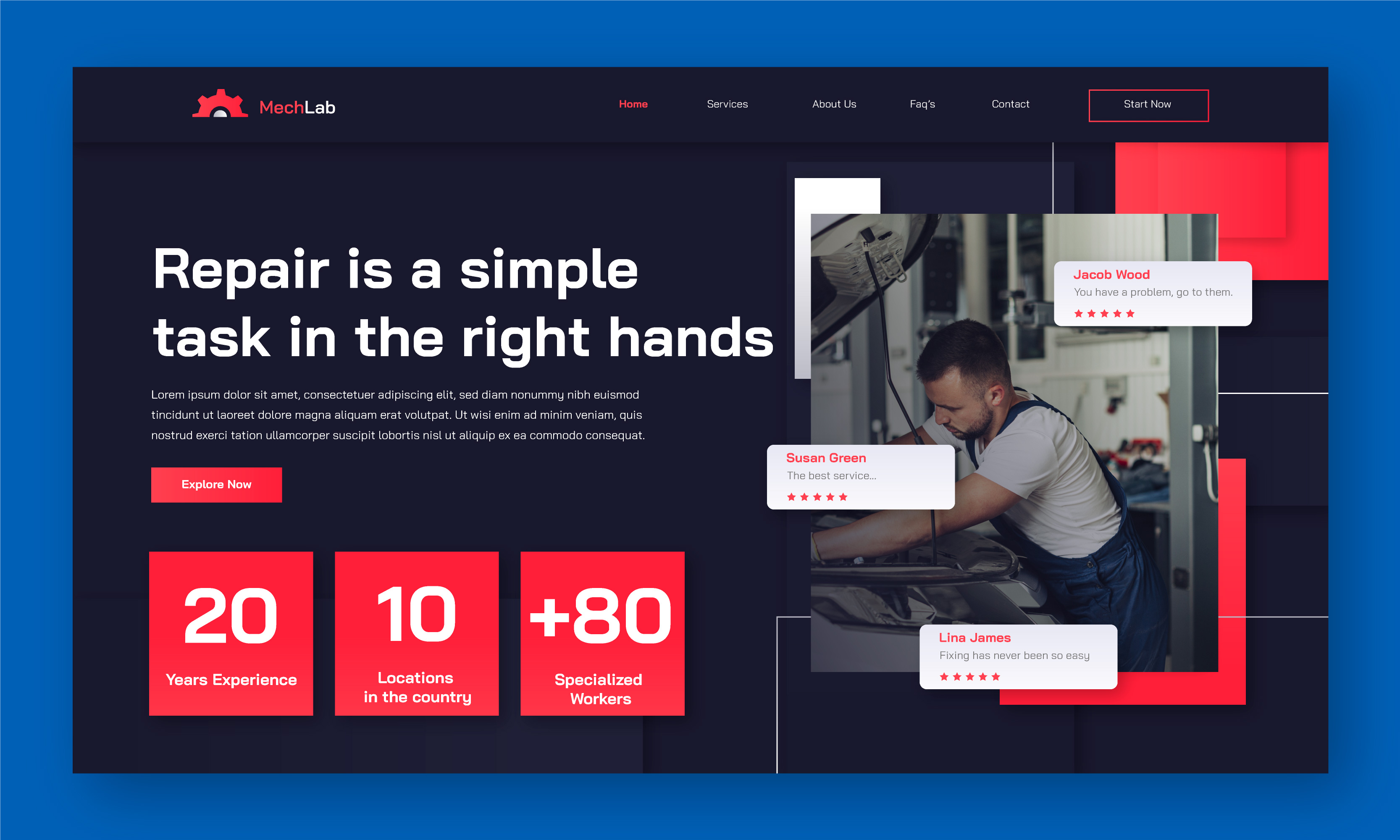
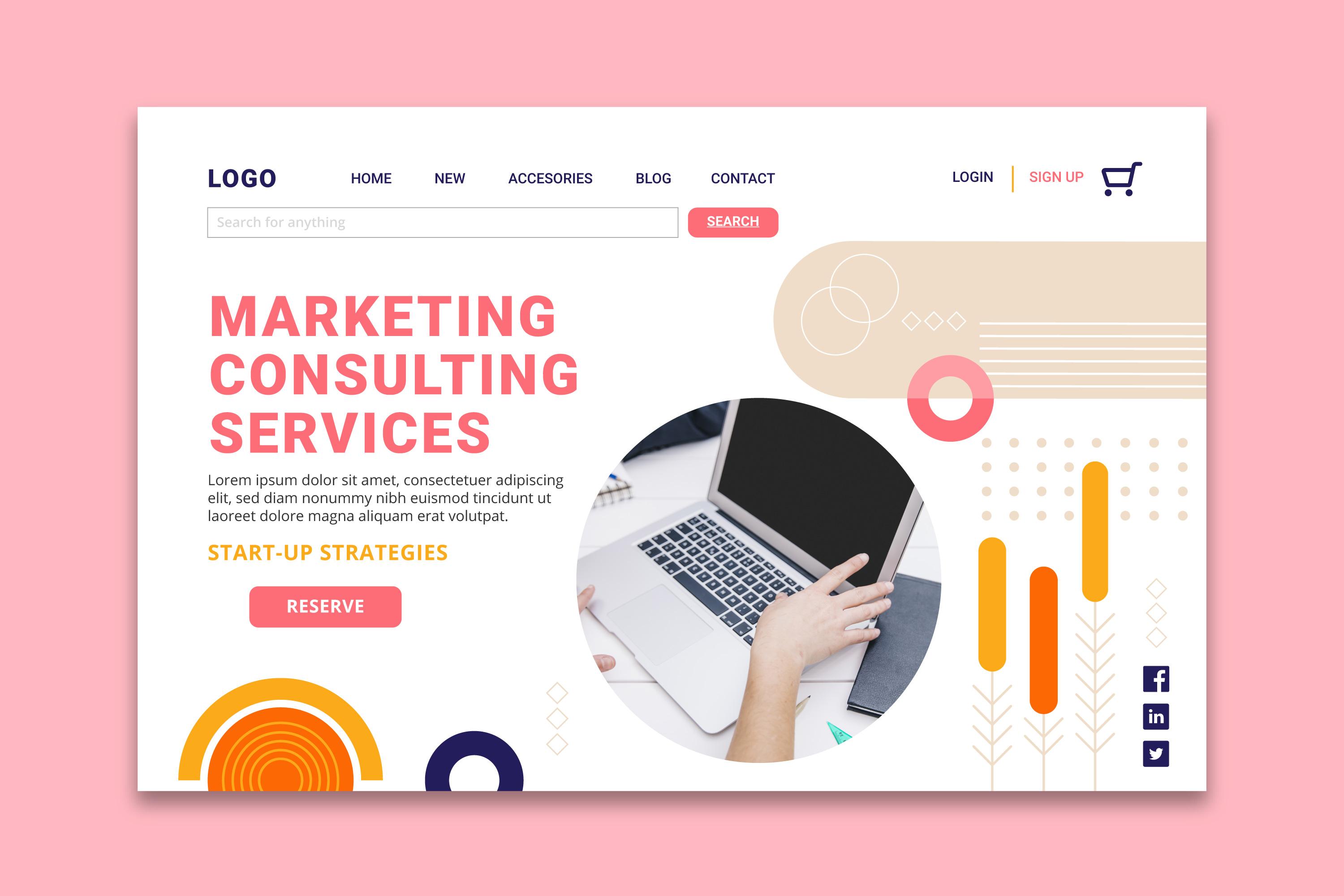
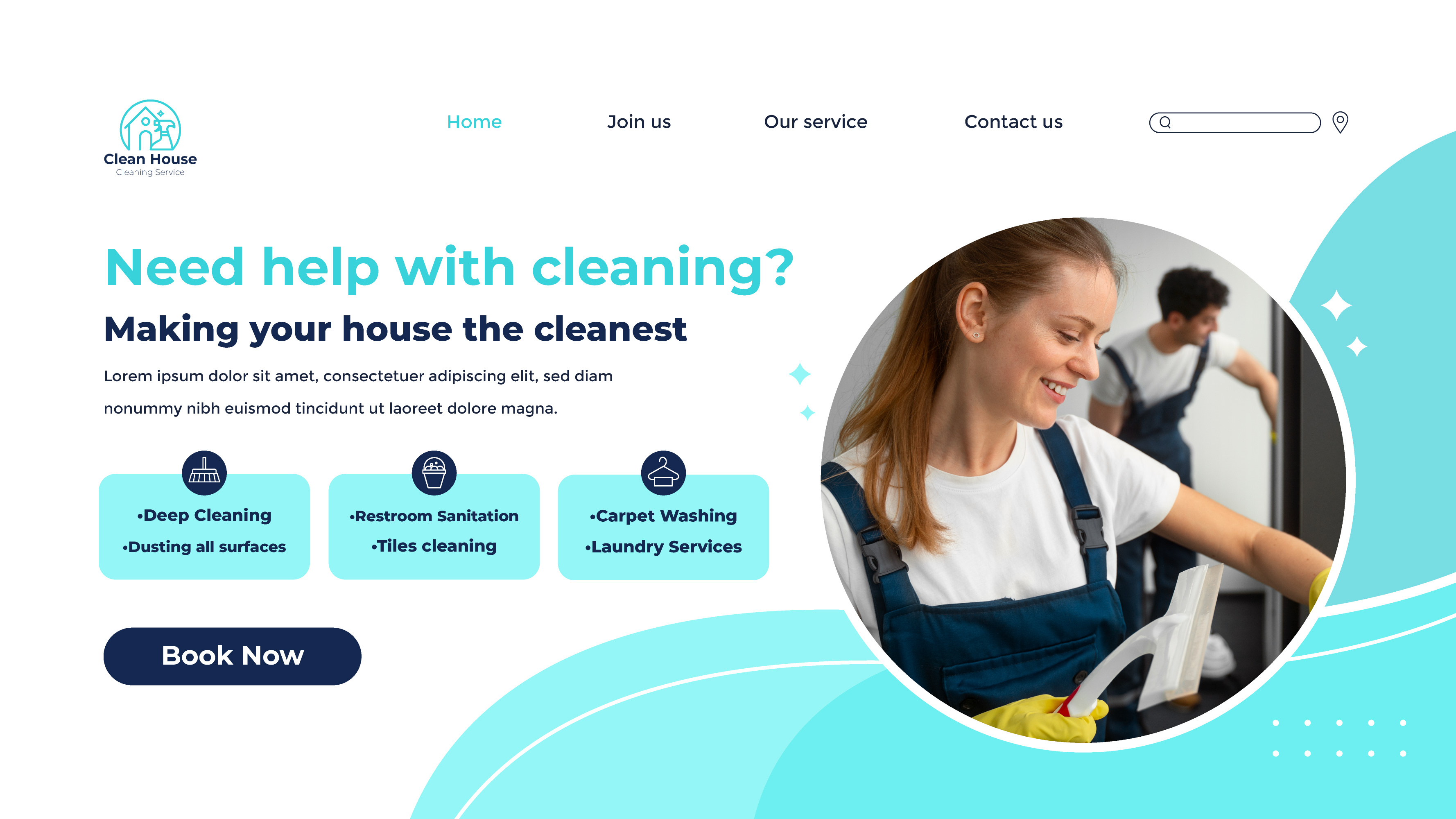
Create separate sections or cards for individual services. Each should include a descriptive title, a short explanation, the main benefit, and a relevant next step.
For example, a web design company might organize its services into Website Design, Website Maintenance, and Landing Page Development. Visitors can quickly identify the offer that matches their needs.
If a service requires more explanation, link to a dedicated subpage. This lets you keep the main services page concise while giving interested visitors access to detailed information.
3. Focus on Benefits, Not Just Features
Customers don't buy a service simply because it includes certain tasks or tools. They want to know how it will help them.
Instead of listing what you do, explain what the customer gains from it. A clear benefit helps visitors connect your service with their own goals.
Be specific and realistic. Don't promise guaranteed rankings, instant results, or a particular increase in sales unless you can genuinely substantiate the claim.
4. Explain What's Included in Each Service
Once visitors understand the benefits, they'll often want to know what they're actually getting. Your services page should provide enough detail to help them evaluate whether an offer suits their needs.
Depending on your business, explain:
- Deliverables: What will the customer receive?
- Scope: Which tasks are included, and what falls outside the service?
- Process: What happens after someone places an order or contacts you?
- Timeline: How long does the work typically take, if you can estimate it reliably?
- Requirements: What information, materials, or participation do you need from the customer?
For example, a website design service might include planning, page layouts, responsive design, and a handover session. Explaining the scope helps potential customers understand the offer before requesting a quote.
You don't need to include every operational detail on the main page. Focus on the information people need to make an informed decision, then provide additional details through dedicated service pages or direct communication.
5. Make Pricing Easy to Understand
Pricing is one of the first things many visitors look for when comparing services. If possible, provide a starting price, fixed package prices, or a clear explanation of how you calculate the cost.
The right approach depends on your business model.
- Fixed pricing: Works well when deliverables are predictable.
- Tiered packages: Help customers compare different levels of service.
- Starting prices: Provide an initial reference when the final cost depends on project details.
- Custom quotes: Suit complex projects that require individual assessment.
If you don't publish exact prices, explain why and tell visitors how to request an estimate. Avoid making people contact you just to discover basic information you could easily share.
Clear pricing expectations can help attract better-qualified inquiries and reduce misunderstandings later.
6. Build Trust with Proof and Credibility
Visitors may understand your offer but still wonder whether they can trust your business. Use your services page to provide relevant evidence that supports your claims.
Depending on what you have available, consider adding:
- Testimonials from real customers.
- Case studies explaining a project and its outcome.
- Examples of completed work.
- Relevant qualifications or professional certifications.
- Industry experience or clearly explained processes.
Choose evidence that relates to the service being described. A testimonial about your customer support may be useful, but a case study showing how you solved a similar problem could be more persuasive for a technical service.
Always use genuine testimonials and accurate results. If you don't have client feedback yet, show sample projects, explain your process, or describe how you approach common customer challenges.
7. Use a Clear Call to Action
Every services page should make the next step obvious. After visitors learn about your offers, tell them what they can do next.
Suitable calls to action include:
- Request a Quote
- Book a Consultation
- View Our Work
- Contact Our Team
- Explore Service Packages
Choose a CTA that matches the way your business operates. A consultant might invite visitors to book an initial conversation, while a local repair company might ask them to submit a service request.
Place your main CTA where it makes sense, such as after the introduction, near relevant service descriptions, or at the end of the page. Avoid using too many competing buttons with different messages.
Make sure every button leads to the correct destination. A broken contact link can undermine an otherwise effective service page design.
8. Make Your Services Page Easy to Navigate
A professional company website should be easy to explore, especially when visitors need to compare several offers. Use clear headings, short paragraphs, and enough spacing to separate different sections.
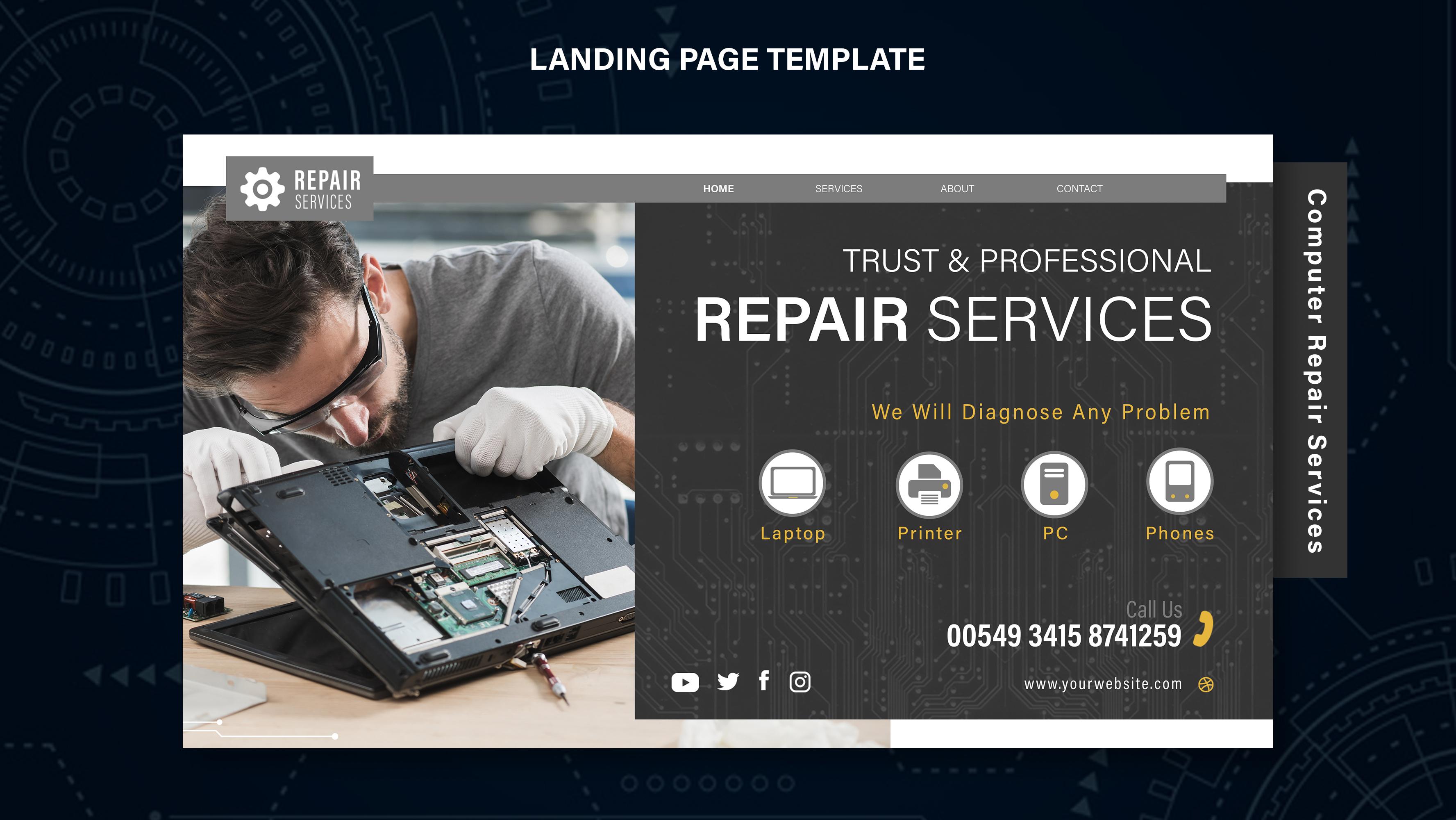
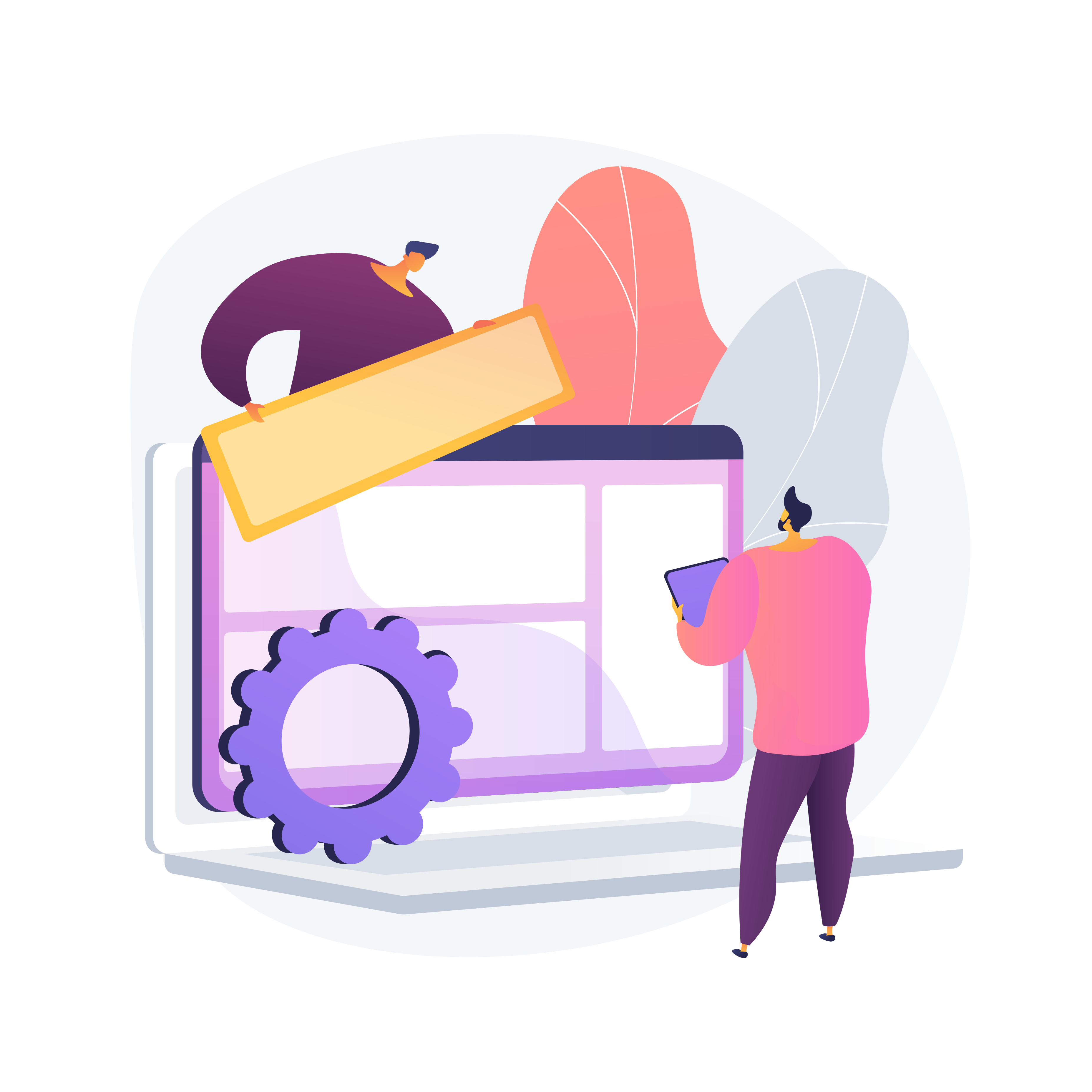
Visual elements can help, too. Relevant photographs, illustrations, or simple icons can make your content easier to scan, provided they support the message rather than distract from it.
If your business offers many services, group related offers into categories and connect them to dedicated subpages. Keep the main navigation consistent with the rest of your website so visitors always know where to find other important information.
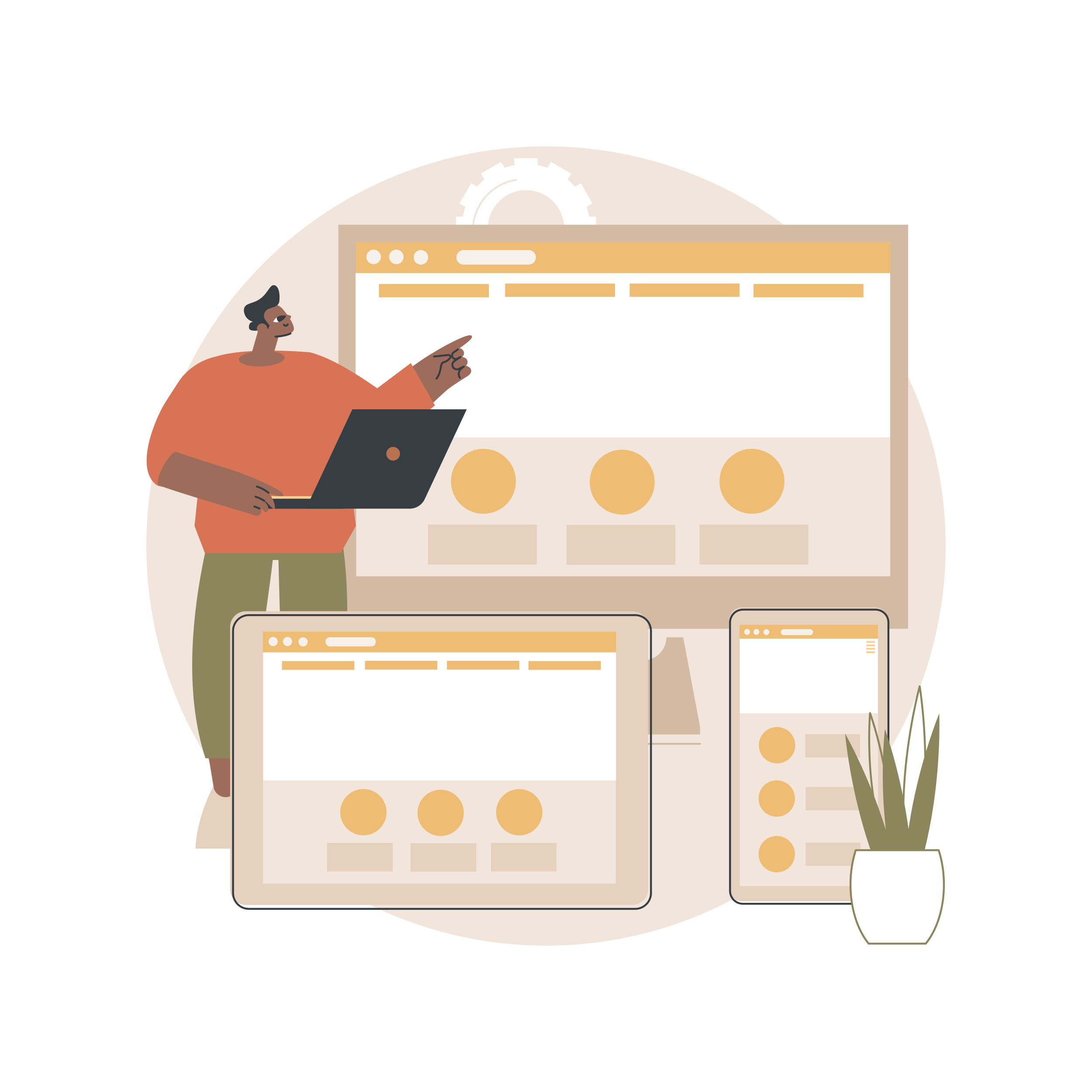
Remember to check the mobile layout. Text should remain readable, buttons should be easy to tap, and service cards should adapt to smaller screens without becoming crowded.
9. Support SEO with Useful Website Content
Your services page can help potential customers discover your business through search engines. Start by identifying the terms people use when looking for your services, then incorporate relevant phrases naturally into the page title, main heading, subheadings, and body content.
For example, a business offering website design in a specific city might mention its service and location where relevant. Avoid repeating keywords unnaturally or creating multiple pages that target exactly the same intent without a clear reason.
Also, make sure your content answers real customer questions. Explain your process, describe your services accurately, and link to relevant pages on your website.
Useful website content supports both visitors and search engines. However, adding keywords alone won't guarantee rankings. Content quality, technical accessibility, competition, and other factors also influence search performance.
Create Your Services Page with ME-Page
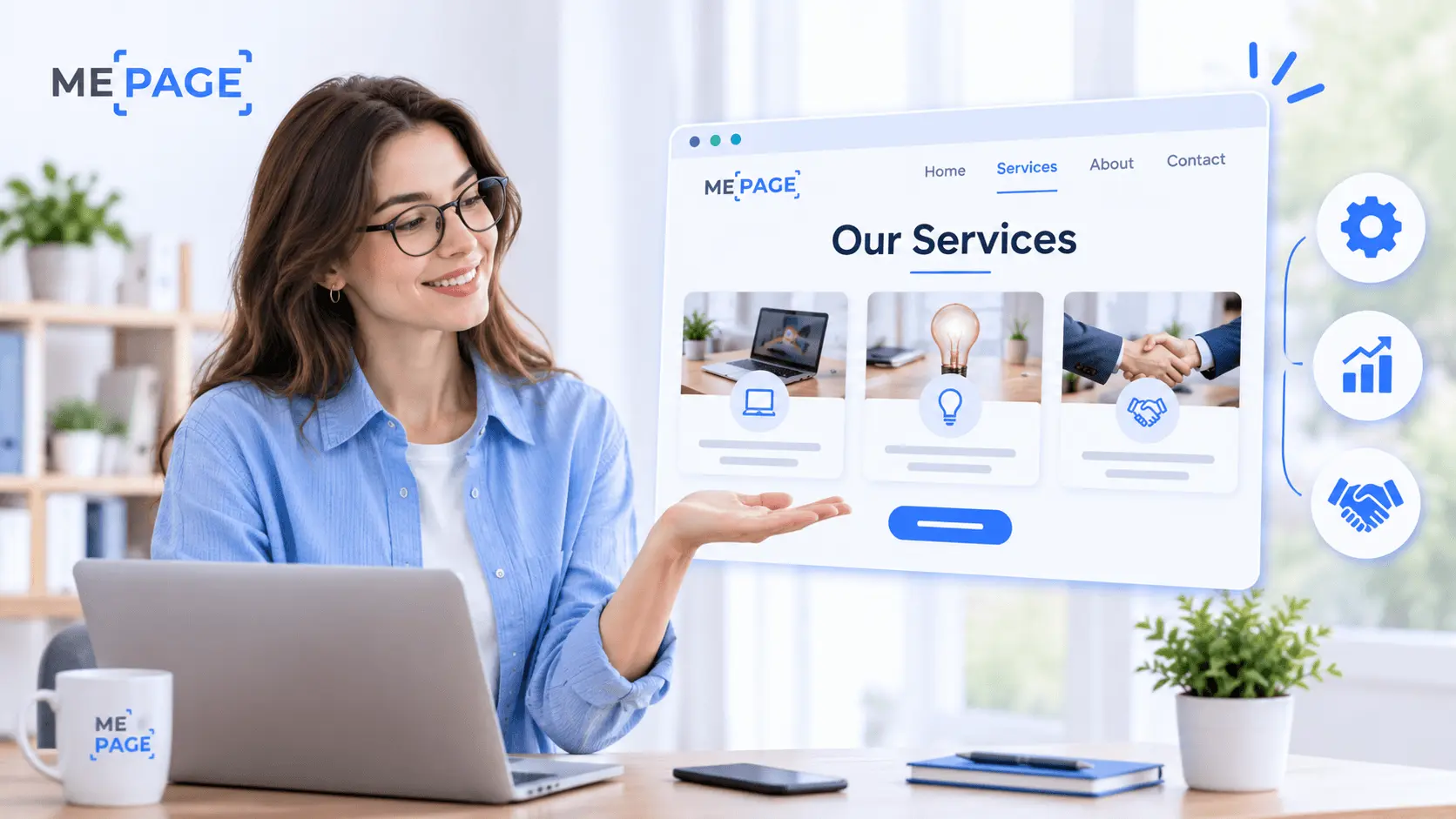
ME-Page provides a no-code way to build a business website without starting with technical development. Its drag-and-drop builder lets you arrange content blocks, add service descriptions, and create a layout that fits your brand.
If your business offers several services, the Multi Page Builder lets you organize content across pages and subpages. You can create a main services page with a brief overview, then link to dedicated pages for more detailed explanations of individual offers.
Custom action buttons help guide visitors toward important destinations, such as a contact page or service inquiry form. You can also edit your website from a smartphone or tablet using the Mobile Website Builder, making it easier to maintain your content as your business evolves.
Start with the services customers ask about most often. You can expand your company website as you introduce new offers or discover that certain services need more detailed explanations.
Conclusion
An effective services page does more than list what your business offers. It helps visitors understand your value, compare options, evaluate your credibility, and decide what to do next.
Start with a clear introduction, organize your services into logical sections, and explain the benefits and scope of each offer. Add transparent pricing information where possible, support your claims with genuine evidence, and use clear calls to action.
With thoughtful service page design and useful website content, you can make it easier for potential customers to understand your business and take the next step. ME-Page gives you a practical way to build and expand your website without coding, so your services can grow alongside your business.
Frequently Asked Questions
For most businesses with multiple offers, a dedicated services page makes sense because it gives visitors a direct destination for exploring what you provide. A homepage can introduce your main services briefly and link to the detailed page. If you offer only one focused service, a combined homepage and services section may be sufficient.
Was This Article Helpful?
Click on a star to rate it!
Average Rating: 5/5
Voutes: 1
Share with Friends:


Previous
How to Create a Navigation Menu for a Multi-Page Website

Next
Welcome to ME-Page: Your Ultimate Website Constructor
Recent Articles
Everything You Need to Know About Using ME-Page Constructor for Your Website.
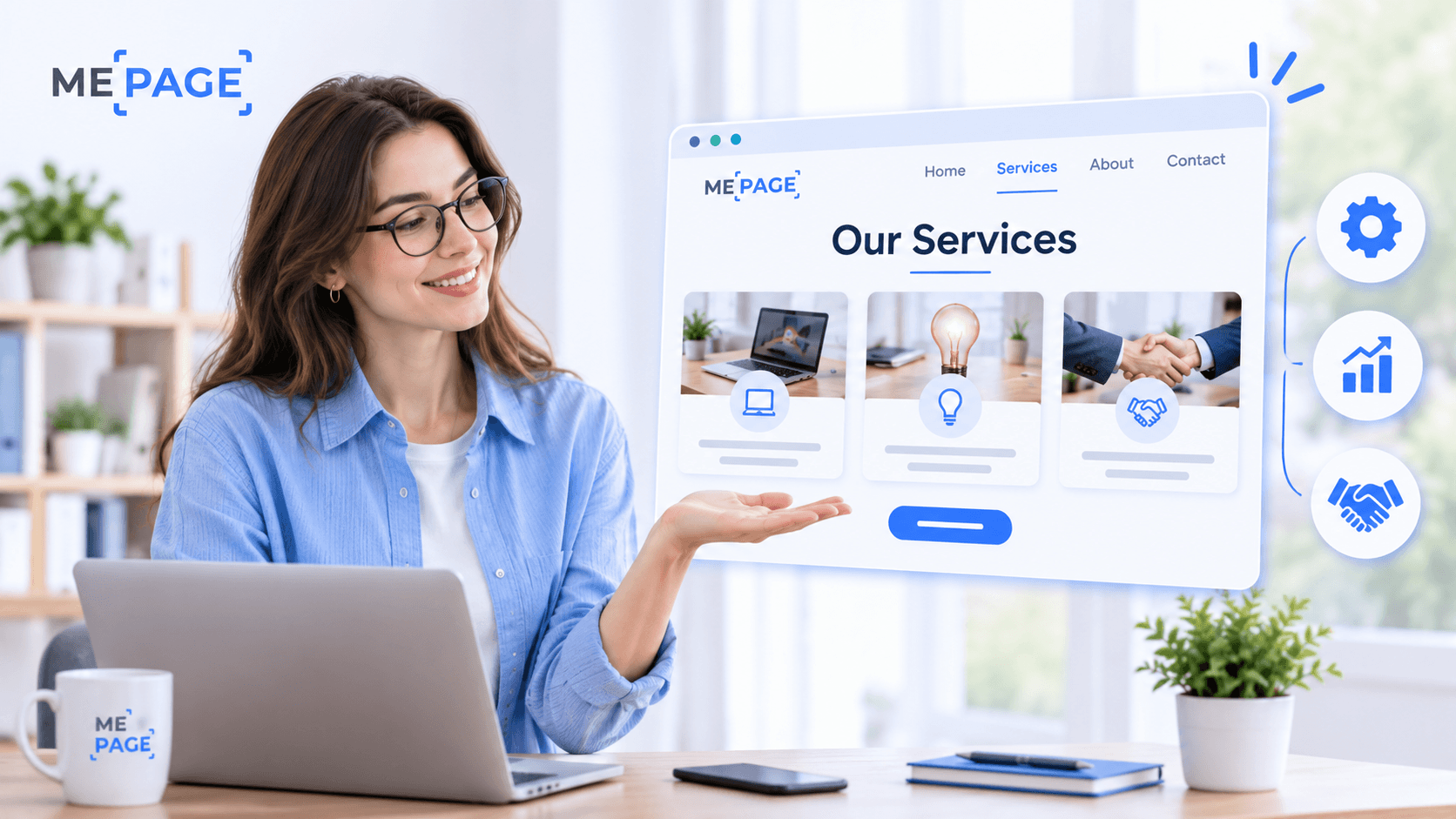
How to Create an Effective Services Page for Your Business
When potential customers visit your business website, they want to understand what you offer, how you can help...
How to Create a Navigation Menu for a Multi-Page Website
A website can have excellent content, attractive visuals, and useful features, but visitors may still leave if...
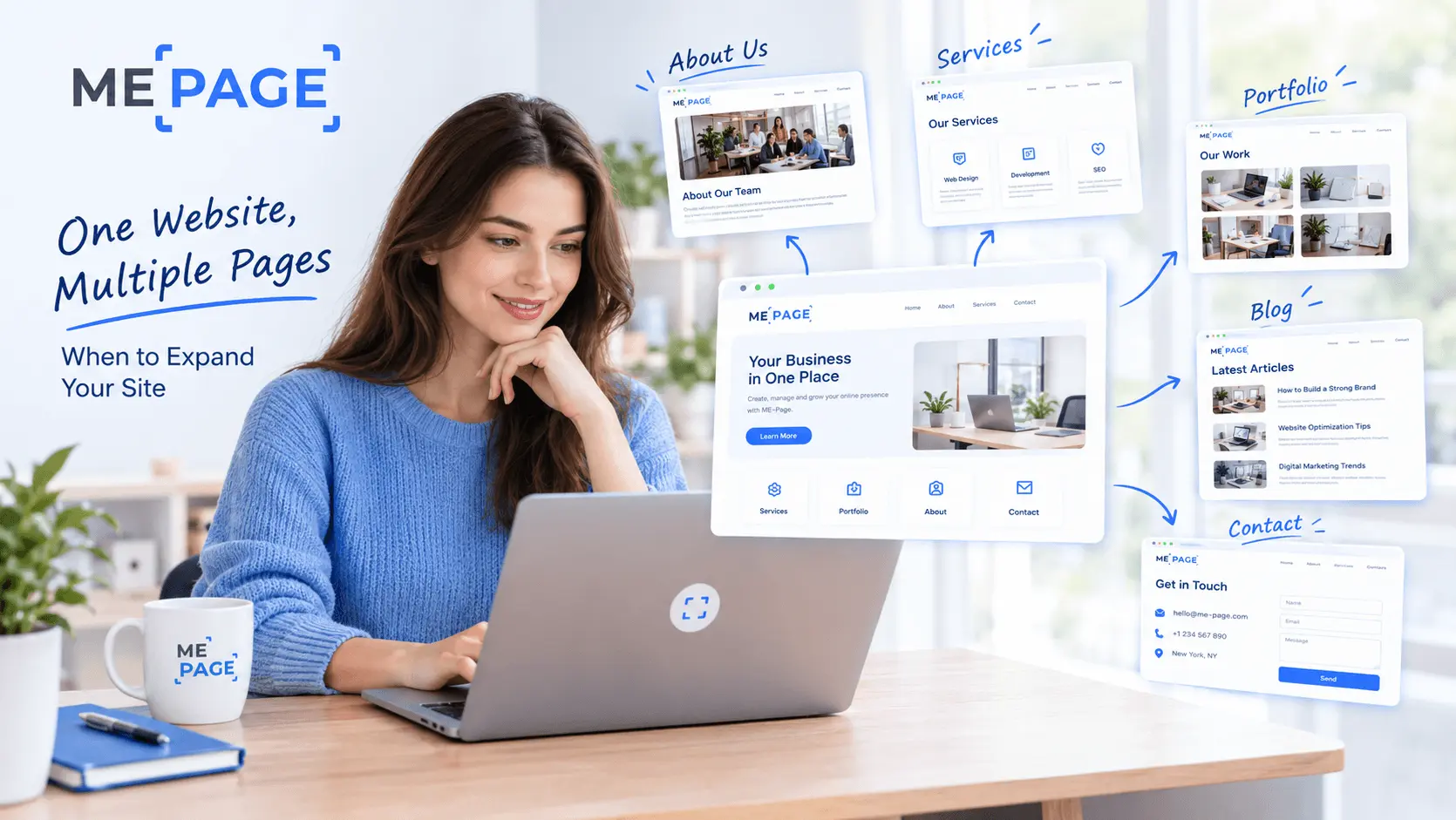
One Website, Multiple Pages: When to Expand Your Site
Starting a website with a single page makes sense. You can introduce your business, showcase your work, add a ...
Create a Personal Link Hub with Pages for Every Project
Do you have a portfolio, a personal blog, freelance services, and a few side projects scattered across differe...

How to Optimize Page URLs for Better SEO
A website URL might look like a small technical detail, but it can influence how people understand your conten...
How to Design a Website Footer That Improves User Experience
A website footer might be the last thing visitors see, but that doesn't make it unimportant. When people reach...
How to Create an Effective Services Page for Your Business
When potential customers visit your business website, they want to understand what you offer, how you can help...
How to Create a Navigation Menu for a Multi-Page Website
A website can have excellent content, attractive visuals, and useful features, but visitors may still leave if...
One Website, Multiple Pages: When to Expand Your Site
Starting a website with a single page makes sense. You can introduce your business, showcase your work, add a ...
Create a Personal Link Hub with Pages for Every Project
Do you have a portfolio, a personal blog, freelance services, and a few side projects scattered across differe...
How to Optimize Page URLs for Better SEO
A website URL might look like a small technical detail, but it can influence how people understand your conten...
How to Design a Website Footer That Improves User Experience
A website footer might be the last thing visitors see, but that doesn't make it unimportant. When people reach...










