Expand Your Site with Structured Pages and Subpages
Scale your online presence effortlessly using an intuitive multi page website builder. Structure complex content, set up global reusable sections, and establish a clear site hierarchy in minutes. Whether you are expanding a corporate portal or learning how to make a multi page website, manage your subpages seamlessly with zero coding required.
No credit card required • Free forever plan available

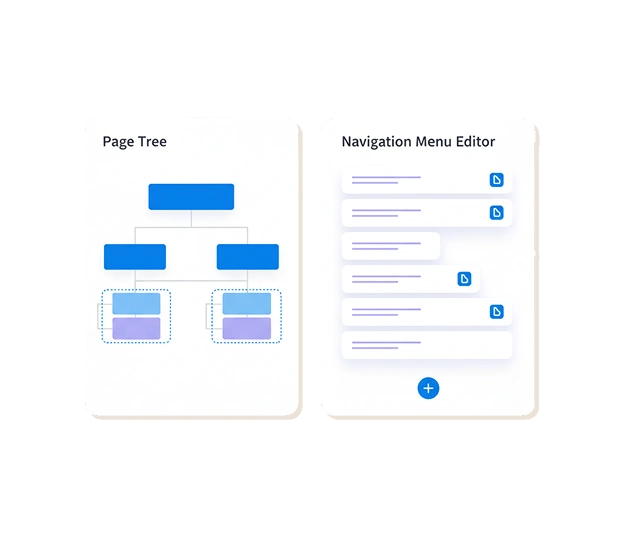
Build Multi-Page Sites in Real-Time
Watch how simple it is to add new subpages, nest menus, copy & paste sections between pages, and set global headers/footers in real time.
Why Choose Our Multi Page Builder
Discover how structured page hierarchies, global styles, and reusable design elements allow you to build and maintain complex sites with ease.
Intuitive Multi Page Website Design
Organize extensive product catalogs, team profiles, and service archives across dedicated pages while maintaining visual consistency.
Global Sections & Reusable Templates
Update footers, banners, or CTA forms centrally across all subpages at once—edit the original section once, and changes apply site-wide instantly.
Responsive Multi Page Navigation
Learn how to build a multi page responsive website that automatically converts desktop drop-down menus into sleek mobile navigation drawers.
Clean URL Architecture & SEO
Enjoy automatically generated canonical links, clean permastructs, and XML sitemaps, giving search engines a clear roadmap to index your entire site.
How to Make Website with Multiple Pages in 3 Simple Steps

Plan & Add Your Subpages
Click "Add Page" in your dashboard, pick a pre-built subpage template, and assign it to your main or nested navigation level.

Apply Global Styles & Copy Sections
Set global color schemes, typography, and button styles once. Easily copy and paste structured sections from one subpage to another in seconds.

Publish Your Multi Page Site
Hit publish to launch your updated site architecture instantly across all desktop and mobile devices with zero delay.
Start with Multi Page Website
Templates for Any Business
Select pre-structured layouts engineered to present complex information clearly across multiple pages.
Corporate & Business Hubs
Company overview, team profiles, and service subpages with global headers
E-Commerce & Product Catalogs
Multi-category collections, detail pages, and global checkout banners
Educational & Course Portals
Structured curriculum sections, lesson subpages, and resource hubs
Portfolios & Case Studies
Multi-gallery showcases and detailed client case study subpages
250K+
Multi-Page Architectures Built
70%
Reduction in Site Maintenance Time
100%
Automated Mobile Responsiveness
"Managing a 15-page corporate site used to take hours whenever we updated our contact info. With Me-Page's global sections and subpage hierarchy, updating our multi-page site now takes less than a minute!"
- Sarah L., Operations Manager
Supercharge Your Pages with More Features
Combine structured page hierarchies with powerful site-building capabilities.
Structure (Drag & Drop)
Design individual subpage layouts visually using smooth drag-and-drop controls.
Buttons (Actions)
Add high-converting action buttons to link visitors seamlessly between subpages.
Mobile Editing
Fine-tune mobile drop-down menus and subpage navigation for smartphone users.
Instant Updates
Publish new pages or structural changes live instantly across your entire domain.
Analytics
Track traffic volume, bounce rates, and popular pathways across all subpages.
Build and Maintain Scalable Web Architectures with a Multi Page Website Builder
As your online business grows, attempting to fit all your products, services, and brand story onto a single landing page can clutter your design and confuse visitors. Utilizing a dedicated multi page website builder allows you to structure information logically, providing dedicated digital real estate for every offering. Whether you are learning how to make a multi page website for an enterprise or creating a personal portfolio, expanding into a structured multi page site significantly improves user experience and search visibility.
Efficient Site Planning: Wireframes, Hierarchies, and UX Navigation
Building an effective multiple pages website begins long before publishing content. Proper structural planning ensures that visitors can find relevant information effortlessly:
-
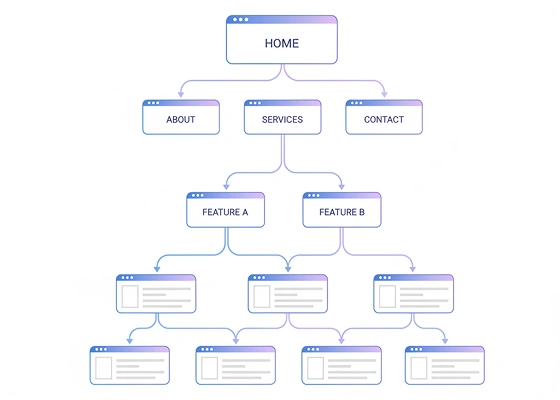
Visual Wireframing: Map out your primary pages, category tiers, and subpages beforehand to avoid duplicate content and messy navigation paths.
-
Logical Page Hierarchies: Organize content into clear parent-child relationships (e.g., Services > Web Design > E-Commerce) so users understand where they are on your site.
-
Intuitive UX Design: Position clear navigation bars, breadcrumbs, and internal links strategically to guide visitors toward key conversion actions.
Streamlining Maintenance with Global Sections and Reusable Templates
One of the biggest challenges when managing a multi page builder project is maintaining consistency across dozens of URLs. Me-Page solves this with smart workflow automation tools:
-
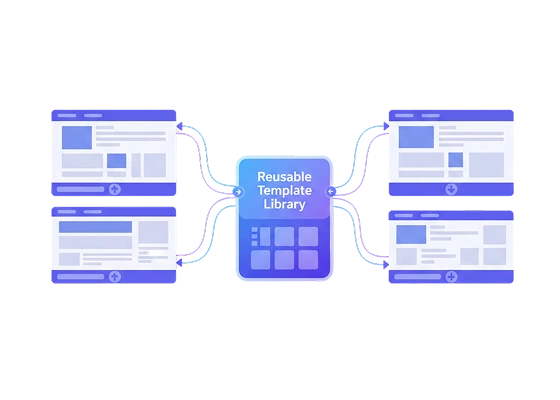
Centralized Global Sections: Edit footers, banner notices, or booking forms once in an "original section," and watch updates apply automatically across all connected subpages.
-
Instant Section Copy & Paste: Reuse pre-designed content blocks, pricing tables, or testimonial sliders across different pages in just two clicks.
-
Global Styling Rules: Define typography, color palettes, link hover states, and button styles globally so every newly created subpage instantly matches your brand identity.
Technical Excellence and Mobile Responsiveness
Attempting to create multiple page website html files manually often leads to broken internal links, slow loading times, and mobile formatting errors. Me-Page automates technical optimization under the hood. When learning how to build a multi page responsive website, our platform ensures that complex desktop drop-down menus automatically adjust into clean mobile drawers. Furthermore, clean canonical tag management and automated sitemaps ensure search crawlers index every page on your multi page website design efficiently.

Scale Your Web Presence Without Code Constraints
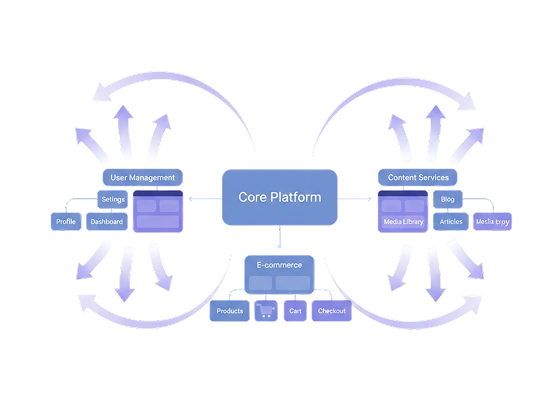
Whether you need a full business portal or want to discover how to make website with multiple pages for a niche content hub, Me-Page equips you with professional-grade architecture tools. Simplify site management, reuse design assets, and scale your digital brand effortlessly.
Start Building NowFrequently Asked Questions About Our Multi Page Builder

Ready to Scale Your Website Architecture?
Join thousands of businesses and creators who build multi-page sites effortlessly with Me-Page.
Create Your Multi Page Site NowExplore Helpful Guides & Resources

How Multi-Page Websites Help Businesses Convert More Visitors
In today’s competitive digital space, getting traffic is only half the battle. The real challenge is turning v...
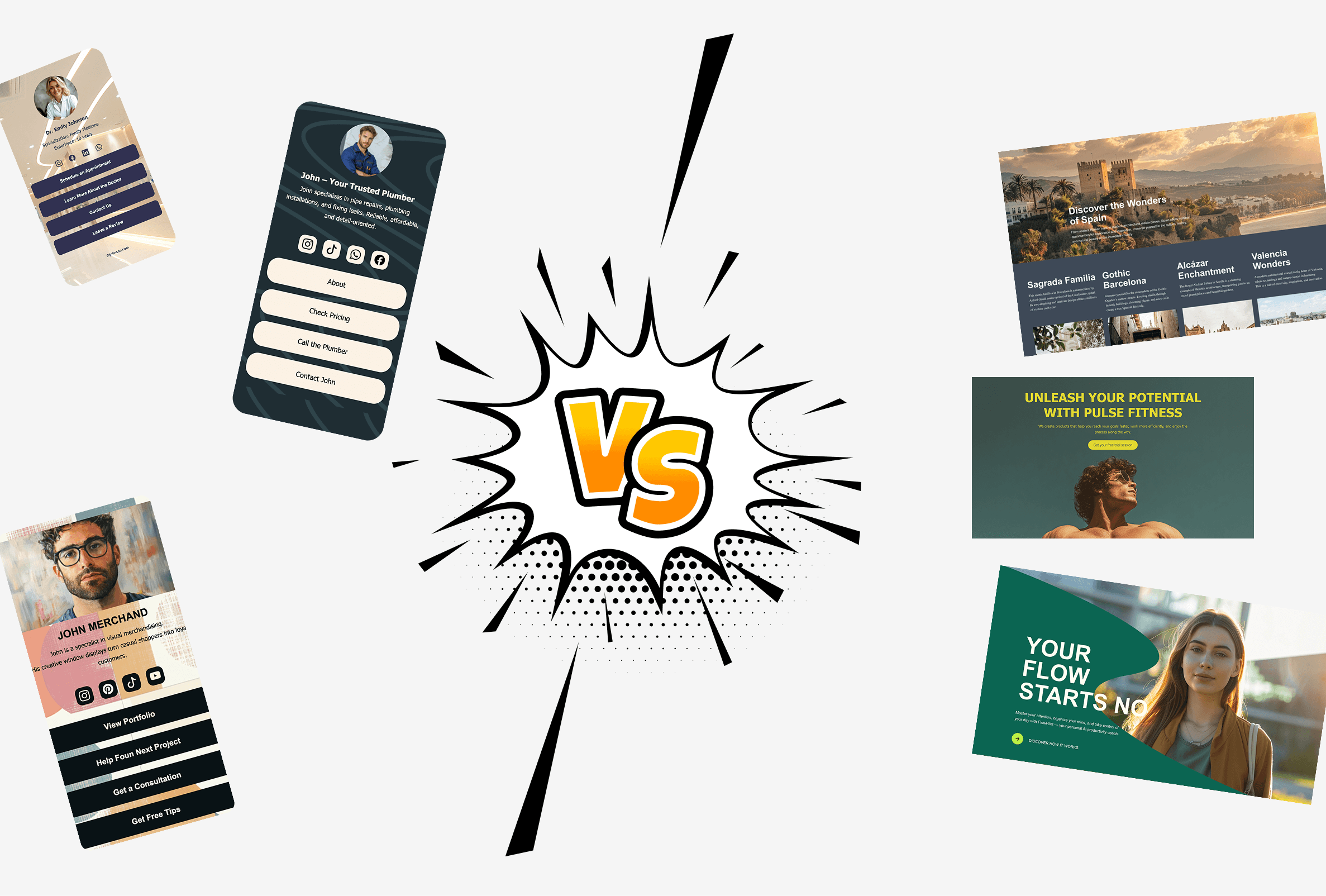
One-Page vs Multi-Page Websites: When to Use Subpages
Building a website in 2026 feels easier than ever. You pick a template, add your content, hit publish — done. ...

Using Multi-Page Navigation to Improve User Experience
As your website grows, visitors need an easy way to move between pages without getting lost. Whether you're bu...










