Me-Page Team
Last modified 3 Mar 2026
Article Plan
- What Is Local SEO (And Why Should You Care?)
- Step 1: Create a Clear, Professional Website
- Step 2: Use Location Keywords Naturally
- Step 3: Add Your Contact Info Everywhere
- Step 4: Optimize for Mobile Users
- Step 5: Create Helpful, Local Content
- Quick Local SEO Checklist
- Common Mistakes to Avoid
- Why ME-Page Is Perfect for Local Businesses
- Conclusion
- Frequently Asked Questions about Local SEO Basics
If you run a small business, here’s a simple truth: people search locally first.
They don’t type “best plumber in the world.” They type “plumber near me.” They don’t search “coffee shop ideas.” They search “coffee shop open now.” And if your business doesn’t show up? You basically don’t exist.
That’s where local SEO tips and smart small business SEO come into play. Local SEO helps your website appear when nearby customers are ready to buy — not just browsing, but actively looking. The good news? You don’t need to be an SEO expert or hire an agency. With the right basics, you can get found faster than you think.
Let’s break it down step by step.
What Is Local SEO (And Why Should You Care?)
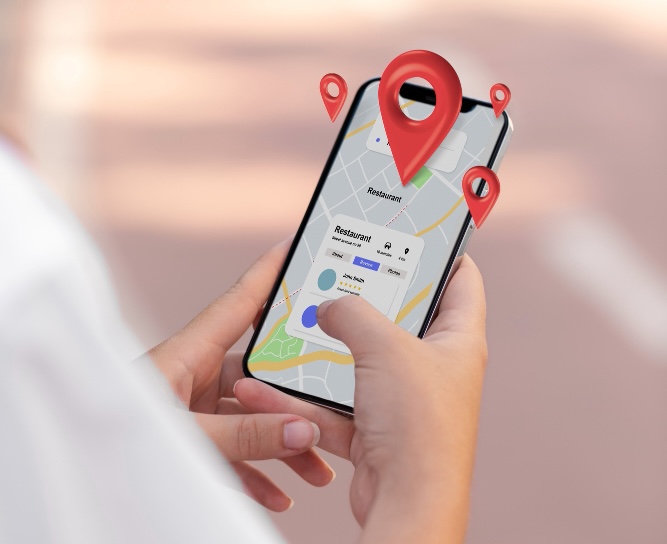
Local SEO means optimizing your website so people in your city or neighborhood can find you on search engines like Google.
Think of it like putting a giant digital sign above your store that says: “Hey, we’re right here!”
When done right, local SEO helps you:
- Show up in “near me” searches
- Appear on Google Maps
- Get more calls and visits
- Attract ready-to-buy customers
And honestly? For small businesses, this traffic converts better than any ad.
Step 1: Create a Clear, Professional Website
Before anything else, you need a website that:
- Loads fast
- Works on mobile
- Clearly explains what you do
- Shows your contact info
If someone clicks your site and it looks messy or outdated, they’ll leave in seconds.
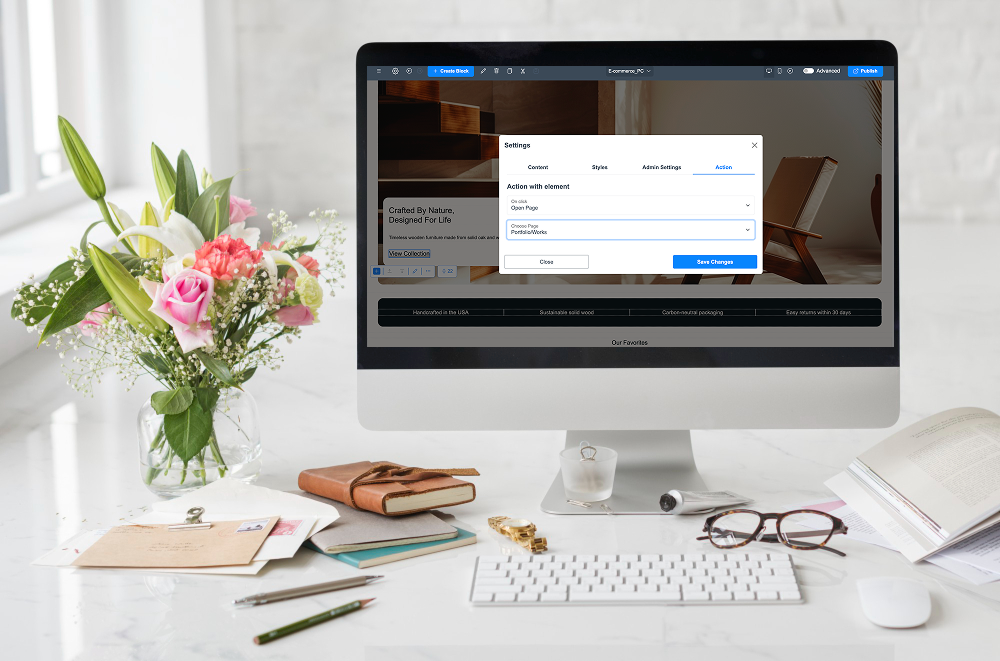
Using a simple builder like ME-Page, you can create a clean, mobile-friendly business site without coding. Add your services, address, phone number, and working hours — and you’re already ahead of many competitors.
Simple beats complicated every time.

Step 2: Use Location Keywords Naturally
This is one of the most powerful local SEO tips.
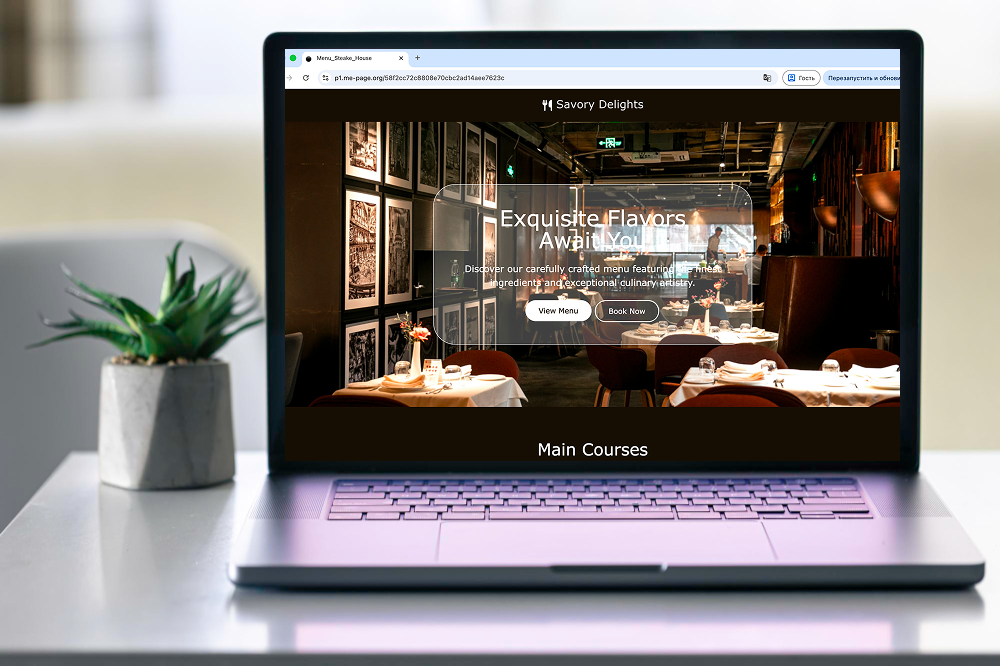
Instead of saying: “Professional cleaning services”
Say: “Professional cleaning services in Chicago”
Add your city or area to:
- Page titles
- Headings
- Descriptions
- Service sections
- Image names
Search engines need clear signals about where you operate.
If you serve multiple areas, create separate sections or subpages for each one.
Step 3: Add Your Contact Info Everywhere
Google loves consistency.
Your:
- Business name
- Address
- Phone number
Should appear clearly on your website — ideally in the header or footer.
Make it easy to:
- Call with one tap
- Open directions
- Send a message
The easier you make it, the more customers you’ll get.
Pro tip: Add a simple contact or map block so visitors instantly know you’re local.

Step 4: Optimize for Mobile Users
Here’s a reality check:
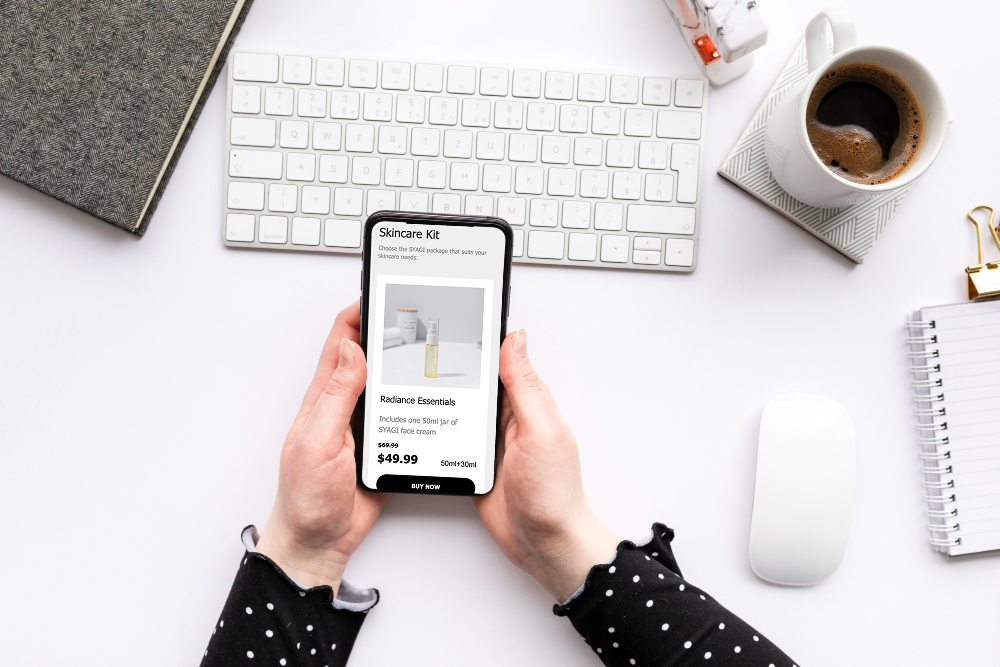
Most local searches happen on phones.
If your site isn’t mobile-friendly, you’re losing customers every day.
Your website should:
- Load quickly
- Have big readable text
- Include easy buttons
- Avoid tiny menus
ME-Page automatically creates responsive layouts, which means your site looks good on phones without extra work. That’s huge for small business SEO.
Step 5: Create Helpful, Local Content
Content builds trust and rankings.
You don’t need a blog with 100 articles. Just create useful pages like:
- “Services in [City Name]”
- “About Our Local Team”
- “How We Help Customers in [Area]”
- FAQs
This tells search engines you’re active and relevant locally.
Plus, customers love businesses that feel personal and nearby.
Quick Local SEO Checklist
Here’s a simple overview to keep you on track:

Common Mistakes to Avoid
Let’s save you some headaches.
Avoid:
- Overloading your site with text
- Hiding your phone number
- Using outdated designs
- Ignoring mobile layout
- Keyword stuffing (don’t repeat the city 50 times)
Keep things natural and user-friendly.
Remember: SEO is for humans first, search engines second.
Why ME-Page Is Perfect for Local Businesses
If you’re not technical, traditional website building can feel overwhelming.
That’s why many small businesses use ME-Page:
- No coding required
- Ready-made templates
- Easy text editing
- Fast publishing
- Works perfectly on mobile
You can launch today, update anytime, and focus on your business instead of tech problems.
For local SEO, speed and simplicity win.
Conclusion
Local SEO isn’t complicated — it’s about clarity, consistency, and being easy to find. When customers search nearby, your business should show up first, look trustworthy, and make contacting you effortless. A fast, mobile-friendly website, smart local SEO tips, and simple small business SEO practices can dramatically increase calls, bookings, and walk-ins.
With tools like ME-Page, you don’t need developers or weeks of setup. You can create a professional site today, optimize it for local searches, and start attracting nearby customers almost immediately. In local business, visibility equals opportunity — and now you know exactly how to get both.
Frequently Asked Questions about Local SEO Basics
Yes, if possible. Separate pages help search engines understand each service better and rank them individually.
Small updates every month — like adding photos, reviews, or new info — keep your site fresh and relevant.
For very small businesses, yes. But adding extra sections or subpages can improve rankings and visibility even more.
Was This Article Helpful?
Click on a star to rate it!
Average Rating: 5/5
Voutes: 2
Share with Friends:



Previous
Building Trust Online: Website Essentials for Medical Services

Next
Creating a Clear Website Structure with Pages and Subpages
Recent Articles
Everything You Need to Know About Using ME-Page Constructor for Your Website.

How to Create an Effective Services Page for Your Business
When potential customers visit your business website, they want to understand what you offer, how you can help...

How to Create a Navigation Menu for a Multi-Page Website
A website can have excellent content, attractive visuals, and useful features, but visitors may still leave if...
One Website, Multiple Pages: When to Expand Your Site
Starting a website with a single page makes sense. You can introduce your business, showcase your work, add a ...
Create a Personal Link Hub with Pages for Every Project
Do you have a portfolio, a personal blog, freelance services, and a few side projects scattered across differe...

How to Optimize Page URLs for Better SEO
A website URL might look like a small technical detail, but it can influence how people understand your conten...
How to Design a Website Footer That Improves User Experience
A website footer might be the last thing visitors see, but that doesn't make it unimportant. When people reach...
How to Create an Effective Services Page for Your Business
When potential customers visit your business website, they want to understand what you offer, how you can help...
How to Create a Navigation Menu for a Multi-Page Website
A website can have excellent content, attractive visuals, and useful features, but visitors may still leave if...
One Website, Multiple Pages: When to Expand Your Site
Starting a website with a single page makes sense. You can introduce your business, showcase your work, add a ...
Create a Personal Link Hub with Pages for Every Project
Do you have a portfolio, a personal blog, freelance services, and a few side projects scattered across differe...
How to Optimize Page URLs for Better SEO
A website URL might look like a small technical detail, but it can influence how people understand your conten...
How to Design a Website Footer That Improves User Experience
A website footer might be the last thing visitors see, but that doesn't make it unimportant. When people reach...