Me-Page Team
Last modified 10 Nov 2026
Article Plan
- Why Does Your Website Need a Testimonials Section?
- Choose the Right Testimonials for Your Website
- Choose a Testimonial Design That Fits Your Website
- What Should a Customer Testimonial Include?
- Where to Place Testimonials on Your Website
- How to Make Your Testimonials Section More Trustworthy
- Build a Professional Testimonials Section with ME-Page
- Conclusion
- Frequently Asked Questions
When people visit your website for the first time, they don't always know what to expect. They may like your services, products, or portfolio, but still wonder whether they can trust your business. That's where customer testimonials come in.
Positive feedback from real customers can help visitors feel more confident about choosing your brand. A well-designed testimonials section shows that other people have already had a good experience with your business.
But simply adding a few quotes to a page isn't enough. You need to present them in a way that's easy to read, believable, and consistent with your website design. Let's explore how to create a website testimonials section that builds trust and supports your business goals.

Why Does Your Website Need a Testimonials Section?
Customer feedback provides a perspective that your own marketing messages cannot fully replace. You can describe your services and highlight their benefits, but visitors may find it more convincing when they hear from someone who has actually used them.
This is an important part of social proof. People often look at other customers' experiences before making a decision, especially when they're unfamiliar with a brand.
A testimonials section can help you:
- Build trust: Genuine customer experiences make your business feel more approachable and reliable.
- Reduce uncertainty: Reviews can answer questions visitors might have before contacting you or making a purchase.
- Highlight your strengths: Customers may mention benefits or details that you haven't emphasized in your own content.
- Support conversions: Positive experiences can encourage visitors to take the next step.
- Show real results: Specific feedback helps demonstrate the value of your products or services.
For example, a beauty salon might feature a review about friendly staff and convenient booking, while a freelancer could share feedback about meeting deadlines and communicating clearly.
Choose the Right Testimonials for Your Website
The quality of your testimonials matters more than the number you display. A few detailed, relevant reviews can be more convincing than dozens of short comments that all say the same thing.
Look for feedback that:
- Describes a specific experience with your product or service.
- Explains what the customer appreciated most.
- Mentions a problem your business helped solve.
- Reflects different customer needs and experiences.
- Sounds natural rather than overly promotional.
Try to include testimonials from different types of customers if your business serves several audiences. This helps visitors find experiences they can relate to.
Always get permission before publishing someone's feedback, name, photo, or other identifying details. Keep the original meaning intact when editing a review for length or clarity.
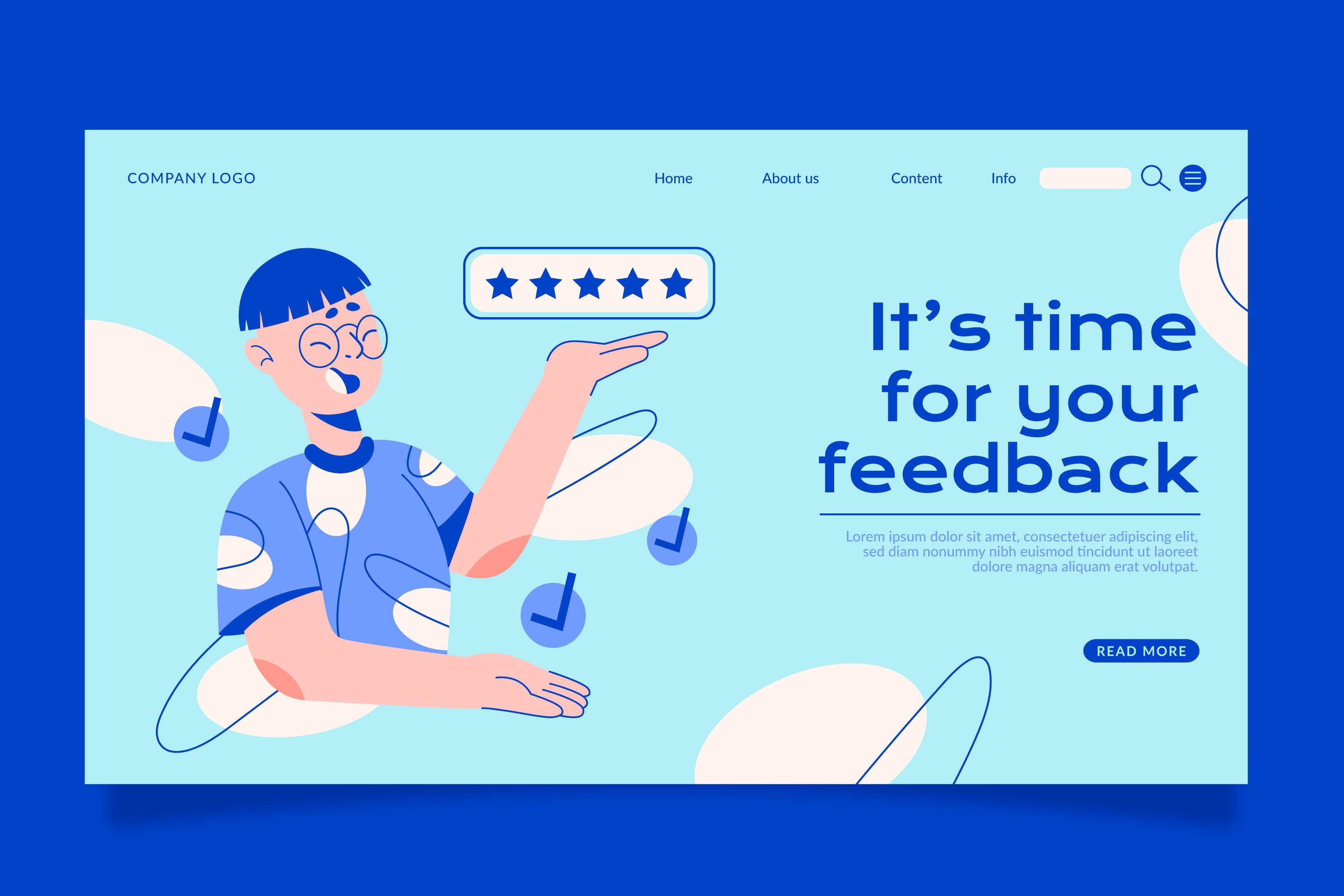
Choose a Testimonial Design That Fits Your Website
The visual presentation of customer reviews affects how easily visitors can read and understand them. Your testimonial design should make feedback stand out without overwhelming the rest of the page.
Here are several common layouts to consider:
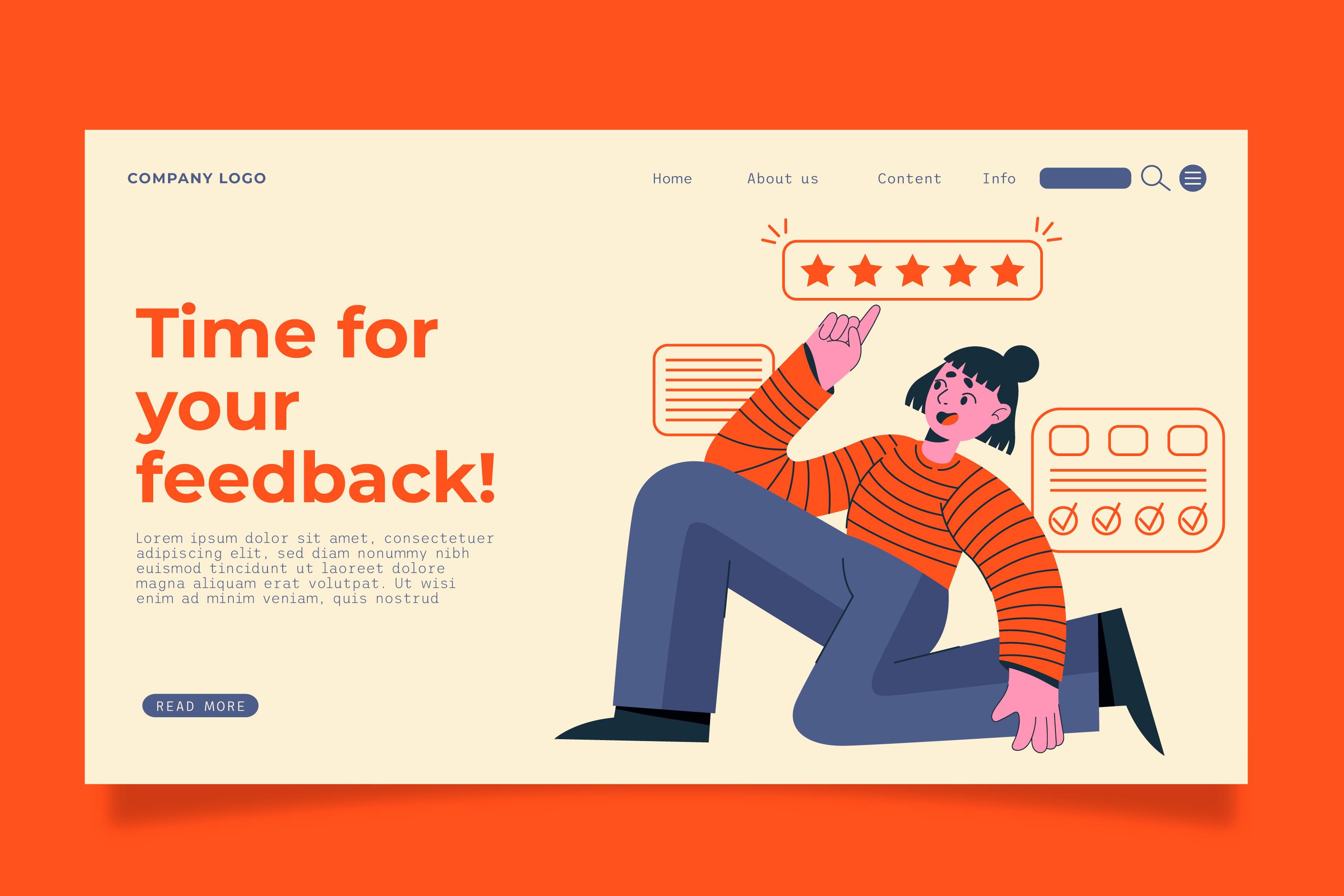
1. Simple Testimonial Cards
Cards are one of the most flexible options. Each card can include a customer quote, name, photo, and a short description of their experience.
This layout works well for service businesses, online stores, portfolios, and company websites. You can display several cards in a grid or arrange them vertically.
2. Testimonial Carousel
A carousel displays one or a few reviews at a time, allowing visitors to move between them. It's useful when you have many testimonials but limited page space.
However, don't hide all your best feedback behind navigation controls. Show at least one strong testimonial immediately so visitors don't have to interact with the carousel to see your social proof.
3. Video Testimonials
Video reviews let customers explain their experiences in their own words. Facial expressions, tone of voice, and personal stories can make feedback feel more engaging.
This format is especially useful for businesses where trust and personal relationships play an important role, such as coaching, consulting, and professional services.
4. Compact Review Highlights
Sometimes, a short quote is all you need. You can highlight one sentence from a customer review alongside a name, rating, or link to the full feedback.
This approach works well near pricing sections, service descriptions, or important action buttons.

What Should a Customer Testimonial Include?
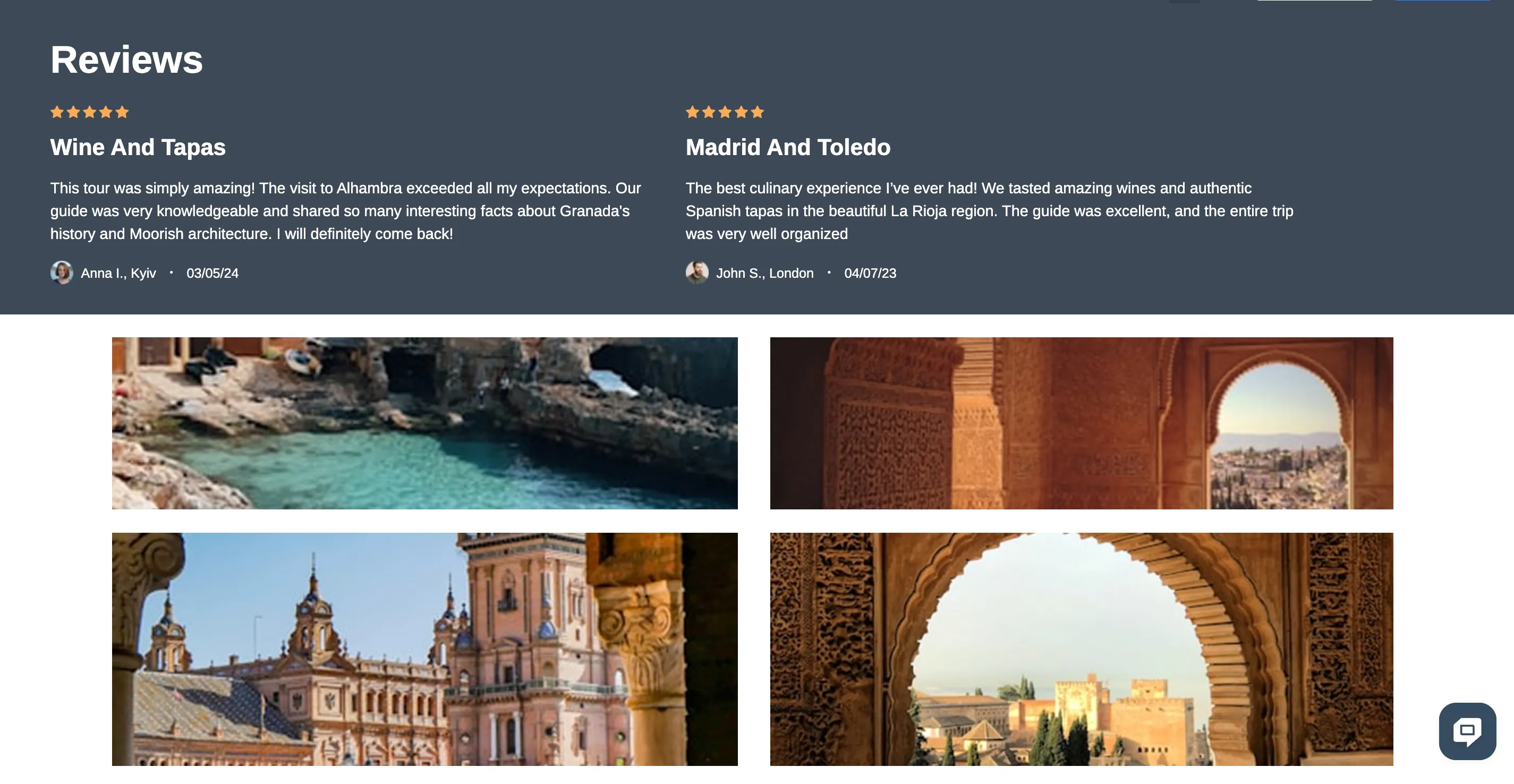
A good testimonial gives visitors enough context to understand whose experience they're reading and why it matters.
You don't need every element in every testimonial. Choose the details that make sense for your audience and the type of feedback you're displaying.
For example, a professional service website might benefit from customer names and business roles, while a product website may focus more on the product and customer experience.
Where to Place Testimonials on Your Website
Even excellent customer reviews may go unnoticed if visitors can't find them. Think about where feedback could help someone make a decision.
- Homepage: Add one or two strong testimonials to introduce your business and build trust early in the visitor journey.
- Service pages: Show feedback related to a specific service. A review about website design, for example, is more relevant on your design services page than on an unrelated section.
- Product pages: Include reviews that describe product quality, usability, or customer satisfaction.
- Pricing page: Testimonials can help visitors feel more confident when comparing plans or deciding whether a service is worth the cost.
- Contact page: A short positive review can reassure visitors who are considering reaching out for the first time.
The best placement depends on your website structure. You don't need to repeat the same testimonials everywhere. Select feedback that supports the purpose of each page.
How to Make Your Testimonials Section More Trustworthy
A professional-looking layout is important, but visitors also need to believe what they're reading. Overly polished or vague reviews can sometimes have the opposite effect.
Use these practices to make your customer reviews website section more credible:
- Keep feedback authentic: Don't invent testimonials or change the meaning of customer comments.
- Include useful details: Specific experiences are more convincing than generic praise.
- Identify customers where possible: With permission, include a real name, photo, role, or company.
- Avoid exaggerated claims: Don't present one customer's experience as a guaranteed result for everyone.
- Show a variety of opinions: A collection of realistic experiences feels more natural than identical five-star comments.
- Keep reviews current: Replace outdated feedback when your products, services, or business processes change.
If you display ratings, make sure they accurately reflect the feedback you received. Transparency helps create long-term trust.


Build a Professional Testimonials Section with ME-Page
ME-Page gives you a no-code environment to create and customize your website without complicated development. Its drag-and-drop builder lets you arrange content blocks and organize your page layout, making it easier to create a dedicated testimonials section.
You can use text elements to display customer quotes, add images where appropriate, and organize reviews into a clean layout. Custom action buttons can also guide visitors from a positive testimonial to a contact form, service page, or another relevant destination.
If you want to separate customer feedback by service or audience, the Multi Page Builder can help you organize information across different pages and subpages.
The goal is to make testimonials feel like a natural part of your website rather than a collection of unrelated quotes. With a clear structure and consistent design, customer feedback can support the rest of your content and help visitors understand why your business is worth considering.
Conclusion
An effective website testimonials section does more than display positive comments. It helps visitors understand what working with your business is like, see real customer experiences, and feel more confident about taking the next step.
Choose relevant feedback, keep the design simple, and place testimonials where they can support important decisions. Most importantly, make authenticity your priority. Genuine customer stories are far more valuable than a large collection of generic praise.
Frequently Asked Questions
There's no fixed number. Start with three to five strong testimonials that represent different customer experiences. You can add more as you collect feedback, but make sure the section remains easy to browse.
Was This Article Helpful?
Click on a star to rate it!
Average Rating: 5/5
Voutes: 1
Share with Friends:



Previous
How to Add Social Media Links to Your ME-Page Website

Next
Welcome to ME-Page: Your Ultimate Website Constructor
Recent Articles
Everything You Need to Know About Using ME-Page Constructor for Your Website.

How to Design an Effective Testimonials Section for Your Website
When people visit your website for the first time, they don't always know what to expect. They may like your s...
How to Add Social Media Links to Your ME-Page Website
Your website gives visitors a place to learn about you, explore your work, and discover what you offer. But yo...

How to Write SEO-Friendly Page Titles and Meta Descriptions
When people search for something on Google, they usually see a list of results with a clickable title and a sh...

How to Create an Effective Services Page for Your Business
When potential customers visit your business website, they want to understand what you offer, how you can help...

How to Create a Navigation Menu for a Multi-Page Website
A website can have excellent content, attractive visuals, and useful features, but visitors may still leave if...

One Website, Multiple Pages: When to Expand Your Site
Starting a website with a single page makes sense. You can introduce your business, showcase your work, add a ...
How to Design an Effective Testimonials Section for Your Website
When people visit your website for the first time, they don't always know what to expect. They may like your s...
How to Add Social Media Links to Your ME-Page Website
Your website gives visitors a place to learn about you, explore your work, and discover what you offer. But yo...
How to Write SEO-Friendly Page Titles and Meta Descriptions
When people search for something on Google, they usually see a list of results with a clickable title and a sh...
How to Create an Effective Services Page for Your Business
When potential customers visit your business website, they want to understand what you offer, how you can help...
How to Create a Navigation Menu for a Multi-Page Website
A website can have excellent content, attractive visuals, and useful features, but visitors may still leave if...
One Website, Multiple Pages: When to Expand Your Site
Starting a website with a single page makes sense. You can introduce your business, showcase your work, add a ...


