Me-Page Team
Last modified 17 Sep 2026
Article Plan
- Start With a Clear Homepage
- Add an About Page
- Create a Services Page
- Consider a Products Page for Businesses That Sell Products
- Create a Contact Page
- Add a Pricing Page When Appropriate
- Include an FAQ Page
- Add a Portfolio or Case Studies Page
- Use a Privacy or Legal Information Page When Needed
- Recommended Business Website Structure
- Connect Your Pages With Clear Navigation
- Make Every Page Serve a Purpose
- Keep Your Pages Consistent
- How ME-Page Helps You Build a Company Website
- Conclusion
- Frequently Asked Questions about Essential Pages for Every Business
A business website doesn't need dozens of pages to look professional. What it does need is a clear structure that helps visitors understand your company, explore your offer, and find a way to get in touch.
The right business website pages give visitors the information they expect without making them search through endless menus.
Whether you're launching a new company website or improving an existing one, a few core pages can create a strong foundation. You can then add more pages as your business grows and your audience needs more information.
Let's look at the essential pages and what each one should accomplish.
Start With a Clear Homepage
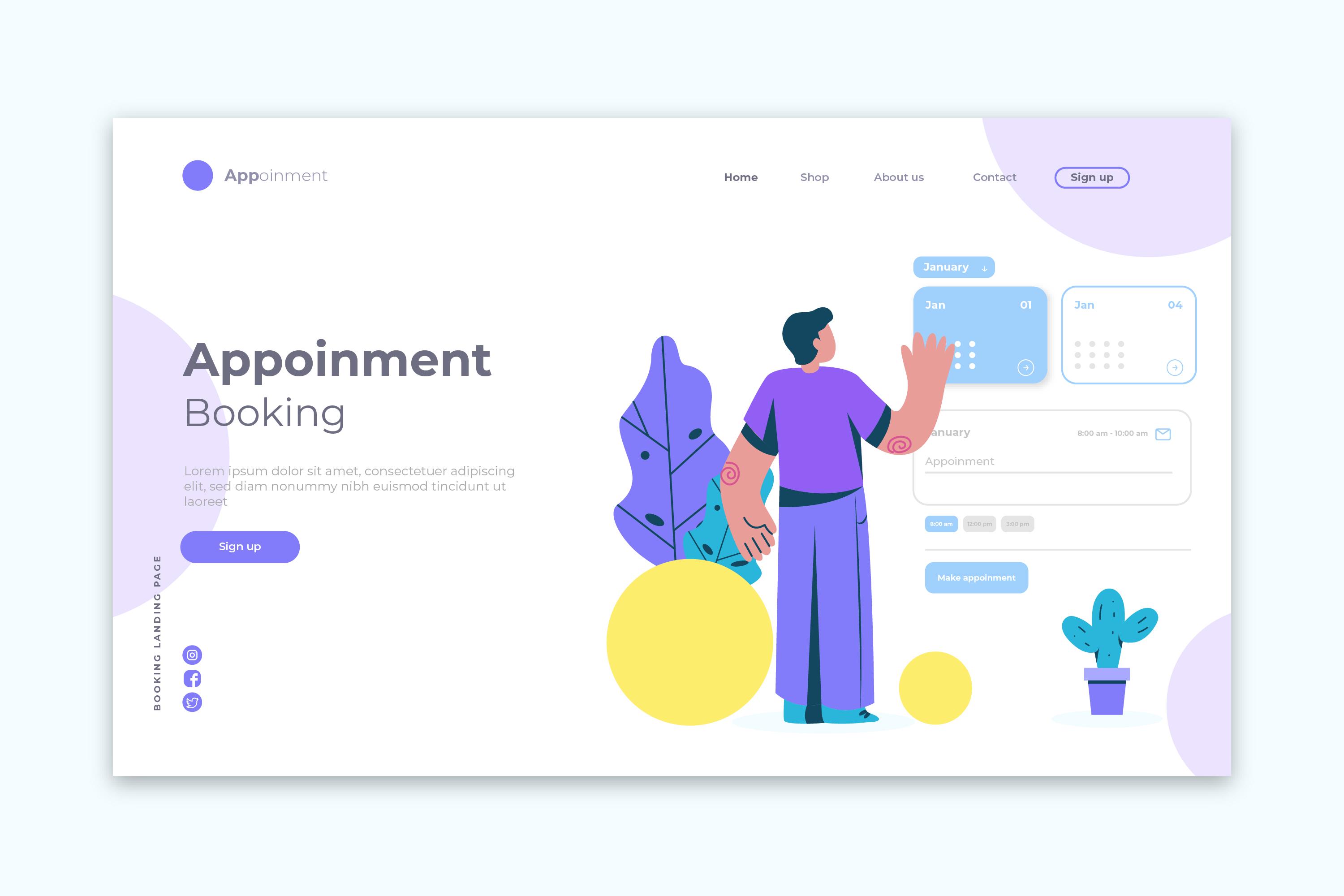
Your homepage is usually the first place visitors explore, so it needs to make a strong first impression.
It should quickly explain:
- What your company does
- Who you serve
- What products or services you offer
- Why visitors should choose you
- What they should do next
Keep the message focused. Visitors should understand your business without reading several paragraphs.
For example, a local cleaning company could introduce its main services, service area, key benefits, and a button leading to the Contact page.
The homepage doesn't need to contain every detail. Its job is to guide visitors toward the information they need.
Add an About Page
An about page gives visitors the opportunity to learn more about the people and story behind your company.
While the homepage can provide a short introduction, the About page gives you more room to explain your background and approach.
Depending on your business, include:
- Company history
- Mission and values
- Team information
- Professional experience
- Areas of expertise
- Business milestones
- What makes your company different
Don't turn the page into a long corporate biography.
Focus on information that helps visitors understand your company and feel more confident about working with you.
For a small business, introducing the people behind the company can also make the brand feel more personal and approachable.
Create a Services Page
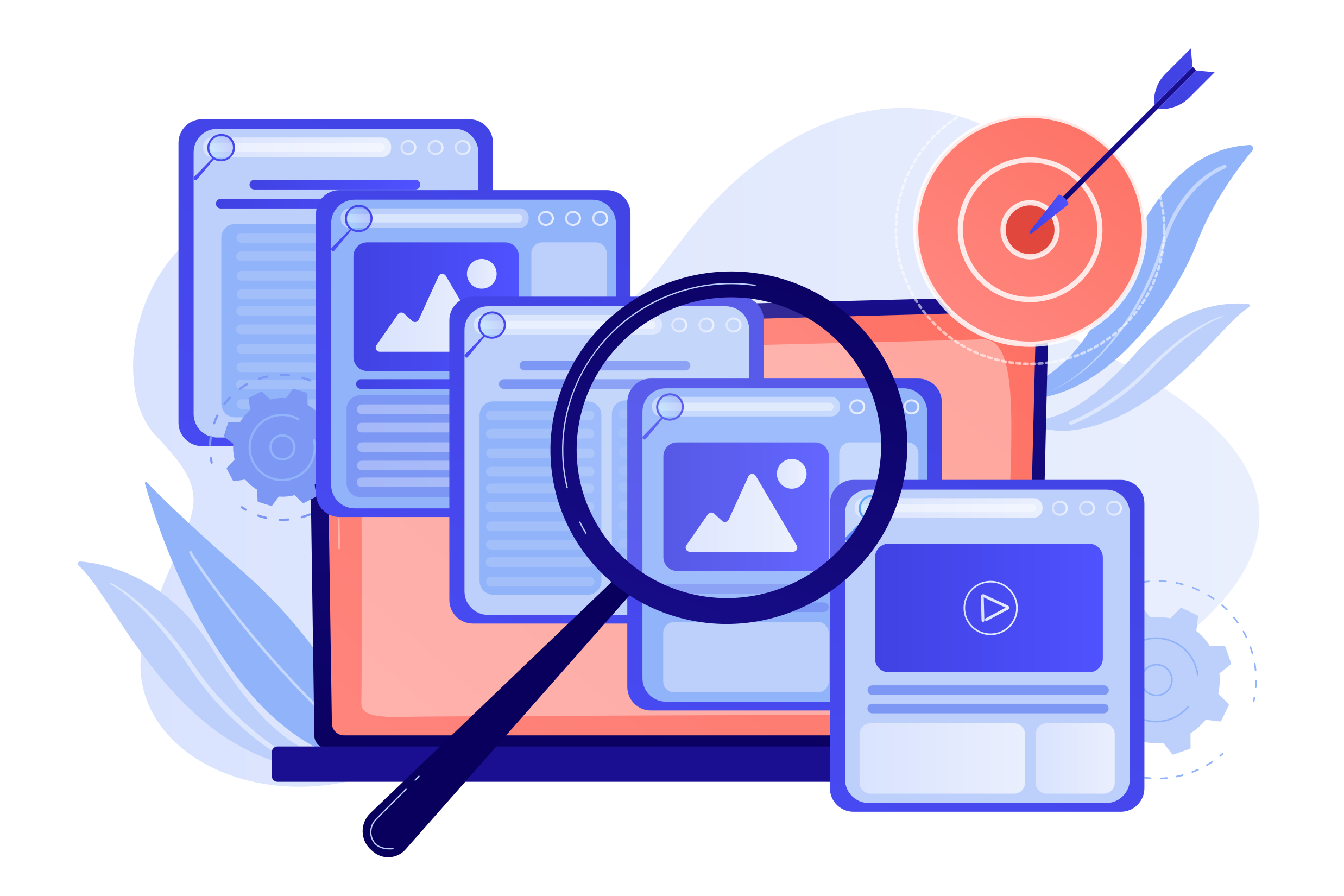
A services page is one of the most important parts of a service-based website.
Visitors shouldn't have to search through your homepage to figure out what they can hire you to do. Use this page to clearly describe your main services.
For example, a digital agency might offer:
- Website design
- Website development
- SEO services
- Content creation
- Website maintenance
Each service can have a short explanation that covers what it includes and who it is for.
If a service requires more detailed information, you can create a separate page for it and link to it from the main Services page.
Consider a Products Page for Businesses That Sell Products
Not every company needs a Services page.
If you sell physical or digital products, a Products page or product section may be more useful.
Give visitors enough information to understand what you offer.
Depending on your business, include:
- Product names
- Descriptions
- Images
- Main features
- Available options
- Pricing, when appropriate
- Links to learn more or purchase
Keep product information easy to scan. Visitors should be able to compare their options without reading huge blocks of text.
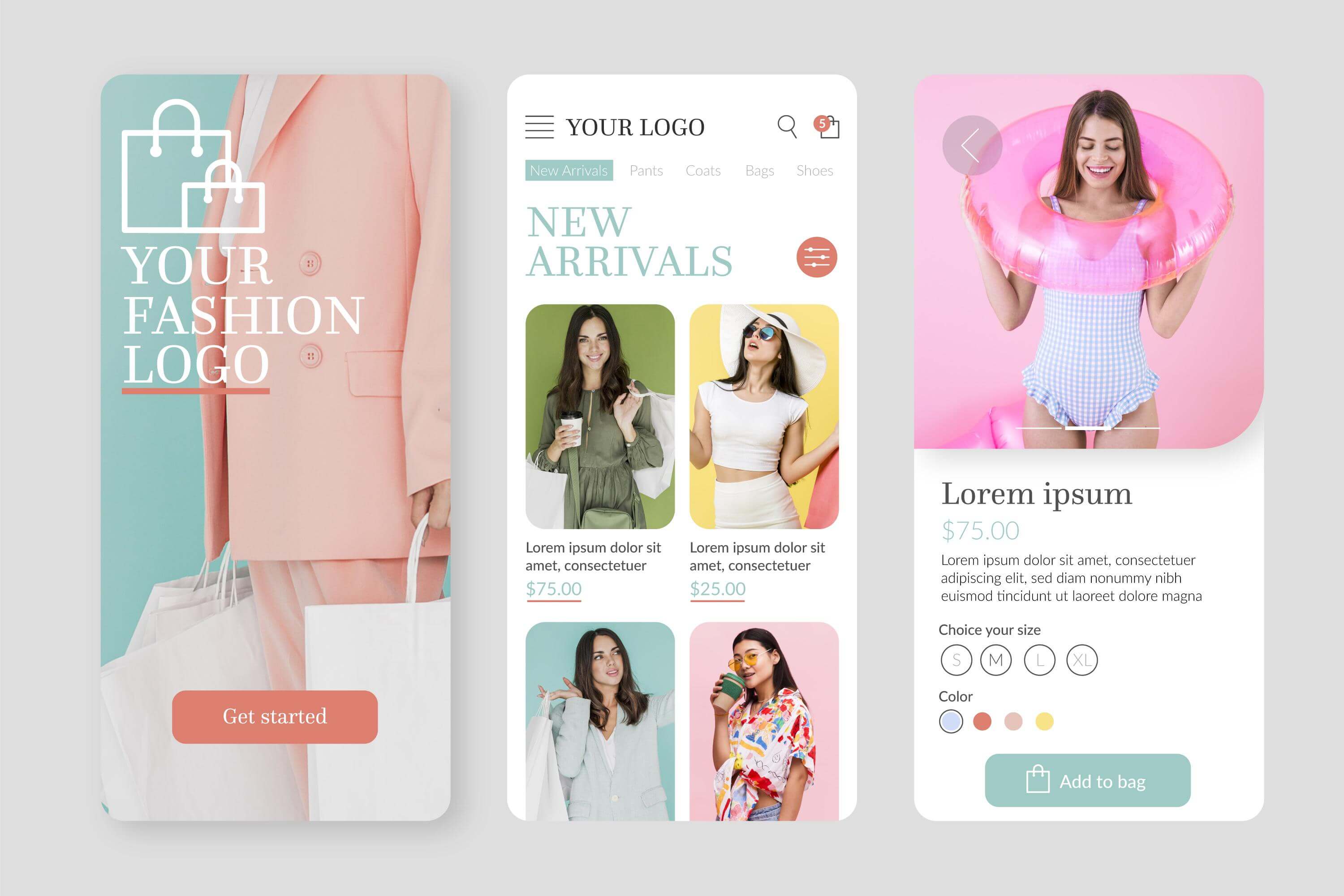
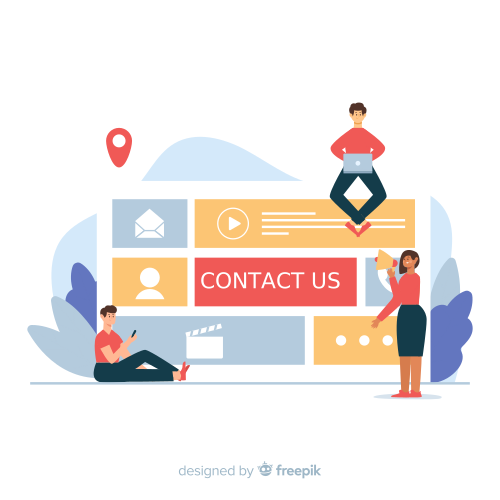
A contact page gives visitors a clear way to reach your company.
It should be easy to find from your navigation or footer.
Depending on your business, you can include:
- Email address
- Phone number
- Contact form
- Business address
- Opening hours
- Social media links
- Service area
- Other relevant contact methods
Don't make visitors hunt for your contact information.
For example, if someone has just finished reading your Services page and wants to ask a question, they should be able to reach your Contact page immediately.
Add a Pricing Page When Appropriate
Pricing can be one of the first things potential customers want to know.
A dedicated Pricing page can make your website more transparent, particularly if your prices are fixed or easy to explain.
You can include:
- Package prices
- Starting prices
- Service rates
- Product costs
- What's included
- Optional extras
Not every business can provide fixed prices. If your services are customized, you can explain how quotes work instead.
For example: "Every project is different. Contact us to discuss your requirements and receive a customized quote."
The goal is to set clear expectations rather than force every business into a specific pricing format.

Include an FAQ Page
An FAQ page can answer common questions before visitors contact your company.
Potential topics include:
- How your service works
- Payment methods
- Delivery information
- Appointment processes
- Cancellation policies
- Service availability
- Typical timelines
Use real questions customers ask.
If the same question appears repeatedly in emails or calls, consider adding it to your website.
You can also place smaller FAQ sections on relevant pages, such as Services, Pricing, or Contact.
Add a Portfolio or Case Studies Page
Some businesses need to demonstrate their previous work before customers feel comfortable contacting them.
A Portfolio page can be particularly useful for:
- Designers
- Photographers
- Agencies
- Architects
- Developers
- Creative professionals
- Consultants
Show selected projects and explain what you actually did.
For example, a case study could include:
- Client or project type
- Initial challenge
- Your solution
- Services provided
- Final result
A collection of relevant examples can help visitors understand what your company is capable of.


Use a Privacy or Legal Information Page When Needed
Depending on your location, business activities, and website functionality, you may need pages covering privacy or other legal information.
These can explain how you handle information collected through:
- Contact forms
- Website interactions
- Customer accounts
- Other website features
Legal requirements vary, so use appropriate professional or local guidance when determining which policies your website needs.
Recommended Business Website Structure
You don't necessarily need every possible page. Use this table as a starting point.
Choose the pages that actually support your business instead of trying to include everything.
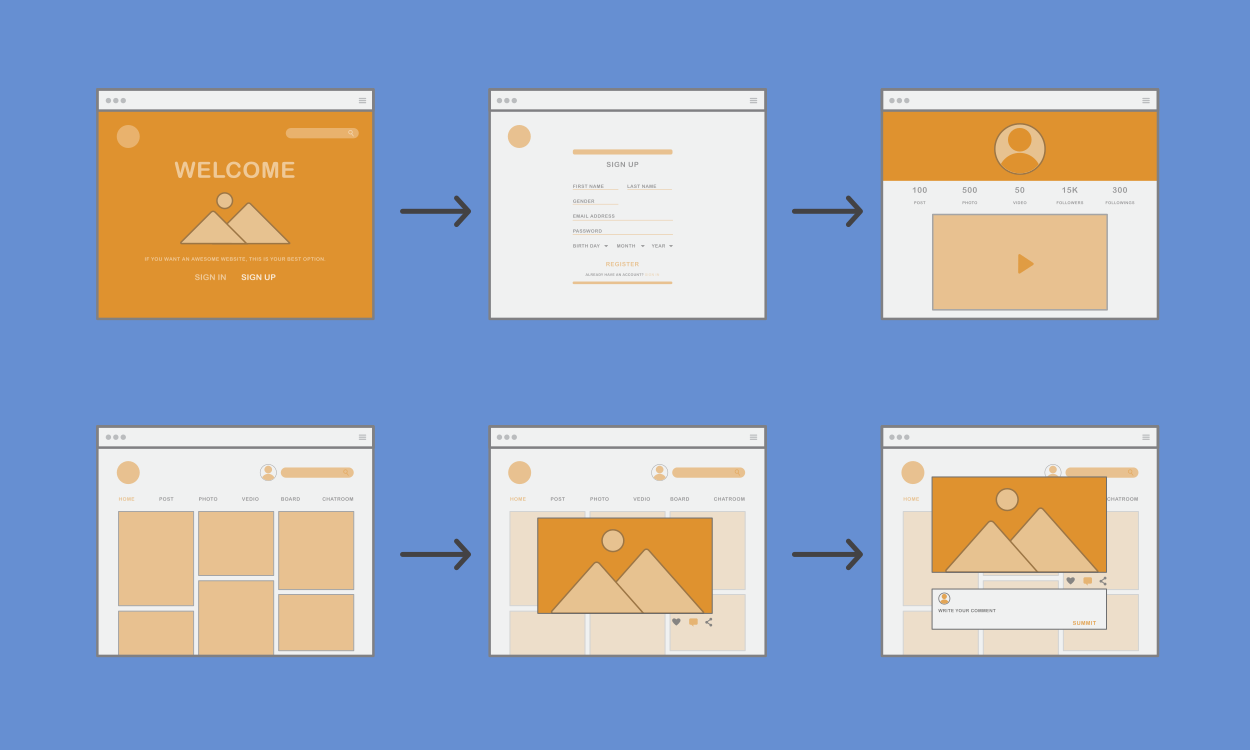
Connect Your Pages With Clear Navigation
Having useful pages isn't enough. Visitors also need to find them easily.
Keep your main navigation simple.
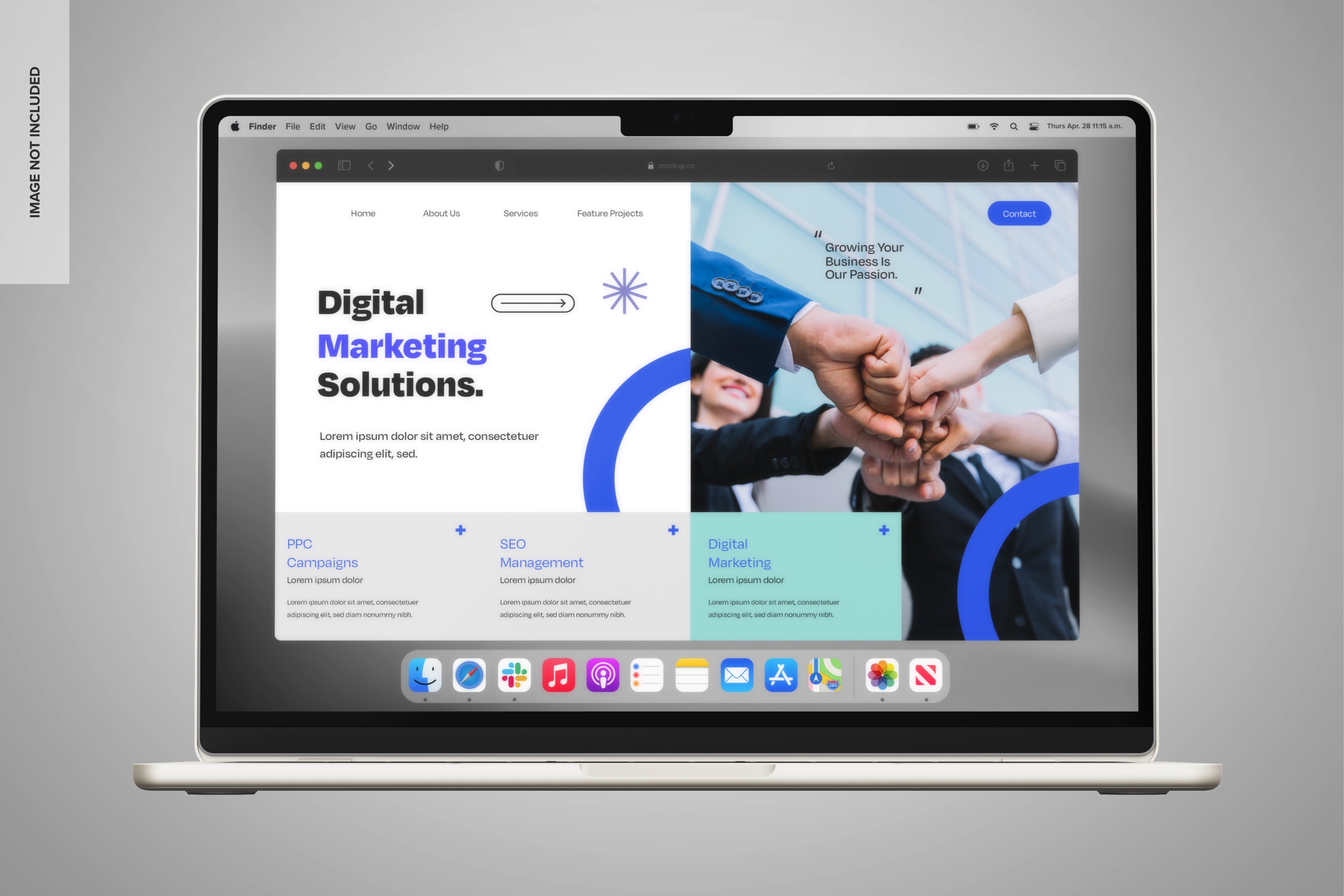
For many businesses, something like this is enough:
Home | About | Services | Pricing | FAQ | Contact
If you have many services or products, use logical categories rather than placing every page directly in the main menu.
You can also add contextual links throughout your content.
For example, your homepage can link to Services, while a specific service can link to Contact or Pricing.
Make Every Page Serve a Purpose
Before adding a new page to your company website, ask why it needs to exist.
Every page should answer a question, provide useful information, or help visitors take a meaningful next step.
Avoid creating pages that:
- Repeat information from another page
- Contain only a few unnecessary sentences
- Have no clear purpose
- Make navigation more complicated
- Haven't been updated for a long time
A smaller website with useful content is often better than a large website full of empty pages.
Keep Your Pages Consistent
Your website should feel like one connected experience.
Keep important elements consistent across your business website pages, including:
- Navigation
- Typography
- Visual style
- Button placement
- Writing tone
- Contact information
- Branding
Visitors shouldn't feel like they've moved to a completely different website when they open your About or Services page.
Consistency makes the website easier to understand and reinforces your professional image.

How ME-Page Helps You Build a Company Website
ME-Page makes it easier to organize your website into connected pages and sections based on your business needs. You can start with a homepage and add the pages that make sense for your company.
With ME-Page, you can:
- Create a professional homepage.
- Build an about page for your company story.
- Add a dedicated services page.
- Create a contact page with relevant information.
- Organize additional pages as your business grows.
- Connect pages through website navigation.
- Customize your content and page layouts.
- Update your website as your business changes.
This flexible approach means you don't have to build a huge website from day one. Start with the essentials and expand when you have a clear reason to do so.
Conclusion
The right business website pages create a clear path for visitors to learn about your company, understand your offer, and get in touch.
At a minimum, most businesses can benefit from a strong homepage, an about page, a services page or Products page, and a contact page. Depending on your business, you can then add Pricing, FAQ, Portfolio, Resources, or other useful sections.
Your company website doesn't need to be complicated. What matters is that every page has a purpose and that visitors can move between pages without confusion.
With ME-Page, you can build your website around the information your audience actually needs and expand the structure as your business grows. Start with the essentials, keep your navigation clear, and make every page useful.
Frequently Asked Questions about Essential Pages for Every Business
There is no ideal number. A small business may need only a few core pages, while a larger company may require many more. Focus on providing the information visitors need rather than reaching a specific page count.
Was This Article Helpful?
Click on a star to rate it!
Average Rating: 5/5
Voutes: 3
Share with Friends:



Previous
How to Write Website Headlines That Attract More Visitors
Next
How to Organize Content Across Multiple Website Pages
Recent Articles
Everything You Need to Know About Using ME-Page Constructor for Your Website.
How to Create an Effective Services Page for Your Business
When potential customers visit your business website, they want to understand what you offer, how you can help...
How to Create a Navigation Menu for a Multi-Page Website
A website can have excellent content, attractive visuals, and useful features, but visitors may still leave if...
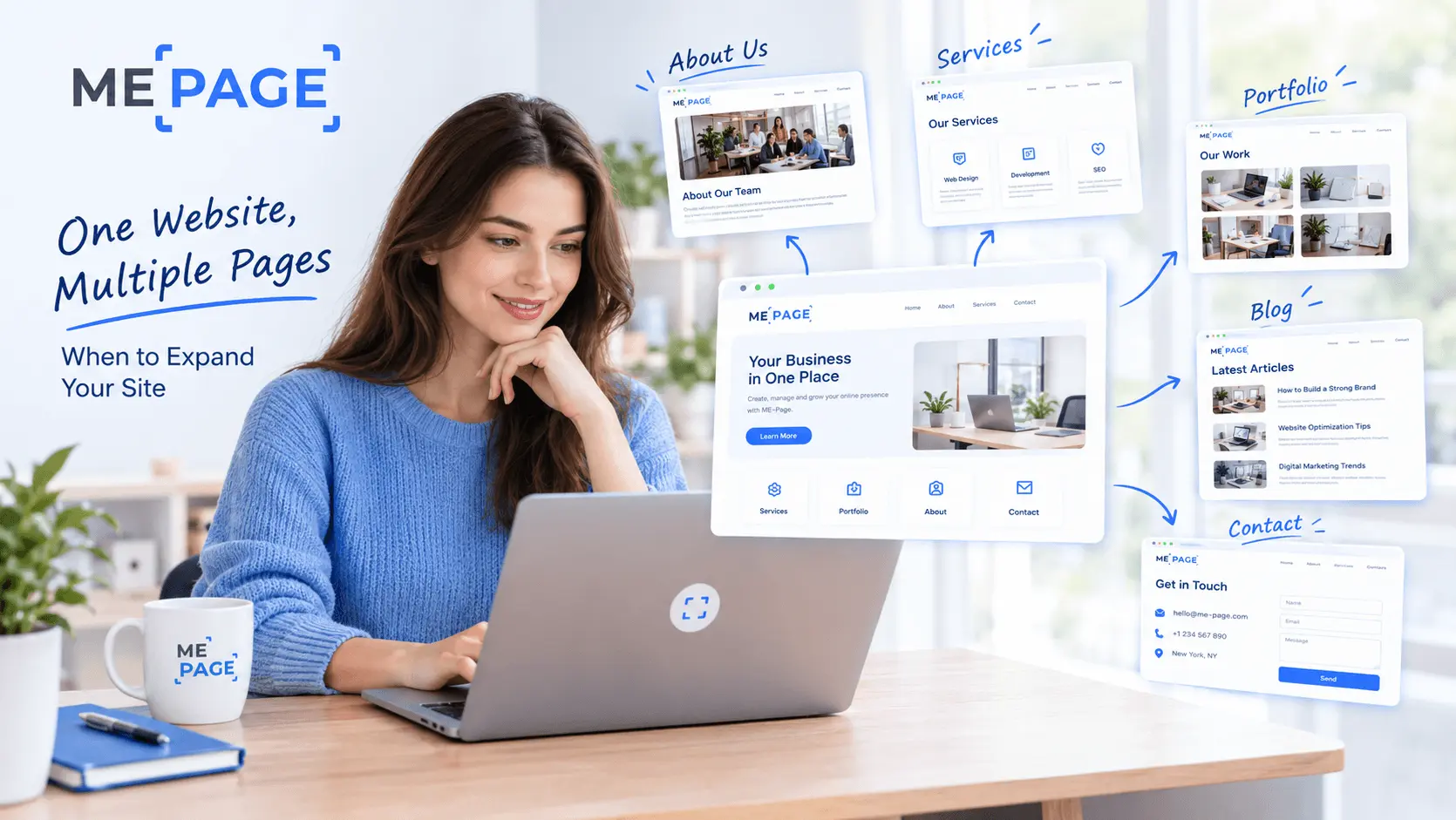
One Website, Multiple Pages: When to Expand Your Site
Starting a website with a single page makes sense. You can introduce your business, showcase your work, add a ...
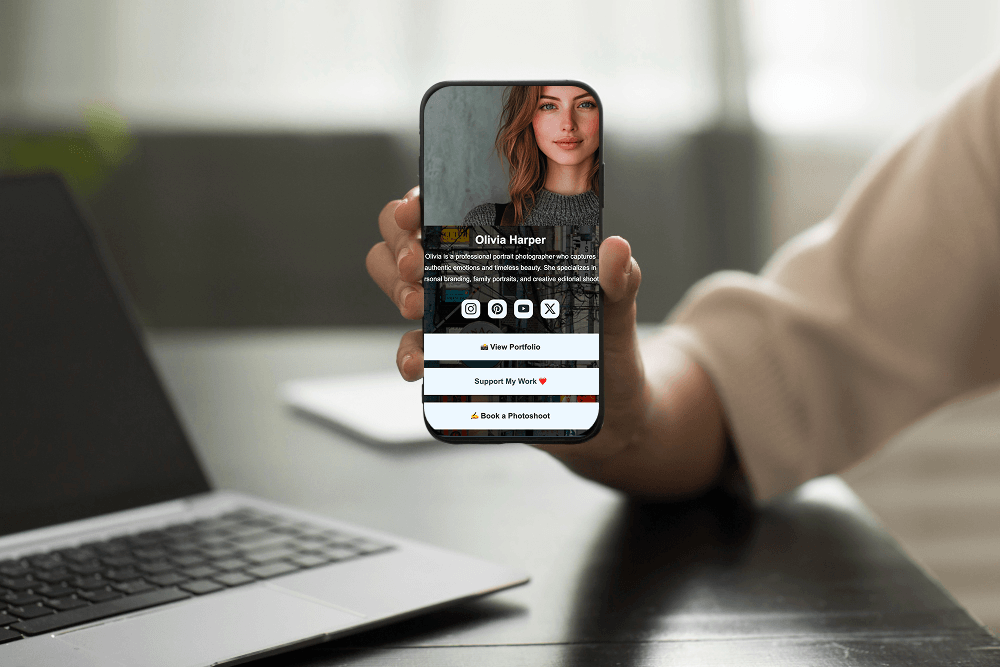
Create a Personal Link Hub with Pages for Every Project
Do you have a portfolio, a personal blog, freelance services, and a few side projects scattered across differe...
How to Optimize Page URLs for Better SEO
A website URL might look like a small technical detail, but it can influence how people understand your conten...
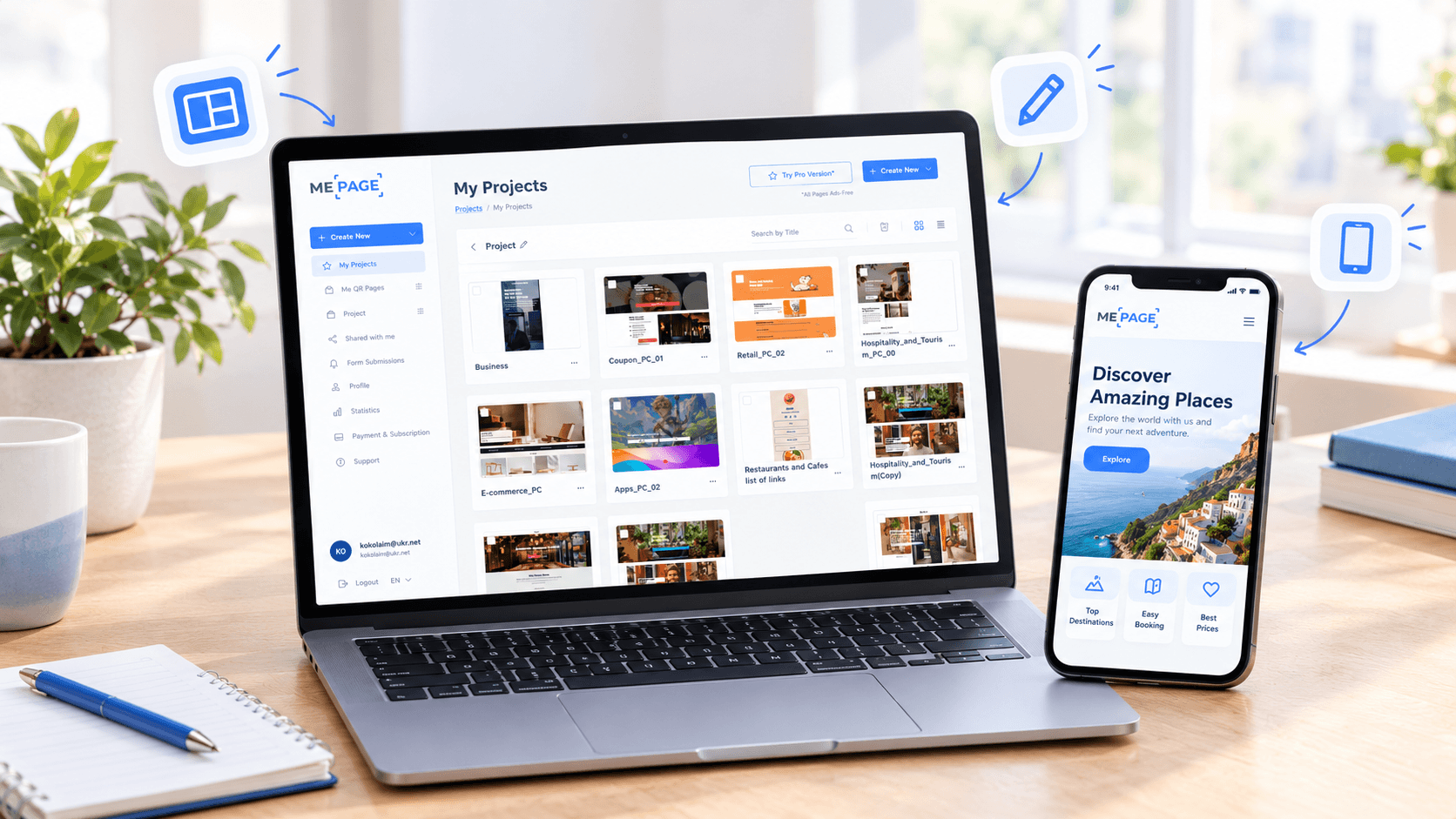
How to Design a Website Footer That Improves User Experience
A website footer might be the last thing visitors see, but that doesn't make it unimportant. When people reach...
How to Create an Effective Services Page for Your Business
When potential customers visit your business website, they want to understand what you offer, how you can help...
How to Create a Navigation Menu for a Multi-Page Website
A website can have excellent content, attractive visuals, and useful features, but visitors may still leave if...
One Website, Multiple Pages: When to Expand Your Site
Starting a website with a single page makes sense. You can introduce your business, showcase your work, add a ...
Create a Personal Link Hub with Pages for Every Project
Do you have a portfolio, a personal blog, freelance services, and a few side projects scattered across differe...
How to Optimize Page URLs for Better SEO
A website URL might look like a small technical detail, but it can influence how people understand your conten...
How to Design a Website Footer That Improves User Experience
A website footer might be the last thing visitors see, but that doesn't make it unimportant. When people reach...










