Me-Page Team
Last modified 10 Sep 2026
Article Plan
- Start with a Clear Homepage
- Create a Dedicated Service Page
- Turn Your Portfolio into a Strong Selling Tool
- Organize Portfolio Projects Clearly
- Add a Short About Section
- Use Your Website for Personal Branding
- Connect Your Pages Together
- Create a Dedicated Contact Page
- Recommended Freelancer Website Structure
- Make Your Website Easy to Scan
- How ME-Page Can Help Freelancers
- Conclusion
-
Frequently Asked Questions about Freelancers Website
- Do freelancers need a separate website if they already use LinkedIn?
- Should freelancers display their prices on their websites?
- How often should a freelancer update their portfolio?
- Is it better to use a personal name or a business name?
- Should freelancers include social media links on their websites?
Freelancers often wear many hats. One day you're working on a client project, the next you're answering inquiries, updating your portfolio, or explaining what services you offer.
Your website should make these tasks easier, not create more work.
A well-organized freelancer website can bring your services, work samples, contact details, and personal brand together in one professional place. Instead of sending potential clients to several different platforms, you can give them everything they need to understand what you do and decide whether to work with you.
The good news? You don't need a complicated website to achieve this.

Start with a Clear Homepage
Your homepage should quickly answer one basic question: What do you do?
A potential client shouldn't have to search through several sections to understand your profession or specialty.
Start with:
- Your name or professional brand
- Your main service
- A short description of what you offer
- Your target clients or industries
- A clear call to action
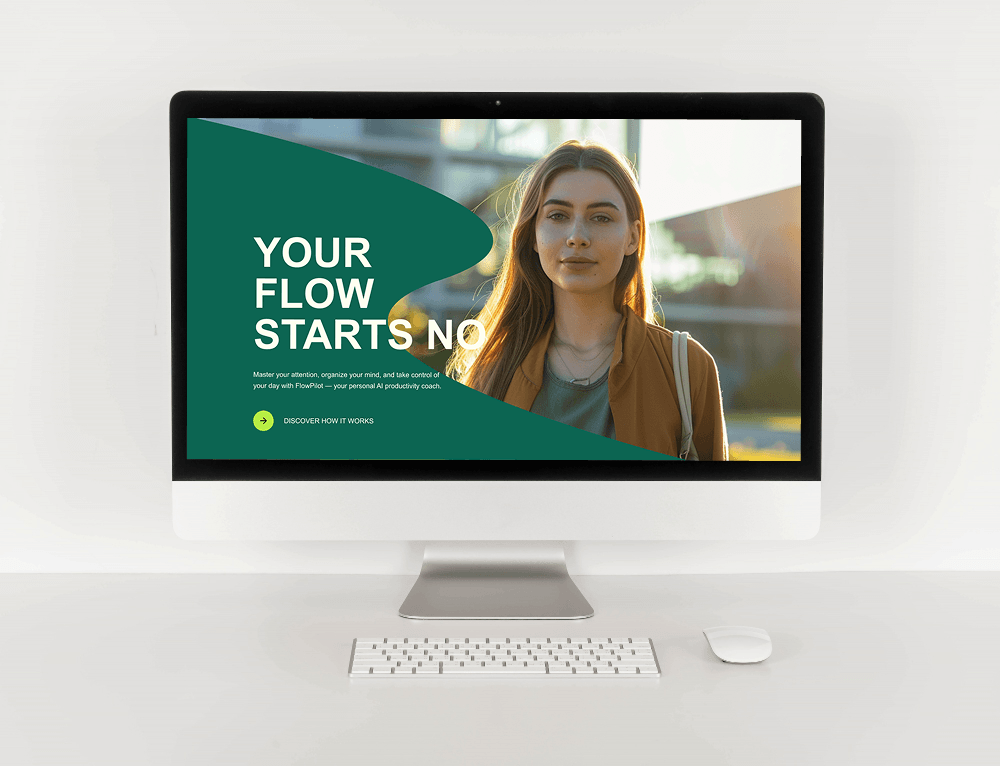
For example, a freelance graphic designer could use a headline such as "Brand Design for Growing Businesses" followed by a short introduction and a "View My Work" button.
The homepage is your starting point, so keep the message focused.
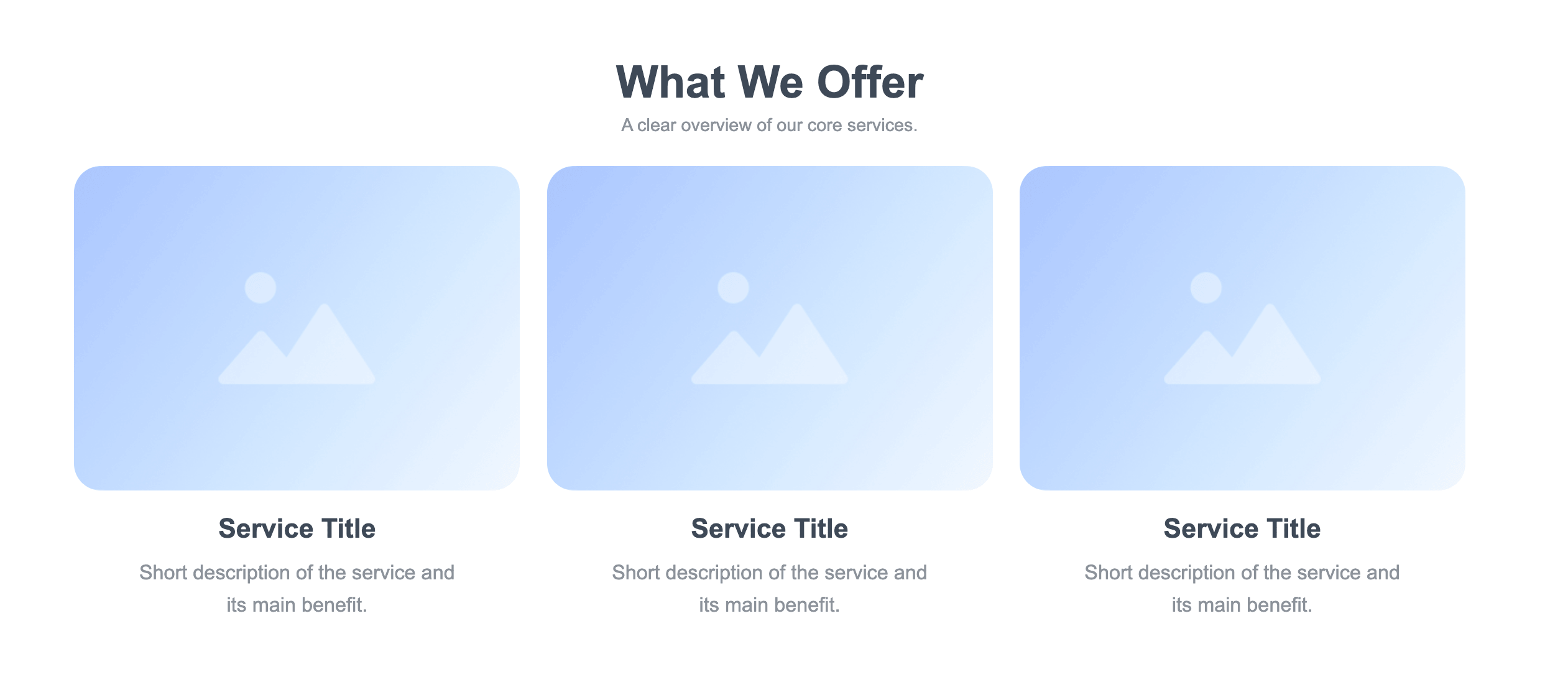
Create a Dedicated Service Page
Your services deserve more than a sentence on your homepage.
A dedicated service page gives potential clients enough information to understand what they can hire you for.
Depending on your profession, you might offer:
- Web design
- Copywriting
- Photography
- Graphic design
- Consulting
- Video editing
- Social media management
- Translation
- Development
For each service, explain what it includes and who it is suitable for.
You can also describe the typical process, expected deliverables, or starting price if that information is relevant to your business.
Keep Your Services Easy to Understand
Avoid using overly technical descriptions that only other professionals understand.
Instead of writing a long explanation about your process, focus on what the client receives.
For example, a freelance copywriter could explain:
Website Copywriting
I create clear website content that explains your offer and helps visitors understand what to do next.
Then add a short list of what the service includes:
- Homepage copy
- Service page copy
- About page
- Calls to action
- SEO-focused content
This makes the offer much easier to evaluate.
Turn Your Portfolio into a Strong Selling Tool
Your portfolio website shouldn't simply be a gallery of everything you've ever created.
Choose work that demonstrates your skills and attracts the type of clients you want.
For each project, consider including:
- Project name
- Client or industry
- Your role
- Services provided
- Short project description
- Final result
- Relevant images or screenshots
For example, instead of showing ten unrelated designs, a freelance designer who wants to work with restaurants could highlight branding projects for cafés, restaurants, and food businesses.
Your portfolio should answer another important question: Can this freelancer do the kind of work I need?
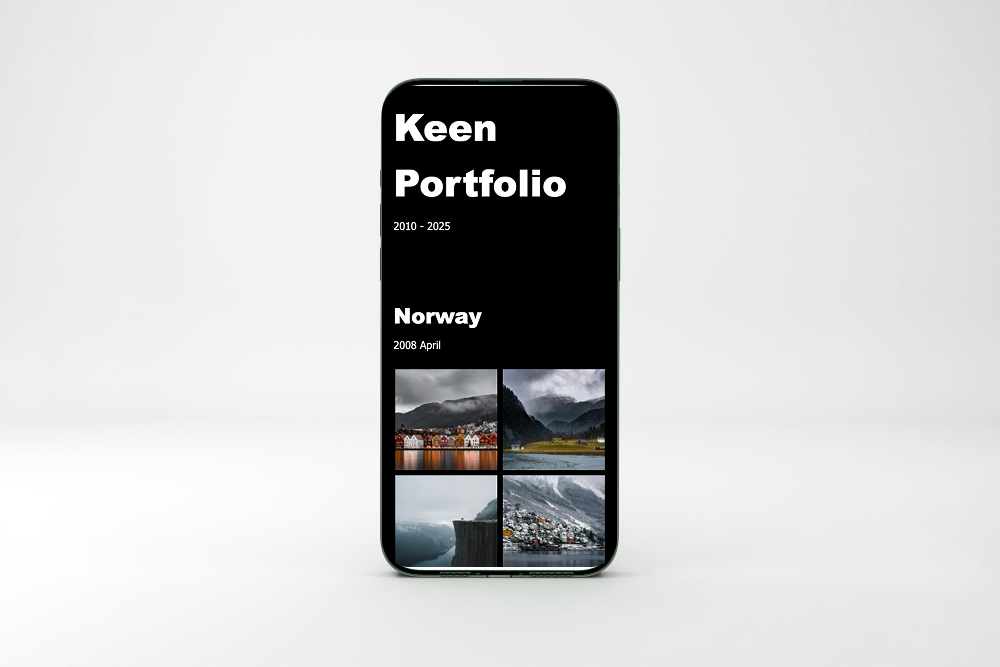

As your portfolio grows, organization becomes increasingly important.
You could divide projects into categories such as:
- Branding
- Websites
- Photography
- Illustrations
- Marketing
- Content
- Case studies
Don't create categories just for the sake of having them. Use them when they make it easier for potential clients to find relevant examples.
A smaller, carefully selected portfolio is often more convincing than a huge collection of unrelated projects.
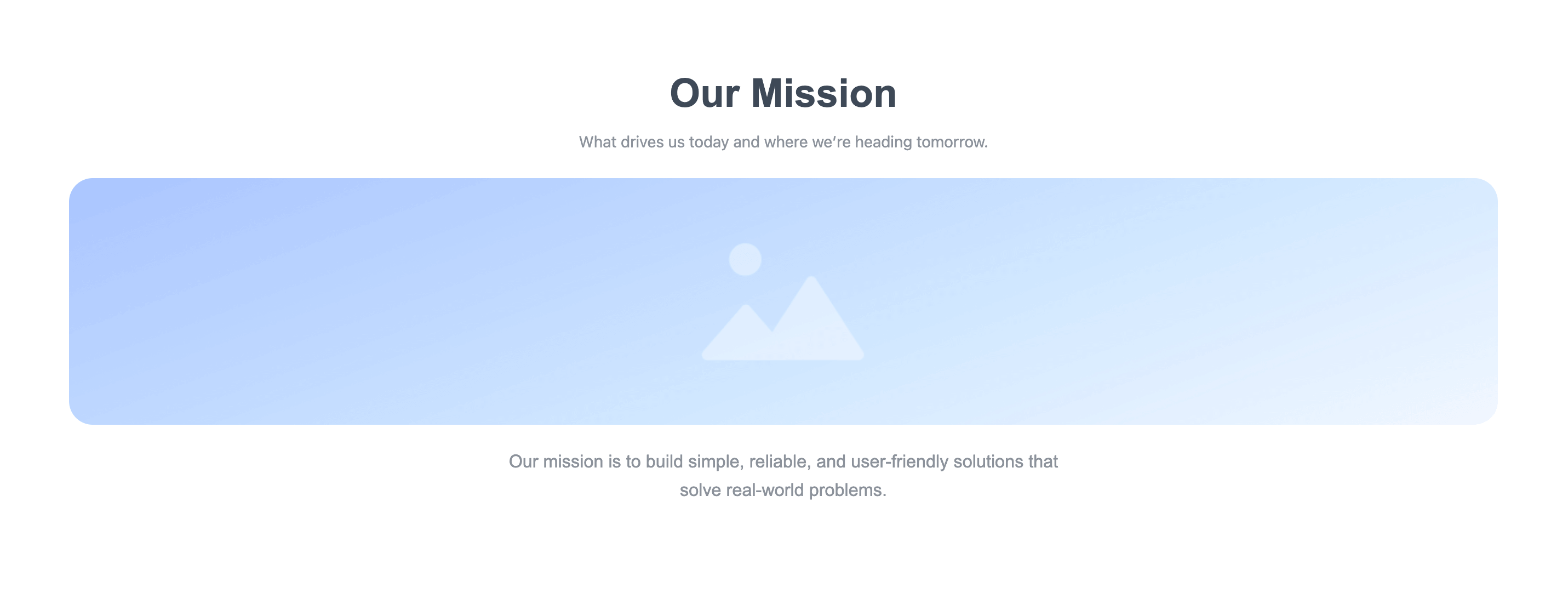
Add a Short About Section
Clients don't only hire skills. They also hire people.
About section gives visitors an opportunity to understand who you are, how you work, and what makes your approach different.
You can include:
- Your professional background
- Your area of expertise
- Industries you work with
- Your approach to projects
- Professional achievements
- A little personality
You don't need to write your entire life story.
Think of the About section as a professional introduction you'd give to someone you just met at a networking event.

Use Your Website for Personal Branding
Strong personal branding helps freelancers become recognizable and easier to remember.
Your website should feel consistent with the professional image you want to create.
Think about:
- Your color palette
- Typography
- Photography
- Writing style
- Logo or personal name
- Visual presentation
- Tone of communication
For example, a minimalist visual identity may work well for a UX designer, while a more expressive style could suit an illustrator or creative photographer.
Consistency matters more than following every design trend.
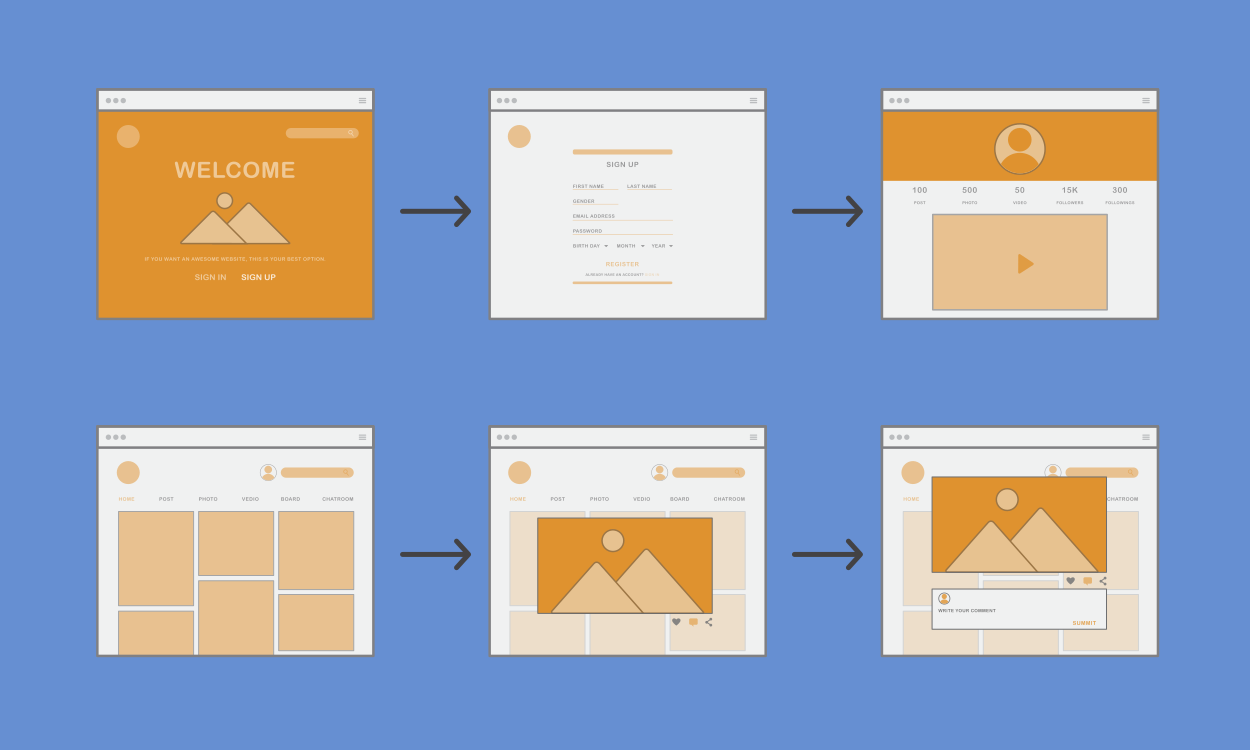
Connect Your Pages Together
A website becomes much easier to navigate when the pages work together.
For example:
Homepage → Services → Portfolio → Contact
You can also create links between individual sections.
A service description could link to relevant portfolio examples, while a portfolio project could link back to the service used for that project.
This gives visitors a natural path from discovering your work to contacting you.

Create a Dedicated Contact Page
Once visitors understand your services and see your work, they need an easy way to reach you.
That's where a dedicated contact page becomes important.
Include the information potential clients actually need, such as:
- Contact form
- Professional email
- Social media links
- Business location, if relevant
- Availability information
- Typical response time
Keep the process simple.
If someone has to click through five pages just to find your email address, you're creating unnecessary friction.
Recommended Freelancer Website Structure
A simple structure can be enough for most freelancers.
You don't necessarily need every page listed here. Choose the structure based on your services, audience, and amount of content.
Make Your Website Easy to Scan
Potential clients are often comparing several freelancers.
They may not read every paragraph. Instead, they'll scan headings, images, service descriptions, and portfolio examples.
Make your content easy to process with:
- Short paragraphs
- Clear headings
- Bullet lists
- Relevant images
- Plenty of white space
- Simple navigation
- Clear calls to action
Every section should have a clear purpose.

How ME-Page Can Help Freelancers
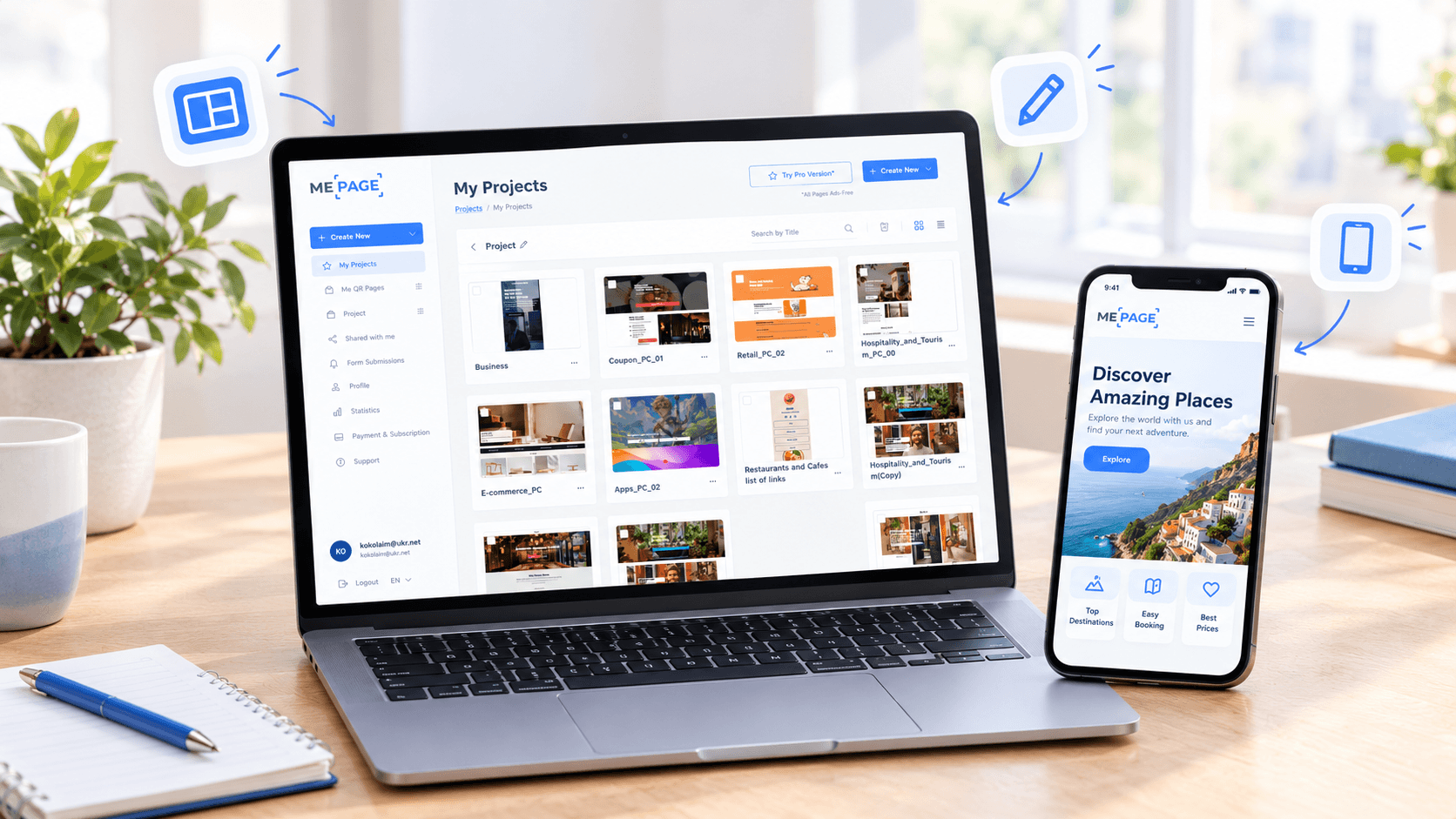
ME-Page allows freelancers to bring important professional information together in one website. You can use different pages and sections to present your services, portfolio, personal information, and contact details without needing to manage several separate platforms.
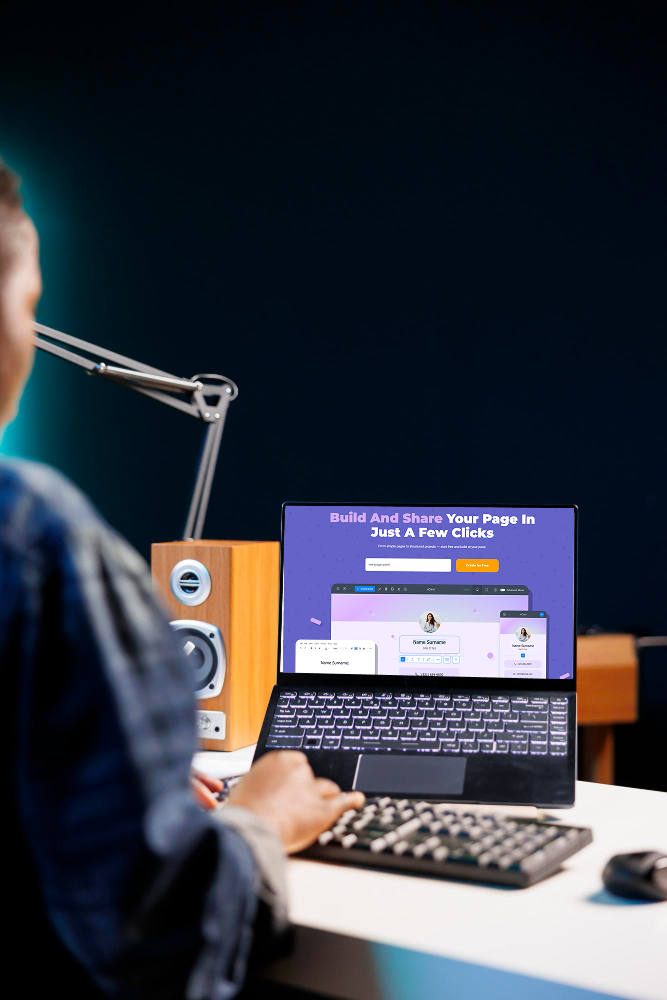
With ME-Page, you can:
- No Code Drag and Drop Website Builder: Turn your ideas into reality with our intuitive no code drag and drop website builder. Arrange blocks, reorder elements, and build professional web pages in seconds. Whether you need a personal site or a no code landing page builder, create your site effortlessly without writing a single line of code.
- Custom Action Buttons: Transform passive site visitors into active leads with our intuitive online web button maker. Design personalized buttons, set custom click behaviors, and embed interactive elements effortlessly. Whether you need a simple contact trigger or a conversion-focused call to action button design, build custom buttons online in seconds.
- Multi Page Builder: Scale your online presence effortlessly using an intuitive multi page website builder. Structure complex content, set up global reusable sections, and establish a clear site hierarchy in minutes. Whether you are expanding a corporate portal or learning how to make a multi page website, manage your subpages seamlessly with zero coding required.
- Mobile Website Builder: Take full control of your web presence wherever you go with an advanced mobile website builder. Customize layouts, tweak content, and launch responsive pages directly from your smartphone or tablet. Whether you need a mobile landing page builder or want to create a website for free on mobile, deliver a pixel-perfect mobile experience effortlessly.
- Instant Website Builder: Eliminate server wait times and build live pages seamlessly with an instant website builder. Tweak copy, reorder layout sections, and publish updates to your domain in real time. Whether you need an instant landing pages tool or want to execute instant website creation, deploy your edits live across the globe with zero delay.
- Website Builder with Analytics: Gain actionable insights into your audience without complex third-party setups. Experience an all-in-one website builder with analytics that provides built-in web site traffic tracking, real-time click metrics, and conversion performance directly from your dashboard. Track visitor behavior effortlessly and optimize your website builder marketing strategy today.
Conclusion
A strong freelancer website doesn't need dozens of pages. It needs a clear structure that helps potential clients understand who you are, what you offer, what you've done, and how they can contact you.
Use a dedicated service page to explain your offers, a portfolio website structure to showcase relevant work, and a contact page to make inquiries simple. At the same time, keep your personal branding consistent so visitors can recognize and remember your professional identity.
With ME-Page, freelancers can bring these elements together in one organized online presence. Start with the information clients need most, connect your pages logically, and keep the website updated as your freelance career grows.
Frequently Asked Questions about Freelancers Website
A LinkedIn profile can be useful for networking, but your own website gives you more control over how your services, portfolio, and professional identity are presented. You can use both platforms together rather than choosing only one.
Was This Article Helpful?
Click on a star to rate it!
Average Rating: 5/5
Voutes: 2
Share with Friends:


Previous
How to Choose the Right Website Structure for Your Project

Next
How to Write Website Headlines That Attract More Visitors
Recent Articles
Everything You Need to Know About Using ME-Page Constructor for Your Website.
One Website, Multiple Pages: When to Expand Your Site
Starting a website with a single page makes sense. You can introduce your business, showcase your work, add a ...
Create a Personal Link Hub with Pages for Every Project
Do you have a portfolio, a personal blog, freelance services, and a few side projects scattered across differe...
How to Optimize Page URLs for Better SEO
A website URL might look like a small technical detail, but it can influence how people understand your conten...
How to Design a Website Footer That Improves User Experience
A website footer might be the last thing visitors see, but that doesn't make it unimportant. When people reach...

How to Link Pages Together for Better Website Navigation
A multi-page website gives you more room to organize information, but adding pages is only half the job. Visit...

Build a Personal Website That Stands Out in 2026
Your social media profiles can show what you do, but they do not give you complete control over your online pr...
One Website, Multiple Pages: When to Expand Your Site
Starting a website with a single page makes sense. You can introduce your business, showcase your work, add a ...
Create a Personal Link Hub with Pages for Every Project
Do you have a portfolio, a personal blog, freelance services, and a few side projects scattered across differe...
How to Optimize Page URLs for Better SEO
A website URL might look like a small technical detail, but it can influence how people understand your conten...
How to Design a Website Footer That Improves User Experience
A website footer might be the last thing visitors see, but that doesn't make it unimportant. When people reach...
How to Link Pages Together for Better Website Navigation
A multi-page website gives you more room to organize information, but adding pages is only half the job. Visit...
Build a Personal Website That Stands Out in 2026
Your social media profiles can show what you do, but they do not give you complete control over your online pr...










