Me-Page Team
Last modified 22 Oct 2026
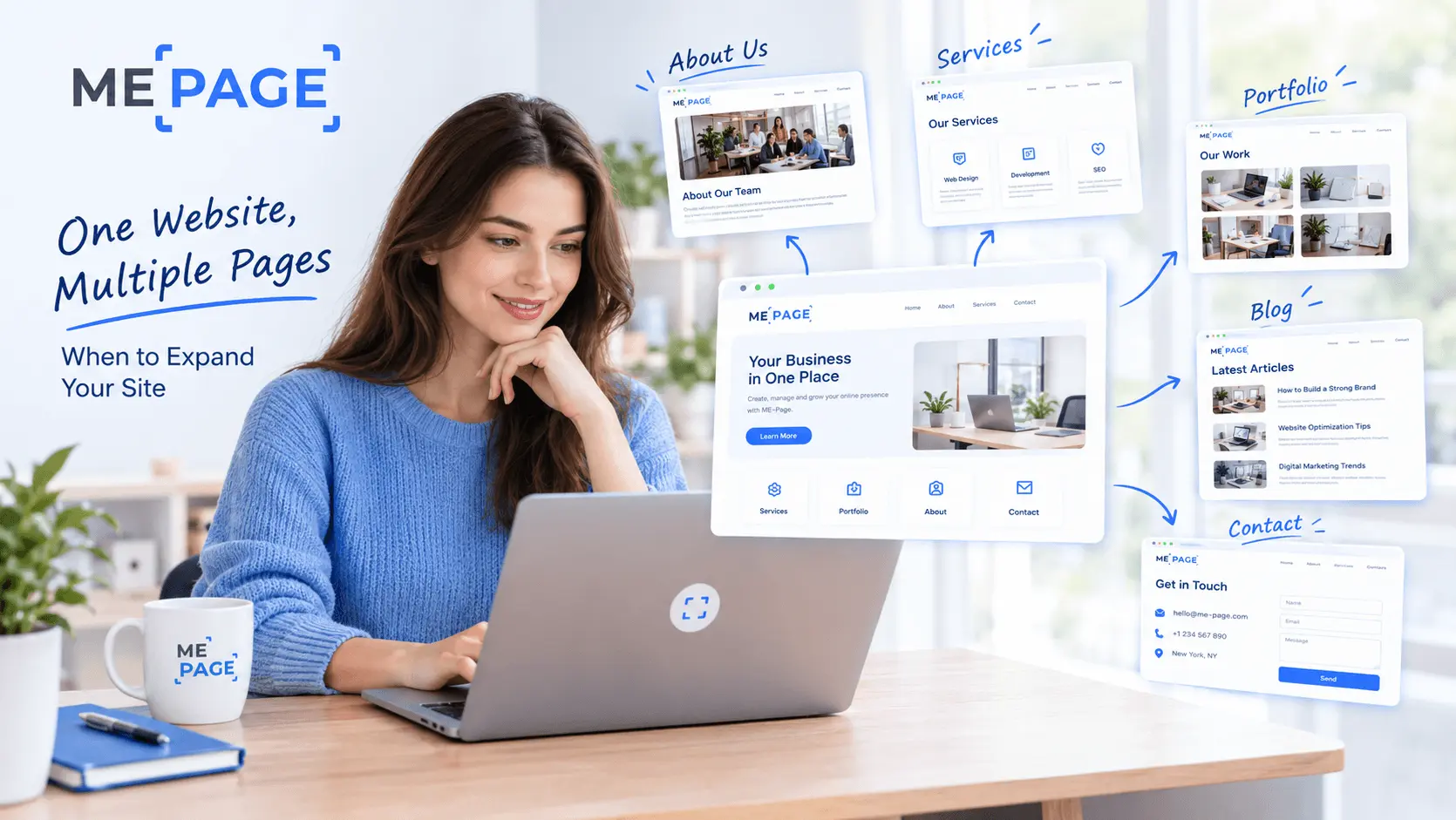
Starting a website with a single page makes sense. You can introduce your business, showcase your work, add a few links, and get online without spending weeks planning a complicated structure. But as your project grows, that one page can start feeling crowded. You have more services to explain, more projects to show, and more information visitors need to find.
That's when a multi-page website becomes worth considering.
Expanding your site doesn't mean adding pages just for the sake of it. It means giving your content enough space to be useful while making your website easier to navigate. With thoughtful website planning, you can decide which information belongs together, which topics deserve their own pages, and how to organize everything as your online presence develops.
Let's look at the signs that your website is ready to grow and how to plan the next steps.
What Is a Multi-Page Website?
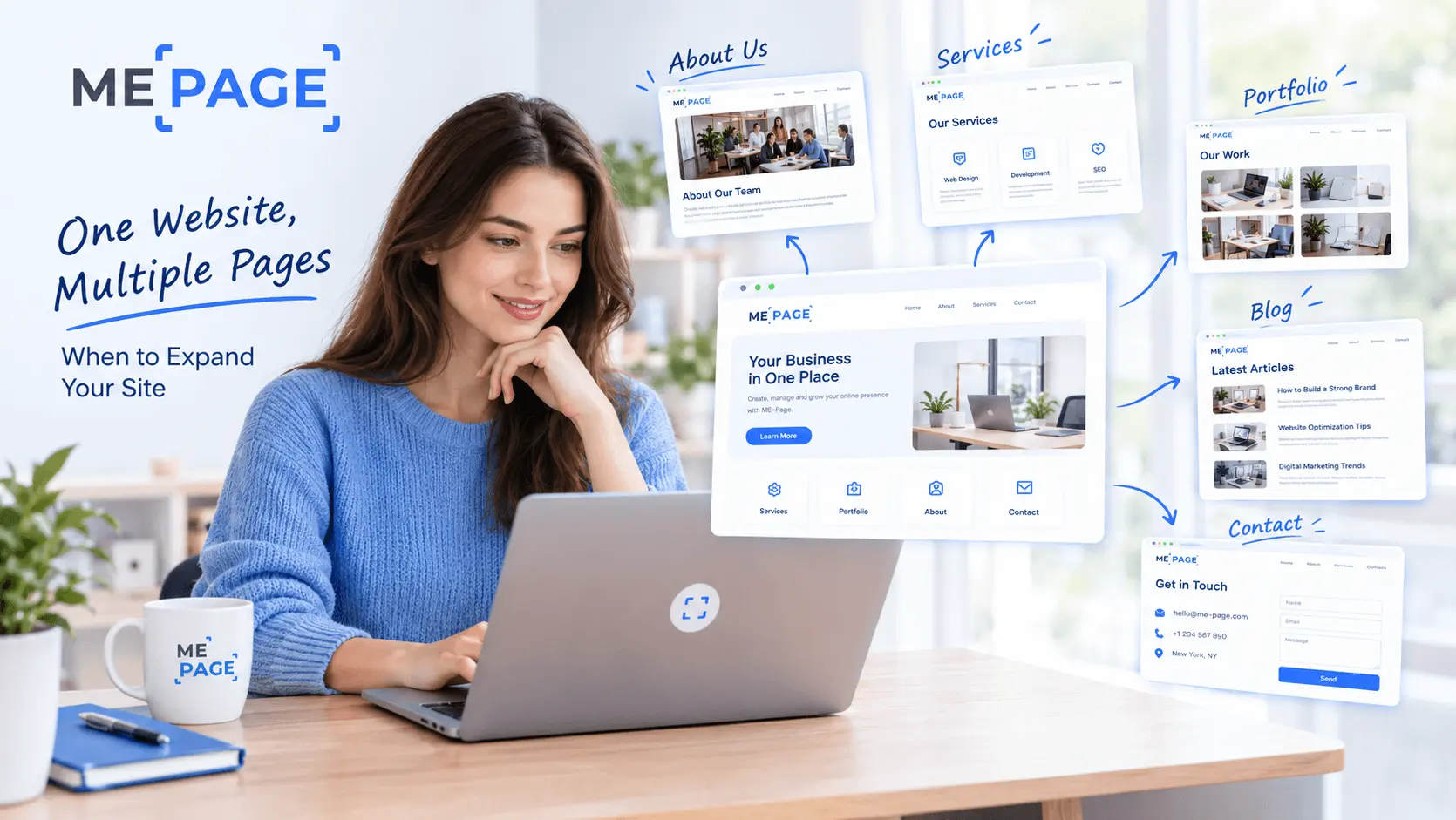
A multi-page website contains several connected pages, each designed to serve a particular purpose. Instead of putting every detail on one long page, you divide your content into logical sections and connect them through menus, buttons, and internal links.
For example, a freelance designer might start with a single page featuring a short introduction, a portfolio, and contact information. Later, they could create separate pages for services, individual projects, client testimonials, and a contact form.
Each page gives visitors a clearer path to the information they need.
A multi-page website can be useful for:
- Small businesses explaining several services.
- Freelancers showcasing different projects or case studies.
- Creators publishing articles, tutorials, and resources.
- Online brands with separate product or service categories.
- Organizations that need dedicated pages for their teams, programs, or activities.
The important thing is to build a structure that matches your content and goals rather than copying another website's layout.
5 Signs It's Time to Expand Your Website
How do you know when a single page isn't enough anymore? Look for these common signs.
1. Your Homepage Is Becoming Too Long
A long homepage isn't automatically a problem. Some businesses benefit from a detailed landing page that guides visitors through one clear offer. However, if people must scroll through unrelated topics to find basic information, your content may need a better structure.
For example, a consultant might combine services, pricing, case studies, FAQs, and a personal biography on one page. Separating these sections into dedicated pages can make each topic easier to explore.
2. You Offer Multiple Services or Products
When your business expands, one general description may no longer explain everything you offer.
Dedicated service pages allow you to describe each offer, explain its benefits, answer relevant questions, and provide a suitable call to action. Visitors interested in one service can find the details they need without sorting through information about everything else.
This structure also gives you more flexibility when updating prices, descriptions, or individual offers.
3. You Have More Projects to Showcase
A portfolio with two or three examples may work well on a single page. But what happens when you have ten projects, each with its own images, background, and results?
Create a main portfolio page that introduces your work, then add subpages for important projects. Each project page can explain the challenge, your approach, and the final result.
This helps visitors understand not only what you've created but also how you work.

4. Visitors Need Different Types of Information
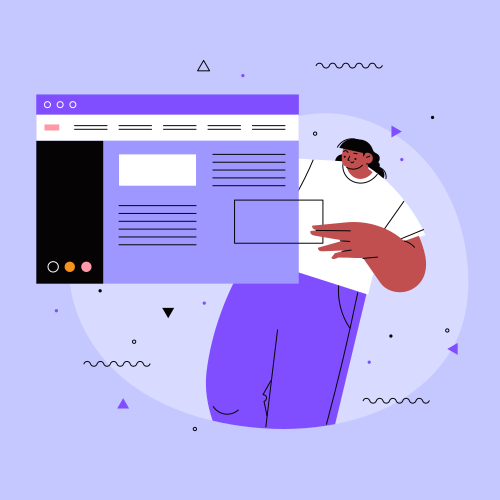
Your audience may include people who want to learn about your business, compare services, read educational content, or contact you. Putting every detail in one place can make these different journeys harder to follow.
A clear multi-page website allows visitors to choose their own path. Someone ready to contact you can visit the contact page, while someone still researching can explore your blog or service descriptions.
5. Your Website Goals Have Changed
Perhaps you originally created a personal link hub but now want to attract clients. Maybe a small business website needs to support new locations, services, or partnerships.
Website growth often changes what your site needs to accomplish. New pages can help you support those goals without rebuilding everything from scratch.
Single-Page vs. Multi-Page Website: Which Is Better?
Neither structure is always the right choice. The best option depends on how much information you have, what visitors need to do, and how your website is likely to grow.
Don't assume that more pages automatically mean better SEO. Every page should provide a clear purpose and useful information. A focused one-page website can perform well, while a large site filled with thin or repetitive content may struggle.
How to Plan Your Website's Next Pages
Before expanding, take a moment to decide what your new pages should accomplish. Good website planning helps you avoid duplicate content, confusing navigation, and unnecessary maintenance.
1. Review Your Existing Content
List the sections already on your website. Identify which ones belong together and which have grown large enough to stand alone.
For example, a general “Services” section might become a main services page with individual subpages for consulting, design, and ongoing support. The main page introduces the options, while each subpage provides the details.
2. Give Every Page a Clear Purpose
Before creating a page, finish this sentence: “Visitors come to this page to…”
The answer should be specific. They might want to compare services, understand a project, learn about your company, or contact you.
If two pages serve exactly the same purpose and contain nearly identical information, consider combining them instead.

3. Build a Simple Hierarchy
Organize pages into groups that make sense to visitors. A basic business website might have a homepage, an About page, a Services page, individual service subpages, and a Contact page.
Use the main navigation for the most important sections. Add nested menus or contextual links when visitors need access to more specific information.
Avoid creating too many levels. If people need several clicks just to reach an important page, the structure may be unnecessarily complicated.
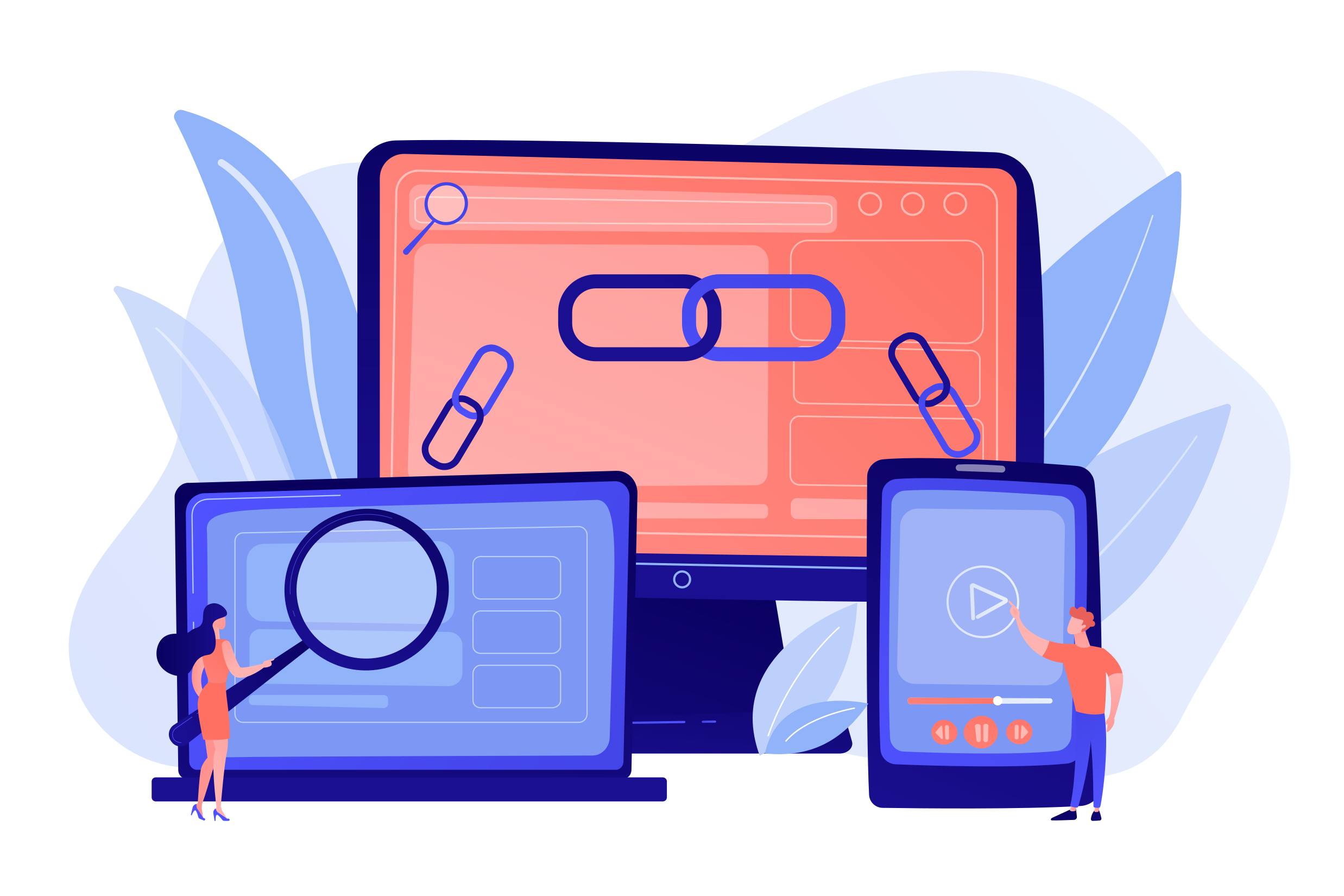
4. Connect Pages with Internal Links
Navigation menus are only one way to help visitors move around your website. Add relevant links within your content as well.
A service description can link to a related case study. A project page can direct visitors to your contact page. A blog article can link to a relevant service or resource.
These connections make your site easier to explore and help search engines discover related pages.
5. Plan for Future Growth
You don't need to build every possible page on day one. Instead, create a structure that can accommodate future content.
If you expect to add services, plan a section for them. If you regularly publish projects, decide how the portfolio will be organized. This makes future updates easier and reduces the need for major structural changes.
Expand Your Website with ME-Page Pages
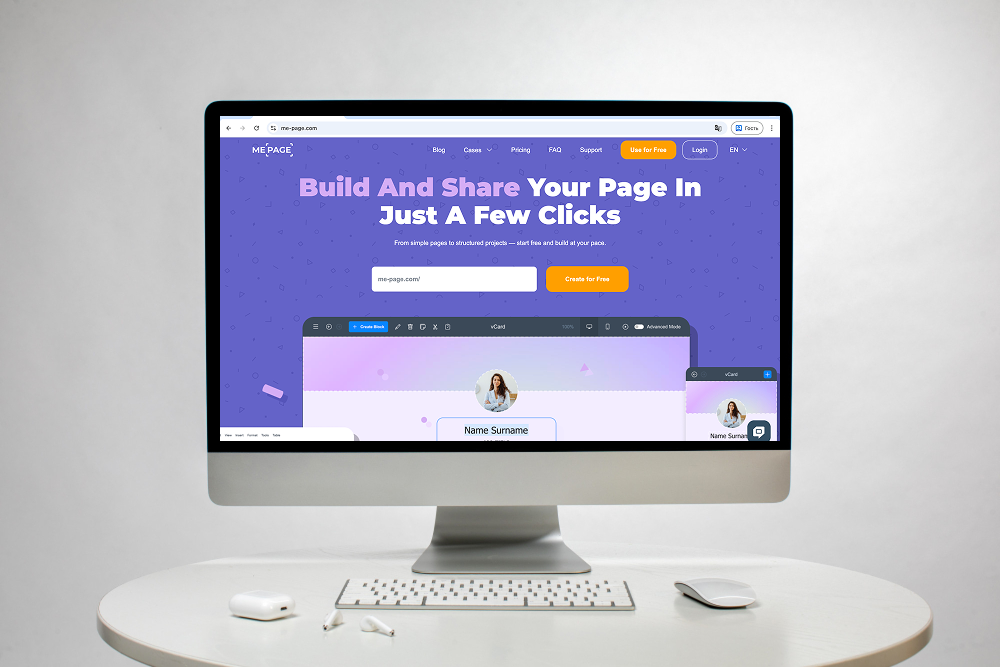
ME-Page provides a no-code way to build and manage your website as your needs change. You can start with a simple page and expand into a multi-page website when you need more room for your content.
With the ME-Page Multi Page Builder, you can add pages and subpages, organize nested menus, and copy sections between pages. Reusable global headers and footers help maintain a consistent structure across your site, while drag-and-drop editing lets you arrange content without writing code.
For example, a freelancer can begin with a personal homepage, add a portfolio page, and then create separate subpages for major projects and services. A small business can use the same approach to organize its offers, company information, and contact details.
The goal is to expand at a useful pace. Add pages when they make information clearer, keep navigation intuitive, and review your structure as your website grows.

Common Mistakes When Expanding a Website
Adding pages can solve content problems, but poor planning can create new ones. Avoid these mistakes:
- Creating pages without a clear purpose. Every page should answer a question, explain a topic, or support a visitor action.
- Duplicating information. Repeating the same content across several pages can confuse visitors and weaken the value of each page.
- Making navigation too complicated. Keep menu labels clear and group related pages logically.
- Forgetting mobile usability. Test menus, buttons, and links on smaller screens.
- Ignoring older pages. Review existing content when adding new sections so the information remains accurate and consistent.
After publishing new pages, check all links, review the navigation, and make sure visitors can move between related topics without getting lost.
Conclusion
A single-page website is a great starting point, but it doesn't have to remain that way forever. As you add services, projects, resources, or new business goals, a multi-page website can give your content the structure it needs.
Look for signs that your homepage is becoming crowded, plan pages around specific visitor needs, and connect related content with clear navigation. You don't need dozens of pages to create a useful website. You need the right pages, organized in a way that makes sense.
With ME-Page pages and its Multi Page Builder, you can grow your website gradually without coding. Start with what your audience needs today, then expand when your content and goals call for it.
Frequently Asked Questions
There's no universal number. A small business might need only a homepage, About page, Services page, and Contact page, while a business with several offers may benefit from individual service pages. Start with the information customers need to make decisions.
Was This Article Helpful?
Click on a star to rate it!
Average Rating: 5/5
Voutes: 1
Share with Friends:



Previous
Create a Personal Link Hub with Pages for Every Project

Next
Welcome to ME-Page: Your Ultimate Website Constructor
Recent Articles
Everything You Need to Know About Using ME-Page Constructor for Your Website.
One Website, Multiple Pages: When to Expand Your Site
Starting a website with a single page makes sense. You can introduce your business, showcase your work, add a ...
Create a Personal Link Hub with Pages for Every Project
Do you have a portfolio, a personal blog, freelance services, and a few side projects scattered across differe...

How to Optimize Page URLs for Better SEO
A website URL might look like a small technical detail, but it can influence how people understand your conten...
How to Design a Website Footer That Improves User Experience
A website footer might be the last thing visitors see, but that doesn't make it unimportant. When people reach...
How to Link Pages Together for Better Website Navigation
A multi-page website gives you more room to organize information, but adding pages is only half the job. Visit...

Build a Personal Website That Stands Out in 2026
Your social media profiles can show what you do, but they do not give you complete control over your online pr...
One Website, Multiple Pages: When to Expand Your Site
Starting a website with a single page makes sense. You can introduce your business, showcase your work, add a ...
Create a Personal Link Hub with Pages for Every Project
Do you have a portfolio, a personal blog, freelance services, and a few side projects scattered across differe...
How to Optimize Page URLs for Better SEO
A website URL might look like a small technical detail, but it can influence how people understand your conten...
How to Design a Website Footer That Improves User Experience
A website footer might be the last thing visitors see, but that doesn't make it unimportant. When people reach...
How to Link Pages Together for Better Website Navigation
A multi-page website gives you more room to organize information, but adding pages is only half the job. Visit...
Build a Personal Website That Stands Out in 2026
Your social media profiles can show what you do, but they do not give you complete control over your online pr...










