Me-Page Team
Last modified 1 Sep 2026
Article Plan
- Start with a Strong Hero Section
- Add a Short Business Introduction
- Highlight Your Main Products or Services
- Show the Benefits of Choosing Your Business
- Add Social Proof
- Include Strong Calls-to-Action
- Explain How It Works
- Add Important Business Information
- Use High-Quality Visuals
- Create a FAQ Section When Useful
- Finish with a Final CTA
- Recommended Homepage Structure
- Keep Your Homepage Easy to Scan
- Make Your Homepage Mobile-Friendly
- How ME-Page Helps You Build a Business Homepage
- Common Homepage Mistakes to Avoid
- Conclusion
- Frequently Asked Questions about Homepage Sections
Your homepage is often the first place potential customers visit when they discover your business online. In just a few seconds, visitors should be able to understand what you offer, who you help, and where they should go next.
That's why a good homepage needs more than an attractive design. The right homepage sections create a clear path for visitors, answer their most important questions, and encourage them to take action.
For a small business website, you don't need dozens of sections or complicated features. You need the right information in the right order.
With ME-Page, you can organize your business homepage into clear sections and create a professional website layout without unnecessary complexity.
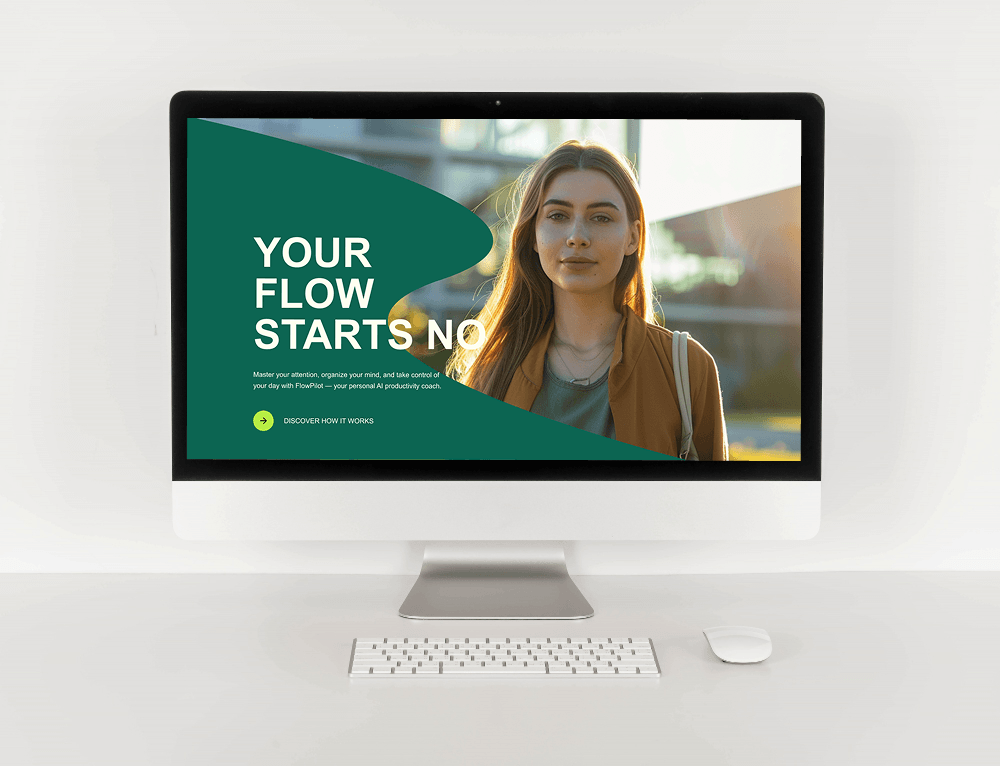
Start with a Strong Hero Section
The hero section is the first part of your homepage visitors see.
It should immediately communicate:
- What your business does
- Who you serve
- What makes your offer useful
- What visitors should do next
For example, a local web design studio might use a headline such as "Professional Websites for Growing Small Businesses" followed by a short explanation and a "Get Started" button.
Keep this section focused. Visitors shouldn't need to scroll to understand what your business offers.
Add a Short Business Introduction
After the hero section, give visitors a little more context about your business.
This doesn't need to be your entire company story. A few sentences can explain who you are, what you specialize in, and why customers choose you.
You can then link to a dedicated About page for visitors who want to learn more.
This approach keeps your homepage content informative without making the page unnecessarily long.
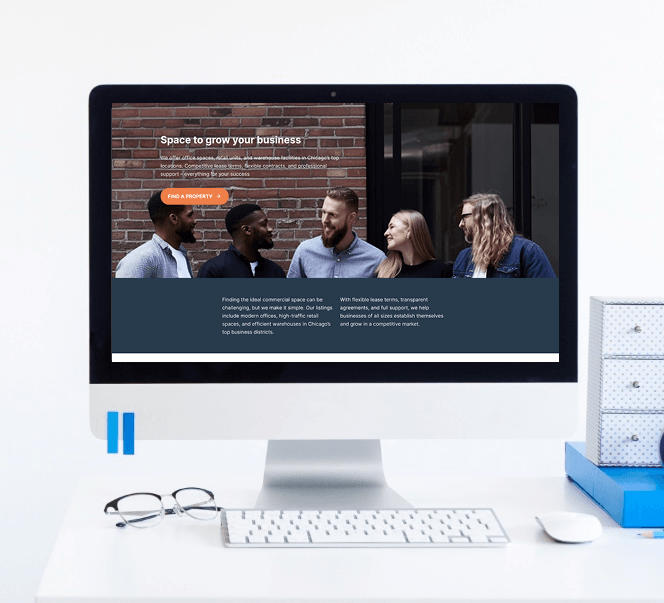
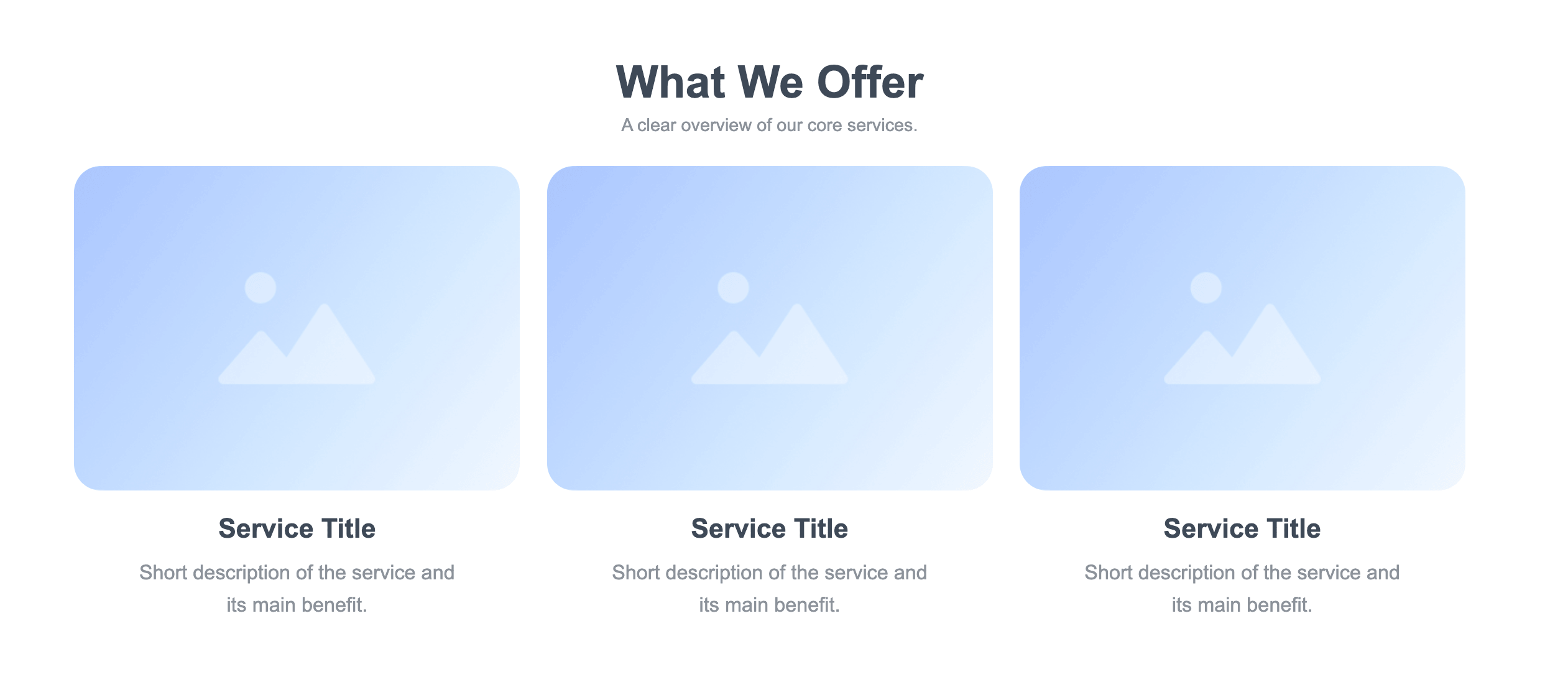
Highlight Your Main Products or Services
Visitors should quickly understand what they can buy or get from your business.
Create a dedicated section that presents your primary products or services.
For example:
- A salon could showcase hair, beauty, and styling services.
- A photographer could feature weddings, portraits, and commercial photography.
- A consulting company could highlight its main consulting packages.
Use short descriptions and clear links to relevant pages.
Show the Benefits of Choosing Your Business
Listing services tells visitors what you offer. Explaining the benefits tells them why they should care.
Think about the problems your customers want to solve.
Your benefits section might highlight:
- Save time
- Reduce costs
- Get professional support
- Simplify a difficult process
- Improve business results
For example, instead of simply saying "Website Maintenance," explain that your service helps businesses keep their websites updated and running smoothly.
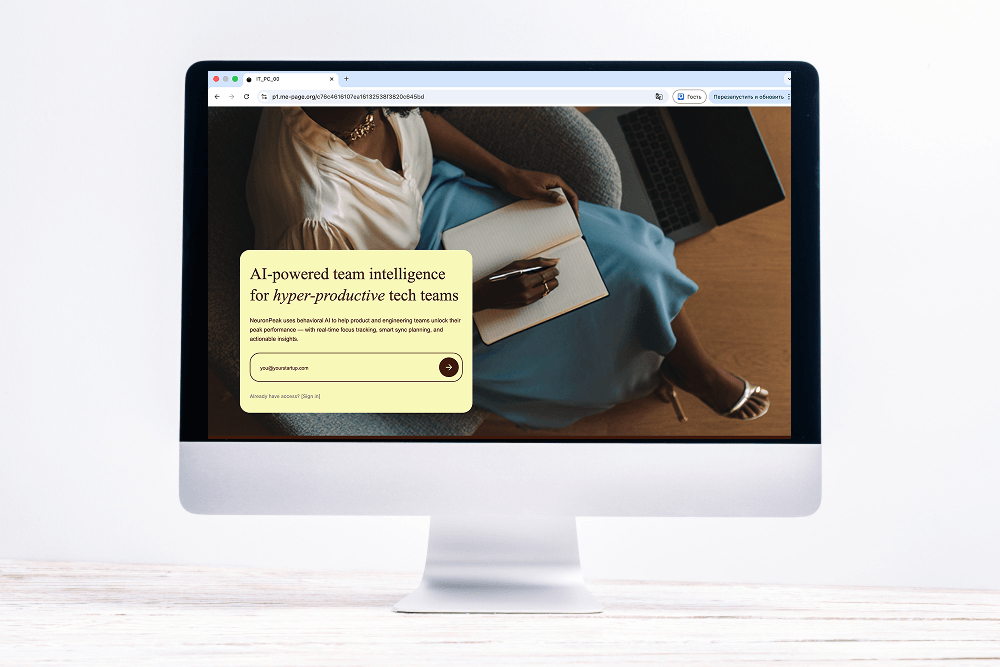
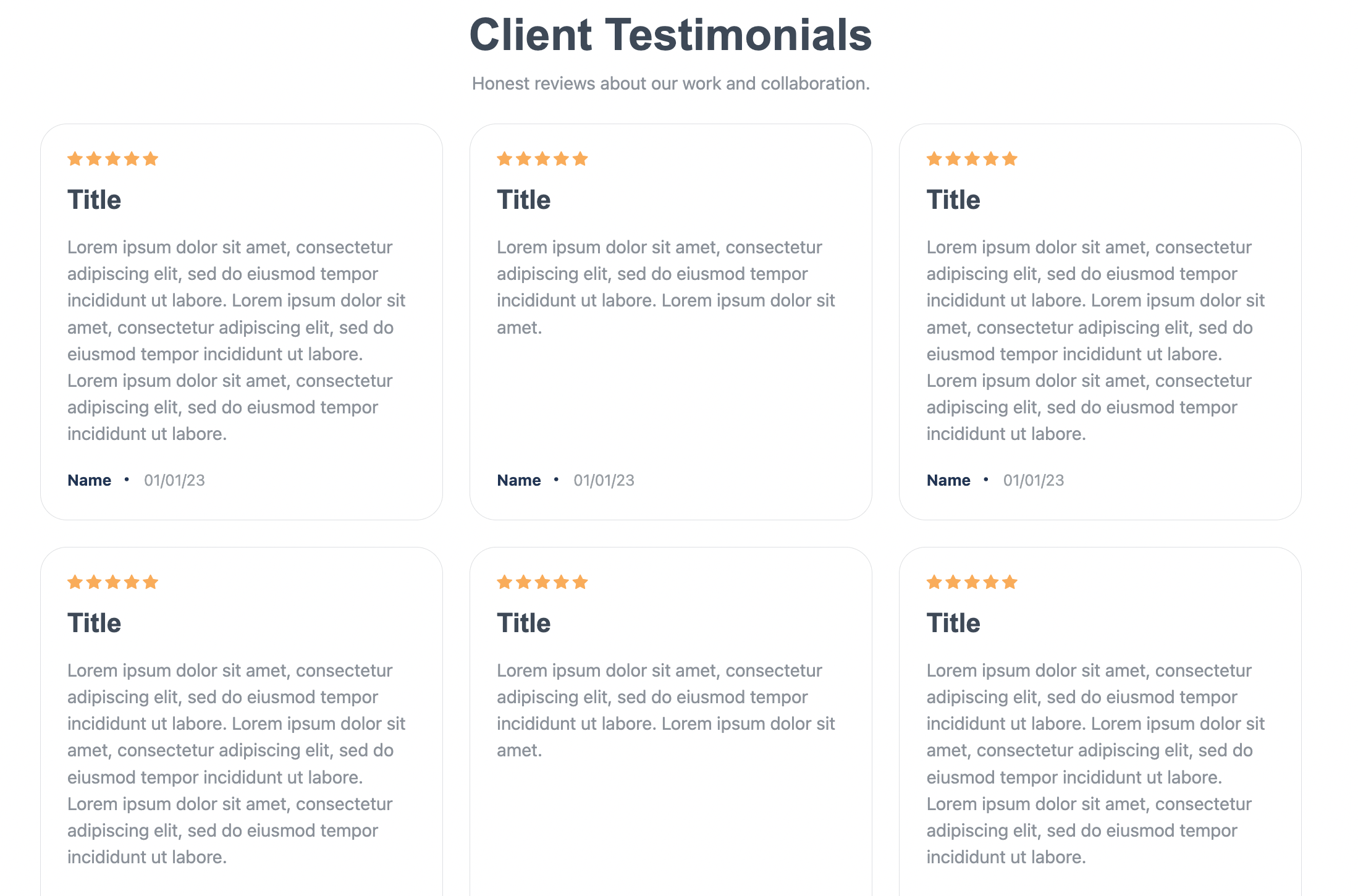
Add Social Proof
Visitors may be interested in your business but still hesitate to contact you.
Customer reviews and testimonials can help reduce that uncertainty.
A social proof section can include:
- Customer testimonials
- Ratings
- Short success stories
- Client logos
- Awards or certifications
Keep testimonials authentic and specific. A statement explaining how your business helped solve a real problem is more useful than a vague "Great service!"
Include Strong Calls-to-Action
A homepage should guide visitors toward the next step.
Depending on your business, your CTA could be:
- Book a Consultation
- Request a Quote
- Shop Now
- View Our Services
- Contact Us
- Schedule an Appointment
You can use more than one CTA, but keep one primary action throughout the page.
For example, a service business may use "Request a Quote" as its main CTA while offering "Learn More" as a secondary option.

Explain How It Works
If your business process isn't immediately obvious, add a simple "How It Works" section.
You can explain the process in three or four steps:
- Contact us.
- Discuss your needs.
- Choose your service.
- Get started.
This is particularly useful for agencies, consultants, freelancers, booking-based businesses, and other service providers.
A simple process can make an unfamiliar service feel much easier to understand.
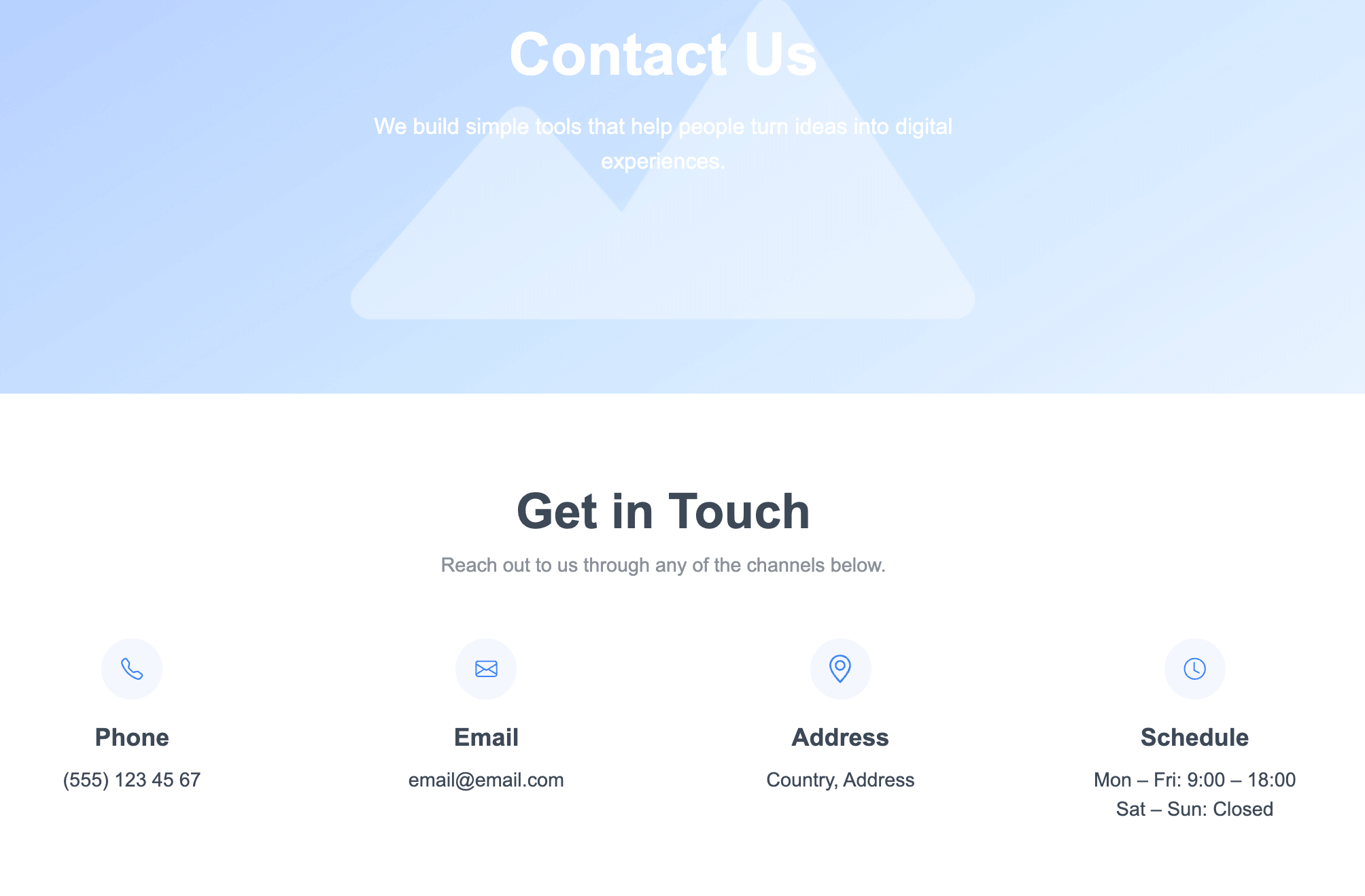
Add Important Business Information
Your homepage should answer basic questions without forcing visitors to search through your website.
Depending on your business, include information such as:
- Location
- Business hours
- Service area
- Contact details
- Delivery information
- Booking availability
For a local business, showing the service area and opening hours can be particularly helpful.
Don't overload the homepage with details. Include the essentials and link to dedicated pages for more information.
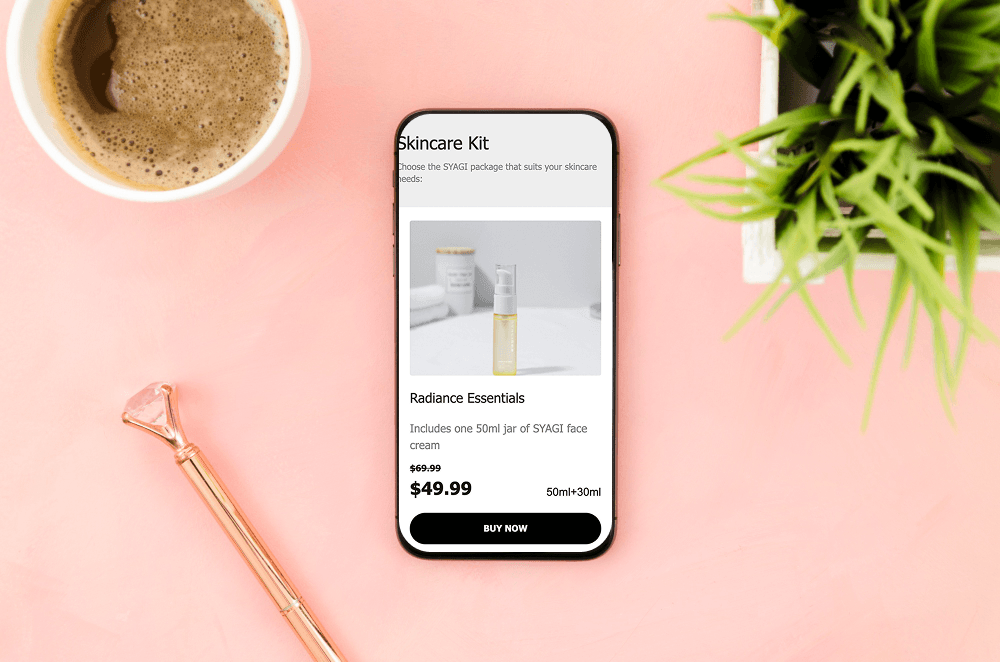
Use High-Quality Visuals
Images can communicate your brand faster than paragraphs of text.
Depending on your business, consider using:
- Product photos
- Team photographs
- Portfolio examples
- Workspace images
- Before-and-after images
- Brand graphics
For example, a restaurant might use food photography, while an interior designer could showcase completed projects.
Make sure your images support the message of each section rather than simply filling empty space.
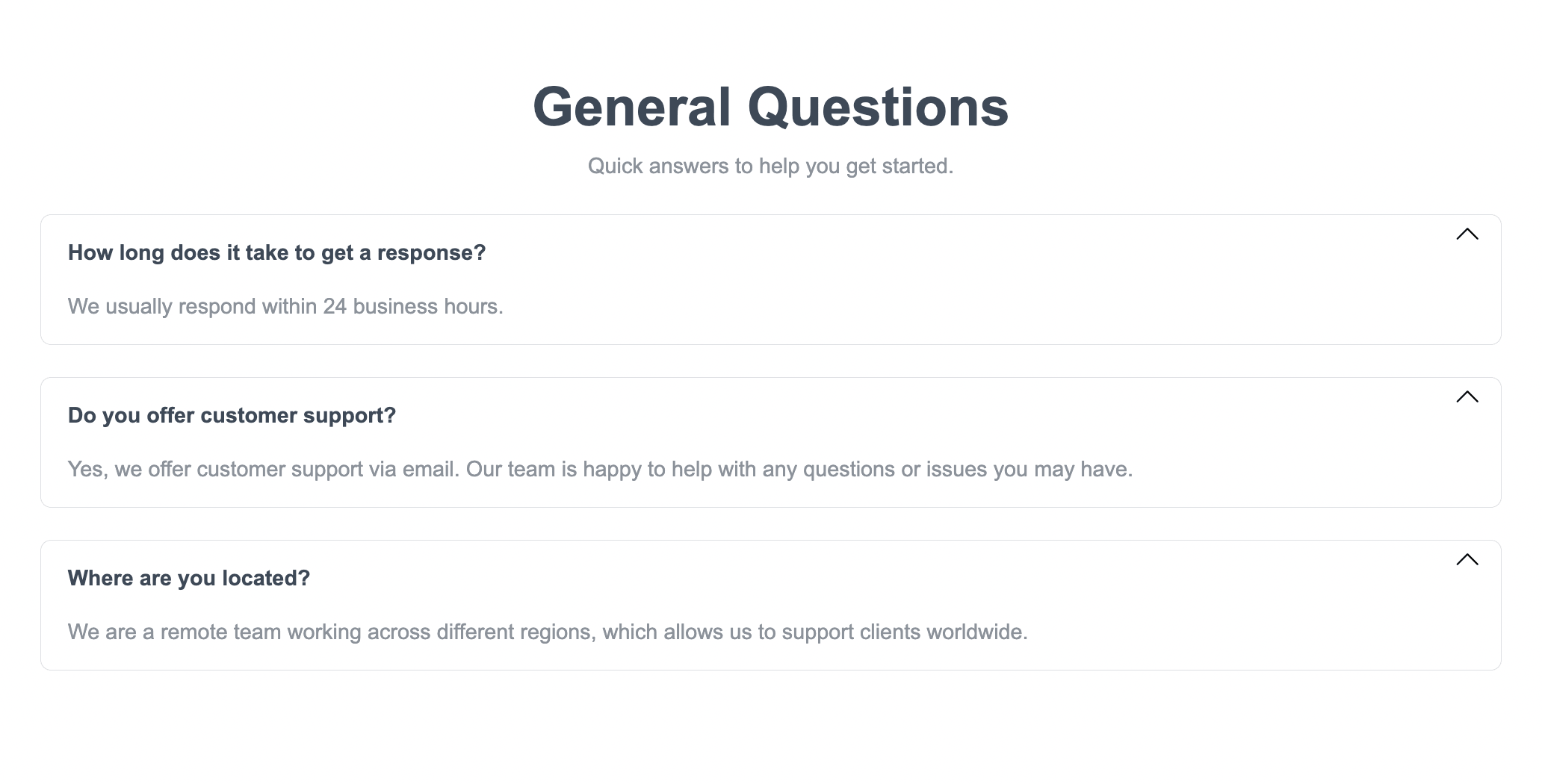
Create a FAQ Section When Useful
A short FAQ section can address questions that frequently prevent visitors from taking action.
Potential questions could cover:
- How does your service work?
- How long does a project take?
- Do you offer consultations?
- Where do you provide services?
- How can customers get started?
Keep the answers concise and link to more detailed pages when necessary.
Finish with a Final CTA
After visitors have learned about your business, services, benefits, and credibility, give them another clear opportunity to act.
Your final CTA could include:
Ready to Get Started?
Tell visitors what to do next and make the action easy to complete.
For example, a button could lead directly to your Contact page, booking page, or relevant service.
Recommended Homepage Structure
A practical website layout for many small businesses could look like this:
Keep Your Homepage Easy to Scan
A common mistake is trying to put everything on one page.
Visitors usually scan before they decide to read. Use:
- Short paragraphs
- Clear headings
- Bullet lists
- White space
- Relevant images
- Distinct sections
Each section should have one clear purpose.
If you have a lot of information, create separate pages and link to them from the homepage.

Make Your Homepage Mobile-Friendly
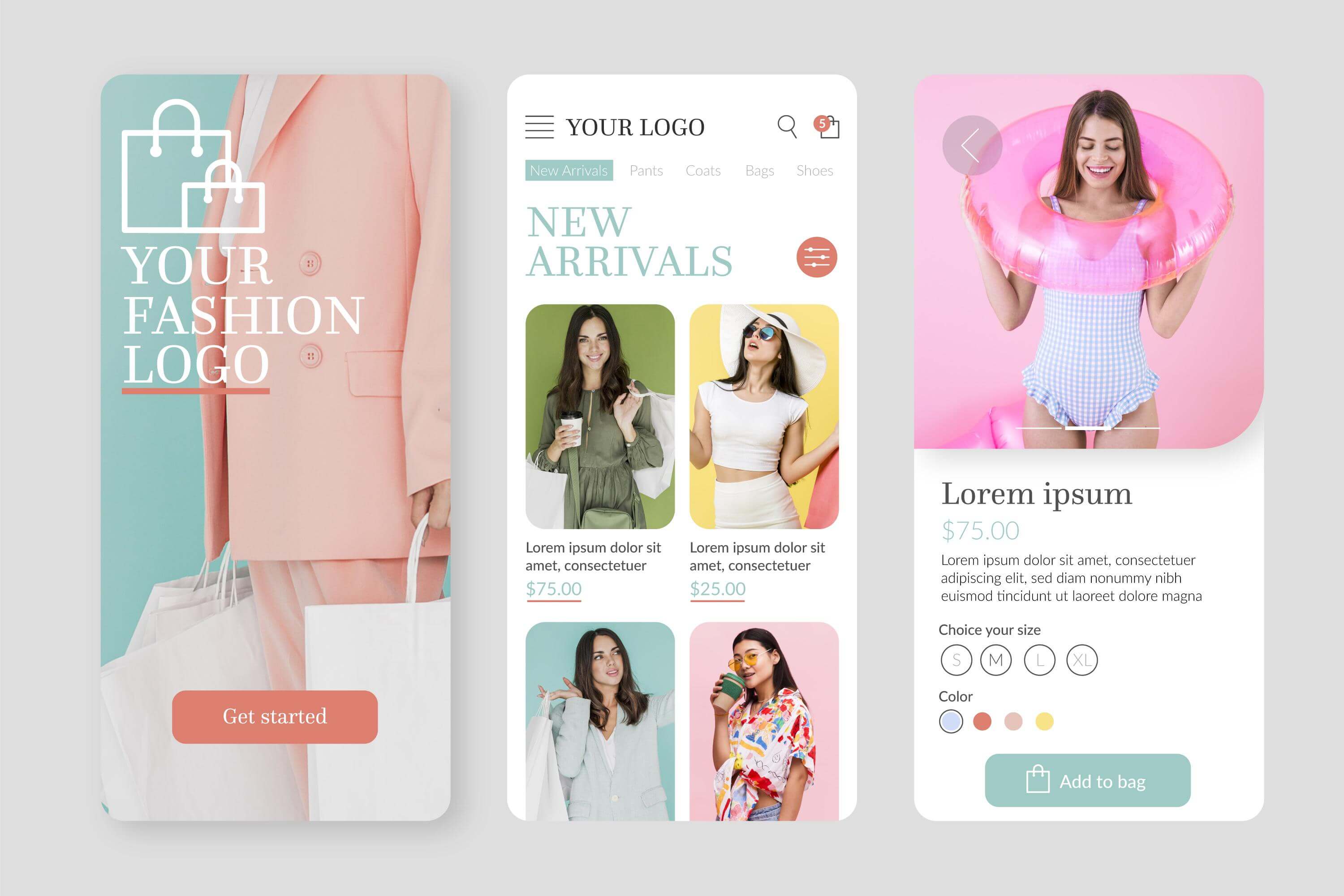
Your small business website needs to work well on smartphones as well as desktop screens.
Check that:
- Text remains readable.
- Buttons are easy to tap.
- Images resize correctly.
- Navigation is simple.
- Sections don't feel cramped.
- Forms are easy to complete.
A mobile visitor should have access to the same important information and actions as someone using a desktop computer.
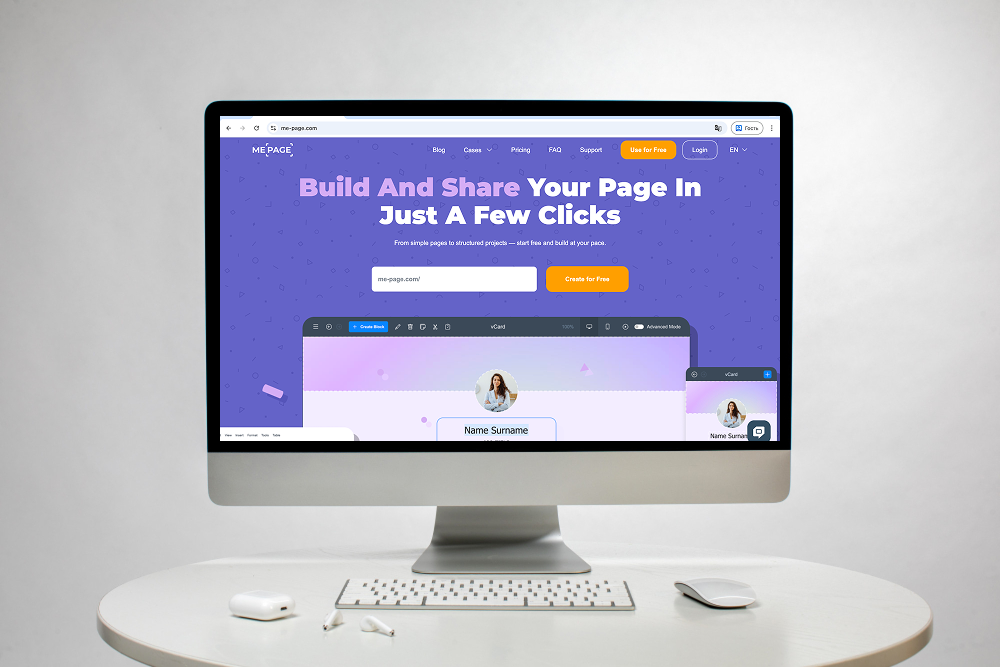
How ME-Page Helps You Build a Business Homepage
ME-Page makes it easier to create a professional homepage using customizable layouts and simple editing tools:
- Customizable layouts
- Simple editing tools
- Clear homepage content sections
- Connected pages such as About, Services, Pricing, and Contact
- A complete website structure without overcrowding one page
- Easy content updates as your business changes
- A homepage that stays relevant over time
You can also update your content as your business changes, keeping your homepage relevant over time.
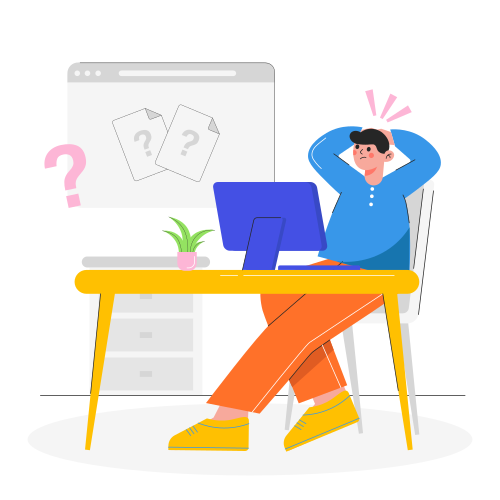
Common Homepage Mistakes to Avoid
Avoid these common problems:
- A headline that doesn't explain what you do
- Too many competing CTAs
- Long blocks of text
- Poor-quality images
- Missing contact information
- No social proof
- Complicated navigation
- Ignoring mobile users
- Trying to include every detail on the homepage
Your goal isn't to create the longest homepage possible. It's to create one that helps visitors understand your business and take the next step.
Conclusion
The best homepage sections aren't necessarily the ones that make your page look the busiest. They're the sections that answer important visitor questions and create a logical journey from first impression to action.
A strong business homepage can introduce your company, explain your products or services, demonstrate credibility, answer common questions, and guide visitors toward contacting or buying from you. By organizing your homepage content with a clear website layout, you can create a more professional and useful small business website.
ME-Page gives small businesses the flexibility to build this structure without unnecessary technical complexity. Start with your most important information, organize it into purposeful sections, and keep improving your homepage as your business grows.
Frequently Asked Questions about Homepage Sections
There is no universal ideal length. Your homepage should be long enough to provide the information visitors need while avoiding unnecessary sections that make the page difficult to navigate.
Was This Article Helpful?
Click on a star to rate it!
Average Rating: 5/5
Voutes: 1
Share with Friends:


Previous
SEO Checklist Before Publishing Your Website
Next
Why Every Business Website Needs an FAQ Page
Recent Articles
Everything You Need to Know About Using ME-Page Constructor for Your Website.
How to Optimize Page URLs for Better SEO
A website URL might look like a small technical detail, but it can influence how people understand your conten...
How to Design a Website Footer That Improves User Experience
A website footer might be the last thing visitors see, but that doesn't make it unimportant. When people reach...
How to Link Pages Together for Better Website Navigation
A multi-page website gives you more room to organize information, but adding pages is only half the job. Visit...

Build a Personal Website That Stands Out in 2026
Your social media profiles can show what you do, but they do not give you complete control over your online pr...

Managing Multiple Websites from One ME-Page Account
Running more than one website used to be complicated. Different logins, scattered tools, and endless switching...
How to Organize Content Across Multiple Website Pages
A multi-page website gives you room to explain your business, services, products, and ideas without putting ev...
How to Optimize Page URLs for Better SEO
A website URL might look like a small technical detail, but it can influence how people understand your conten...
How to Design a Website Footer That Improves User Experience
A website footer might be the last thing visitors see, but that doesn't make it unimportant. When people reach...
How to Link Pages Together for Better Website Navigation
A multi-page website gives you more room to organize information, but adding pages is only half the job. Visit...
Build a Personal Website That Stands Out in 2026
Your social media profiles can show what you do, but they do not give you complete control over your online pr...
Managing Multiple Websites from One ME-Page Account
Running more than one website used to be complicated. Different logins, scattered tools, and endless switching...
How to Organize Content Across Multiple Website Pages
A multi-page website gives you room to explain your business, services, products, and ideas without putting ev...










