Me-Page Team
Last modified 15 Oct 2026
Article Plan
- What Are SEO Friendly URLs?
- How to Create SEO Friendly URLs
- URL Optimization: Good Practices vs. Common Mistakes
- How URL Structure Affects Website Indexing
- How a Custom Domain Supports Your Website SEO
- Should You Change Existing Website URLs?
- How ME-Page Fits Into Your URL Strategy
- Conclusion
- Frequently Asked Questions
A website URL might look like a small technical detail, but it can influence how people understand your content and how search engines discover your pages. A clear URL tells visitors what to expect before they click, while a messy address full of random characters can look confusing or untrustworthy.
That’s why SEO friendly URLs are an important part of a well-structured website. By choosing descriptive page addresses, using relevant keywords, and keeping your website structure organized, you can support on-page SEO and help search engines understand your content.
The good news? You don't need advanced technical skills to improve your URLs. Let's look at the practical steps you can take.

What Are SEO Friendly URLs?
An SEO friendly URL is a web address that's easy for both people and search engines to understand. It usually describes the page's content, uses readable words, and avoids unnecessary parameters or complicated strings.
For example, compare these two addresses:
- example.com/page?id=8472
- example.com/website-design-tips
The second URL gives visitors a better idea of what's on the page. It's also easier to remember, share, and recognize in search results.
A clear URL alone won't guarantee higher rankings, but it supports a better website structure and helps users navigate your content. It's one part of a broader SEO strategy that also includes useful content, internal links, page performance, and accessible navigation.
How to Create SEO Friendly URLs
1. Keep URLs Short and Descriptive
A good URL communicates the page's main topic without including every detail. Try to use a concise phrase that accurately represents the content.
For example, if you publish an article about building a portfolio, /build-online-portfolio is more useful than /our-complete-guide-to-building-a-professional-online-portfolio-in-2026.
Shorter URLs are easier to read and share. However, don't remove words that are necessary to explain the page. Clarity matters more than reaching an arbitrary character limit.
2. Include Your Primary Keyword Naturally
Your main keyword can help describe what a page is about. If your article targets the phrase "website navigation tips," a slug such as /website-navigation-tips makes sense.
This is where page slug optimization comes in. A slug is the part of a URL that identifies a specific page, usually appearing after the domain name.
Use your primary keyword when it fits naturally, but avoid stuffing several similar phrases into one address. A URL like /website-navigation-tips-navigation-guide-best-navigation looks spammy and doesn't help visitors.


3. Use Hyphens to Separate Words
Hyphens make URLs easier to read because they separate individual words. For example, /seo-friendly-urls is clearer than /seofriendlyurls.
Use lowercase letters consistently, and avoid unnecessary punctuation, spaces, or special characters. Consistent formatting also makes website URLs easier to manage as your site grows.
4. Avoid Unnecessary Words and Parameters
Words such as "the," "and," or "for" aren't always a problem, but you can remove them when the URL remains clear without them.
For example, /guide-for-improving-page-seo could become /improve-page-seo.
Also, avoid adding unnecessary tracking parameters or random identifiers to permanent page addresses. Some parameters are essential for filters, sorting, or other website functions, so don't remove them blindly. Focus on keeping your main content URLs clean and understandable.
5. Match the URL to the Page Content
Your URL should accurately reflect what visitors will find on the page. If the content is about email marketing, a slug focused on website design sends the wrong message.
Relevant URLs create consistency between the page title, heading, content, and navigation links. This supports on-page SEO and gives visitors a clearer experience.
If you update a page's topic significantly, consider whether its current URL still makes sense. Don't change a working URL just to make a minor wording improvement.
URL Optimization: Good Practices vs. Common Mistakes
Use this table as a quick reference when creating new pages or reviewing existing website URLs.
Search engines need to discover, crawl, and understand your pages before they can include them in search results. Clear website URLs can help people and search engines interpret your site's organization, but URL optimization alone doesn't guarantee indexing.
A few additional practices can help:
- Create a logical site structure. Organize related content into meaningful sections and use internal links to connect important pages.
- Avoid duplicate URL versions. The same content accessible through multiple addresses can complicate SEO. Use appropriate canonical tags when needed.
- Update your XML sitemap. Include the preferred URLs of important pages you want search engines to discover.
- Fix broken links. Make sure internal links point to the correct, current addresses.
- Use redirects when necessary. If you change a URL, set up a permanent redirect, typically a 301, from the old address to the relevant new one.
You can also use Google Search Console to inspect individual URLs and check whether Google has indexed them. If a page isn't indexed, investigate possible crawling, duplication, or content-quality issues instead of assuming the URL itself is the problem.
How a Custom Domain Supports Your Website SEO
A custom domain gives your website a unique address, such as yourbrand.com, instead of a platform-based URL. It makes your website look more professional, helps people remember your brand, and gives you a consistent address to share across marketing channels.
A custom domain also supports a clear URL structure. You can create descriptive page addresses, such as yourbrand.com/services or yourbrand.com/blog/website-seo-tips, that help visitors understand where each link leads. Combined with relevant content, internal links, and a logical page hierarchy, this can support a better user experience and help search engines discover your pages.
However, a custom domain doesn't automatically improve rankings or guarantee faster website indexing. Search engines evaluate many factors, including content quality, crawlability, and relevance. The main SEO benefit comes from building a well-organized website on a consistent, branded domain.
When connecting a custom domain to your website, keep these tips in mind:
- Choose a simple domain name. Make it easy to spell, remember, and associate with your brand.
- Use one preferred domain version. Redirect alternative versions, such as HTTP to HTTPS or www to non-www, as appropriate.
- Keep page slugs descriptive. Use short, readable URLs that reflect each page's content.
- Update your SEO settings. Check canonical URLs and your XML sitemap after connecting the domain.
- Review indexing. Use Google Search Console to monitor important pages and identify potential issues.
With ME-Page, you can use a custom domain to give your website a branded address. Once it's connected and configured correctly, you can share a consistent website URL with customers and organize your pages under the same domain. This is especially useful for businesses, freelancers, and creators who want their website to support a recognizable online identity.
Not always. If a page already receives organic traffic, earns backlinks, and appears in search results, changing its address can create unnecessary risks.
Before making a change, ask yourself three questions:
- Is the current URL confusing, misleading, or unnecessarily complicated?
- Will the new address make the page's topic clearer?
- Can you redirect the old URL and update internal links?
If the change offers a meaningful benefit, plan it carefully. Set up the redirect, update links across your website, and monitor the page in Search Console after publication.
Avoid changing URLs simply because you want to insert an extra keyword. A stable, understandable address is often better than a series of minor revisions.
How ME-Page Fits Into Your URL Strategy
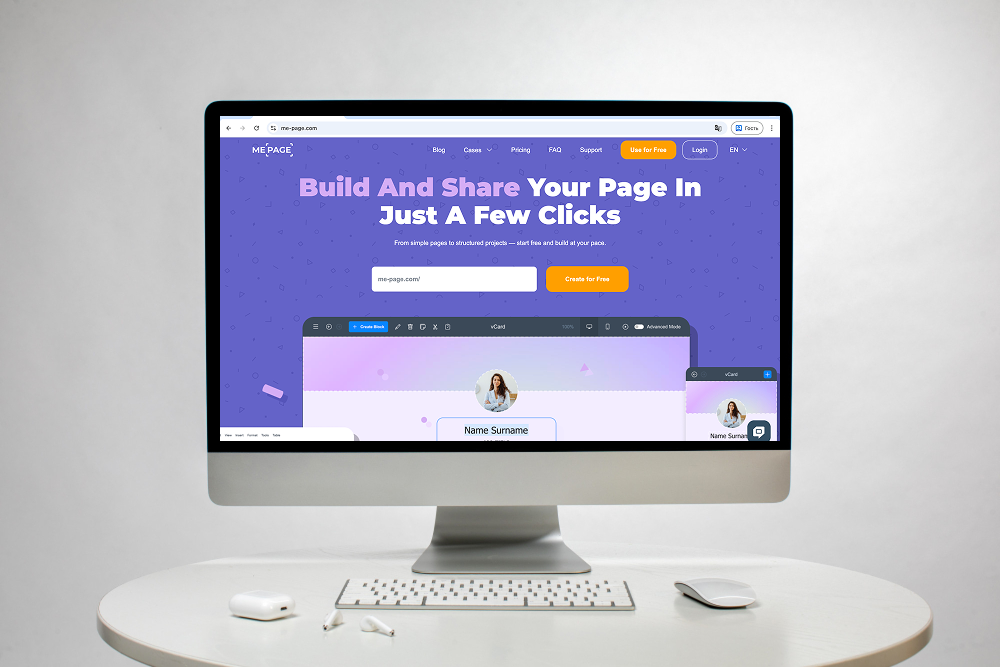
When building a website with ME-Page, think about URL structure as part of your overall content plan. Before publishing a new page, choose a clear title, identify its main topic, and consider how it fits into your website's navigation.
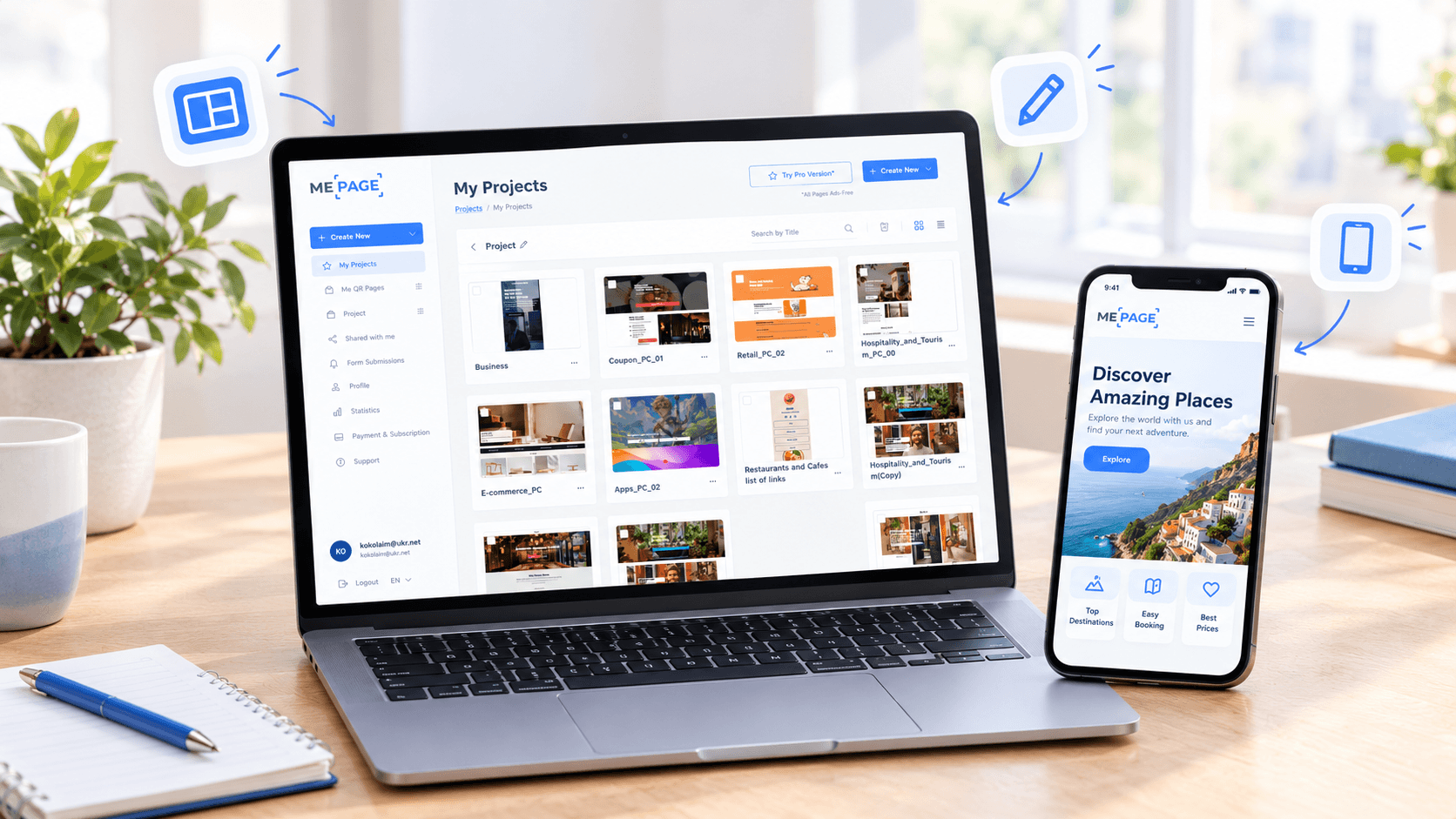
If you're creating a multi-page website, organize related information into pages and subpages that make sense to visitors. The ME-Page Multi Page Builder helps you arrange content into a structured website, while its no-code editor makes it easier to build and update pages without writing code.
Keep your page names descriptive and your internal links consistent. If your setup allows you to customize page slugs, use that option to create readable URLs. Always verify the final published address rather than assuming every page name automatically becomes the exact URL you intended.
Good URL planning, combined with useful content and clear navigation, helps create a website that's easier to explore and maintain.
Conclusion
Optimizing website URLs is a simple but valuable part of on-page SEO. Use concise, descriptive slugs, include relevant keywords naturally, separate words with hyphens, and keep your URL structure consistent.
Remember that SEO friendly URLs are only one piece of the puzzle. Strong content, internal linking, a reliable sitemap, and appropriate redirects all contribute to better crawling and website indexing.
Whether you're launching a new website or improving an existing one, review your URLs before publishing and avoid unnecessary changes to established pages. With a thoughtful approach to page slug optimization, you can create a clearer experience for visitors and a more organized website for search engines.
Frequently Asked Questions
Clear URLs can help search engines and users understand a page, but their direct ranking impact is limited compared with factors such as content relevance and quality. URL optimization is best treated as part of a broader SEO strategy.
Was This Article Helpful?
Click on a star to rate it!
Average Rating: 5/5
Voutes: 1
Share with Friends:


Previous
How to Design a Website Footer That Improves User Experience

Next
Welcome to ME-Page: Your Ultimate Website Constructor
Recent Articles
Everything You Need to Know About Using ME-Page Constructor for Your Website.

How to Optimize Page URLs for Better SEO
A website URL might look like a small technical detail, but it can influence how people understand your conten...
How to Design a Website Footer That Improves User Experience
A website footer might be the last thing visitors see, but that doesn't make it unimportant. When people reach...

How to Link Pages Together for Better Website Navigation
A multi-page website gives you more room to organize information, but adding pages is only half the job. Visit...

Build a Personal Website That Stands Out in 2026
Your social media profiles can show what you do, but they do not give you complete control over your online pr...

Managing Multiple Websites from One ME-Page Account
Running more than one website used to be complicated. Different logins, scattered tools, and endless switching...
How to Organize Content Across Multiple Website Pages
A multi-page website gives you room to explain your business, services, products, and ideas without putting ev...
How to Optimize Page URLs for Better SEO
A website URL might look like a small technical detail, but it can influence how people understand your conten...
How to Design a Website Footer That Improves User Experience
A website footer might be the last thing visitors see, but that doesn't make it unimportant. When people reach...
How to Link Pages Together for Better Website Navigation
A multi-page website gives you more room to organize information, but adding pages is only half the job. Visit...
Build a Personal Website That Stands Out in 2026
Your social media profiles can show what you do, but they do not give you complete control over your online pr...
Managing Multiple Websites from One ME-Page Account
Running more than one website used to be complicated. Different logins, scattered tools, and endless switching...
How to Organize Content Across Multiple Website Pages
A multi-page website gives you room to explain your business, services, products, and ideas without putting ev...










