Me-Page Team
Last modified 20 Oct 2026
Article Plan
Do you have a portfolio, a personal blog, freelance services, and a few side projects scattered across different platforms? When everything has its own link, it can be difficult to show people the full picture of what you do.
That's where a personal link hub comes in. Instead of sharing a dozen separate URLs, you can create one central page that connects visitors to your projects, professional profiles, and important resources. And if your online presence keeps growing, you can turn that simple hub into a multi-page website with dedicated sections for every project.
A well-organized personal website does more than collect links. It supports personal branding, helps visitors explore your work, and gives your projects a consistent home online.
What Is a Personal Link Hub?
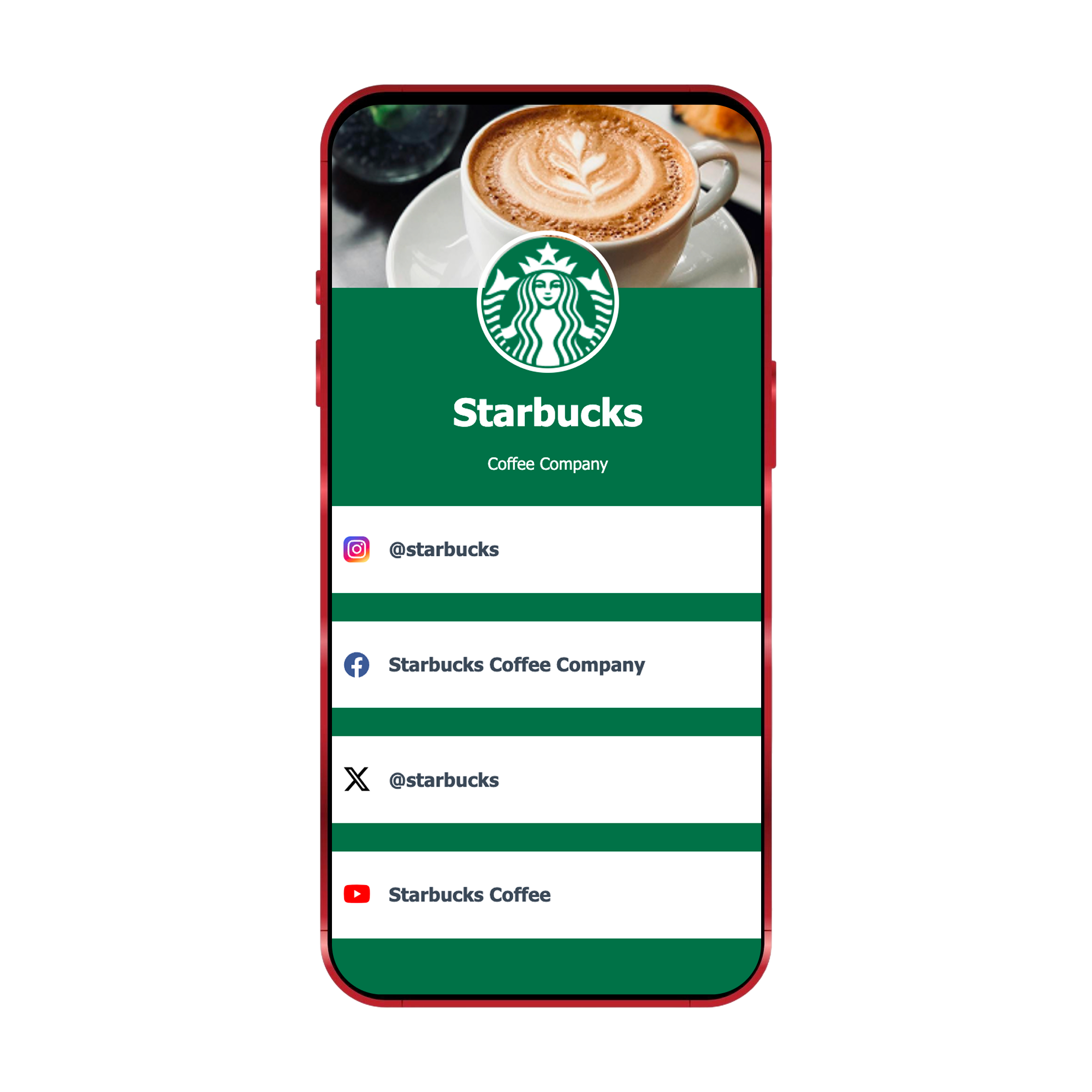
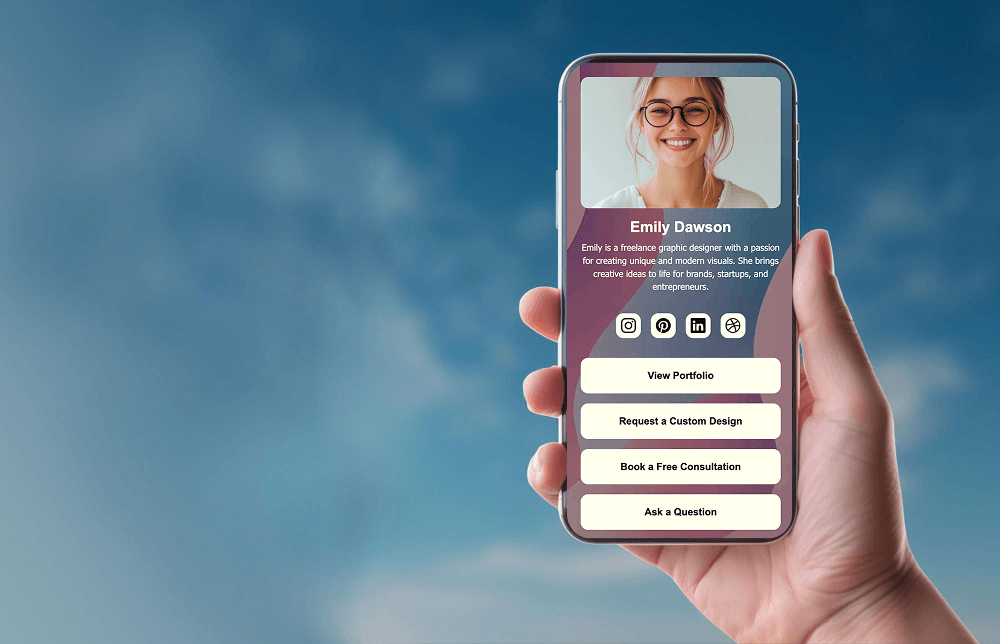
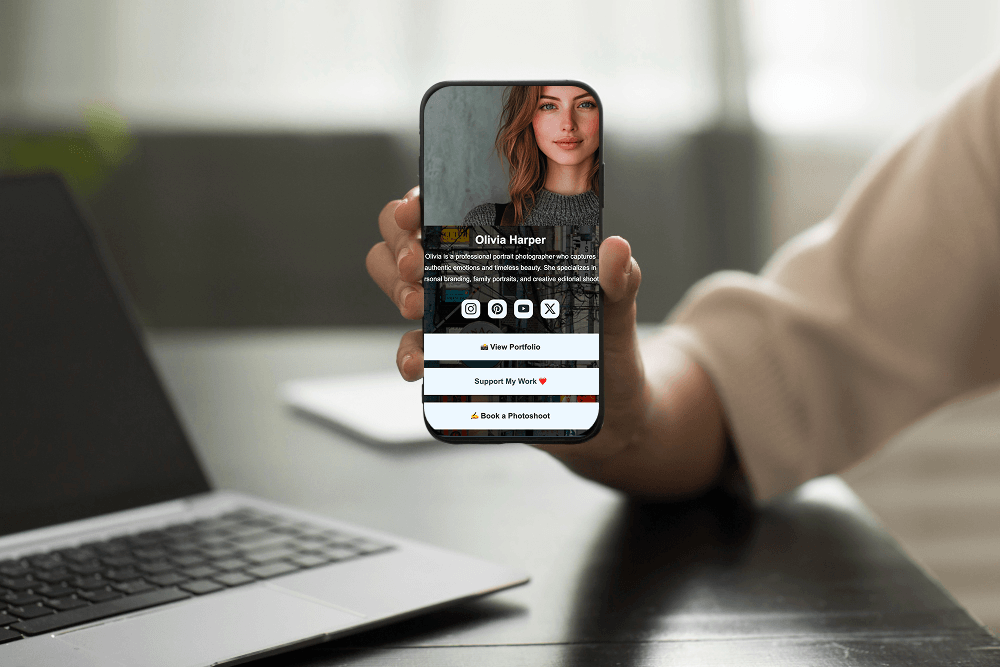
A personal link hub is a central page that brings together the most important parts of your online presence. Think of it as a digital starting point where visitors can learn about you and choose what they want to explore next.
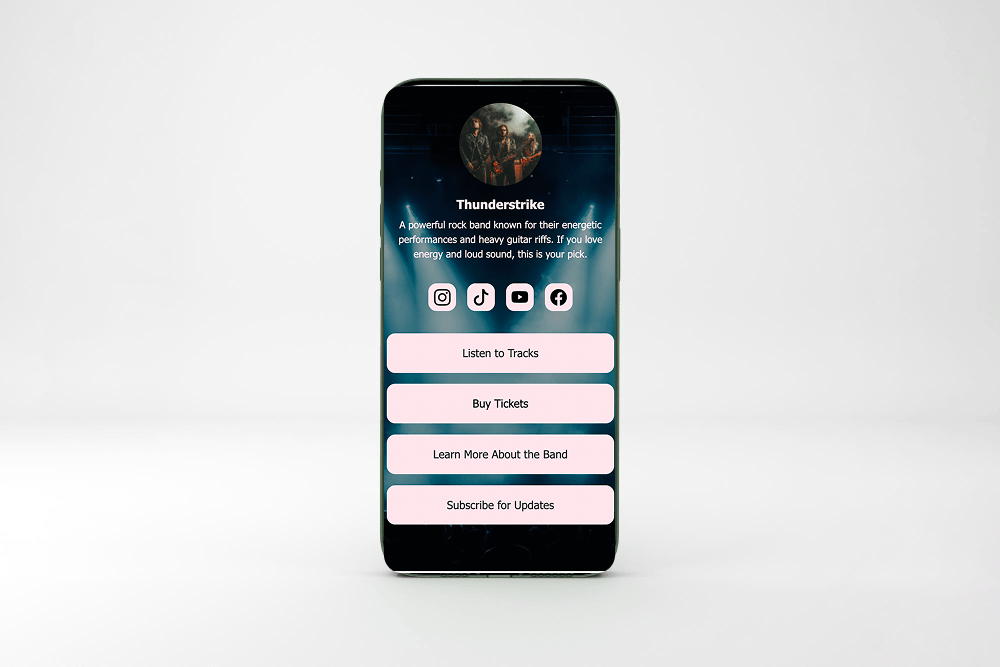
For example, a designer might include links to a portfolio website, a freelance services page, a design blog, and a professional social profile. A content creator could connect a video channel, newsletter, digital products, and recent collaborations.
Instead of asking visitors to search for your work across different platforms, you give them one clear destination.
A link hub is especially useful if you:
- Work on several projects or maintain multiple brands.
- Share content across different social media platforms.
- Offer services alongside personal or creative projects.
- Want one link for your profile descriptions, business cards, or email signature.
- Need a simple way to introduce yourself to potential clients or collaborators.
The key is to make the page easy to understand. Visitors should quickly recognize who you are and which links are most relevant to them.
Start with a Clear Personal Website Structure
Before adding links, decide what you want your personal website to achieve. Are you looking for freelance clients, building a creative portfolio, growing an audience, or sharing several independent projects?
Your goal will determine which sections deserve the most attention.
1. Create a Strong Introduction
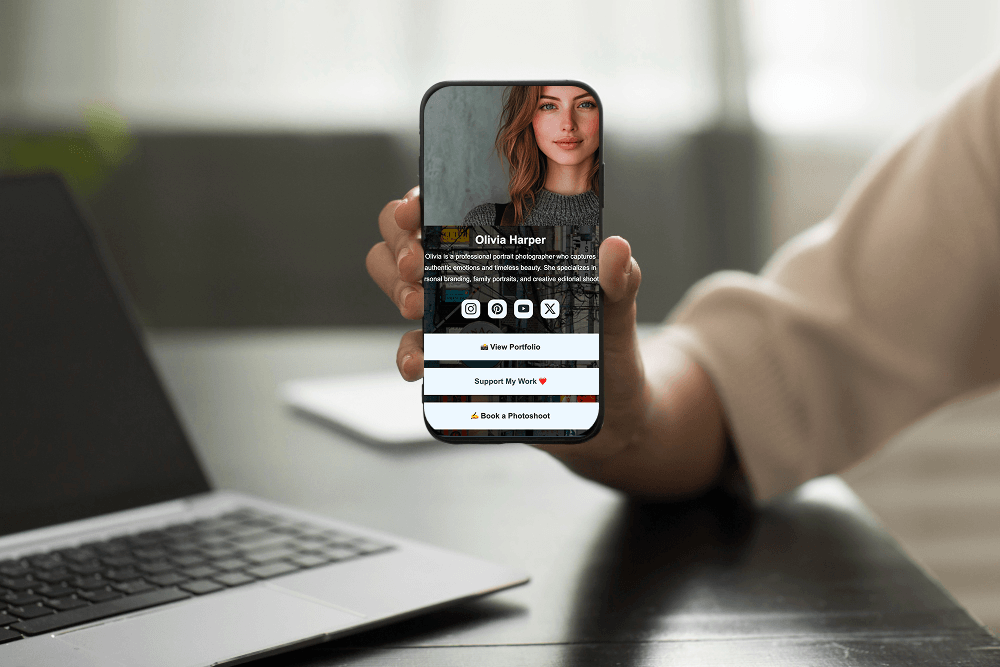
Start with a short introduction that explains who you are and what you do. Include your name or brand name, a professional photo or relevant visual, and a concise description of your work.
For example, a developer might write, “I build web applications and share practical coding tutorials.” A photographer could introduce their style and link directly to their best work.
Avoid trying to explain your entire career in the first paragraph. Your introduction should provide context and encourage visitors to explore further.
2. Organize Links by Purpose
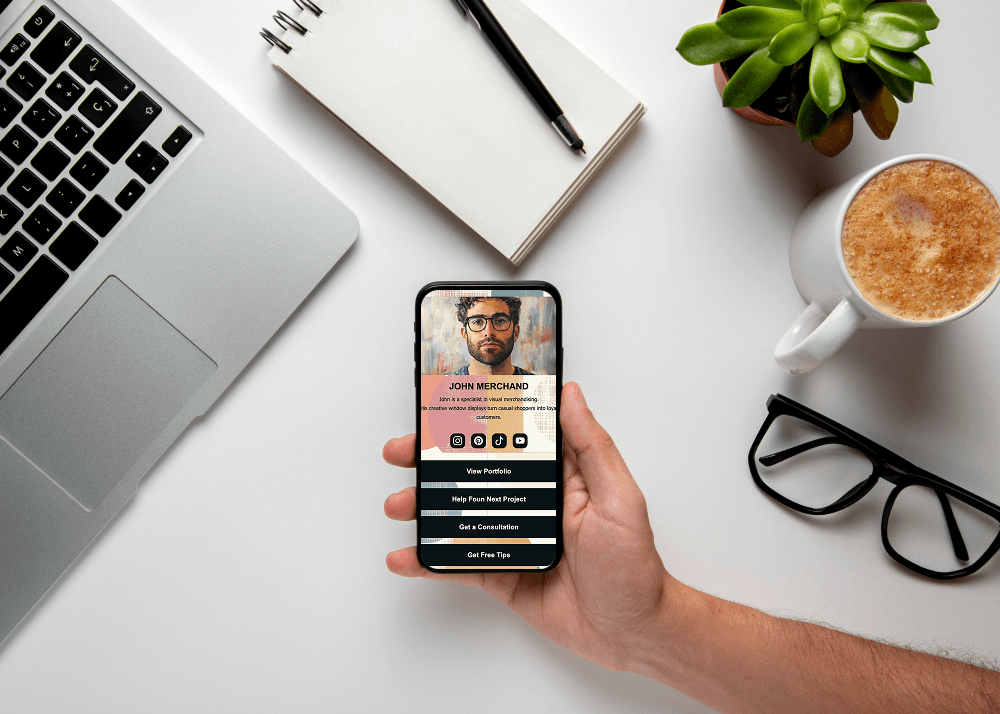
A long list of unrelated links can overwhelm visitors. Group them into meaningful categories so people can find what they need without guessing.
Useful categories might include:
- My Work: Portfolio, case studies, and completed projects.
- Services: Freelance offers, consulting, or booking information.
- Content: Blog posts, videos, podcasts, or newsletters.
- Projects: Personal experiments, side projects, and digital products.
- Connect: Contact details and professional social profiles.
Choose only the categories that make sense for you. A student building a portfolio may need just three sections, while an entrepreneur managing multiple brands might need a more detailed structure.
3. Prioritize Your Most Important Links
Not every project deserves the same visibility. Put your main portfolio, primary service, or most important current project near the top of the page.
You can also use clear action buttons such as “View My Portfolio,” “Explore My Projects,” or “Contact Me.” Descriptive labels tell visitors what will happen when they click and make the page easier to navigate.
Review your links occasionally. If a project is no longer active or a page has moved, update the destination so visitors don't encounter broken links.
When Should You Turn a Link Hub into a Multi-Page Website?
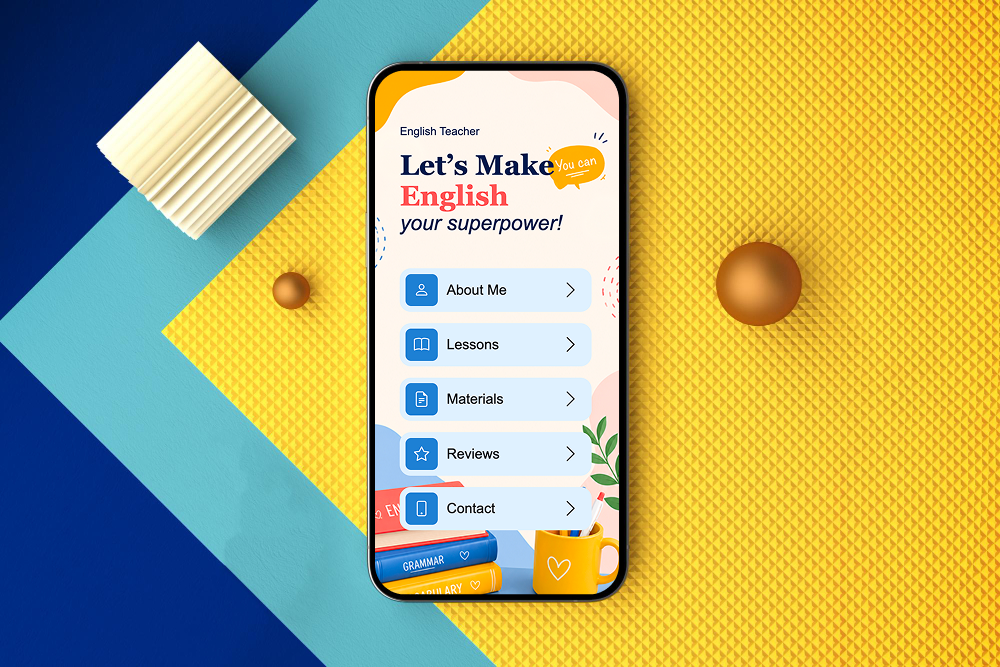
A single-page hub works well when you have a few projects and want to keep everything compact. But what happens when every project needs its own explanation, images, case studies, or contact options?
That's when a multi-page website becomes useful. Rather than squeezing every detail onto one screen, you can create dedicated pages and connect them through clear navigation.
You don't have to choose between a simple link hub and a full website forever. Start small and expand when your projects need more room.
Give Every Project Its Own Page
A dedicated project page lets you explain what you created, why it matters, and what visitors can do next. It also gives you a specific link to share whenever someone asks about that project.
For each page, consider including the following elements:
- Project overview: Explain the purpose of the project and who it's for.
- Your contribution: Describe your role, skills, or responsibilities. This is particularly useful for a portfolio website or professional case study.
- Visual examples: Add screenshots, photographs, mockups, or other relevant media to make the project easier to understand.
- Results or lessons learned: Share meaningful outcomes, challenges you solved, or skills you developed. If you don't have measurable results, explain what makes the project valuable.
- A next step: Link to the live project, related work, your services, or a contact page.
Keep the layout consistent across project pages. Visitors should be able to move between projects without learning a completely new navigation system each time.
Your personal website is often one of the few online spaces where you control the presentation of your work. Unlike a social media profile, it doesn't have to follow the same fixed layout or content format.
A thoughtful link hub helps you build a recognizable personal brand by bringing your projects together under one visual identity. Consistent colors, typography, imagery, and writing style can make separate projects feel connected without hiding their individual identities.
It can also help you present different sides of your work. For example, a marketing professional might maintain a portfolio, publish industry articles, and offer consulting services. A structured website allows each activity to have its own space while keeping everything accessible from one central location.
As your goals change, you can update the hub, feature new projects, and remove outdated information without rebuilding your entire online presence.
Build Your Personal Link Hub with ME-Page
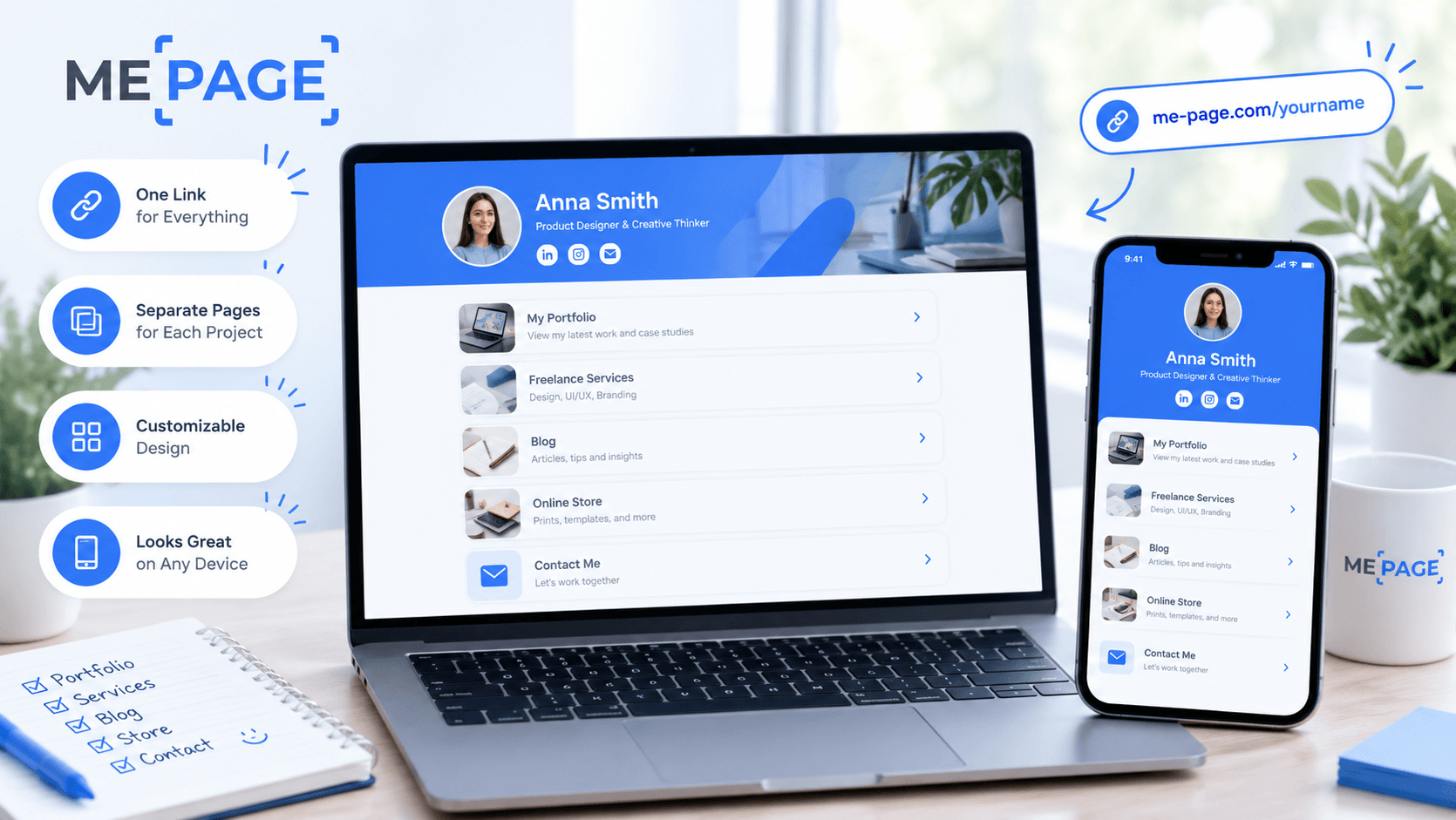
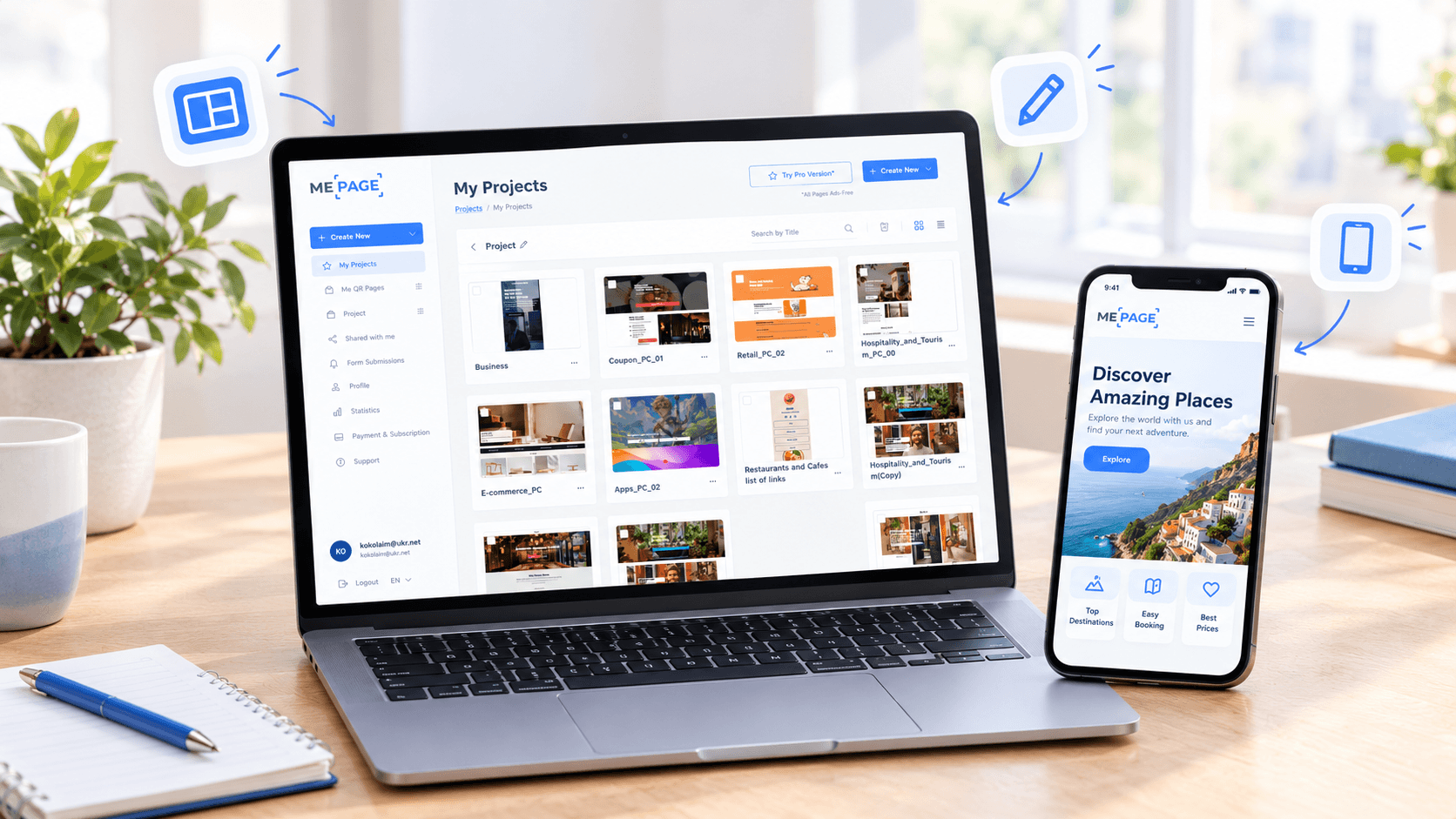
ME-Page offers a no-code way to create a personal website without starting with technical development. Its drag-and-drop builder lets you arrange page elements, while custom action buttons help guide visitors to projects, services, and contact options.
If a single page no longer provides enough room, the Multi Page Builder lets you organize your content across pages and subpages. You can give each project its own dedicated space while maintaining a clear website structure.
You can also edit your website from a smartphone or tablet using the Mobile Website Builder, making it easier to update links and content wherever you are. Quick editing and publishing help you keep your online presence current as your work evolves.
Start with the links that matter most, then expand your website as your portfolio grows. This approach helps you build a personal link hub that can develop into a more complete portfolio website over time.
Conclusion
A personal link hub is a practical starting point for anyone managing multiple projects, professional profiles, or creative activities. It gives visitors one place to discover your work and helps you present your online presence in a more organized way.
Begin with a clear introduction, group your links by purpose, and highlight the projects you want people to notice first. When your content grows, expand into a multi-page website with dedicated project pages and consistent navigation.
With ME-Page, you can build and update your website without coding, giving your personal branding room to grow. The goal isn't to add every possible link. It's to help the right people discover the right projects with as little friction as possible.
Frequently Asked Questions
A link hub primarily directs visitors to different destinations, while a portfolio website showcases your work in greater detail. You can combine both by using a central page to introduce your projects and linking to dedicated portfolio pages.
Was This Article Helpful?
Click on a star to rate it!
Average Rating: 5/5
Voutes: 1
Share with Friends:


Previous
How to Optimize Page URLs for Better SEO
Next
One Website, Multiple Pages: When to Expand Your Site
Recent Articles
Everything You Need to Know About Using ME-Page Constructor for Your Website.
One Website, Multiple Pages: When to Expand Your Site
Starting a website with a single page makes sense. You can introduce your business, showcase your work, add a ...
Create a Personal Link Hub with Pages for Every Project
Do you have a portfolio, a personal blog, freelance services, and a few side projects scattered across differe...
How to Optimize Page URLs for Better SEO
A website URL might look like a small technical detail, but it can influence how people understand your conten...
How to Design a Website Footer That Improves User Experience
A website footer might be the last thing visitors see, but that doesn't make it unimportant. When people reach...
How to Link Pages Together for Better Website Navigation
A multi-page website gives you more room to organize information, but adding pages is only half the job. Visit...

Build a Personal Website That Stands Out in 2026
Your social media profiles can show what you do, but they do not give you complete control over your online pr...
One Website, Multiple Pages: When to Expand Your Site
Starting a website with a single page makes sense. You can introduce your business, showcase your work, add a ...
Create a Personal Link Hub with Pages for Every Project
Do you have a portfolio, a personal blog, freelance services, and a few side projects scattered across differe...
How to Optimize Page URLs for Better SEO
A website URL might look like a small technical detail, but it can influence how people understand your conten...
How to Design a Website Footer That Improves User Experience
A website footer might be the last thing visitors see, but that doesn't make it unimportant. When people reach...
How to Link Pages Together for Better Website Navigation
A multi-page website gives you more room to organize information, but adding pages is only half the job. Visit...
Build a Personal Website That Stands Out in 2026
Your social media profiles can show what you do, but they do not give you complete control over your online pr...










