Me-Page Team
Last modified 27 Oct 2026
Article Plan
- Why Does Navigation Matter on a Multi-Page Website?
- Plan Your Website Structure Before Creating the Menu
- Choose the Right Navigation Menu Type
- How to Design a User-Friendly Navigation Menu
- Common Navigation Mistakes to Avoid
- Create a Multi-Page Website with ME-Page
- Conclusion
-
Frequently Asked Questions
- Should I use breadcrumbs in addition to a navigation menu?
- What is the difference between navigation and a sitemap?
- How can I find out whether visitors are using my navigation menu?
- Should external links appear in the main navigation menu?
- What should I do if my website navigation changes frequently?
A website can have excellent content, attractive visuals, and useful features, but visitors may still leave if they can't find what they're looking for. That's why a well-designed navigation menu is essential, especially when your website includes multiple pages and subpages.
A clear menu helps people understand your website structure, move between sections, and reach important information without unnecessary clicks. It also creates a more consistent browsing experience across desktop and mobile devices.
Whether you're building a business website, a portfolio, or a personal project, thoughtful website navigation makes your content easier to explore. Let's look at how to create a navigation menu that works for both your visitors and your growing website.
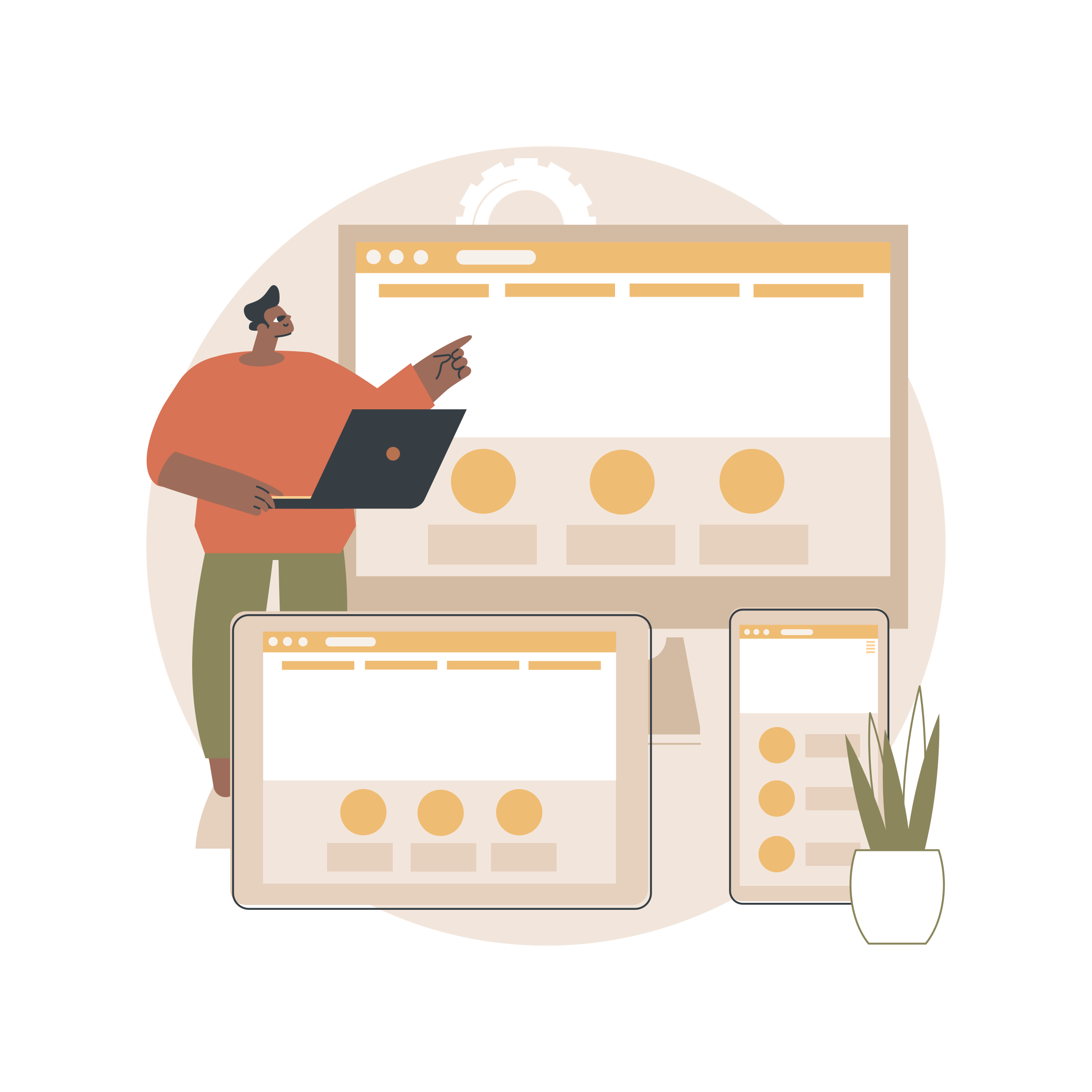
Why Does Navigation Matter on a Multi-Page Website?
On a single-page website, visitors can often find information by scrolling. A multi-page website works differently: people need clear directions to move between sections and understand how the pages relate to each other.
A navigation menu provides those directions. It acts like a map, showing visitors where they can go and helping them return to important sections whenever they need to.
Good website navigation can help you:
- Improve usability: Visitors can find information without guessing where it's located.
- Support website exploration: Clear links encourage people to discover related pages.
- Create consistency: A familiar menu helps users navigate different parts of your website.
- Support SEO: Descriptive internal links help search engines discover pages and understand their relationships.
- Reduce frustration: Visitors spend less time searching through unrelated content.
The goal isn't to display every page in the main menu. It's to make the most important destinations easy to find.
Plan Your Website Structure Before Creating the Menu
Before choosing colors, fonts, or dropdown effects, decide which pages belong in your navigation. A menu works best when it reflects the actual structure of your website.
Start by listing your main pages. For a small business, these might include Home, About, Services, Blog, and Contact. If you offer several services, you might also have dedicated subpages under the main Services section. Group related pages together and identify which ones visitors need to access most often. For example, detailed case studies can sit under a Portfolio section rather than appearing individually in the main menu.
A simple hierarchy could look like this:
- Home
- About
- Services
- Web Design
- SEO Consulting
- Website Maintenance
- Portfolio
- Blog
- Contact
This structure gives visitors a clear overview without overwhelming them with too many options.
During website planning, consider the questions your audience is most likely to ask. Potential clients may want to compare services and prices, while readers may be more interested in categories and recent articles. Organize the menu around those needs instead of your internal business processes.

Choose the Right Navigation Menu Type
Different websites need different navigation patterns. A small portfolio may work perfectly with a simple horizontal menu, while a content-heavy website might need dropdowns to organize multiple sections.
You don't need to use every menu type. Choose the simplest option that fits your website's size, content, and audience.
For most small multi-page websites, a straightforward main menu with a few well-organized dropdowns is a practical starting point.
How to Design a User-Friendly Navigation Menu
1. Keep Menu Labels Short and Clear
Use familiar words that tell visitors exactly what they'll find. Labels such as “Services,” “Portfolio,” “Pricing,” and “Contact” are generally easier to understand than creative but ambiguous alternatives.
Avoid using internal company terminology that new visitors may not recognize. If a page explains your services, label it accordingly rather than giving it a vague name.
Consistency matters, too. If you call a section “Projects” in the main menu, use the same term in related buttons and links where possible.
2. Prioritize the Most Important Pages
Your main navigation should highlight the destinations visitors are most likely to need. For a service business, these might be Services, Pricing, and Contact. For a creator, they might be Portfolio, About, and Blog.
Less important pages can be linked through dropdowns, contextual links, or the footer. This keeps the primary menu focused.
Avoid adding a link simply because the page exists. Ask whether visitors would benefit from accessing it directly from the main navigation.
3. Use Dropdowns Carefully
Dropdown menus are useful when one main section contains several related pages. For example, a Services menu can open to show individual offers.
Keep dropdowns short and logically grouped. Avoid placing multiple layers of nested menus inside one another, as this can make navigation difficult, particularly on touchscreens.
Make sure dropdowns work with keyboard navigation as well as a mouse or touchscreen. Visitors should be able to open menus, follow links, and understand which section they're viewing.
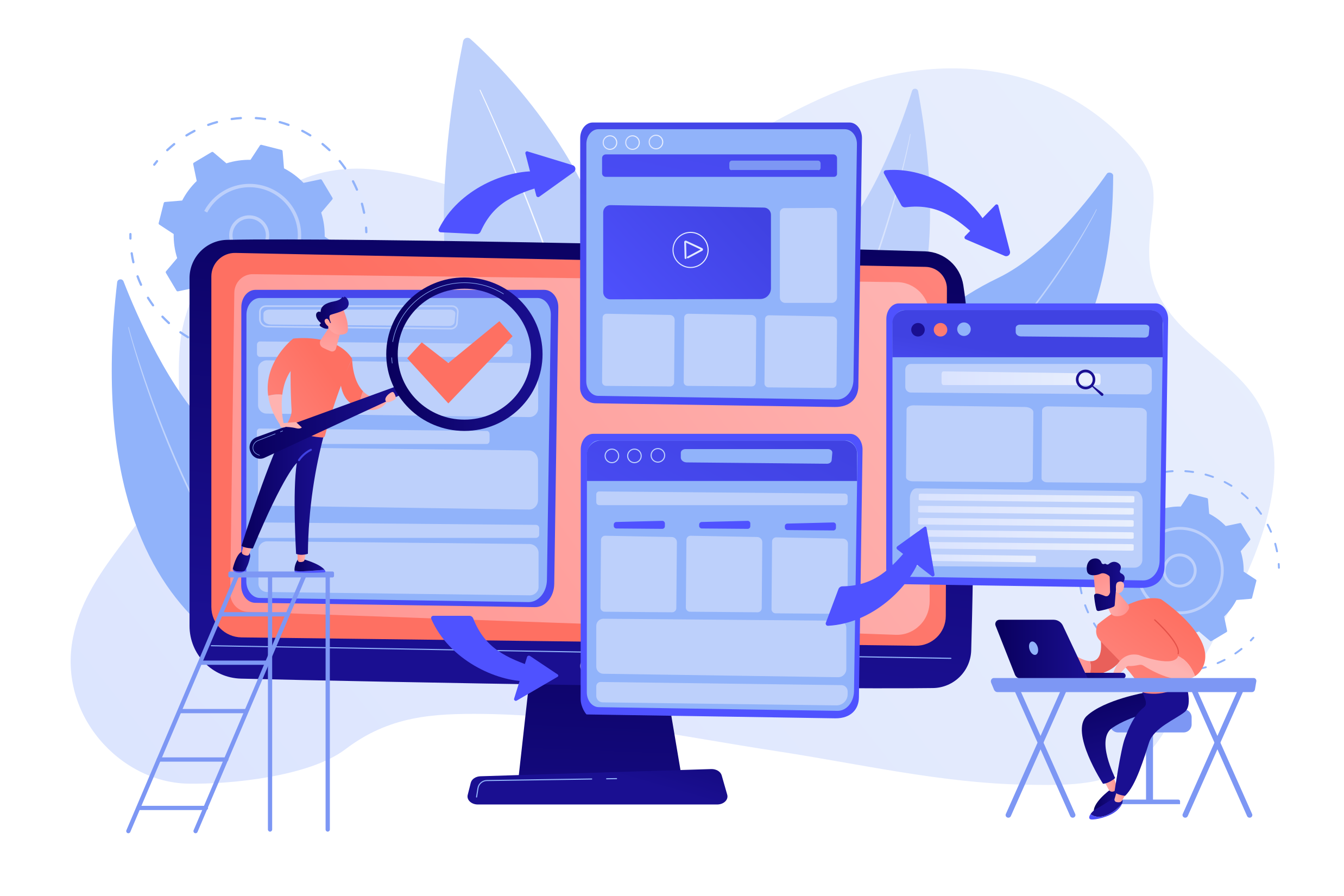
4. Make the Current Page Easy to Identify
Visitors should be able to tell where they are within your website. A visual indicator, such as an underline, a different text style, or a highlighted menu item, can show which section is currently open.
For websites with subpages, consider how the menu communicates the relationship between a page and its parent section. If someone is reading a Web Design subpage, for example, it should be easy to recognize that it belongs to Services.
These small visual details help visitors maintain their bearings as they move through your content.
5. Design for Mobile Navigation
A menu that works on a desktop screen may not fit comfortably on a phone. Long labels, tightly packed links, and hover-only dropdowns can make mobile navigation frustrating.
Use a responsive layout that adapts to smaller screens. A hamburger menu may be appropriate when horizontal space is limited, provided it's easy to open and close.
Check that menu items are large enough to tap, text remains readable, and the menu doesn't cover important content in an unexpected way. Test the actual published website on a smartphone rather than relying only on the desktop preview.
6. Keep Navigation Consistent Across Pages
Visitors shouldn't have to learn a new menu every time they open another page. Keep the main navigation in a consistent location and use the same labels and visual styling throughout the website.
A consistent menu makes it easier for people to return to the homepage, explore another service, or contact you from any section.
If your website grows, review the structure before adding more menu items. Sometimes reorganizing existing pages is more useful than extending the menu indefinitely.
Common Navigation Mistakes to Avoid
Even a well-planned menu can become difficult to use when small details are overlooked.
Watch out for these problems:
- Too many top-level items: A crowded menu makes important pages harder to spot.
- Unclear labels: Visitors shouldn't need to guess what a menu item means.
- Broken links: Every navigation item should lead to the correct destination.
- Inconsistent layouts: Moving the menu around between pages can confuse users.
- Poor mobile behavior: Menus should remain usable on smaller screens and with touch controls.
- Missing keyboard accessibility: Visitors who don't use a mouse should still be able to navigate the website.
- Unnecessary dropdowns: Don't add extra levels when a direct link would be clearer.
Before publishing, test every menu item. Open dropdowns, visit each destination, check the current-page indicator, and try navigating with a keyboard. Repeat these checks whenever you change your website structure.
Create a Multi-Page Website with ME-Page
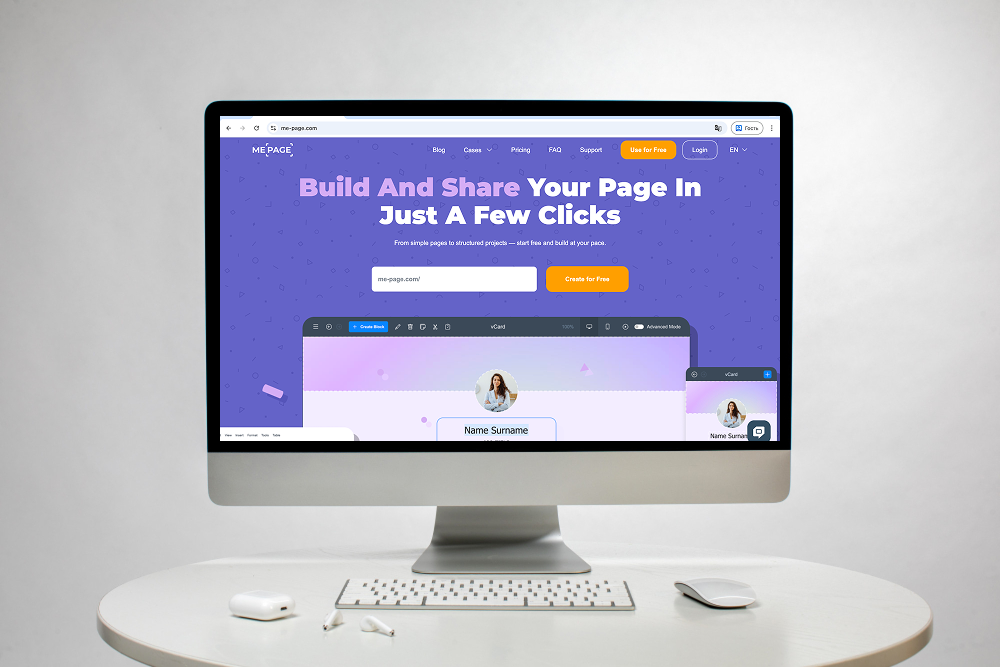
ME-Page offers a no-code way to build and organize a website as your content grows. Its Multi Page Builder lets you create pages and subpages, arrange nested menus, and copy sections between pages.
Reusable global headers and footers help maintain a consistent layout across your website, so visitors can move between sections without losing the familiar structure. The drag-and-drop editor also makes it easier to arrange page content without writing code.
For example, a freelancer can create a main Services page with separate subpages for different offers, while a creator can organize a portfolio into dedicated project pages. A clear navigation structure connects those sections and helps visitors explore them.
Before publishing, review how your menu works on different screen sizes and make sure important pages are easy to reach. A well-organized multi-page website should grow with your content without making navigation more complicated.
Conclusion
A good navigation menu helps visitors understand your website, find relevant information, and move between pages with confidence. Start by planning your website structure, grouping related content, and choosing clear labels for the most important destinations.
Keep dropdowns manageable, make the current page easy to identify, and ensure the menu works on mobile devices and with a keyboard. As your website grows, review the navigation regularly to prevent clutter and broken links.
With ME-Page, you can organize your content into pages and subpages while maintaining a consistent website structure. Focus on helping visitors reach their goals, and your navigation menu will become a useful part of the overall user experience.
Frequently Asked Questions
Breadcrumbs show the path from the homepage to the current page, such as Home → Services → Web Design. They're especially useful on websites with several levels of subpages because visitors can return to a parent section without reopening the main menu.
Was This Article Helpful?
Click on a star to rate it!
Average Rating: 5/5
Voutes: 1
Share with Friends:


Previous
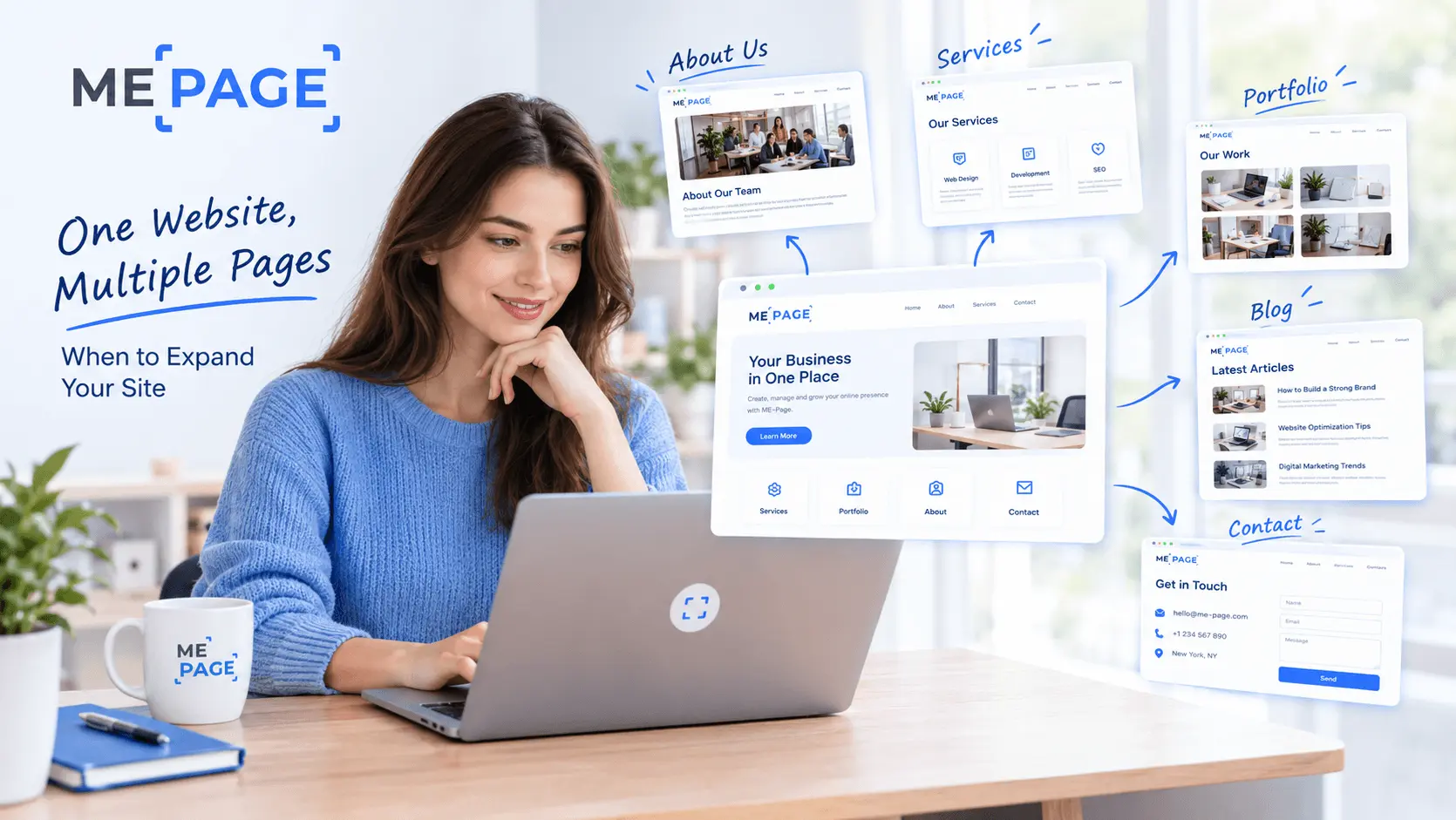
One Website, Multiple Pages: When to Expand Your Site

Next
Welcome to ME-Page: Your Ultimate Website Constructor
Recent Articles
Everything You Need to Know About Using ME-Page Constructor for Your Website.
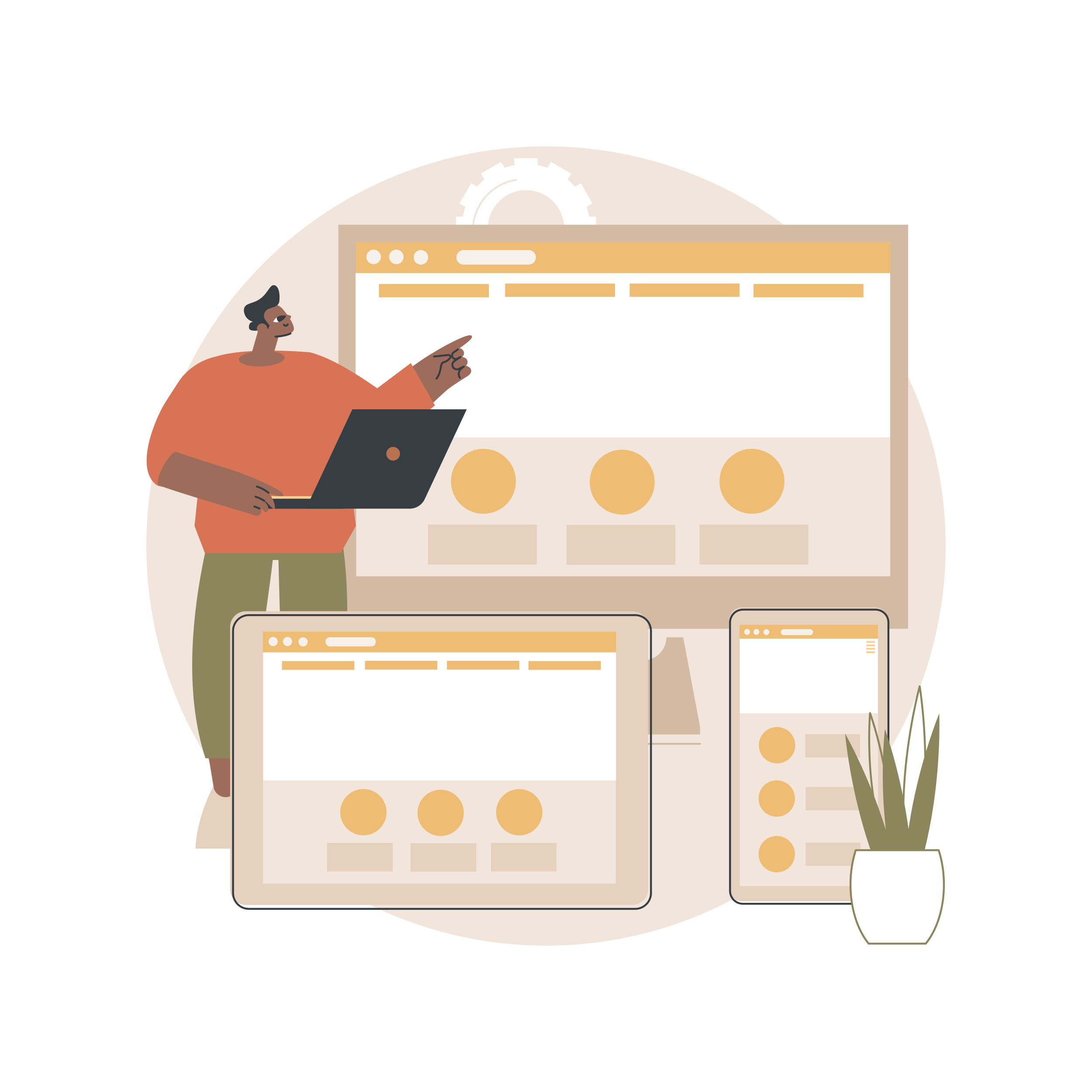
How to Create a Navigation Menu for a Multi-Page Website
A website can have excellent content, attractive visuals, and useful features, but visitors may still leave if...
One Website, Multiple Pages: When to Expand Your Site
Starting a website with a single page makes sense. You can introduce your business, showcase your work, add a ...
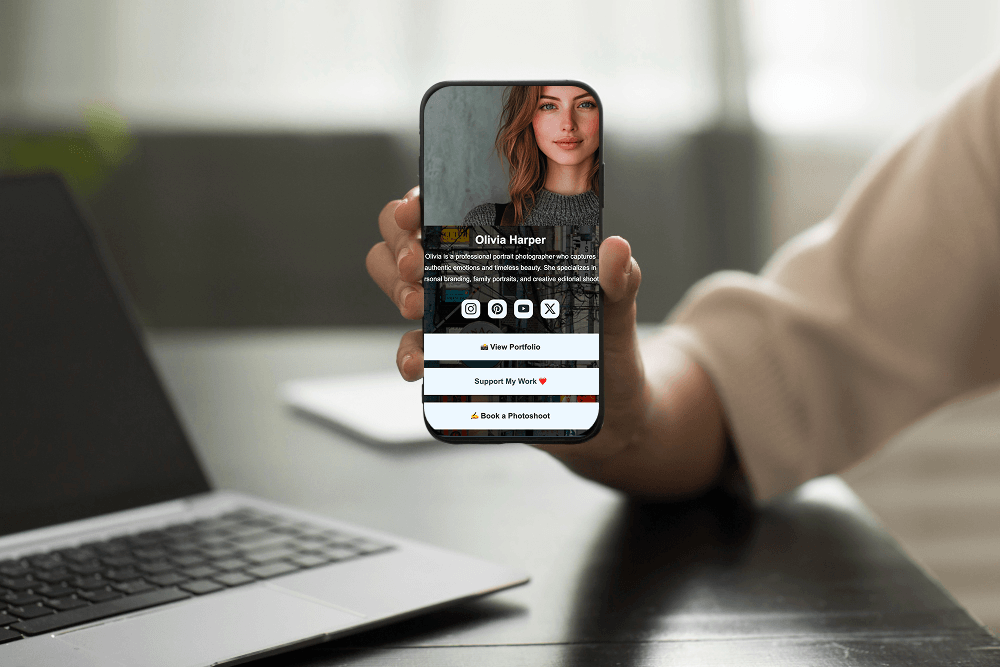
Create a Personal Link Hub with Pages for Every Project
Do you have a portfolio, a personal blog, freelance services, and a few side projects scattered across differe...
How to Optimize Page URLs for Better SEO
A website URL might look like a small technical detail, but it can influence how people understand your conten...
How to Design a Website Footer That Improves User Experience
A website footer might be the last thing visitors see, but that doesn't make it unimportant. When people reach...
How to Link Pages Together for Better Website Navigation
A multi-page website gives you more room to organize information, but adding pages is only half the job. Visit...
How to Create a Navigation Menu for a Multi-Page Website
A website can have excellent content, attractive visuals, and useful features, but visitors may still leave if...
One Website, Multiple Pages: When to Expand Your Site
Starting a website with a single page makes sense. You can introduce your business, showcase your work, add a ...
Create a Personal Link Hub with Pages for Every Project
Do you have a portfolio, a personal blog, freelance services, and a few side projects scattered across differe...
How to Optimize Page URLs for Better SEO
A website URL might look like a small technical detail, but it can influence how people understand your conten...
How to Design a Website Footer That Improves User Experience
A website footer might be the last thing visitors see, but that doesn't make it unimportant. When people reach...
How to Link Pages Together for Better Website Navigation
A multi-page website gives you more room to organize information, but adding pages is only half the job. Visit...










