Me-Page Team
Last modified 15 Sep 2026
Article Plan
- Start with a Clear Message
- Focus on the Visitor
- Use Benefits in Your Headlines
- Make Your Headlines Specific
- Write SEO Headlines Naturally
- Match the Headline to Search Intent
- Use Strong but Honest Language
- Create Headlines for Landing Pages
- Use Different Headline Styles
- Keep Headlines Easy to Scan
- Connect Headlines With Your Content
- Practical Headline Checklist
- How ME-Page Can Help You Organize Website Content
- Conclusion
- Frequently Asked Questions about Website Headlines
A headline is often the first piece of text people notice when they open a website. Before they read your paragraph, explore your services, or look at your images, they see your headline.
A strong headline can make visitors curious enough to continue. A weak one can make your website feel unclear, even if everything else is well designed.
That's why effective website headlines are an important part of website content. They need to communicate your message quickly while giving visitors a reason to keep reading.
Whether you're creating a homepage, service page, or landing page, the right headline can make your content easier to understand and more engaging.
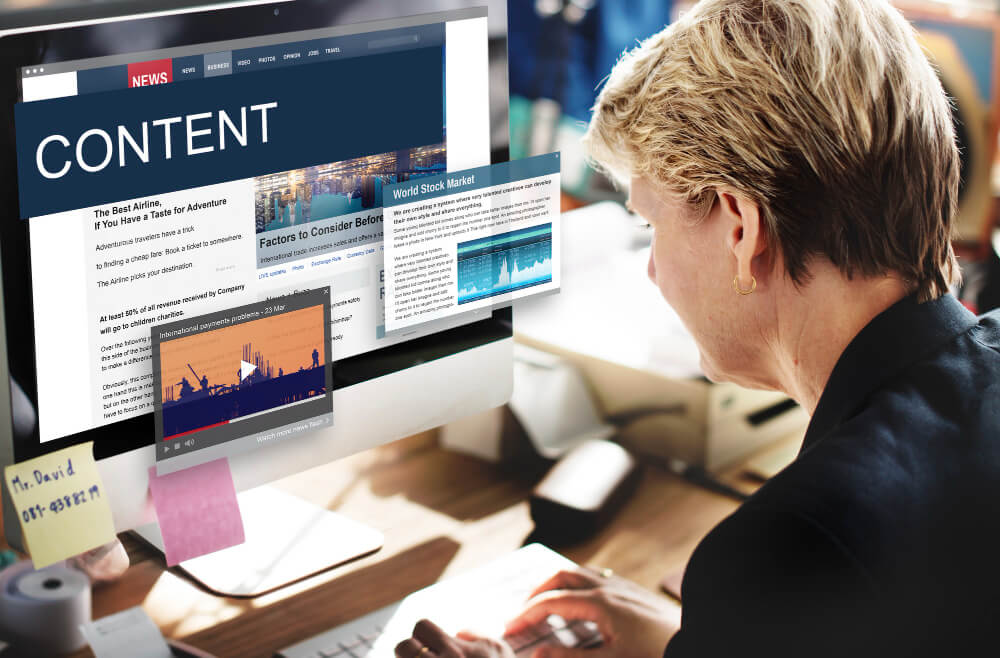
Start with a Clear Message
Your headline should tell visitors what the page is about.
Don't make people guess what you offer.
For example, instead of:
"Ideas That Move Forward"
a web design business could write:
"Professional Websites for Growing Small Businesses"
The second headline immediately explains the offer and audience.
A good headline should make sense even when someone reads nothing else on the page.
Focus on the Visitor
One of the easiest ways to improve a headline is to stop talking only about your business.
Think about what your visitor wants.
Ask:
- What problem are they trying to solve?
- What result do they want?
- What service are they looking for?
- What benefit matters most to them?
- What would make them want to learn more?
For example, a fitness coach could replace "My Personal Training Services" with "Build a Stronger Routine With Personal Training."
The second version focuses more directly on the visitor's goal.
Use Benefits in Your Headlines
People usually care about what they can get from your product or service.
That's why benefit-focused website headlines can be more effective than headlines that simply describe a business.
Compare: "Online Booking Software" with: "Let Customers Book Appointments Online 24/7"
The first tells visitors what the product is. The second explains what it helps them do.
When writing your headline, think beyond the feature and ask:
"Why does this matter to my customer?"
That answer can often become the foundation of your headline.
Make Your Headlines Specific
Specific headlines are usually easier to understand than vague ones.
Instead of: "Improve Your Business Today" try: "Create a Professional Website for Your Local Business"
Specificity gives visitors useful context immediately.
You can make headlines more specific by mentioning:
- The target audience
- The service
- The product
- The main benefit
- The desired result
- A particular problem
You don't need to include everything. Choose the detail that matters most on that page.
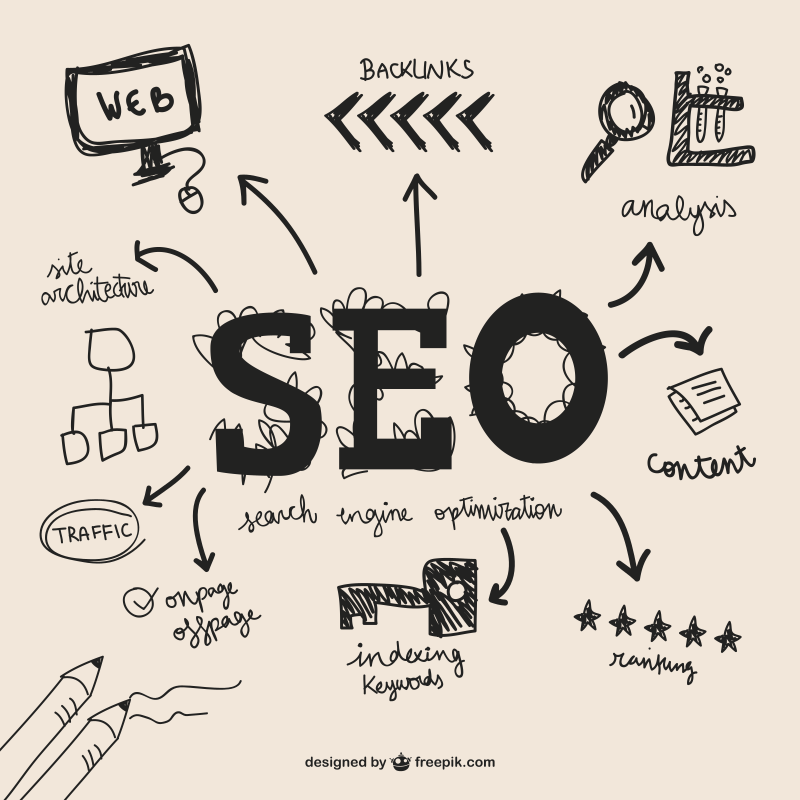
SEO headlines need to work for people first.
Search engines can use page titles and headings to understand the topic of a page, but stuffing keywords into every headline can make your content awkward.
For example, instead of:
"Website Builder Website Design Website Creation Website Builder"
use something natural such as:
"How to Create a Professional Business Website"
You can include a relevant keyword when it fits naturally.
Good SEO content should still sound like something a real person would want to read.
Match the Headline to Search Intent
Think about why someone would search for your topic.
If they search for "how to create a portfolio website," they probably want guidance.
A headline such as:
"How to Create a Portfolio Website That Shows Your Best Work"
matches that intent better than:
"Our Amazing Portfolio Solutions."
When the headline matches what visitors expect to find, they are more likely to continue reading.
Use Strong but Honest Language
Powerful words can make headlines more interesting, but don't exaggerate.
Depending on your topic, you might use words such as:
- Simple
- Practical
- Professional
- Effective
- Essential
- Complete
- Beginner-Friendly
- Step-by-Step
- Fast
- Flexible
However, make sure the rest of the page supports the promise.
If your headline says "The Complete Guide," the page should actually provide comprehensive information.
Trust is more valuable than a dramatic headline.
Create Headlines for Landing Pages
Landing page copy needs to move visitors toward a specific action.
Because landing pages usually have one main goal, the headline should connect directly to that goal.
For example, if you're promoting a website creation service: "Launch Your Professional Website Without Complicated Setup"
The headline communicates the result while addressing a potential concern.
A landing page headline can focus on:
- A specific benefit
- A customer problem
- A desired outcome
- A product advantage
- A particular audience
Keep the message closely connected to the CTA that follows.
Use Different Headline Styles
You don't have to use the same formula on every page.
Different situations call for different approaches.
Benefit-Based Headlines
Focus on the result visitors want. Example: "Save Time With Online Appointment Scheduling"
Problem-Solution Headlines
Start with a common problem and introduce the solution. Example: "Struggling With a Cluttered Website? Build a Clearer Online Presence"
How-To Headlines
Tell visitors exactly what they'll learn. Example: "How to Create a Professional Website for Your New Business"
Question Headlines
Use a question your audience is likely to ask. Example: "Need a Website for Your Freelance Business?"
Number-Based Headlines
Numbers can make content feel specific and easy to scan. Example: "7 Website Sections Every Small Business Should Consider"
Choose the style that fits the purpose of your page rather than using numbers or questions simply because they're popular.
Keep Headlines Easy to Scan
Visitors often scan a page before deciding whether to read it. Your headings should help them understand the content quickly.
Use:
- Short, descriptive headings
- Clear language
- Logical hierarchy
- Relevant keywords
- Strong subheadings
- Consistent formatting
For example, instead of using a heading like: "Things You Should Know Before Getting Started With Our Services" you could write: "What to Know Before You Start"
Shorter doesn't always mean better, but unnecessary words can make headings harder to process.
Connect Headlines With Your Content
A common mistake in website content writing is creating an attractive headline that doesn't match the section underneath it.
Your headline creates an expectation. The content needs to fulfill it.
If your heading says: "How to Improve Your Homepage"
the following section should provide practical homepage advice.
Avoid using catchy headlines just to get attention if the content doesn't deliver useful information.
The strongest headlines and content work together.
Practical Headline Checklist
Before publishing a page, review the headline using this quick checklist:
This simple review can catch many problems before your page goes live.
How ME-Page Can Help You Organize Website Content
ME-Page gives you the tools to organize your website into clear pages and sections, making it easier to create a consistent content structure.
You can use strong headlines across your homepage, service pages, portfolio pages, About page, and other sections of your website.
With ME-Page, you can:
- Create clear page sections.
- Organize content with headings.
- Build dedicated service and information pages.
- Create focused landing pages.
- Update headlines as your messaging develops.
- Structure your website so visitors can scan information easily.
When your pages have a logical structure, strong headlines become even more useful because visitors can quickly understand where they are and what they can find there.

Conclusion
Effective website headlines do more than make a page look attractive. They tell visitors what to expect, communicate value, and encourage them to keep reading.
When creating SEO headlines, focus on clarity and search intent rather than forcing keywords into every sentence. For landing page copy, connect the headline to the page's main goal and make the promised benefit clear. And throughout your website content writing, use headings that help visitors scan, understand, and navigate your information.
With ME-Page, you can organize these headlines across clear website sections and dedicated pages. Start with your audience, focus on their needs, and write headlines that tell them exactly why the content is worth their attention.
Frequently Asked Questions about Website Headlines
Yes. Each important page should have a headline that reflects its specific purpose and content. Reusing the same headline across multiple pages can make the website feel repetitive and less clear.
Was This Article Helpful?
Click on a star to rate it!
Average Rating: 5/5
Voutes: 1
Share with Friends:


Previous
How Freelancers Can Organize Services, Portfolio, and Contacts on One Website
Next
Essential Pages Every Business Website Should Include
Recent Articles
Everything You Need to Know About Using ME-Page Constructor for Your Website.
How to Create an Effective Services Page for Your Business
When potential customers visit your business website, they want to understand what you offer, how you can help...
How to Create a Navigation Menu for a Multi-Page Website
A website can have excellent content, attractive visuals, and useful features, but visitors may still leave if...
One Website, Multiple Pages: When to Expand Your Site
Starting a website with a single page makes sense. You can introduce your business, showcase your work, add a ...
Create a Personal Link Hub with Pages for Every Project
Do you have a portfolio, a personal blog, freelance services, and a few side projects scattered across differe...
How to Optimize Page URLs for Better SEO
A website URL might look like a small technical detail, but it can influence how people understand your conten...
How to Design a Website Footer That Improves User Experience
A website footer might be the last thing visitors see, but that doesn't make it unimportant. When people reach...
How to Create an Effective Services Page for Your Business
When potential customers visit your business website, they want to understand what you offer, how you can help...
How to Create a Navigation Menu for a Multi-Page Website
A website can have excellent content, attractive visuals, and useful features, but visitors may still leave if...
One Website, Multiple Pages: When to Expand Your Site
Starting a website with a single page makes sense. You can introduce your business, showcase your work, add a ...
Create a Personal Link Hub with Pages for Every Project
Do you have a portfolio, a personal blog, freelance services, and a few side projects scattered across differe...
How to Optimize Page URLs for Better SEO
A website URL might look like a small technical detail, but it can influence how people understand your conten...
How to Design a Website Footer That Improves User Experience
A website footer might be the last thing visitors see, but that doesn't make it unimportant. When people reach...










