Me-Page Team
Last modified 6 Oct 2026
Article Plan
- What Are Internal Page Links?
- Create a Clear Website Structure First
- Link Related Pages Together
- Connect Parent Pages With Subpages
- Use Buttons for Important Next Steps
- Connect Pages From More Than One Direction
- Keep Navigation Consistent
- Choose the Right Link for Each Page
- Use ME-Page to Connect Your Website Pages
- Check Your Links Regularly
- Conclusion
- Frequently Asked Questions
A multi-page website gives you more room to organize information, but adding pages is only half the job. Visitors also need an easy way to move between them. If important content is difficult to find, even a well-designed website can feel confusing.
That is why internal page links matter. By connecting related pages, you create clear paths through your content and help visitors discover more of your website.
Good website navigation is not about adding as many links as possible. It is about creating logical connections that make your website structure easy to understand.
What Are Internal Page Links?
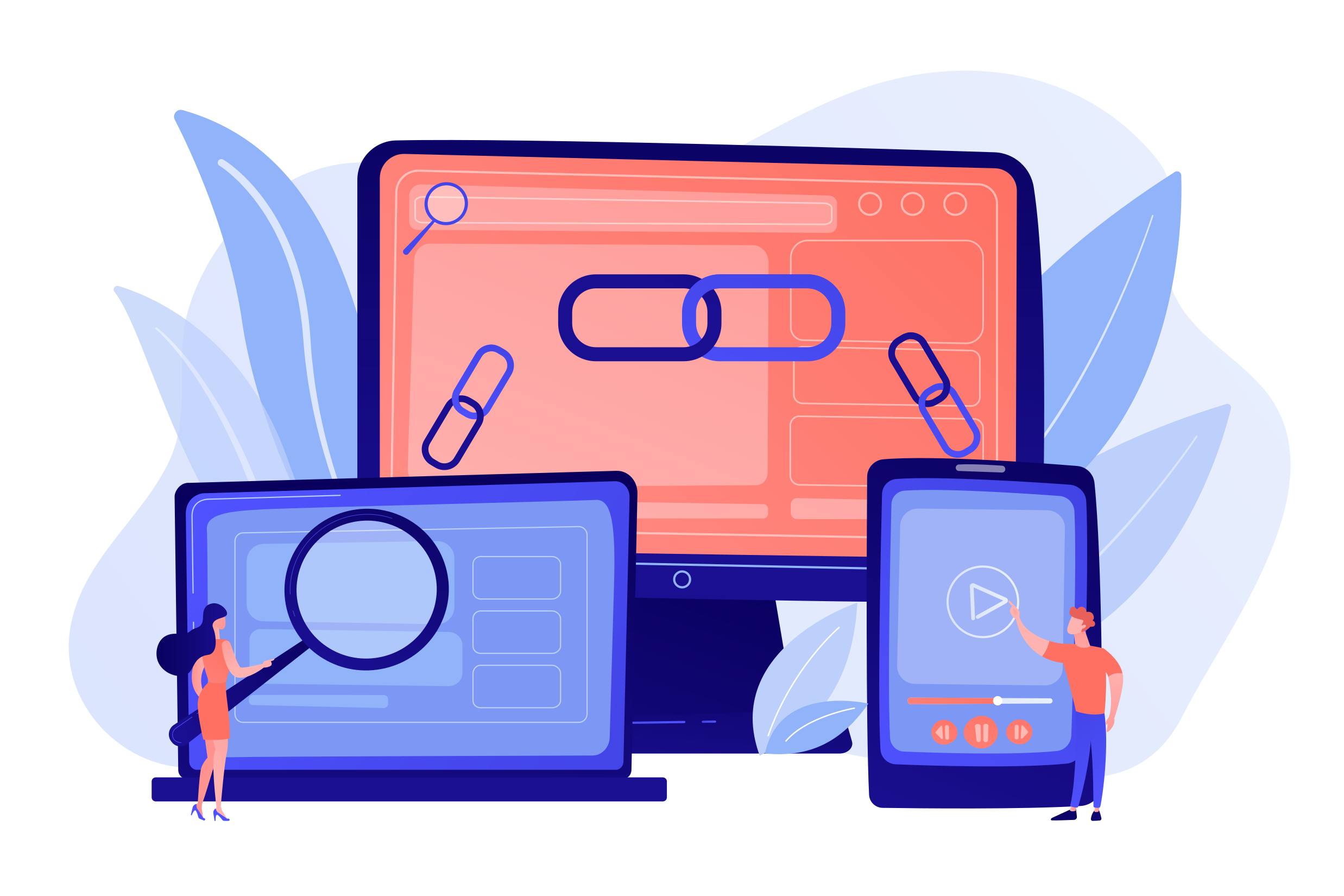
Internal page links connect one page of your website to another page on the same website.
For example, your homepage might link to your Services page, while the Services page links to individual service pages. A blog article could also link readers to a related service or contact page.
These connections create a path such as:
Homepage → Services → Web Design → Contact
Internal links can appear in navigation menus, buttons, text, images, or other clickable elements. Each link should have a clear purpose and help visitors take the next logical step.
Create a Clear Website Structure First
Before deciding where to add links, organize your website structure.
Start with your main pages and then identify which topics need more detailed subpages. For example, a business website might use:
- Home
- About
- Services
- Web Design
- SEO
- Consulting
- Portfolio
- Contact
This structure makes it easier to decide which pages should connect with each other.
Your main navigation should focus on the most important pages, while internal links can connect visitors to more specific information.

Link Related Pages Together
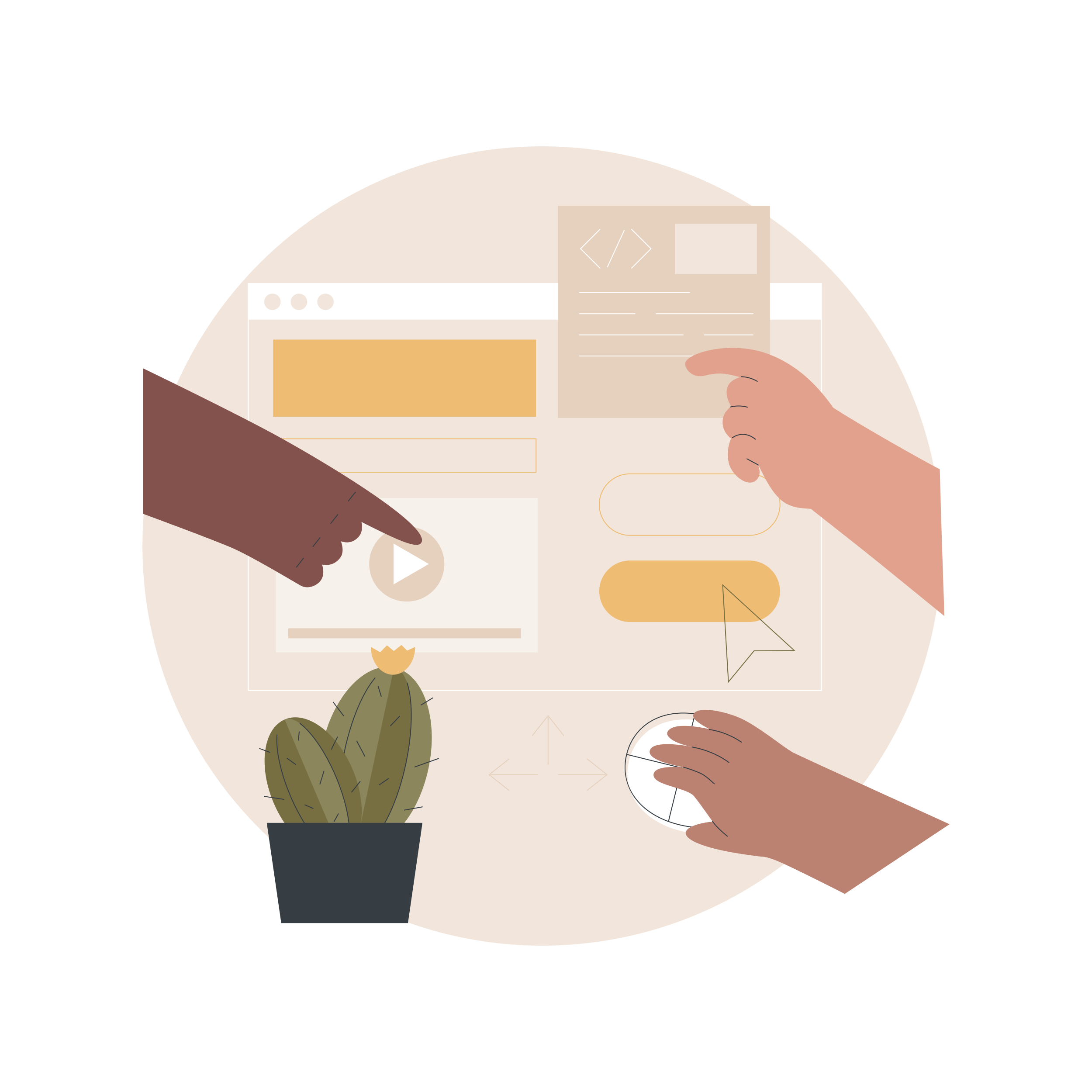
The most useful internal links are usually between pages with a natural connection.
For example, a Services page can link to a detailed page about a specific service. A portfolio project can link to the service used to complete it. An About page can direct visitors to your portfolio or contact page.
When you link website pages this way, visitors do not have to return to the main menu every time they want to explore a related topic. Try to think about the visitor's next question. If a page answers “What do you offer?”, the next useful page might answer “How much does it cost?” or “How can I contact you?”
Use Descriptive Link Text
The words you use for a link should give visitors an idea of what they will find after clicking.
For example:
- Better: “View our web design services”
- Less useful: “Click here”
Descriptive link text improves usability because visitors can understand the destination before clicking. It can also provide additional context about the relationship between pages. Keep your links natural and avoid adding them simply to increase the number of internal links on a page.
Subpage navigation is especially important for larger websites.
A parent page can introduce a broad topic and then direct visitors to more specific subpages. Those subpages can link back to the parent page or to other relevant sections.
For example:
Services → Web Design → E-commerce Websites
The Web Design page can explain the general service, while the E-commerce Websites subpage can focus on a specific offering.
This creates a logical hierarchy and makes deeper content easier to discover.
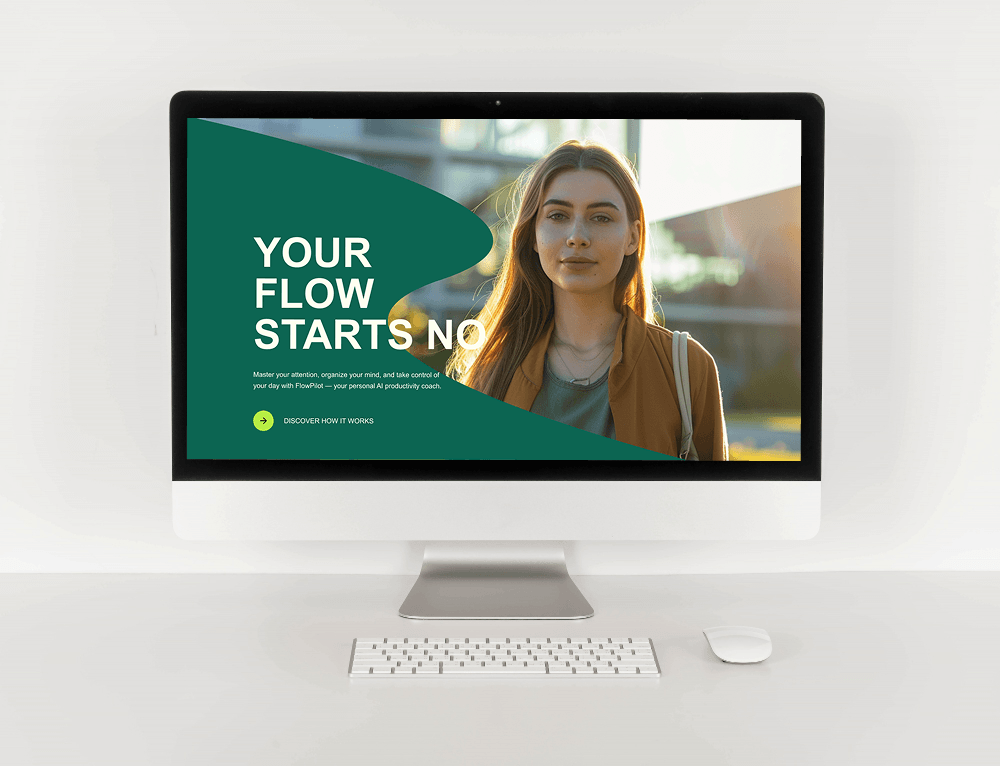
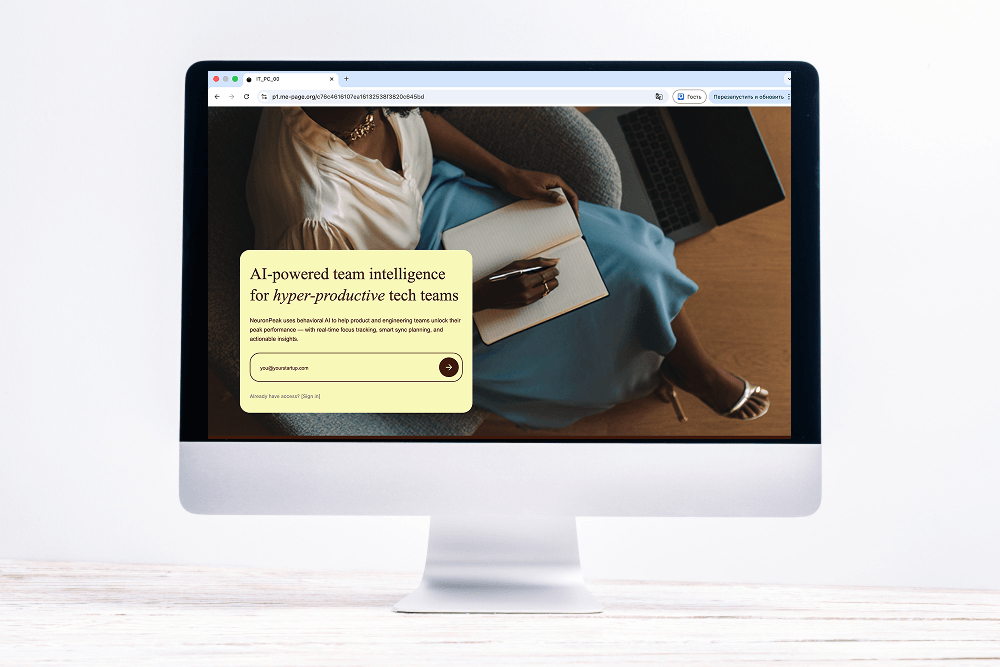
Text links are useful for contextual navigation, but buttons can make important actions more visible.
For example, your homepage might include buttons such as:
- View My Portfolio
- Explore Services
- Read My Case Studies
- Contact Me
A button should clearly describe the action it leads to. Avoid filling every section with buttons, as too many competing actions can make the page harder to scan.
A strong website structure does not force visitors to follow only one path.
For example, your Portfolio page might link to Services, while your Services page links back to relevant portfolio examples. Your About page can connect to both Portfolio and Contact.
These connections create multiple useful paths through the website.
However, avoid turning every page into a web of unrelated links. Focus on relationships that make sense from the visitor's perspective.
Keep Navigation Consistent
Your main navigation should remain predictable across your website pages.
Visitors should be able to find important sections without learning a new menu on every page. Use consistent page names and keep your main navigation focused.
For websites with many pages, group related content under clear categories. This can help prevent long, difficult-to-use menus.
A consistent navigation system also supports your overall website structure by showing visitors how different sections relate to each other.
Choose the Right Link for Each Page
Different links can serve different navigation purposes. Use them based on what you want visitors to do next.
The goal is not to use every type of link on every page. Choose the options that create the clearest path for your visitors.
Use ME-Page to Connect Your Website Pages
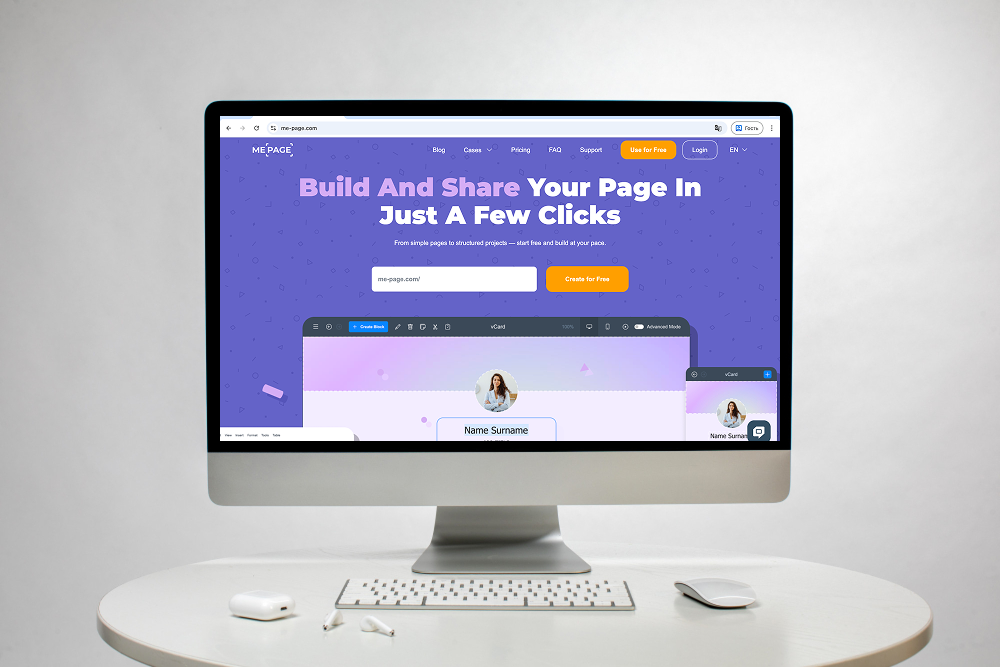
ME-Page makes it easier to build a structured multi-page website and connect related content. You can create pages and subpages, organize nested navigation, and reuse sections across different parts of your website without coding.
You can also add custom action buttons that direct visitors to other pages or important destinations. For example, a portfolio page can include a button leading to your Services or Contact page.
When your website grows, the Multi Page Builder helps you maintain a clear hierarchy instead of placing everything on one page. You can copy and paste sections between pages while keeping your overall design consistent.
This makes it easier to build a connected website where visitors can move naturally from one section to another.

Check Your Links Regularly
Website navigation can become outdated as your content changes.
A page may be renamed, removed, or replaced, leaving an old internal link behind. Review your important links periodically, especially after changing your website structure.
Pay attention to:
- Broken links
- Links pointing to outdated pages
- Pages with no useful internal links
- Important pages that are difficult to reach
- Navigation labels that are unclear
A quick review can prevent small navigation problems from becoming a frustrating experience for visitors.
Conclusion
Linking pages together is one of the simplest ways to improve website navigation. Start with a clear website structure, connect related content, use descriptive link text, and guide visitors toward useful next steps.
Internal page links can make your website easier to explore while helping visitors understand how different pages and topics fit together. For larger websites, thoughtful subpage navigation can also prevent important information from getting buried.
With ME-Page, you can create connected pages and subpages, build nested navigation, and add buttons that guide visitors around your website without coding.
A good website does not simply contain useful information. It makes that information easy to find.
Frequently Asked Questions
There is no fixed number that works for every page. Add links where they genuinely help visitors understand a topic or move to a relevant next step.
Was This Article Helpful?
Click on a star to rate it!
Average Rating: 5/5
Voutes: 2
Share with Friends:



Previous
Build a Personal Website That Stands Out in 2026

Next
Welcome to ME-Page: Your Ultimate Website Constructor
Recent Articles
Everything You Need to Know About Using ME-Page Constructor for Your Website.
How to Link Pages Together for Better Website Navigation
A multi-page website gives you more room to organize information, but adding pages is only half the job. Visit...
Build a Personal Website That Stands Out in 2026
Your social media profiles can show what you do, but they do not give you complete control over your online pr...
Managing Multiple Websites from One ME-Page Account
Running more than one website used to be complicated. Different logins, scattered tools, and endless switching...
How to Organize Content Across Multiple Website Pages
A multi-page website gives you room to explain your business, services, products, and ideas without putting ev...
Essential Pages Every Business Website Should Include
A business website doesn't need dozens of pages to look professional. What it does need is a clear structure t...

How to Write Website Headlines That Attract More Visitors
A headline is often the first piece of text people notice when they open a website. Before they read your para...
How to Link Pages Together for Better Website Navigation
A multi-page website gives you more room to organize information, but adding pages is only half the job. Visit...
Build a Personal Website That Stands Out in 2026
Your social media profiles can show what you do, but they do not give you complete control over your online pr...
Managing Multiple Websites from One ME-Page Account
Running more than one website used to be complicated. Different logins, scattered tools, and endless switching...
How to Organize Content Across Multiple Website Pages
A multi-page website gives you room to explain your business, services, products, and ideas without putting ev...
Essential Pages Every Business Website Should Include
A business website doesn't need dozens of pages to look professional. What it does need is a clear structure t...
How to Write Website Headlines That Attract More Visitors
A headline is often the first piece of text people notice when they open a website. Before they read your para...










