Me-Page Team
Last modified 23 Jul 2026
Article Plan
- Why Navigation Matters
- Why Choose a Multi-Page Website?
- Plan Your Navigation Before Building
- Use Clear Menu Labels
- Group Related Content Together
- Keep Important Pages Easy to Access
- Navigation Elements Every Website Should Include
- Design Navigation for Mobile Users
- Support Better UX with Internal Links
- Maintain Consistent Navigation Across Every Page
- How ME-Page Simplifies Multi-Page Navigation
- Best Practices for Website Navigation
- Common Navigation Mistakes
- Conclusion
- Frequently Asked Questions about Multi-Page Navigation
As your website grows, visitors need an easy way to move between pages without getting lost. Whether you're building a business website, portfolio, online store, or community platform, effective multi-page navigation plays a major role in helping users find information quickly and complete important actions.
Good website navigation does more than connect pages—it creates a logical journey that keeps visitors engaged. By organizing content into well-structured subpages, you can improve UX design, make your website easier to explore, and support better search engine performance.
With ME-Page, creating and managing multi-page websites is simple, allowing you to build a clear navigation system that grows alongside your content.
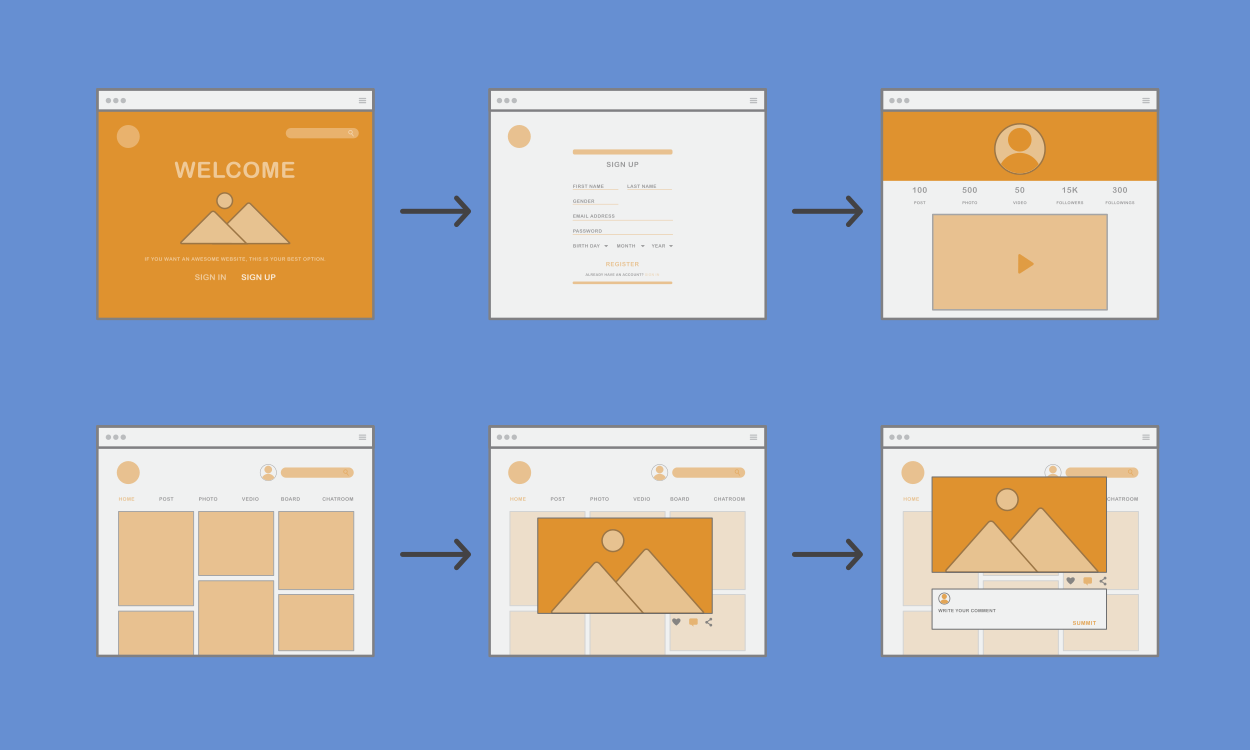
Why Navigation Matters
Navigation is one of the first things visitors interact with when they arrive on your website.
A well-designed navigation system helps users:
- Find information quickly
- Understand your website structure
- Discover related content
- Complete tasks more easily
- Stay on your website longer
For example, someone visiting a consulting website should be able to find the Services, Pricing, and Contact pages within seconds. Likewise, an online store should make it easy for shoppers to browse product categories and complete purchases.
Simple navigation creates a more enjoyable browsing experience.
Why Choose a Multi-Page Website?
While single-page websites work well for simple projects, larger websites benefit from dedicated subpages.
Using multiple pages allows you to:
- Organize information by topic
- Expand content without clutter
- Improve search engine optimization
- Create clearer navigation paths
- Scale your website more easily
For example, instead of placing every service on one page, a business can create separate pages for web design, SEO, branding, and consulting. Visitors can then access detailed information without feeling overwhelmed.
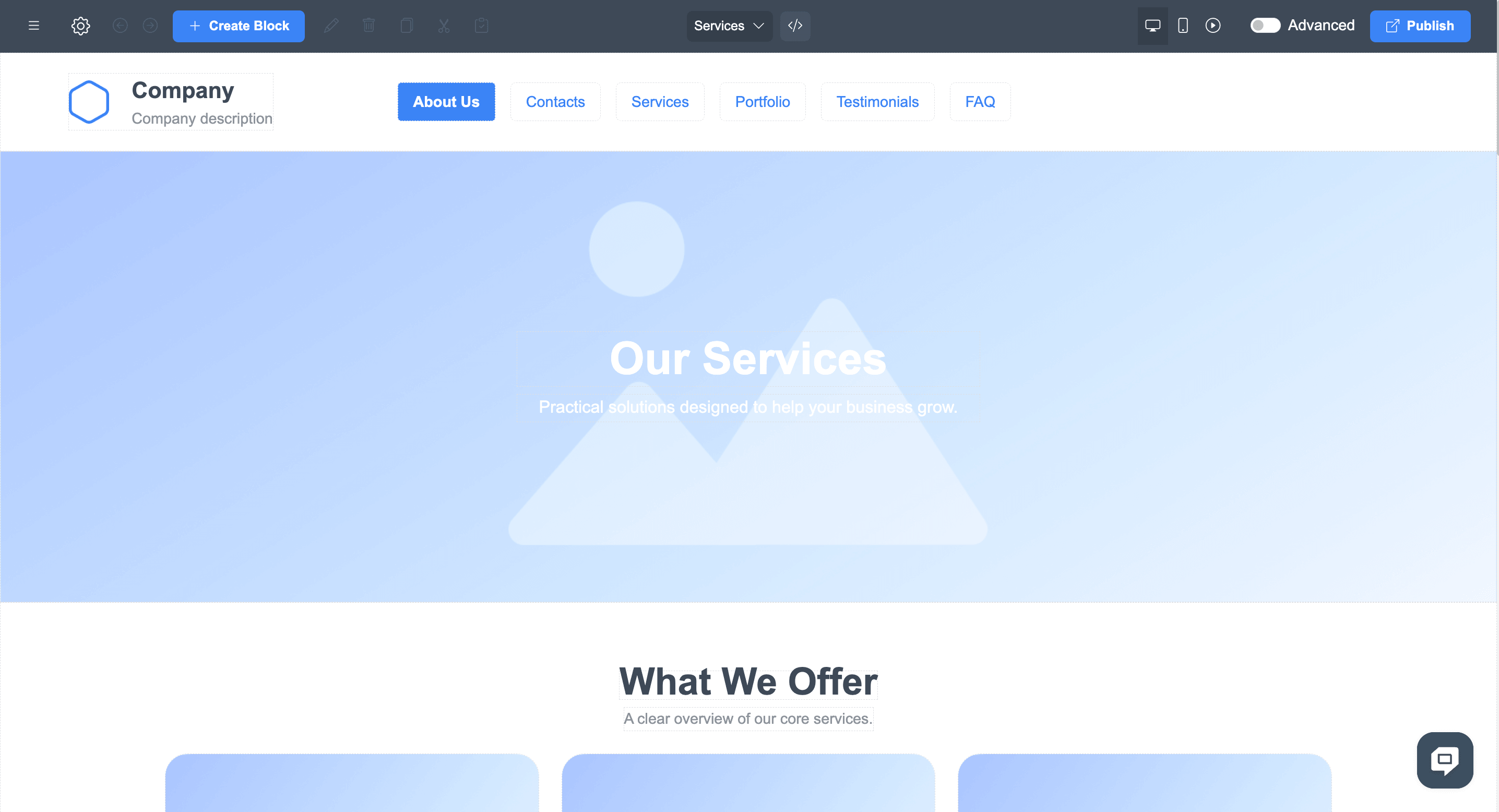
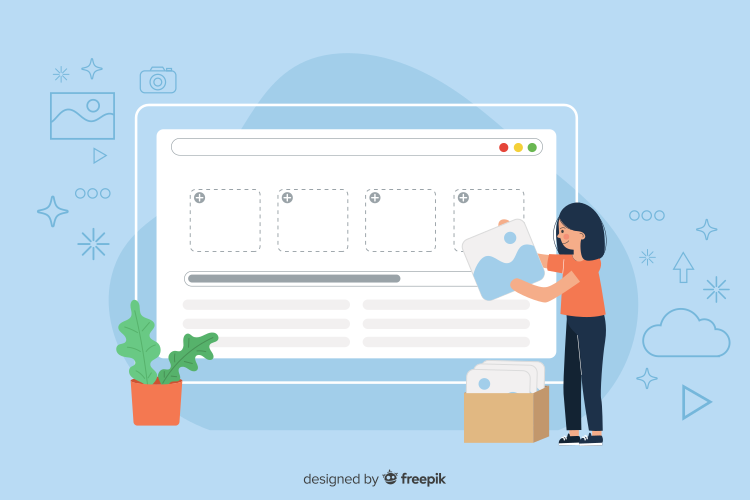
Plan Your Navigation Before Building
Successful multi-page navigation begins with thoughtful planning.
Start by listing your most important pages.
Common examples include:
- Home
- About
- Services
- Pricing
- Portfolio
- Blog
- FAQ
- Contact
Every page should have a clear purpose that supports your website goals.
Planning your navigation early helps avoid unnecessary restructuring later.
Use Clear Menu Labels
Visitors should immediately understand where each menu item leads.
Choose familiar labels such as:
- Home
- About
- Services
- Blog
- Pricing
- Contact
Avoid vague titles like:
- Explore
- Discover
- Learn More
Clear wording reduces confusion and improves UX design.
For example, "Services" tells users exactly what to expect, while "What We Do" may require additional interpretation.
Group Related Content Together
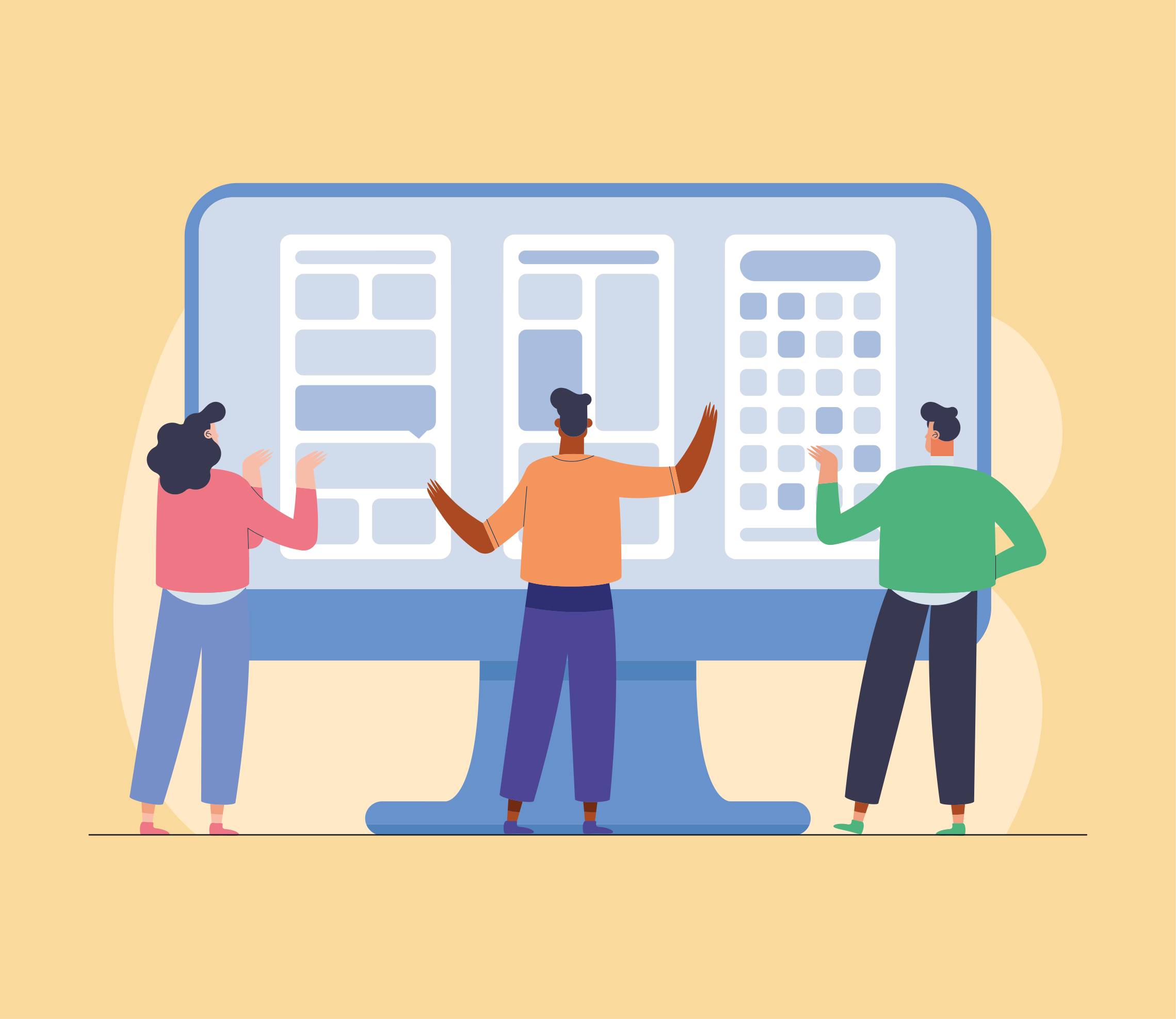
A logical page hierarchy makes websites easier to explore.
For example:
Services
- Web Design
- SEO
- Branding
Or:
Resources
- Blog
- Guides
- FAQs
Grouping similar content creates a cleaner website navigation experience and helps visitors locate information faster.
It also makes future website expansion much easier.
Keep Important Pages Easy to Access
Some pages deserve greater visibility than others.
Examples include:
- Contact
- Pricing
- Services
- Products
- Booking
Visitors shouldn't have to click through several layers of navigation to reach these pages.
Easy access improves both usability and conversions.

Navigation Elements Every Website Should Include
Together, these elements create an organized navigation system that supports both users and search engines.
Design Navigation for Mobile Users
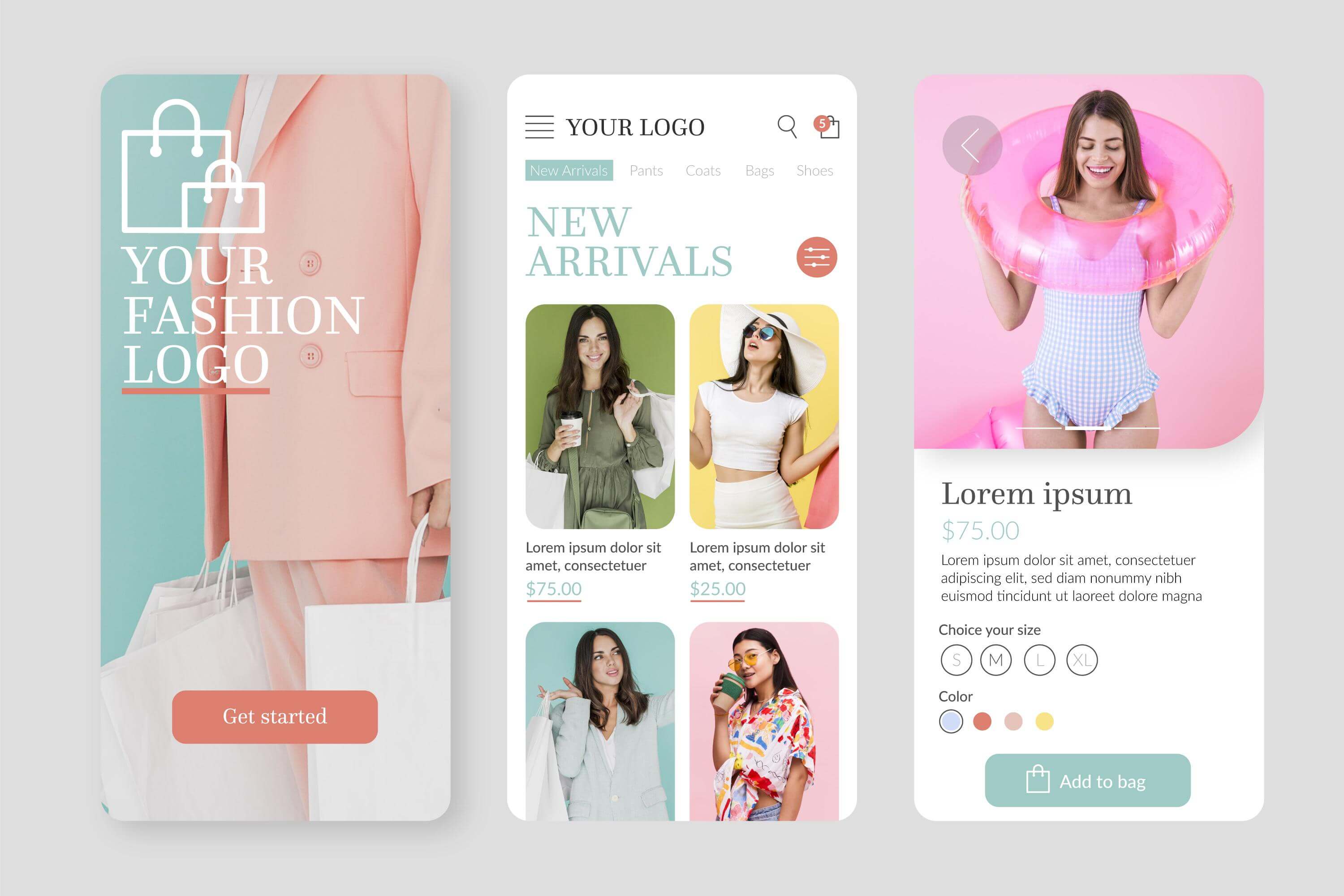
A growing percentage of visitors browse websites on mobile devices.
Your navigation should:
- Be easy to tap
- Load quickly
- Display clearly on small screens
- Avoid overcrowded menus
- Keep important actions visible
For example, a restaurant visitor using a smartphone should quickly find the menu, hours, or reservation page without excessive scrolling.
Responsive navigation improves accessibility for everyone.
Support Better UX with Internal Links
Menus aren't the only way visitors move around a website.
Adding links within your content helps users discover additional information naturally.
Examples include:
- Blog article → Related service
- About page → Portfolio
- Service page → Pricing
- FAQ → Contact page
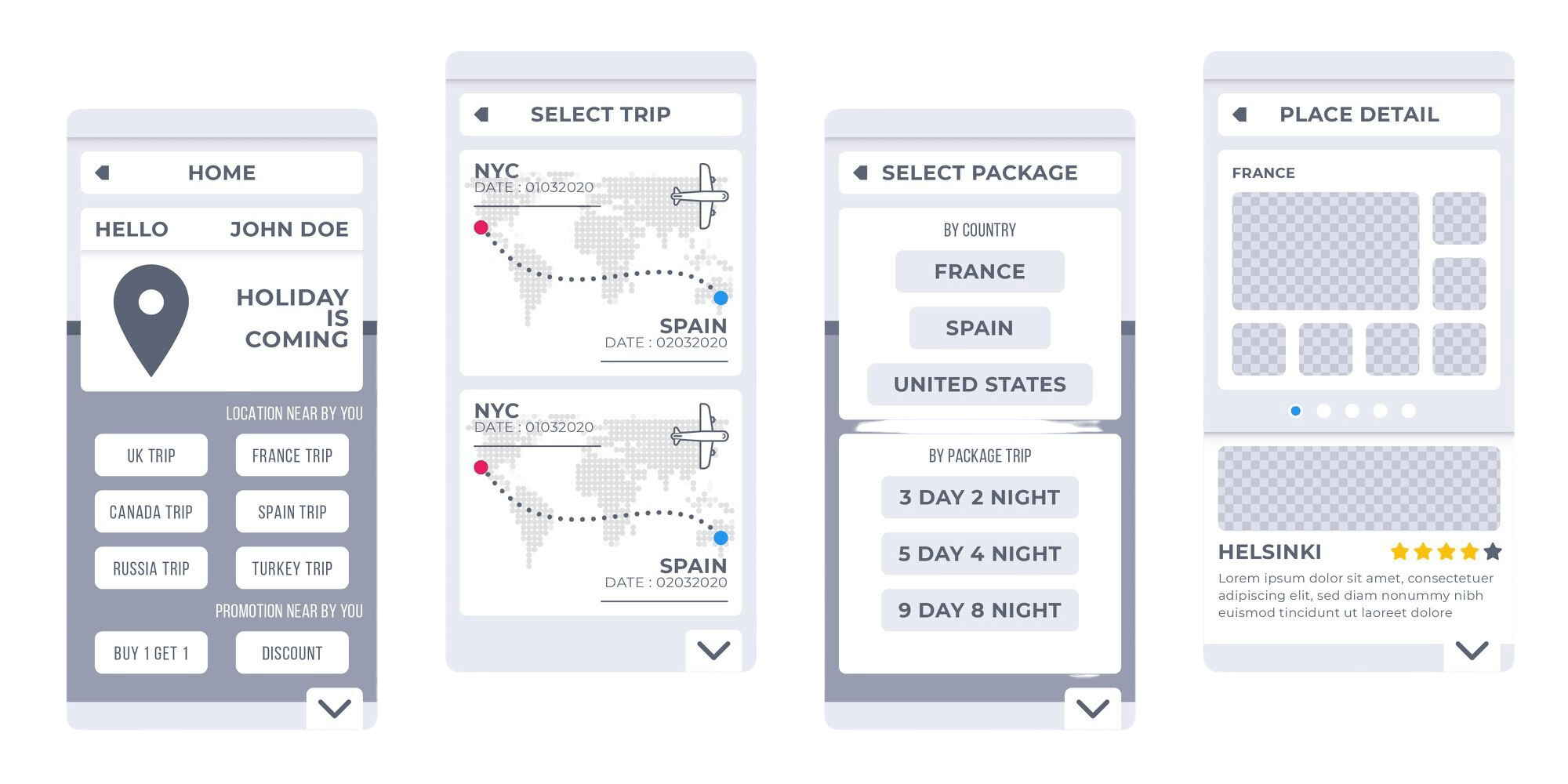
Internal links reduce friction and encourage visitors to continue exploring your website.
Maintain Consistent Navigation Across Every Page
Visitors expect the navigation menu to remain consistent throughout the website.
Avoid changing:
- Menu order
- Navigation style
- Page labels
- Button locations
Consistency helps visitors build familiarity and reduces unnecessary confusion.
For example, if "Contact" appears at the end of the main menu on your homepage, it should remain in the same position across the rest of the website.
How ME-Page Simplifies Multi-Page Navigation
ME-Page helps users create organized websites without technical complexity.
Benefits include:
- Easy creation of multiple subpages
- Flexible navigation menus
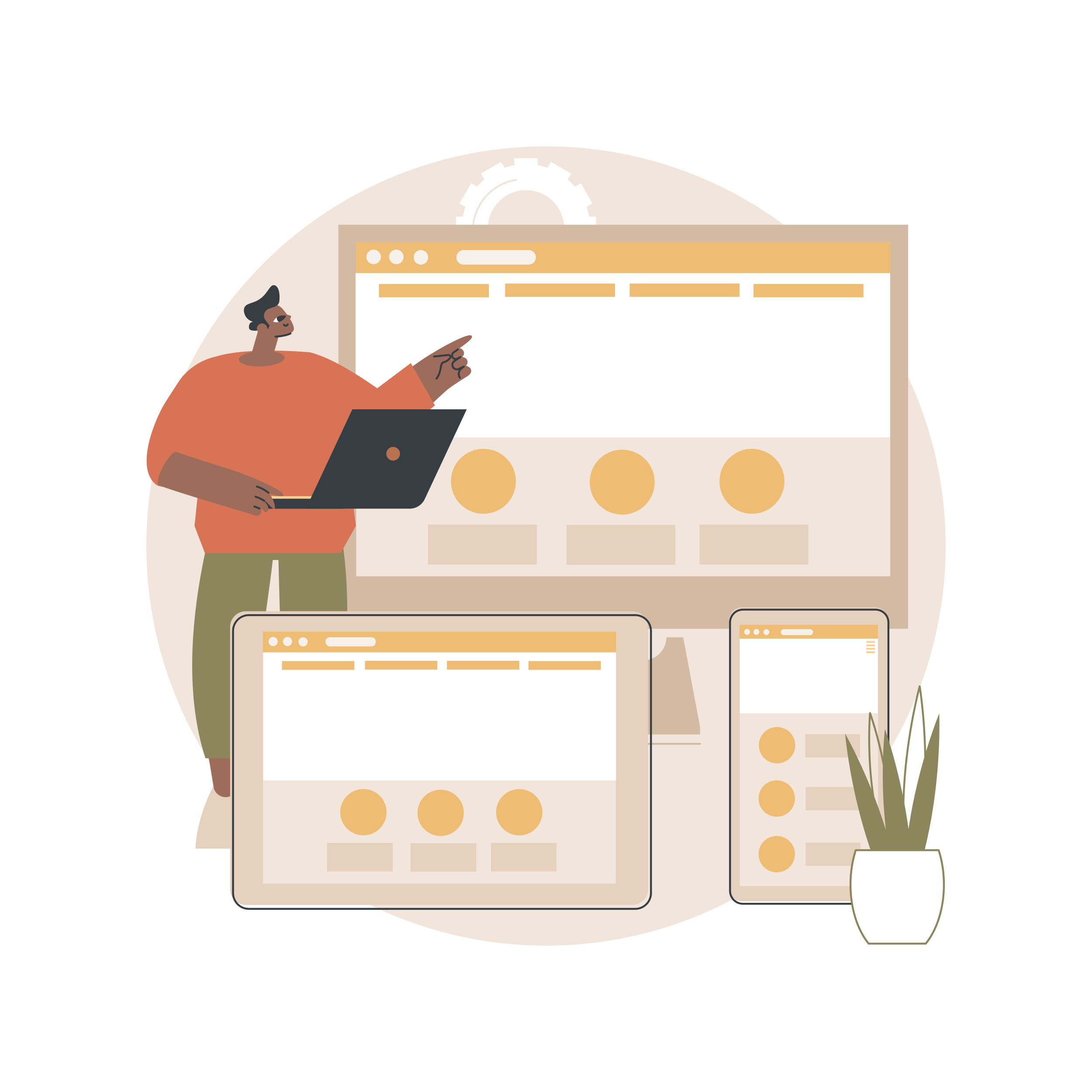
- Responsive layouts for desktop and mobile
- Simple page organization
- Quick updates as your website grows
Whether you're adding new services, expanding your portfolio, or publishing additional resources, ME-Page makes navigation management straightforward.
Best Practices for Website Navigation
To improve usability:
- Keep menus short and organized.
- Use familiar page names.
- Highlight important pages.
- Connect related content with internal links.
- Test navigation on mobile devices.
- Review your navigation regularly.
- Remove outdated pages.
- Keep branding consistent.
- Make calls-to-action easy to find.
- Think from the visitor's perspective.
Small navigation improvements often have a noticeable impact on user satisfaction.
Common Navigation Mistakes
Avoid these common issues:
- Too many menu items
- Confusing page names
- Deep navigation levels
- Broken links
- Hidden contact information
- Inconsistent menus
- Poor mobile usability
- Cluttered layouts
Simple navigation almost always creates a better user experience.
Conclusion
Thoughtful multi-page navigation is one of the foundations of effective website design. A well-organized website navigation system helps visitors find information quickly, encourages them to explore more subpages, and creates a smoother UX design experience from the first click to the last.
By planning your navigation carefully, grouping related content, and maintaining consistency across every page, you can build a website that feels intuitive and professional. With ME-Page, managing multi-page websites is simple, giving you the flexibility to organize content, expand your site over time, and create an online experience that keeps visitors engaged.
Frequently Asked Questions about Multi-Page Navigation
If your content is becoming difficult to organize or your visitors need more detailed information, adding subpages can improve navigation and make your website easier to use.
Was This Article Helpful?
Click on a star to rate it!
Average Rating: 5/5
Voutes: 1
Share with Friends:



Previous
How Internal Links Improve SEO on Multi-Page Websites

Next
Create a Link Hub for All Your Social Profiles
Recent Articles
Everything You Need to Know About Using ME-Page Constructor for Your Website.

How to Create an Effective Services Page for Your Business
When potential customers visit your business website, they want to understand what you offer, how you can help...
How to Create a Navigation Menu for a Multi-Page Website
A website can have excellent content, attractive visuals, and useful features, but visitors may still leave if...
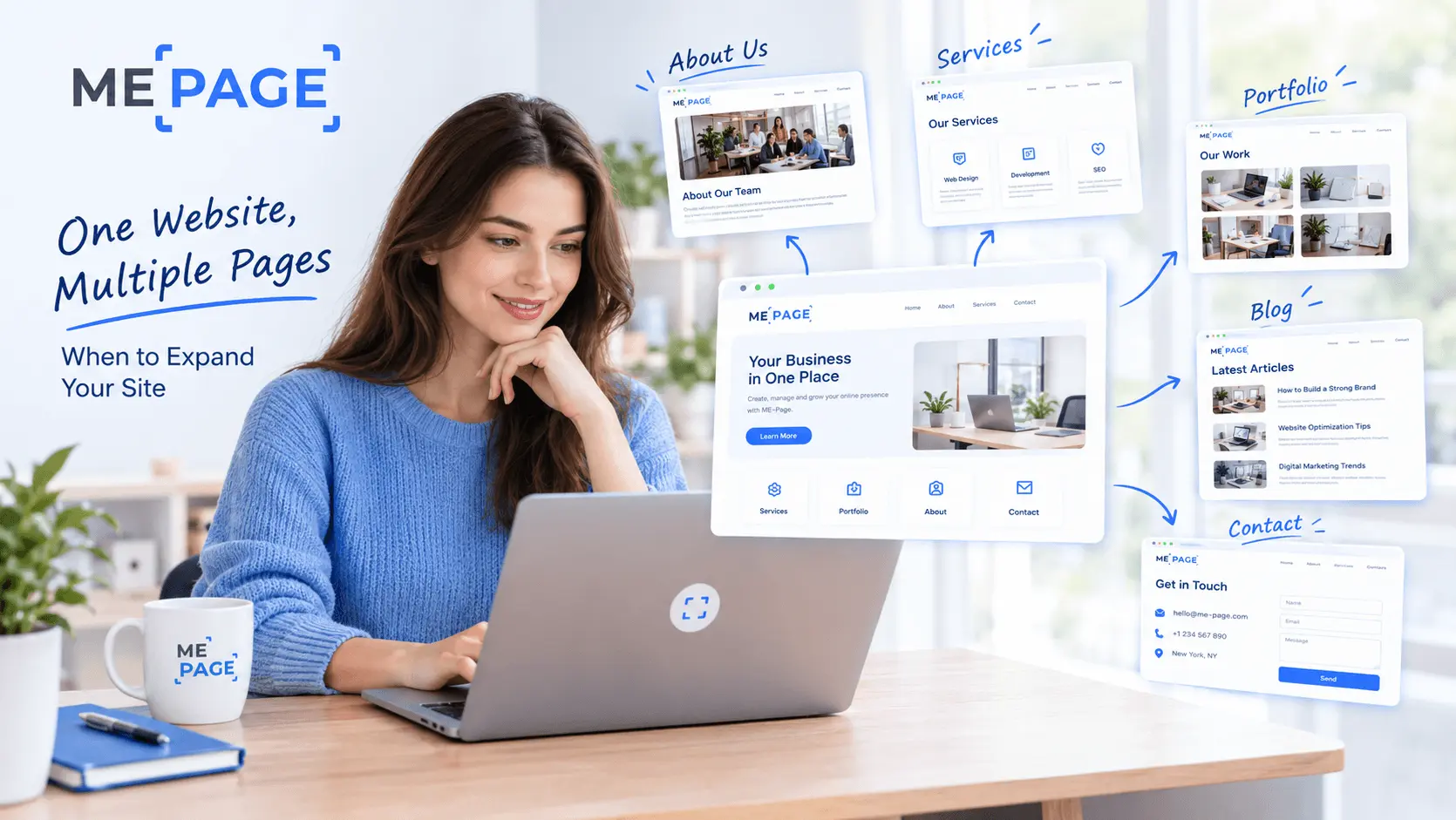
One Website, Multiple Pages: When to Expand Your Site
Starting a website with a single page makes sense. You can introduce your business, showcase your work, add a ...
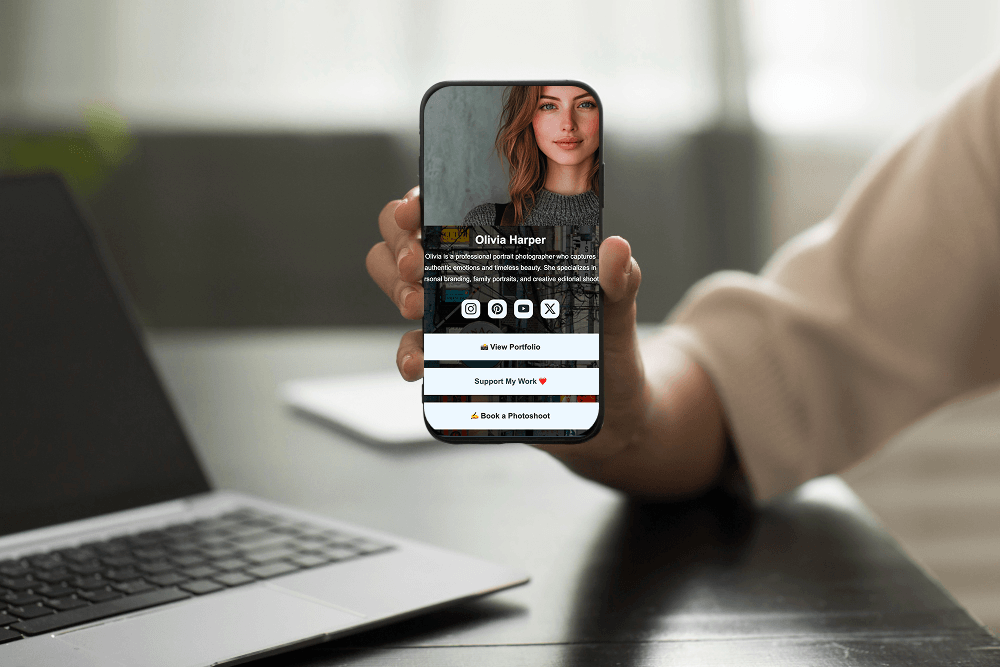
Create a Personal Link Hub with Pages for Every Project
Do you have a portfolio, a personal blog, freelance services, and a few side projects scattered across differe...
How to Optimize Page URLs for Better SEO
A website URL might look like a small technical detail, but it can influence how people understand your conten...
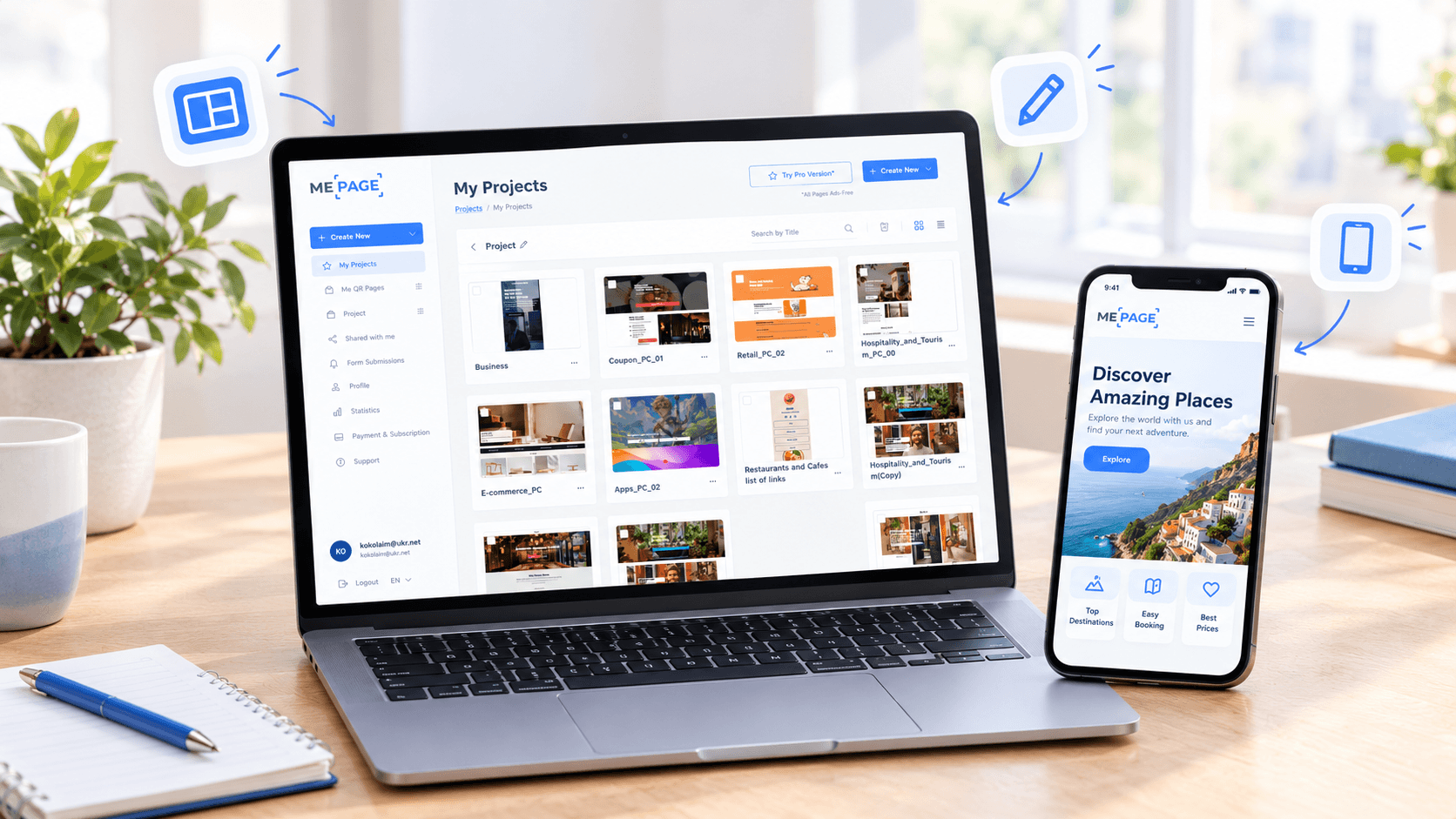
How to Design a Website Footer That Improves User Experience
A website footer might be the last thing visitors see, but that doesn't make it unimportant. When people reach...
How to Create an Effective Services Page for Your Business
When potential customers visit your business website, they want to understand what you offer, how you can help...
How to Create a Navigation Menu for a Multi-Page Website
A website can have excellent content, attractive visuals, and useful features, but visitors may still leave if...
One Website, Multiple Pages: When to Expand Your Site
Starting a website with a single page makes sense. You can introduce your business, showcase your work, add a ...
Create a Personal Link Hub with Pages for Every Project
Do you have a portfolio, a personal blog, freelance services, and a few side projects scattered across differe...
How to Optimize Page URLs for Better SEO
A website URL might look like a small technical detail, but it can influence how people understand your conten...
How to Design a Website Footer That Improves User Experience
A website footer might be the last thing visitors see, but that doesn't make it unimportant. When people reach...










