Me-Page Team
Last modified 21 Jul 2026
Article Plan
- What Are Internal Links?
- Why Internal Linking Matters for SEO
- Improve Your Website Structure
- Support Better User Experience
- Best Places to Add Internal Links
- Internal Linking Ideas
- Use Descriptive Anchor Text
- Avoid Overusing Internal Links
- Keep Important Pages Easy to Reach
- How ME-Page Makes Internal Linking Easier
- Internal Linking Best Practices
- Common Internal Linking Mistakes
- Conclusion
- Frequently Asked Questions about Internal Links
When people think about SEO, they often focus on keywords, backlinks, or content creation. While those factors are important, one of the simplest and most effective optimization techniques is often overlooked: internal linking.
Every link that connects one page of your website to another helps visitors discover more content while also helping search engines understand your site. On a multi-page website, a thoughtful website internal links strategy can improve navigation, strengthen your website structure SEO, and support better multi-page SEO performance.
Whether you're building a business website, portfolio, blog, or online store with ME-Page, understanding how internal links work can help you create a website that's easier to use and easier to find in search results.
What Are Internal Links?
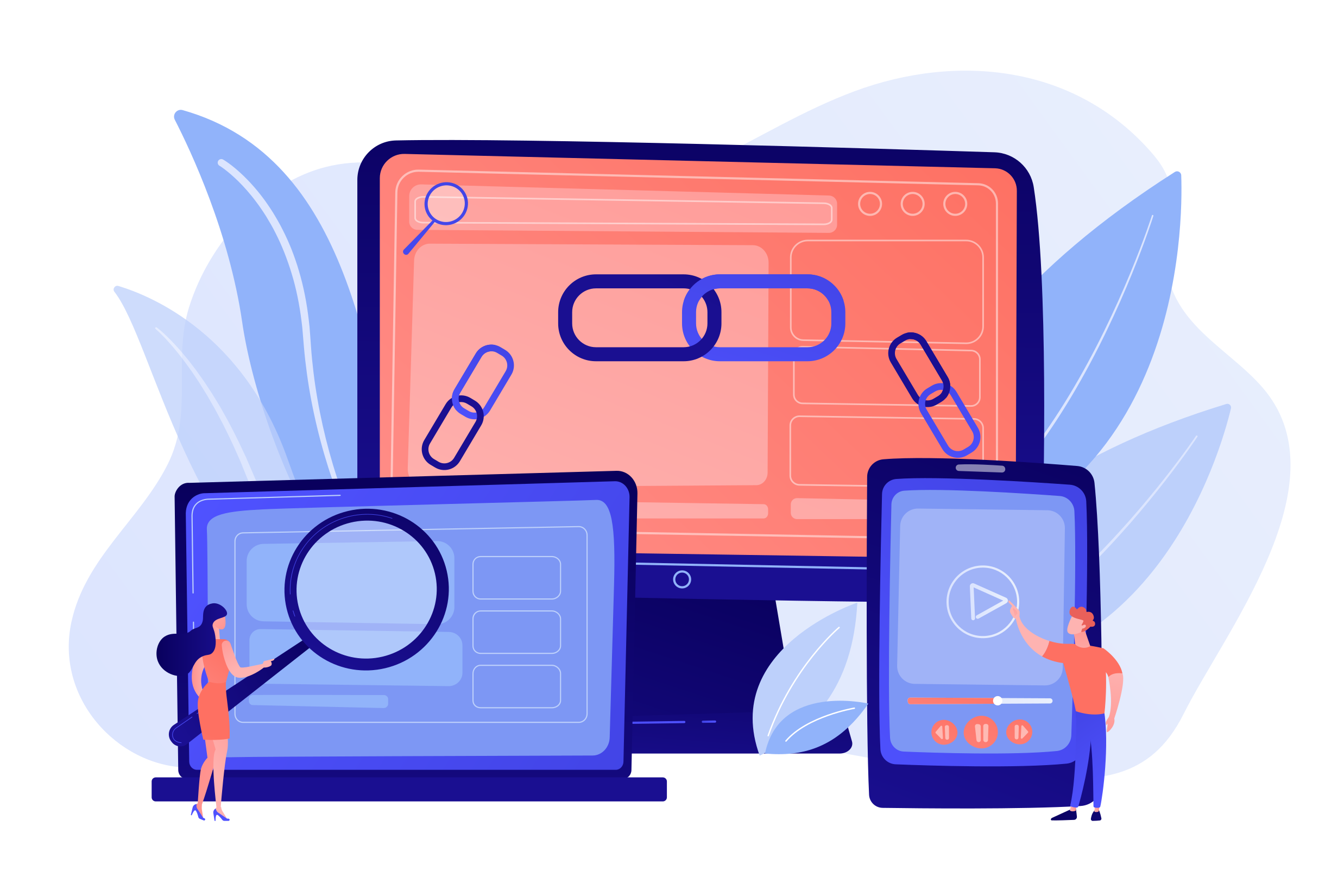
Internal links are hyperlinks that connect pages within the same website.
For example, your homepage might link to:
- Services
- About
- Pricing
- Blog
- Contact
Likewise, a blog article might link to a related service page or another helpful article.
Unlike external links, which point to other websites, website internal links keep visitors engaged with your own content.
Why Internal Linking Matters for SEO
Search engines use links to discover and understand websites.
Good internal linking helps search engines:
- Find new pages faster
- Understand page relationships
- Identify important content
- Crawl websites more efficiently
- Build a logical website hierarchy
For example, if several articles link to your main service page, search engines recognize that page as an important part of your website.
Internal links also make it easier for visitors to continue exploring instead of leaving after viewing a single page.
Improve Your Website Structure
A strong website structure SEO strategy begins with organized pages.
Instead of treating every page as separate, connect related content naturally.
For example:
- Homepage → Services
- Services → Individual Service Pages
- Service Pages → Pricing
- Pricing → Contact
- Blog Articles → Related Services
This structure creates clear navigation while helping search engines understand how pages fit together.
Visitors also spend less time searching for information.
Support Better User Experience
Internal links aren't only for search engines—they're equally valuable for users.
Help Visitors Discover More Content
Readers often want additional information.
For example:
- An article about website planning can link to homepage design tips.
- A guide about SEO can connect to content about keyword research.
These links naturally guide visitors toward relevant topics.
Reduce Bounce Rates
When visitors find helpful links, they're more likely to continue browsing.
Instead of leaving after one page, they may explore:
- Tutorials
- Service pages
- Case studies
- FAQs
- Contact information
Longer browsing sessions often indicate a positive user experience.
Guide Visitors Toward Conversions
Internal links can also support business goals.
For example:
- Blog → Service Page
- Service Page → Pricing
- Pricing → Contact Form
Each page gently moves visitors toward taking action.
Best Places to Add Internal Links
You don't need to add links everywhere.
Focus on natural opportunities.
Some of the best locations include:
- Blog articles
- Service descriptions
- Product pages
- Resource guides
- FAQs
- Navigation menus
- Footer links
For example, a photographer writing about wedding planning can link directly to their wedding photography service page.
Helpful links always provide additional value.
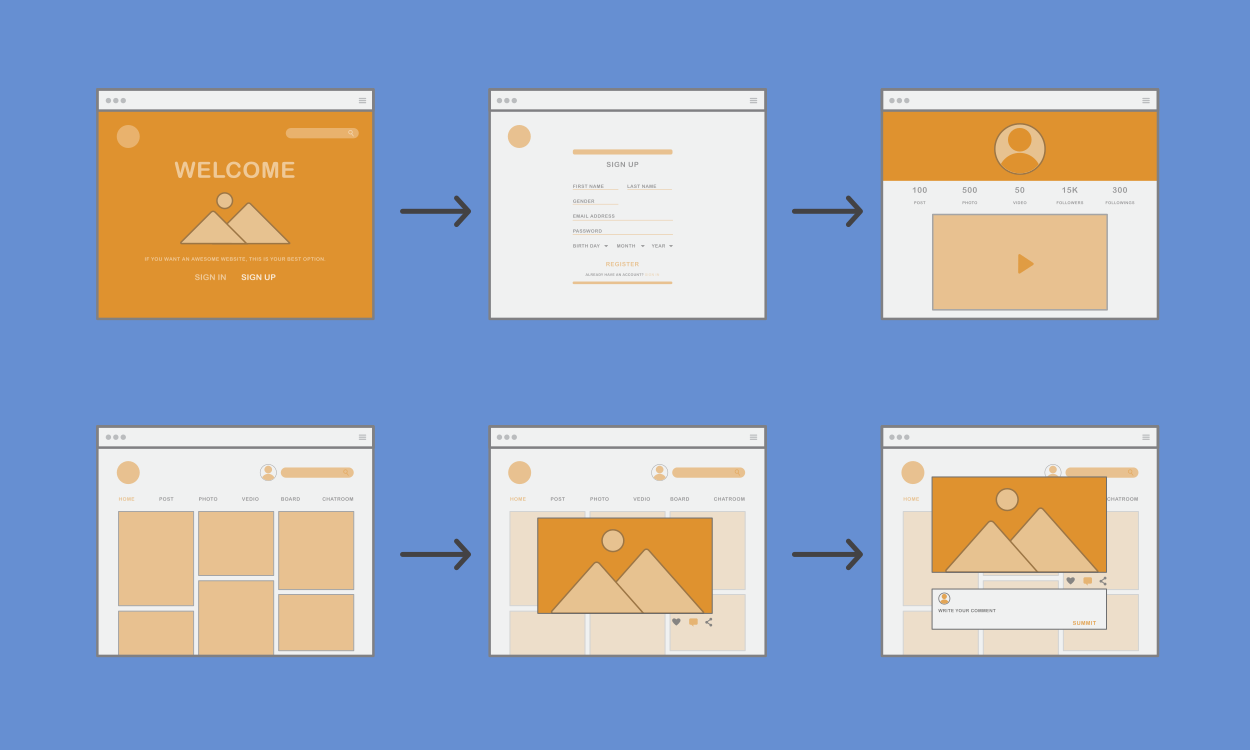
Internal Linking Ideas
Creating these connections strengthens both navigation and multi-page SEO.
Use Descriptive Anchor Text
Anchor text is the clickable text inside a link.
Instead of writing: Click here
Use descriptive phrases such as:
- Explore our web design services
- Learn more about website planning
- View our pricing options
Descriptive anchor text helps both visitors and search engines understand what to expect after clicking.
It also improves accessibility and creates a more natural reading experience.
Avoid Overusing Internal Links
While internal linking is valuable, too many links can overwhelm readers.
Avoid:
- Linking every sentence
- Repeating the same link excessively
- Using unrelated links
- Stuffing keywords into anchor text
- Creating confusing navigation
Instead, focus on quality over quantity.
Each link should have a clear purpose.
Keep Important Pages Easy to Reach
Some pages deserve more visibility than others.
Examples include:
- Services
- Products
- Pricing
- Contact
- Booking pages
If visitors need several clicks to find these pages, consider adding more internal links from relevant content.
The easier important pages are to access, the better the user experience.
How ME-Page Makes Internal Linking Easier
ME-Page helps users organize multi-page websites with clear navigation and connected content.
Benefits include:
- Flexible page structures
- Easy navigation management
- Organized multi-page layouts
- Quick content updates
- Mobile-friendly navigation
As your website grows, adding new pages and connecting them through website internal links becomes simple, helping maintain a strong website structure SEO strategy.
Internal Linking Best Practices
Follow these recommendations:
- Link naturally within content.
- Prioritize useful pages.
- Use descriptive anchor text.
- Keep navigation consistent.
- Connect related topics.
- Update older articles with new links.
- Review broken links regularly.
- Maintain logical page hierarchy.
- Make important pages accessible.
- Think about both users and search engines.
Small improvements can significantly strengthen your multi-page SEO over time.
Common Internal Linking Mistakes
Avoid these common problems:
- Orphan pages with no incoming links
- Broken internal links
- Generic anchor text
- Too many links on one page
- Linking unrelated topics
- Ignoring older content
- Poor navigation structure
- Inconsistent linking patterns
Regular website audits help identify and fix these issues before they affect user experience or SEO.
Conclusion
A strong internal linking strategy does much more than connect pages—it improves navigation, helps search engines understand your content, and creates a stronger website structure SEO foundation. Well-planned website internal links encourage visitors to explore more pages, increase engagement, and support better multi-page SEO performance.
With ME-Page, organizing pages and building meaningful connections between them is simple, making it easier to create websites that are both user-friendly and search-engine-friendly. By treating your website as a connected ecosystem instead of a collection of separate pages, you'll build a stronger online presence that continues to grow over time.
Frequently Asked Questions about Internal Links
There isn't a fixed number. Add as many internal links as naturally help readers discover related content without making the page feel cluttered.
Was This Article Helpful?
Click on a star to rate it!
Average Rating: 5/5
Voutes: 2
Share with Friends:


Previous
How to Choose the Best Homepage Layout for Your Goals
Next
Using Multi-Page Navigation to Improve User Experience
Recent Articles
Everything You Need to Know About Using ME-Page Constructor for Your Website.
How to Create an Effective Services Page for Your Business
When potential customers visit your business website, they want to understand what you offer, how you can help...
How to Create a Navigation Menu for a Multi-Page Website
A website can have excellent content, attractive visuals, and useful features, but visitors may still leave if...
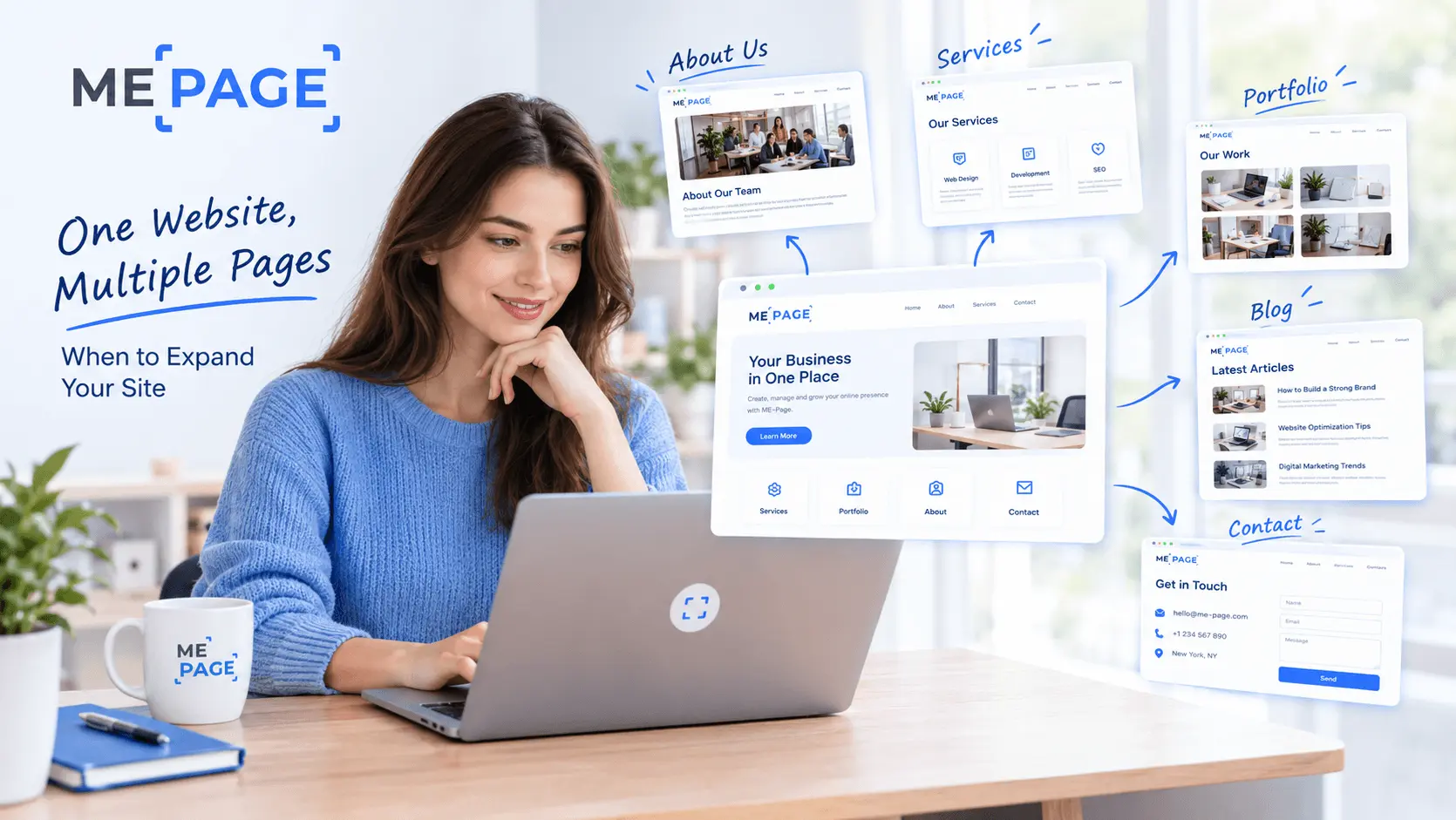
One Website, Multiple Pages: When to Expand Your Site
Starting a website with a single page makes sense. You can introduce your business, showcase your work, add a ...
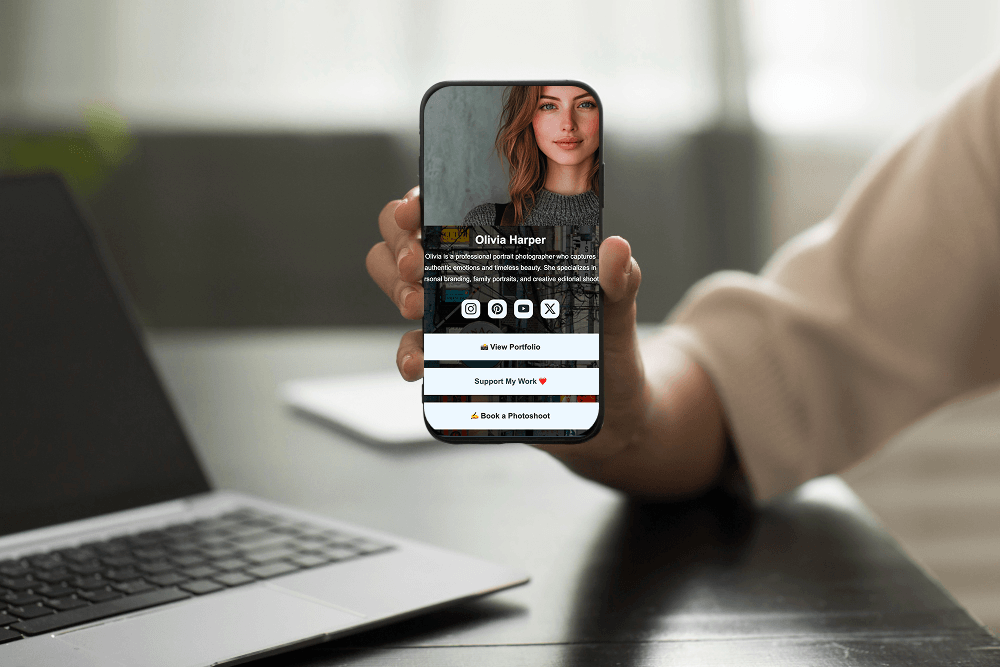
Create a Personal Link Hub with Pages for Every Project
Do you have a portfolio, a personal blog, freelance services, and a few side projects scattered across differe...
How to Optimize Page URLs for Better SEO
A website URL might look like a small technical detail, but it can influence how people understand your conten...
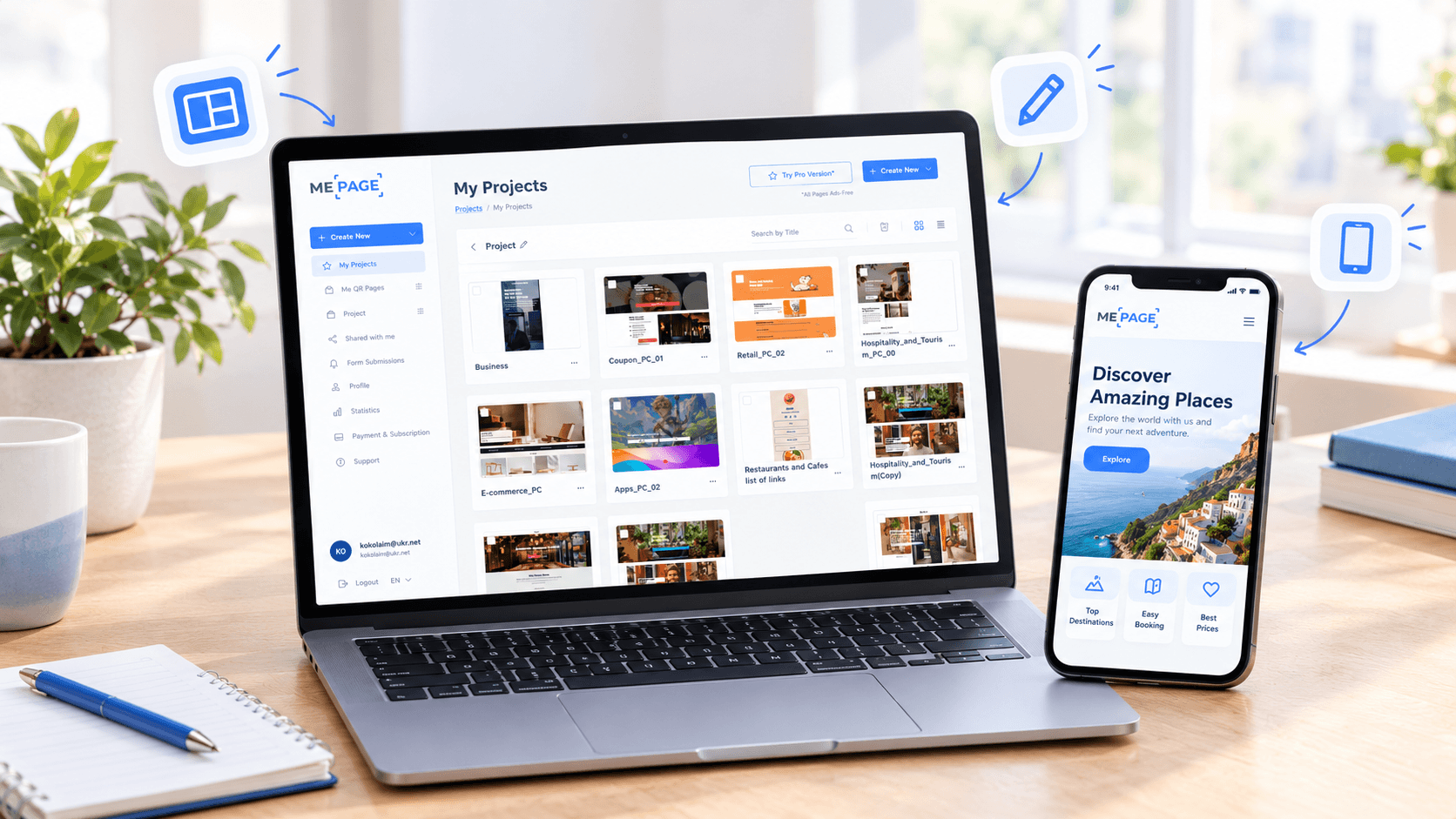
How to Design a Website Footer That Improves User Experience
A website footer might be the last thing visitors see, but that doesn't make it unimportant. When people reach...
How to Create an Effective Services Page for Your Business
When potential customers visit your business website, they want to understand what you offer, how you can help...
How to Create a Navigation Menu for a Multi-Page Website
A website can have excellent content, attractive visuals, and useful features, but visitors may still leave if...
One Website, Multiple Pages: When to Expand Your Site
Starting a website with a single page makes sense. You can introduce your business, showcase your work, add a ...
Create a Personal Link Hub with Pages for Every Project
Do you have a portfolio, a personal blog, freelance services, and a few side projects scattered across differe...
How to Optimize Page URLs for Better SEO
A website URL might look like a small technical detail, but it can influence how people understand your conten...
How to Design a Website Footer That Improves User Experience
A website footer might be the last thing visitors see, but that doesn't make it unimportant. When people reach...










