Me-Page Team
Last modified 16 Jul 2026
Article Plan
- Why Your Homepage Layout Matters
- Start with Your Website Goal
- Understand Your Visitors
- Choose the Right Homepage Layout
- Essential Homepage Sections
- Focus on Website UX
- Optimize for Mobile Devices
- Include Strong Calls-to-Action
- How ME-Page Helps Build Better Homepages
- Homepage Design Best Practices
- Common Homepage Mistakes
- Conclusion
- Frequently Asked Questions about Home Page
Your homepage is often the first impression visitors have of your brand. Within just a few seconds, people decide whether to continue exploring your website or leave. That's why choosing the right homepage layout is one of the most important decisions you'll make during the website creation process.
A well-planned website homepage design does more than look attractive—it guides visitors, communicates your value, and encourages action. Whether your goal is generating leads, selling products, showcasing a portfolio, or growing a community, the right landing page layout can improve both user experience and conversions.
This guide explains how to choose a homepage structure that matches your goals while creating a better website UX for every visitor.
Why Your Homepage Layout Matters
Your homepage serves as the gateway to the rest of your website.
An effective homepage helps visitors:
- Understand what you offer immediately
- Find important information quickly
- Build trust in your brand
- Navigate to relevant pages
- Complete desired actions
For example, someone visiting a consulting website should instantly understand the services available and how to book a consultation. Likewise, an online store should make featured products easy to discover.
Good design removes confusion and creates confidence.
Start with Your Website Goal
Before choosing a homepage layout, identify the primary purpose of your website.
Common goals include:
- Selling products
- Promoting services
- Building a personal brand
- Growing an online community
- Showcasing creative work
- Collecting leads
- Sharing educational content
Your homepage should support one primary objective rather than trying to accomplish everything at once.
For example, a photographer's homepage may focus on showcasing a portfolio, while a software company may prioritize product demonstrations and free trial signups.
Understand Your Visitors
Every successful website homepage design begins with understanding your audience.
Ask yourself:
- Who is visiting the website?
- What information are they looking for?
- What problem are they trying to solve?
- What action should they take first?
For example, a restaurant website should help visitors quickly view the menu, location, and reservation options. A freelance designer may prioritize showcasing past work and client testimonials.
Design around visitor needs—not assumptions.
Choose the Right Homepage Layout
Different businesses benefit from different homepage structures.
Business Service Layout
Best for:
- Agencies
- Consultants
- Freelancers
- Local businesses
Typical sections include:
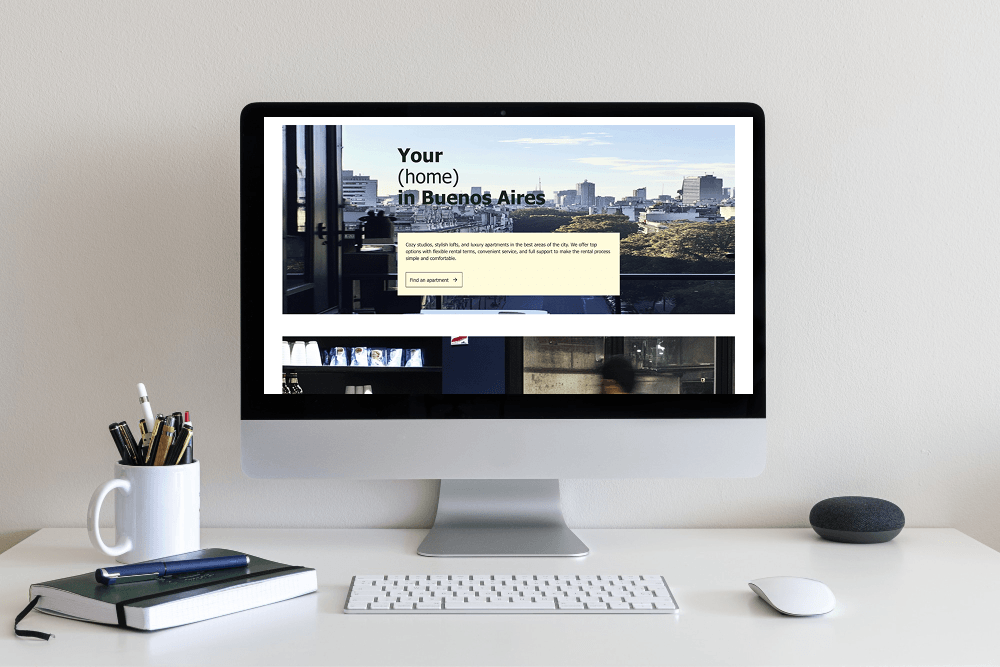
- Hero banner
- Services overview
- Customer testimonials
- About section
- Contact call-to-action
This layout helps visitors understand your expertise before encouraging them to get in touch.
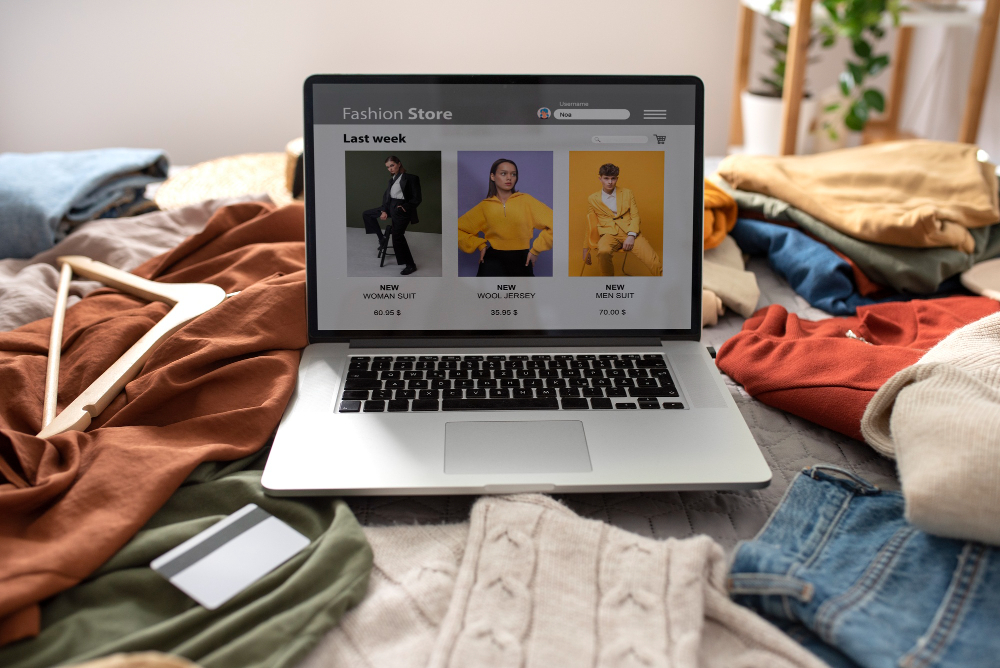
Product-Focused Layout
Ideal for:
- Online stores
- Product launches
- Digital products
Include sections such as:
- Featured products
- Benefits
- Customer reviews
- Product categories
- Purchase buttons
A clean landing page layout keeps attention on products and purchasing decisions.
Portfolio Layout
Great for:
- Designers
- Artists
- Photographers
- Architects
- Developers
Useful homepage sections include:
- Featured projects
- Short biography
- Skills
- Client logos
- Contact information
Visitors can quickly evaluate your work before reaching out.

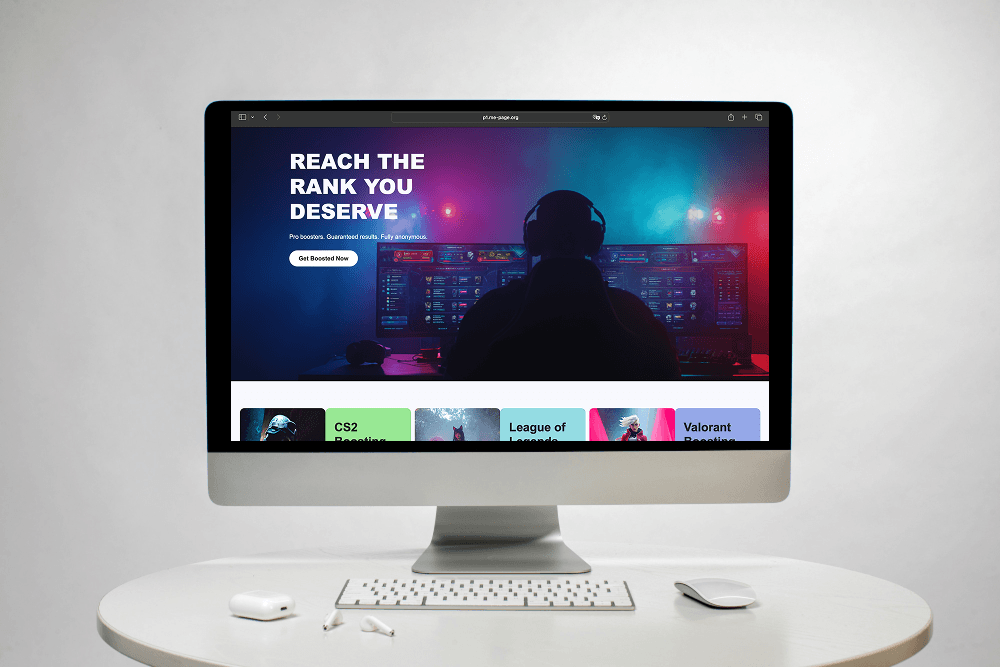
Community or Content Layout
Suitable for:
- Bloggers
- Nonprofits
- Gaming communities
- Educational platforms
Common sections include:
- Latest articles
- Upcoming events
- Featured resources
- Community highlights
- Newsletter signup
This layout encourages exploration and ongoing engagement.
Essential Homepage Sections
Although every website is unique, most homepages benefit from several core elements.
These sections help create a balanced website homepage design without overwhelming visitors.
Focus on Website UX
Good website UX makes navigation feel effortless.
Keep Navigation Simple
Visitors shouldn't struggle to find important pages.
Use clear menu labels such as:
- Home
- About
- Services
- Pricing
- Blog
- Contact
Simple navigation reduces frustration.
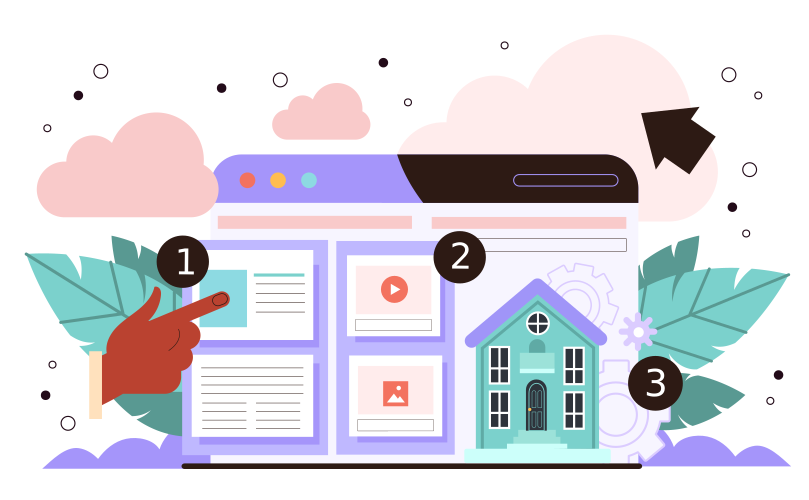
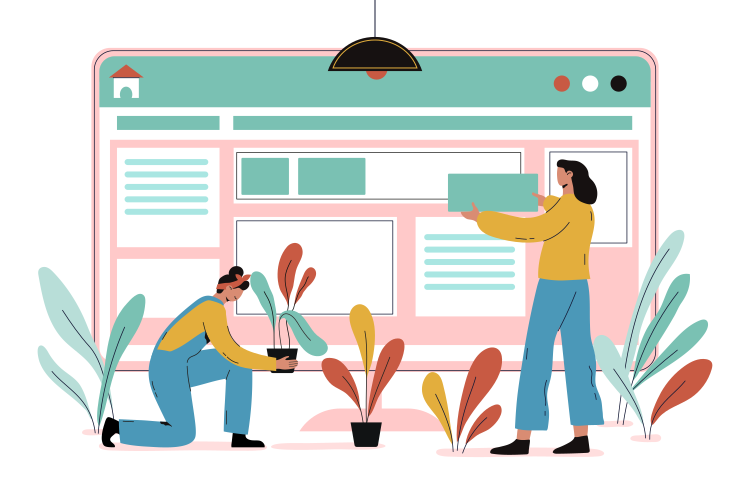
Use Clear Visual Hierarchy
Guide visitors naturally through the page.
Important elements should stand out using:
- Larger headings
- Strategic spacing
- Clear buttons
- Organized content blocks
A structured homepage is easier to scan than one filled with competing elements.
Write for Quick Reading
Most visitors scan websites rather than reading every word.
Improve readability by using:
- Short paragraphs
- Bullet points
- Clear headings
- Simple language
This keeps visitors engaged and improves overall usability.
Optimize for Mobile Devices
A significant portion of website traffic comes from smartphones.
During homepage planning, ask:
- Does the page load quickly?
- Are buttons easy to tap?
- Is text readable without zooming?
- Are important actions visible immediately?
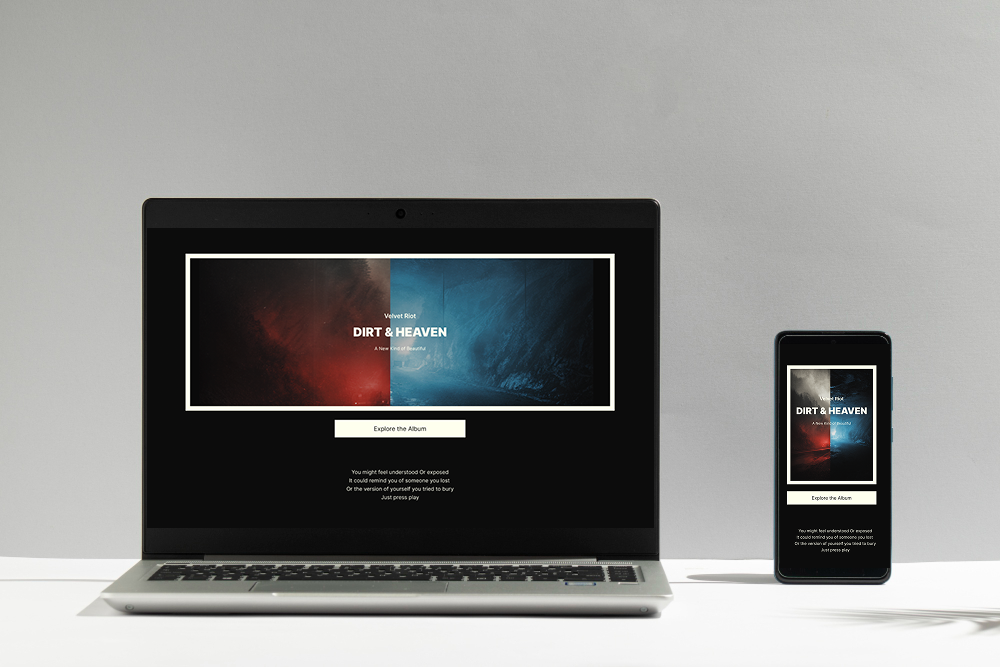
A responsive landing page layout ensures visitors enjoy the same experience regardless of device.
Include Strong Calls-to-Action
Every homepage should guide visitors toward a meaningful action.
Examples include:
- Get Started
- Book a Consultation
- View Portfolio
- Shop Now
- Join the Community
- Contact Us
Calls-to-action should appear naturally throughout the homepage rather than only at the bottom.
Consistent CTAs improve conversions while supporting better website UX.
How ME-Page Helps Build Better Homepages
ME-Page makes it easy to create homepages that align with your goals without requiring advanced technical knowledge.
Benefits include:
- Flexible homepage layouts
- Easy content organization
- Responsive designs for mobile and desktop
- Simple page editing
- Custom sections for services, products, portfolios, or communities
As your website grows, ME-Page allows you to update your homepage, add new sections, and refine your messaging without rebuilding your entire site.
This flexibility helps businesses and creators adapt as their goals evolve.
Homepage Design Best Practices
Keep these recommendations in mind:
- Focus on one primary objective.
- Write a clear headline.
- Use high-quality visuals.
- Limit unnecessary distractions.
- Highlight your most important content.
- Make navigation intuitive.
- Include trust-building elements.
- Keep loading times fast.
- Test your homepage on multiple devices.
- Update content regularly.
Small improvements often have a significant impact on visitor engagement.
Common Homepage Mistakes
Avoid these common design problems:
- Too much information above the fold
- Weak or confusing headlines
- Missing calls-to-action
- Cluttered layouts
- Poor mobile optimization
- Inconsistent branding
- Difficult navigation
- Outdated content
A simple, focused homepage almost always performs better than one trying to showcase everything at once.
Conclusion
Choosing the right homepage layout begins with understanding your goals and your audience. A thoughtful website homepage design helps visitors quickly understand your value, navigate your content, and take meaningful action.
Whether you're creating a business website, portfolio, online store, or community platform, selecting the right landing page layout improves both engagement and website UX. By organizing content logically, using clear calls-to-action, and focusing on user needs, you can create a homepage that supports long-term growth.
With ME-Page, building and updating professional homepages is simple, giving you the flexibility to create an online presence that evolves alongside your business or personal brand.
Frequently Asked Questions about Home Page
A complete redesign isn't always necessary. Review your homepage regularly and update it whenever your goals, services, branding, or audience needs change.
Was This Article Helpful?
Click on a star to rate it!
Average Rating: 5/5
Voutes: 2
Share with Friends:


Previous
How to Plan Your Website Before You Start Building

Next
How Internal Links Improve SEO on Multi-Page Websites
Recent Articles
Everything You Need to Know About Using ME-Page Constructor for Your Website.
How to Create an Effective Services Page for Your Business
When potential customers visit your business website, they want to understand what you offer, how you can help...
How to Create a Navigation Menu for a Multi-Page Website
A website can have excellent content, attractive visuals, and useful features, but visitors may still leave if...
One Website, Multiple Pages: When to Expand Your Site
Starting a website with a single page makes sense. You can introduce your business, showcase your work, add a ...
Create a Personal Link Hub with Pages for Every Project
Do you have a portfolio, a personal blog, freelance services, and a few side projects scattered across differe...
How to Optimize Page URLs for Better SEO
A website URL might look like a small technical detail, but it can influence how people understand your conten...
How to Design a Website Footer That Improves User Experience
A website footer might be the last thing visitors see, but that doesn't make it unimportant. When people reach...
How to Create an Effective Services Page for Your Business
When potential customers visit your business website, they want to understand what you offer, how you can help...
How to Create a Navigation Menu for a Multi-Page Website
A website can have excellent content, attractive visuals, and useful features, but visitors may still leave if...
One Website, Multiple Pages: When to Expand Your Site
Starting a website with a single page makes sense. You can introduce your business, showcase your work, add a ...
Create a Personal Link Hub with Pages for Every Project
Do you have a portfolio, a personal blog, freelance services, and a few side projects scattered across differe...
How to Optimize Page URLs for Better SEO
A website URL might look like a small technical detail, but it can influence how people understand your conten...
How to Design a Website Footer That Improves User Experience
A website footer might be the last thing visitors see, but that doesn't make it unimportant. When people reach...










