Me-Page Team
Last modified 18 Sep 2025
Why Start an Online Store?
The Growth of E-Commerce
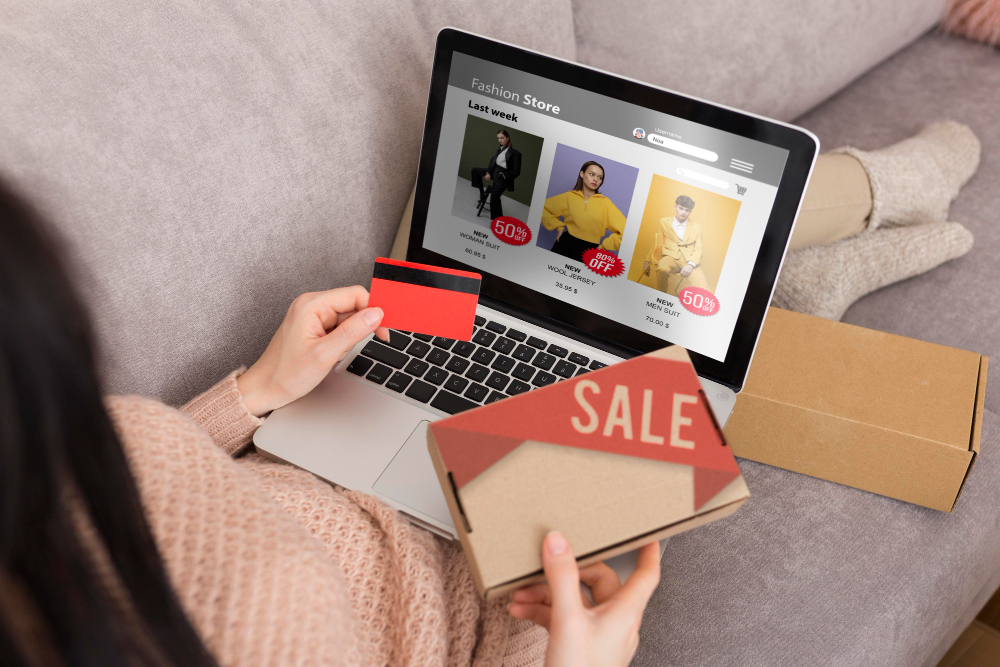
E-commerce is booming. Millions of shoppers now prefer browsing online rather than visiting physical stores. If your business isn’t online, you’re missing out on a massive opportunity.
Benefits of Selling Online
Selling online gives you:
- Global Reach: Your products are no longer limited to local customers.
- 24/7 Sales: Your store is open day and night.
- Lower Costs: No need for expensive storefronts or extra staff.
Simply put, an online shop expands your business potential far beyond traditional retail.
ME-Page as Your Online Shop Builder
So why use ME-Page for your store? Because it’s designed to make e-commerce simple.
Simple and Beginner-Friendly
ME-Page acts as a powerful online shop builder without the steep learning curve. You don’t need coding skills—just a few clicks, and your shop is live.
Professional Templates for Retail Businesses
Not sure how to design your store? ME-Page offers professional templates tailored for retail businesses. These templates take the guesswork out of design so your store looks polished and trustworthy from the start.
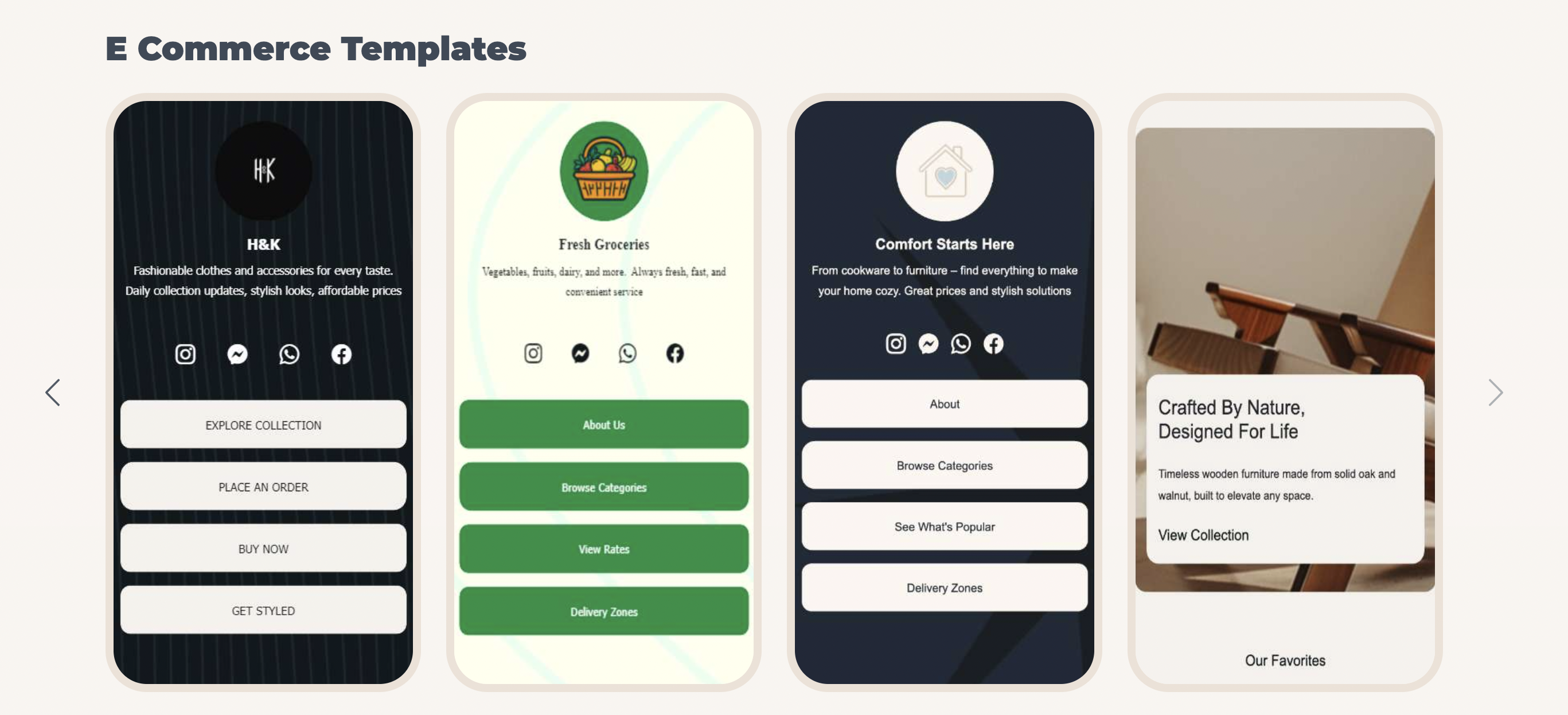
Mobile-Friendly E-Commerce Website
More than half of shoppers browse on mobile devices. Every ME-Page e-commerce website template is fully responsive, meaning your store looks great on phones, tablets, and desktops.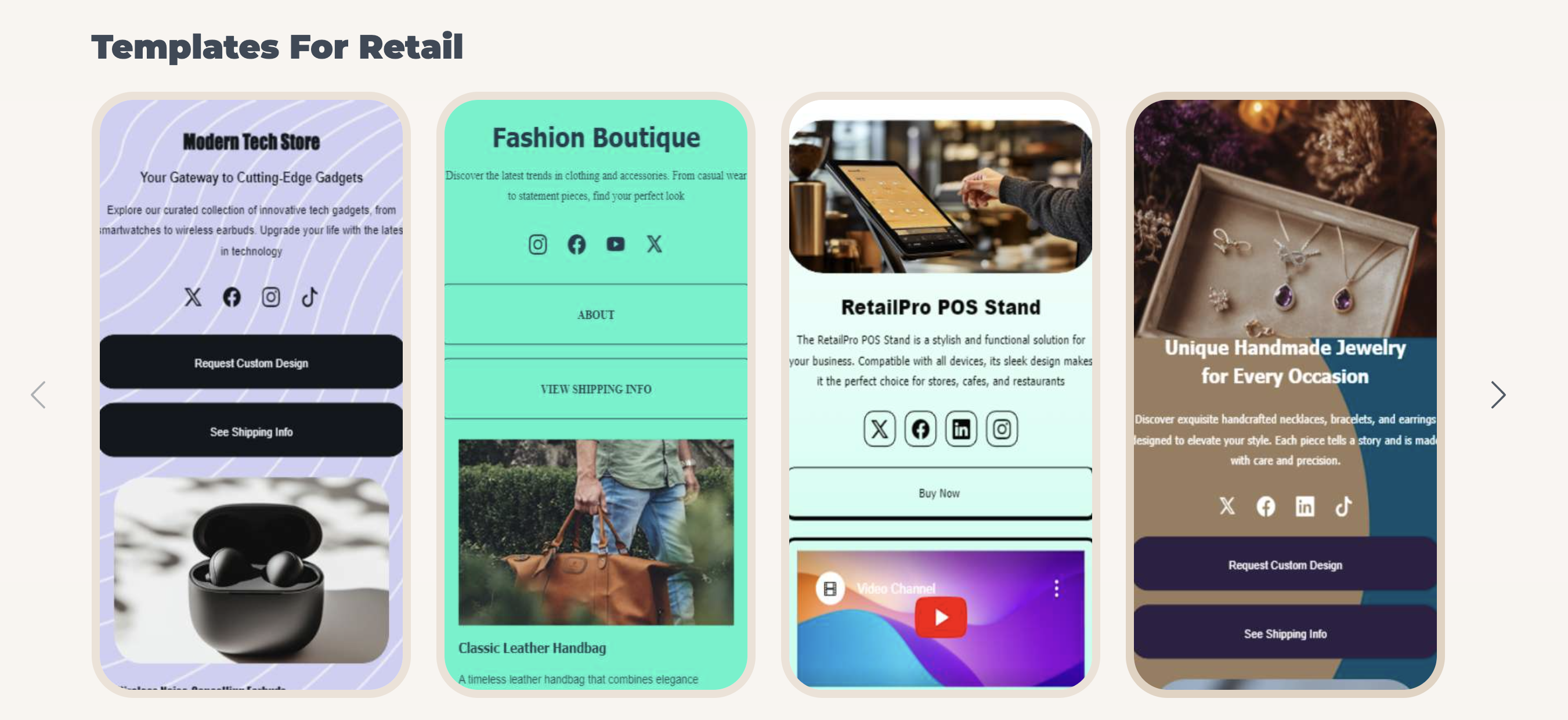
Steps to Launch Your Free Retail Website with ME-Page
Let’s break down the process of creating your online shop in a few simple steps.
Step 1: Sign Up and Select a Template
Go to ME-Page and create your account. Choose a free retail website template that fits your business style—whether it’s modern, minimal, or bold.
Step 2: Customize Your Store
Personalize your template by adding your logo, brand colors, and images. Make it feel like your shop. Even small touches, like a catchy tagline or high-quality product photos, make a big difference.
Step 3: Add Products and Payment Links
Upload product photos, write clear descriptions, and set prices. ME-Page allows you to integrate payment links so customers can buy directly from your e-commerce website.
Step 4: Publish and Share Your Store
Once everything looks good, hit publish. Share your link on social media, in emails, or even on business cards. Congratulations—you now own a fully functional online shop
Tips for Growing Your Online Store
Launching your shop is just the beginning. To keep traffic and sales flowing, follow these growth tips:
Optimize Product Descriptions for SEO
Use keywords naturally in your product titles and descriptions. For example, instead of “Red Bag,” write “Handmade Red Leather Bag.” This helps Google connect your store with shoppers searching online.
Share on Social Media and Email
Social platforms are a free way to get more eyes on your shop. Share product launches, promotions, and updates regularly. Don’t forget to collect emails and send newsletters to keep customers coming back.
Keep Updating Your Store Regularly
Add new products, update photos, and refresh your layout often. A fresh-looking e-commerce website shows customers that your business is active and trustworthy.Conclusion
Creating an online shop doesn’t have to be intimidating or expensive. With ME-Page, you can use a free retail website template, customize it to fit your brand, and launch a fully functional e-commerce website in just a few clicks.
As a beginner-friendly online shop builder, ME-Page removes the barriers of traditional web design and gives you the tools to focus on what matters most—selling your products and growing your business.
So, why wait? The digital marketplace is open 24/7, and your customers are already shopping online. Take the first step today, create your ME-Page store, and start turning your passion into profit.
Was This Article Helpful?
Click on a star to rate it!
Average Rating: 4.7/5
Voutes: 3
Share with Friends:



Previous
How to Share and Collaborate on ME-Page Projects

Next
Case Study: How a Small Business Grew Online with ME-Page
Recent Articles
Everything You Need to Know About Using ME-Page Constructor for Your Website.
How to Choose Between a Template and a Blank Page in ME-Page
Starting a website project comes with an important decision: should you use a ready-made template or build you...

How Photographers Can Build a Client-Ready Website with ME-Page
Your photographs tell stories, capture emotions, and show how you see the world. But when potential clients wa...
How to Use CSS to Fine-Tune ME-Page Website Elements
A website builder makes it easy to create pages without writing code, but sometimes the standard design option...

How to Use Search Intent to Plan Pages for Your Website
Choosing keywords is an important part of SEO, but knowing what people expect to find when they search is just...

How to Design an Effective Testimonials Section for Your Website
When people visit your website for the first time, they don't always know what to expect. They may like your s...

How to Add Social Media Links to Your ME-Page Website
Your website gives visitors a place to learn about you, explore your work, and discover what you offer. But yo...
How to Choose Between a Template and a Blank Page in ME-Page
Starting a website project comes with an important decision: should you use a ready-made template or build you...
How Photographers Can Build a Client-Ready Website with ME-Page
Your photographs tell stories, capture emotions, and show how you see the world. But when potential clients wa...
How to Use CSS to Fine-Tune ME-Page Website Elements
A website builder makes it easy to create pages without writing code, but sometimes the standard design option...
How to Use Search Intent to Plan Pages for Your Website
Choosing keywords is an important part of SEO, but knowing what people expect to find when they search is just...
How to Design an Effective Testimonials Section for Your Website
When people visit your website for the first time, they don't always know what to expect. They may like your s...
How to Add Social Media Links to Your ME-Page Website
Your website gives visitors a place to learn about you, explore your work, and discover what you offer. But yo...


