Me-Page Team
Last modified 29 Sep 2026
Article Plan
- Why Managing Multiple Websites Matters
- The Problem With Traditional Website Management
- What Is a ME-Page Dashboard?
- Key Benefits of Managing Multiple Websites in One Account
- How to Manage Multiple Websites Effectively
- Quick Comparison: Single vs Multi-Site Management
- Best Use Cases for Multi-Site Management
- Common Mistakes to Avoid
- Conclusion
- Frequently Asked Questions
Running more than one website used to be complicated. Different logins, scattered tools, and endless switching between dashboards, it quickly becomes overwhelming.
But what if you could control everything from one place?
That’s exactly where the power of manage multiple websites from a single account comes in. With platforms like ME-Page, handling multiple sites becomes simple, organized, and efficient.
Let’s explore how it works, and how you can make the most of it.

Why Managing Multiple Websites Matters
Whether you're a freelancer, business owner, or agency, managing multiple websites is often unavoidable.
Common scenarios include:
- Running multiple business brands
- Managing client websites
- Operating niche blogs or landing pages
- Testing different marketing campaigns
Without a centralized system, things can quickly get messy.
The Problem With Traditional Website Management
Before tools like a unified ME-Page dashboard, users had to deal with:
- Multiple accounts and passwords
- Inconsistent workflows
- Time wasted switching between platforms
- Higher risk of errors
This not only slows you down but also affects productivity.

What Is a ME-Page Dashboard?
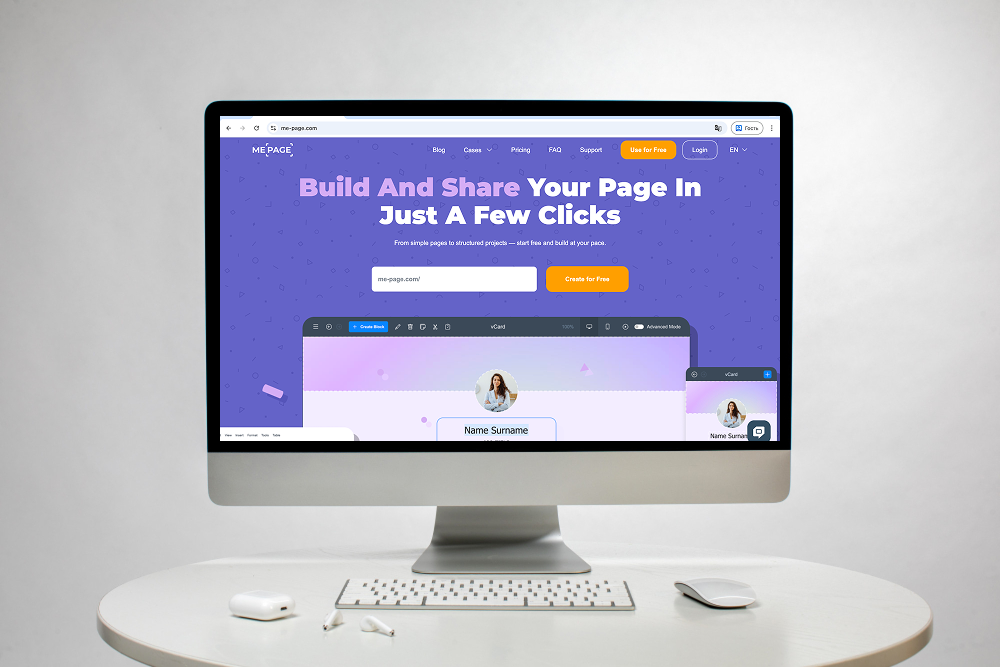
A ME-Page dashboard is your central control panel where all your websites live.
Instead of logging into separate systems, you can:
- Access all websites in one place
- Manage updates quickly
- Monitor performance easily
With ME-Page, everything is streamlined into a single, user-friendly interface.
1. Centralized Control. You don’t need to jump between tools anymore. Everything is accessible from one dashboard, saving time and reducing confusion.
2. Improved Workflow Efficiency. When all your websites are in one place, tasks like editing, updating, and publishing become faster and more consistent.
3. Better Organization. You can group, label, or categorize websites based on projects, clients, or goals. This keeps everything structured and easy to navigate.
4. Scalability. As your projects grow, your system grows with you. Adding new websites doesn’t increase complexity, it simply fits into your existing setup.

How to Manage Multiple Websites Effectively
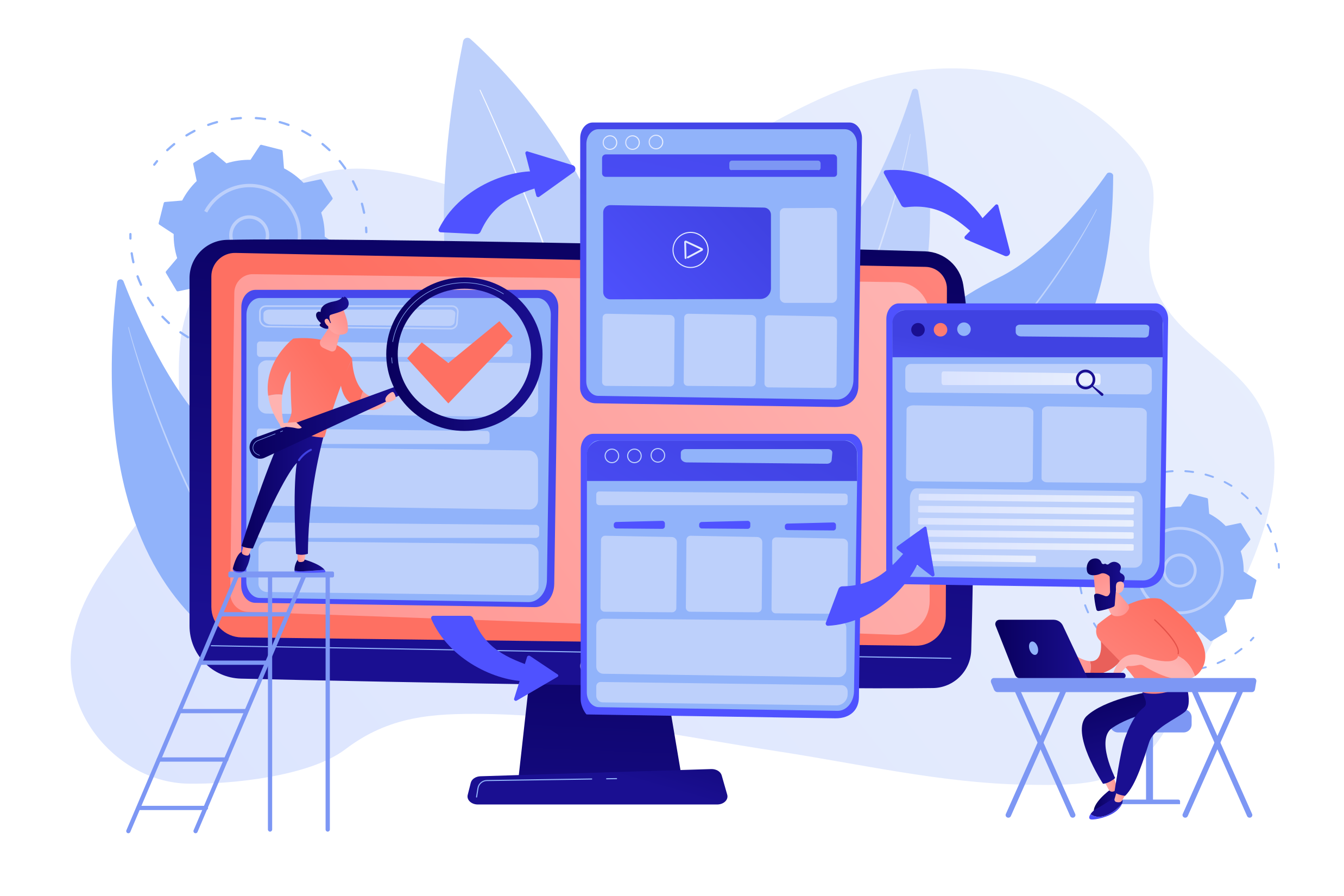
Managing multiple websites isn’t just about having the right tools, it’s about using them smartly.
1. Organize Your Websites Clearly
Create a structure that makes sense for your workflow.
For example:
- By client name
- By business type
- By project stage
This makes navigation within your ME-Page dashboard much easier.
2. Standardize Your Process
Use consistent workflows across all websites.
This includes:
- Design templates
- Content structure
- Update schedules
Consistency saves time and reduces mistakes.
3. Use Templates and Reusable Elements
Instead of building every site from scratch, reuse layouts and components. With ME-Page, you can quickly duplicate or adapt existing designs, speeding up development.
- Reuse layouts: Apply proven page structures to similar website sections.
- Adapt components: Change text, images, and other content while keeping the same basic design.
- Save development time: Avoid recreating the same elements for every new page.
4. Monitor Performance Regularly
Even if everything is centralized, you still need to track performance.
Keep an eye on:
- Traffic trends
- User behavior
- Conversion rates
This helps you optimize each website effectively.

Quick Comparison: Single vs Multi-Site Management
Best Use Cases for Multi-Site Management
Freelancers & Agencies: Handle multiple client websites without juggling tools. Keep each project organized while using familiar workflows across different sites. This makes it easier to switch between clients and keep projects moving efficiently.
Entrepreneurs: Manage multiple brands or projects from one place. Each brand can have its own website structure and content while remaining easier to oversee. This is useful when different projects need separate online identities.
Marketers: Run and test multiple landing pages efficiently. You can organize pages for different campaigns, audiences, or offers without mixing their content. This makes it easier to keep each campaign focused and organized.
Content Creators: Operate several niche websites with ease. Separate websites can focus on different topics, audiences, or content formats. This helps creators maintain a clear content strategy for each project.


Common Mistakes to Avoid
Even with a great system, mistakes can happen.
- Lack of organization – makes navigation confusing
- Ignoring updates – leads to outdated content
- Overcomplicating structure – reduces efficiency
- Not using available features – wastes potential
Keep things simple and intentional.
Conclusion
Managing multiple websites doesn’t have to be stressful or time-consuming. With the right approach and tools, it becomes a smooth, efficient process.
Using a centralized solution like ME-Page allows you to:
- Easily manage multiple websites
- Stay organized with a powerful ME-Page dashboard
- Save time while scaling your projects
If you’re handling more than one website, switching to a unified system isn’t just convenient, it’s essential. It helps you stay in control, work faster, and focus on what really matters: growing your online presence.
Frequently Asked Questions
Yes, modern platforms allow you to control multiple websites from a single account without any complications. This setup reduces the need for multiple logins and keeps everything centralized. It’s especially useful for professionals handling several projects at once.
Was This Article Helpful?
Click on a star to rate it!
Average Rating: 5/5
Voutes: 2
Share with Friends:


Previous
How to Organize Content Across Multiple Website Pages

Next
Welcome to ME-Page: Your Ultimate Website Constructor
Recent Articles
Everything You Need to Know About Using ME-Page Constructor for Your Website.

Managing Multiple Websites from One ME-Page Account
Running more than one website used to be complicated. Different logins, scattered tools, and endless switching...
How to Organize Content Across Multiple Website Pages
A multi-page website gives you room to explain your business, services, products, and ideas without putting ev...

Essential Pages Every Business Website Should Include
A business website doesn't need dozens of pages to look professional. What it does need is a clear structure t...

How to Write Website Headlines That Attract More Visitors
A headline is often the first piece of text people notice when they open a website. Before they read your para...

How Freelancers Can Organize Services, Portfolio, and Contacts on...
Freelancers often wear many hats. One day you're working on a client project, the next you're answering inquir...
How to Choose the Right Website Structure for Your Project
Before you choose colors, fonts, images, or buttons for your website, there is one decision worth making first...
Managing Multiple Websites from One ME-Page Account
Running more than one website used to be complicated. Different logins, scattered tools, and endless switching...
How to Organize Content Across Multiple Website Pages
A multi-page website gives you room to explain your business, services, products, and ideas without putting ev...
Essential Pages Every Business Website Should Include
A business website doesn't need dozens of pages to look professional. What it does need is a clear structure t...
How to Write Website Headlines That Attract More Visitors
A headline is often the first piece of text people notice when they open a website. Before they read your para...
How Freelancers Can Organize Services, Portfolio, and Contacts on...
Freelancers often wear many hats. One day you're working on a client project, the next you're answering inquir...
How to Choose the Right Website Structure for Your Project
Before you choose colors, fonts, images, or buttons for your website, there is one decision worth making first...










