Me-Page Team
Last modified 20 Aug 2026
Article Plan
- Start with Your Website Structure
- Write Unique Page Titles
- Check Your Meta Descriptions
- Review Your Headings
- Optimize Your Content
- Optimize Your Images
- Create Internal Links
- Make Sure Your Website Works on Mobile
- Test Your Links and Buttons
- Check Your Contact Information
- Review Your Website Speed
- Add Basic SEO Information
- Review Your Content for Errors
- Website Launch SEO Checklist
- Don't Forget Your Homepage
- Final Website Launch Checklist
- Conclusion
- Frequently Asked Questions about SEO Checklist
Launching a new website is exciting, but hitting the Publish button shouldn't be the final step. Before your website goes live, you need to make sure search engines can understand your pages, visitors can navigate them easily, and important technical details are in place.
A good SEO checklist helps you catch problems before they affect your visibility. From page titles and headings to mobile usability and internal links, a few final checks can make your website stronger from day one.
Whether you're launching a business website, portfolio, personal project, or online service with ME-Page, use this website launch checklist to review the most important SEO elements before publishing.
Start with Your Website Structure
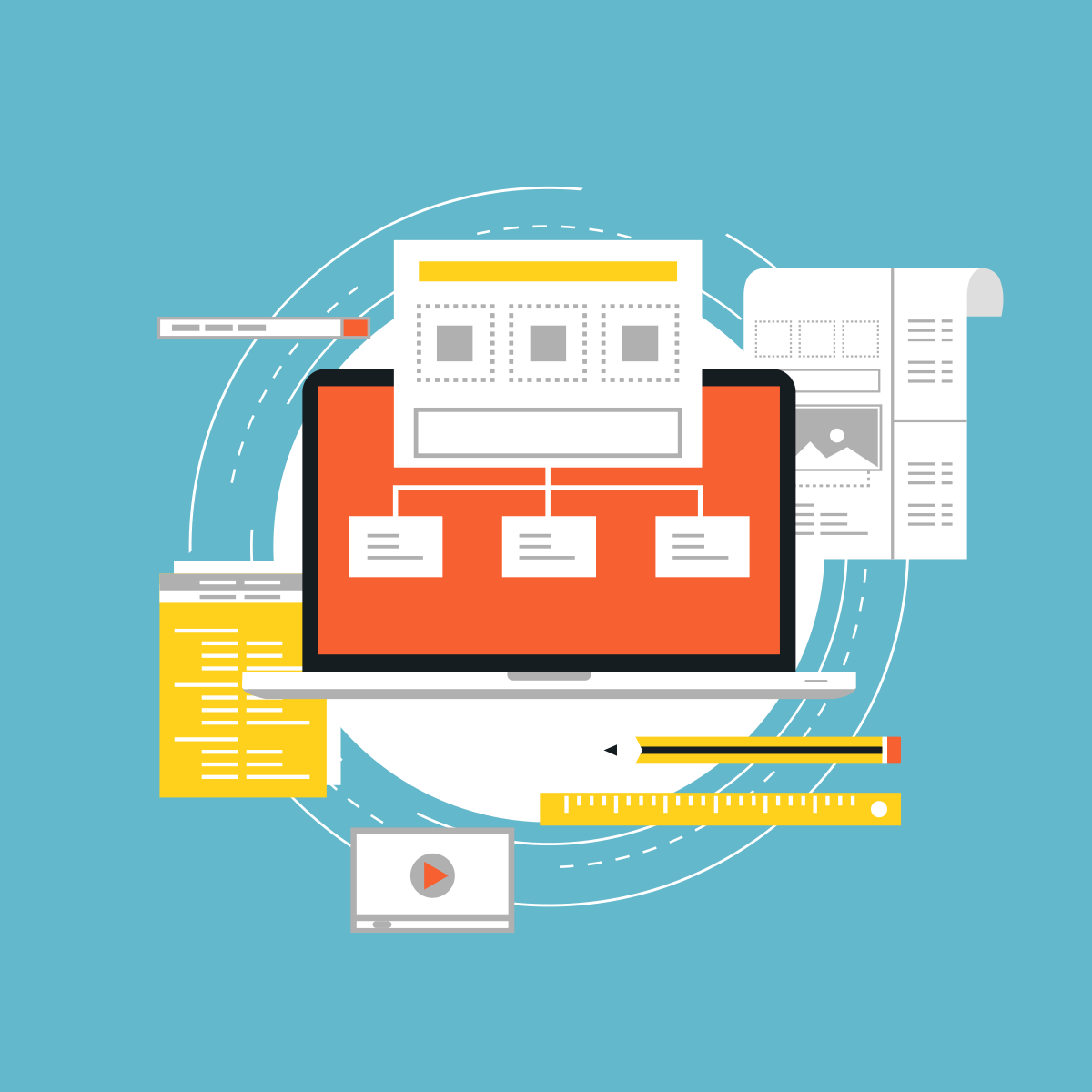
Search engines and visitors both benefit from a clear website structure.
Before publishing, check that your pages have logical relationships.
For example, a business website might include:
- Home
- About
- Services
- Pricing
- Blog
- Contact
Each page should have a clear purpose. Avoid creating unnecessary pages simply to make the website look larger.
A simple structure also makes future content easier to organize.
Write Unique Page Titles
Every important page should have a descriptive and unique title.
Your title should tell both visitors and search engines what the page is about.
For example:
Weak: Services
Better: Website Design Services for Small Businesses
Keep titles natural and relevant to the actual content of the page. Don't repeat the same title across multiple pages.
Check Your Meta Descriptions
A meta description provides a short summary of a page and can appear in search results.
Before publishing, check that important pages have useful descriptions that:
- Explain what the page offers
- Include relevant keywords naturally
- Give visitors a reason to click
- Accurately represent the page
Don't simply copy the same description for every page.
Review Your Headings
Headings help organize your content and make long pages easier to scan.
Check that each page has:
- One clear main heading
- Logical H2 sections
- H3 headings where additional organization is needed
- Descriptive headings that match the content
For example, a service page might use an H1 for the service name, H2 headings for benefits and process, and H3 headings for individual steps.
Good heading structure supports both readability and on-page optimization.

Optimize Your Content
Before publishing, read every page as if you're a potential customer.
Ask:
- Is the main topic immediately clear?
- Does the content answer useful questions?
- Are the important details easy to find?
- Is the text written for real people?
- Are keywords used naturally?
Avoid forcing keywords into every paragraph. Search-friendly content should still sound natural and provide genuine value.
Optimize Your Images
Images can improve your website, but poorly prepared images can affect performance.
As part of your SEO checklist, review:
- Image file sizes
- Image dimensions
- File names
- Alt text
- Image quality
- Mobile display
For example, replace generic filenames such as IMG_2048.jpg with descriptive names when appropriate.
Write alt text that accurately describes meaningful images rather than filling it with keywords.

Create Internal Links
Internal links connect related pages on your website.
For example, your About page could link to your Services page, while a blog article could direct readers to a relevant service.
Before publishing, check that:
- Important pages are linked from other pages.
- Links use descriptive anchor text.
- There are no unnecessary links.
- Links lead to the correct destinations.
Internal linking helps visitors discover more content and gives search engines additional context about your website structure.
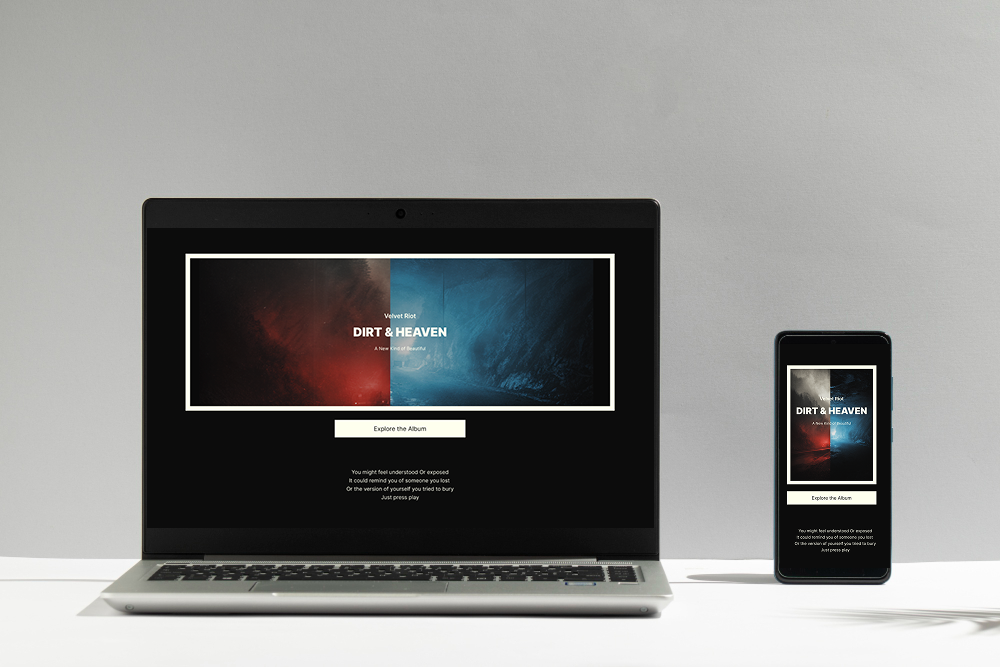
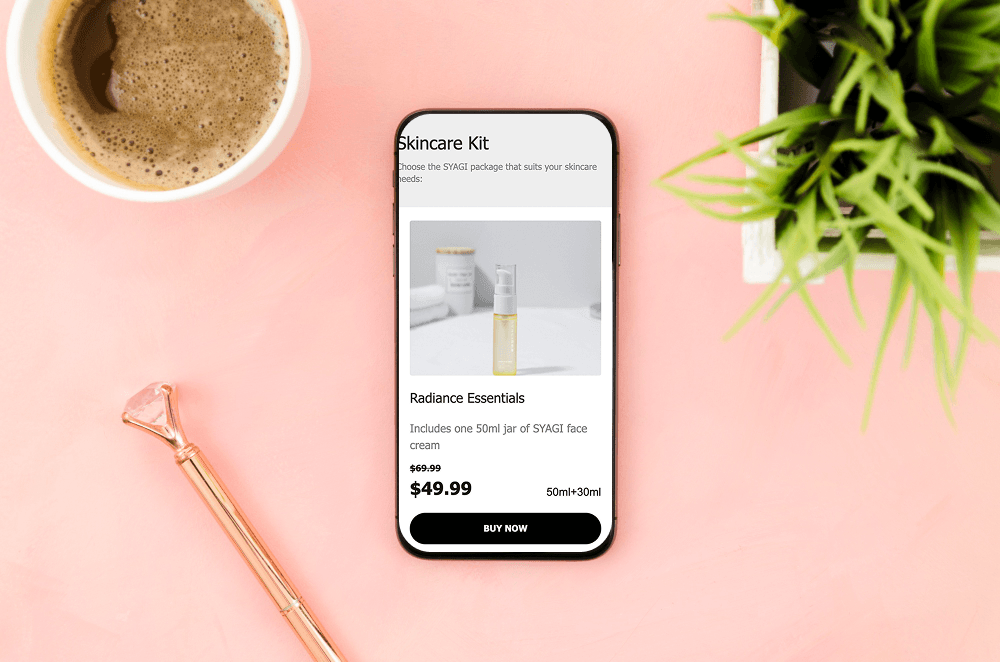
Make Sure Your Website Works on Mobile
Mobile usability should be part of every publish website SEO review.
Open your website on different screen sizes and check:
- Text readability
- Navigation
- Buttons
- Images
- Forms
- Spacing
- Page layout
Pay particular attention to the homepage and your most important conversion pages.
A page that looks perfect on a desktop can still have problems on a smartphone.
Test Your Links and Buttons
Broken links create a poor experience and can prevent visitors from completing important actions.
Click through your website and test:
- Navigation links
- CTA buttons
- Contact forms
- Email links
- Social media links
- Download links
- Internal links
Don't assume everything works simply because the page looks correct in the editor.
Check Your Contact Information
If you're launching a business website, make sure your contact information is accurate everywhere.
Review:
- Phone numbers
- Email addresses
- Business hours
- Location details
- Contact forms
- Social profiles
This is especially important for local businesses. Outdated information can reduce trust and make it harder for potential customers to reach you.


Review Your Website Speed
Large images, unnecessary elements, and poorly optimized content can affect loading performance.
Before launch:
- Compress large images.
- Avoid unnecessary visual elements.
- Keep pages focused.
- Test important pages on mobile.
- Remove content that doesn't add value.
You don't need to remove every visual element to create a fast website. The goal is to balance design, functionality, and performance.
Add Basic SEO Information
Depending on your website and platform, review the SEO-related settings available to you.
Important items may include:
- Page titles
- Meta descriptions
- Image alt text
- Headings
- URLs
- Canonical settings where applicable
- Search engine visibility settings
Make sure you haven't accidentally configured your website or pages to remain hidden from search engines when you intend them to be indexed.


Review Your Content for Errors
Typos and outdated information can make a newly launched website look unfinished.
Read every important page carefully and check:
- Spelling
- Grammar
- Prices
- Dates
- Names
- Service descriptions
- Contact information
- Links
It's also useful to have another person review the website. A fresh pair of eyes can spot mistakes you may have overlooked.
Website Launch SEO Checklist
Don't Forget Your Homepage
Your homepage is often the first page visitors see, so give it extra attention.
Make sure it clearly communicates:
- Who you are
- What you offer
- Who you help
- Why visitors should choose you
- What they should do next
Include a clear CTA that directs visitors toward an important action, such as contacting you, exploring your services, or viewing your products.

Final Website Launch Checklist
Before you publish, ask yourself:
- Is every important page complete?
- Does each page have a clear purpose?
- Are page titles unique?
- Are meta descriptions useful?
- Are headings organized?
- Are images optimized?
- Is alt text added where appropriate?
- Do internal links work?
- Are URLs clear?
- Does the website work well on mobile?
- Are forms and buttons working?
- Is contact information correct?
- Have spelling and grammar been checked?
- Is your website ready for search engine visibility?
If you can confidently answer "yes," you're much closer to a successful launch.
Conclusion
A website launch is more than making your pages publicly available. It's your opportunity to make sure the foundation is ready for visitors and search engines.
Following an SEO checklist before publishing helps you identify issues with content, structure, images, links, mobile usability, and other elements of on-page optimization. A thorough website launch checklist also gives you confidence that visitors will have a professional experience from the moment your website goes live.
With ME-Page, you can build and organize your website without unnecessary technical complexity. Take a few extra minutes before publishing to review everything carefully, and you'll give your new website a stronger starting point.
Frequently Asked Questions about SEO Checklist
It's best to handle the basic SEO foundation before launch. You can continue improving content, keywords, internal links, and other elements after the website goes live.
Was This Article Helpful?
Click on a star to rate it!
Average Rating: 5/5
Voutes: 1
Share with Friends:


Previous
Best Call-to-Action Examples for Business Websites

Next
Best Homepage Sections Every Small Business Website Should Include
Recent Articles
Everything You Need to Know About Using ME-Page Constructor for Your Website.

Build a Personal Website That Stands Out in 2026
Your social media profiles can show what you do, but they do not give you complete control over your online pr...

Managing Multiple Websites from One ME-Page Account
Running more than one website used to be complicated. Different logins, scattered tools, and endless switching...

How to Organize Content Across Multiple Website Pages
A multi-page website gives you room to explain your business, services, products, and ideas without putting ev...

Essential Pages Every Business Website Should Include
A business website doesn't need dozens of pages to look professional. What it does need is a clear structure t...

How to Write Website Headlines That Attract More Visitors
A headline is often the first piece of text people notice when they open a website. Before they read your para...

How Freelancers Can Organize Services, Portfolio, and Contacts on...
Freelancers often wear many hats. One day you're working on a client project, the next you're answering inquir...
Build a Personal Website That Stands Out in 2026
Your social media profiles can show what you do, but they do not give you complete control over your online pr...
Managing Multiple Websites from One ME-Page Account
Running more than one website used to be complicated. Different logins, scattered tools, and endless switching...
How to Organize Content Across Multiple Website Pages
A multi-page website gives you room to explain your business, services, products, and ideas without putting ev...
Essential Pages Every Business Website Should Include
A business website doesn't need dozens of pages to look professional. What it does need is a clear structure t...
How to Write Website Headlines That Attract More Visitors
A headline is often the first piece of text people notice when they open a website. Before they read your para...
How Freelancers Can Organize Services, Portfolio, and Contacts on...
Freelancers often wear many hats. One day you're working on a client project, the next you're answering inquir...










