Me-Page Team
Last modified 20 Aug 2025
So you've decided to give your personal brand or business a digital presence? Nice move! ME-Page is like that helpful friend who walks you through everything—even if you don’t know the first thing about coding or SEO. It’s a drag-and-drop builder with smart templates that look great on any device and help you get found faster—without the overwhelm.
But hey, if you're new to SEO for beginners, ME-Page gives you the perfect playground to learn website SEO tips while actually building something real.How SEO Impacts Your Website Visibility
1. Choose and Customize Templates Smartly for SEO
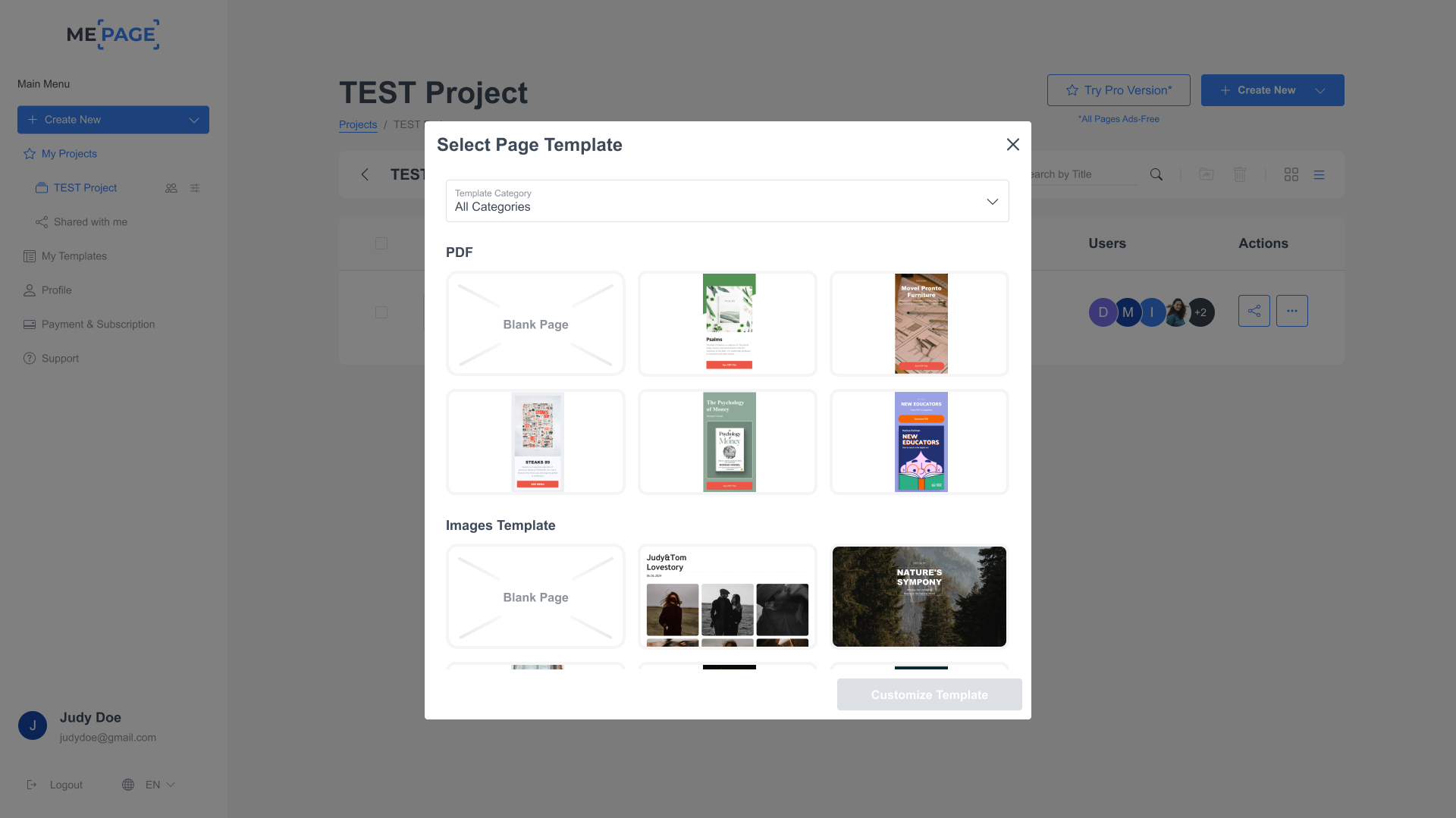
ME-Page offers a range of both ready-made and best website templates to kick off your site. Think of it like picking a comfy outfit that also enhances your posture—and makes a great first impression.
Why it matters: A sleek, modern look signals credibility to users and search engines. Use the customization tools—colors, fonts, blocks—to organize your content clearly and guide people (and Google) through your page effortlessly.
2. Mobile-Friendly Design: Build-on-the-Go Advantage
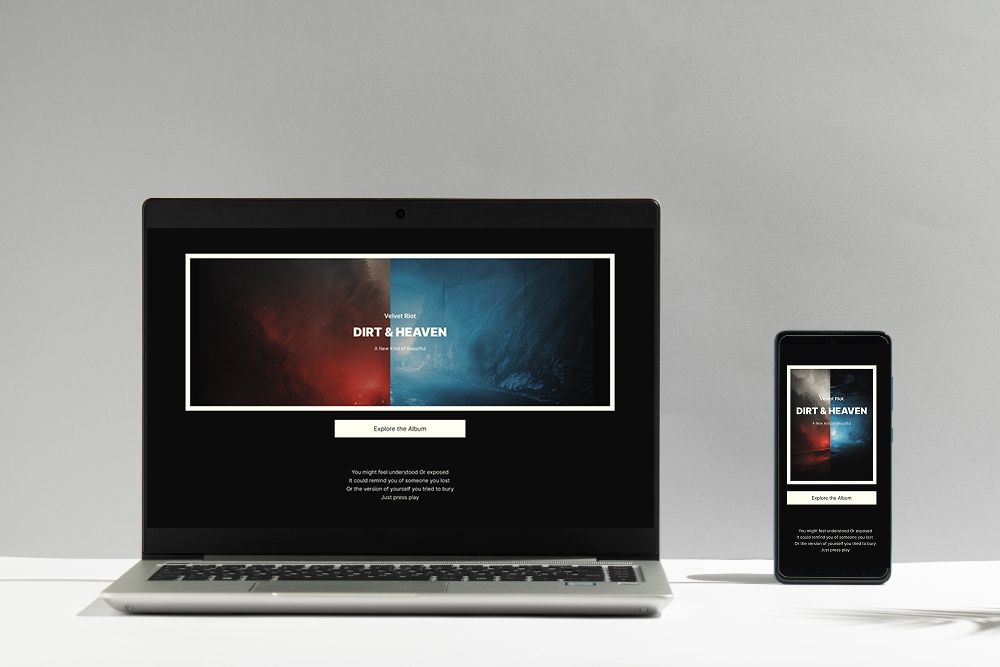
Did you know most web traffic now comes from phones? ME-Page’s "Build-on-the-Go" feature makes sure your site stays beautiful and functional, even when edited from your mobile browser you can create responsive website.
Why that matters for SEO: Google loves mobile-optimized sites, and you’ll be able to make real-time updates—whether you’re waiting for coffee or riding the bus.
3. Advanced Mode & HTML/CSS Editing for Fine-Tuned SEO
Once you feel confident, you can dive into Advanced Mode. This opens up nested blocks and design settings, giving you flexibility like a pro.
Want even deeper control? You can tweak your HTML and CSS directly to boost your SEO—by optimizing page load speed, structuring headers right, or adding custom schema.
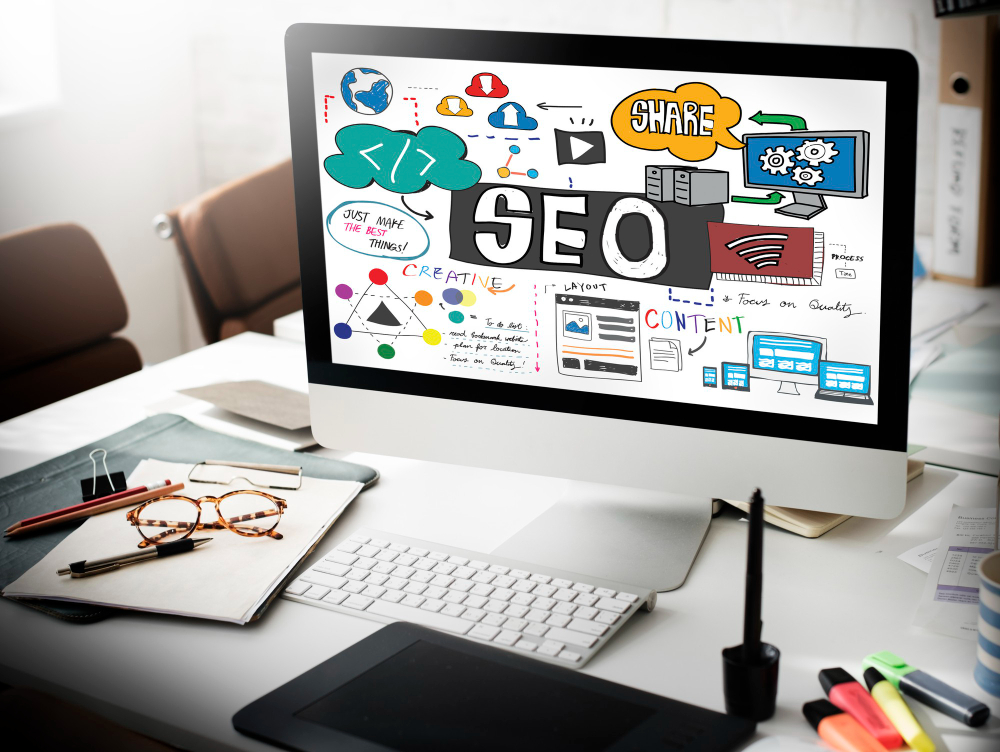
4. SEO Essentials: Titles, Descriptions, Keywords, and Images
Let’s keep it simple. If you want search engines (and people) to understand what your site’s about, you need to polish the basics:
- Page titles and meta descriptions: Think of these as your digital handshake. A clear, catchy title with a short description helps your site stand out in Google results. If your focus is SEO for beginners or you’re sharing website SEO tips, weave those phrases naturally into your titles and descriptions so searchers instantly know what to expect.
- Headers (H1, H2, H3...): Break up your content with meaningful headers. Not only does it make your page easier to skim, but it also tells Google what’s important.
- Use Keywords Naturally: Keywords are the backbone of SEO. But here’s the trick—don’t stuff them everywhere like sprinkles on a cake. Instead, weave them naturally into your headings, descriptions, and content.
- Images: Keep them light and quick to load, and always give them descriptive alt text (like “screenshot of ME-Page editor on mobile”). That’s a small tweak with a big payoff in SEO.
Quick Wins with ME-Page Features to Help Rank Your Website on Google
ME-Page offers tools you can use right away to boost visibility:
- Fast Publishing and Auto-Saving: Every change you make on ME-Page goes live instantly. That’s great for SEO because Google loves fresh content. Even small updates—like adjusting your homepage text or adding a new section—signal that your site is active and worth ranking.
- ME-QR Integration for More Traffic: One of ME-Page’s coolest features is its QR code generator. You can share your page offline—on flyers, posters, or business cards—and still drive people straight to your site. More visits and engagement can help your website’s visibility over time.
- Improve Loading Speed and Fully Responsive: One of the biggest SEO boosters today is having a site that works seamlessly on every device. Google actually uses mobile-first indexing, which means it looks at your site’s mobile version first when deciding where to rank you. If your page looks clunky on a phone, your ranking could take a hit. Make sure your images aren’t too heavy and your content loads quickly. A slow site is like a slow waiter—people won’t wait around.


SEO doesn’t always have to feel like climbing a mountain. With ME-Page, you get some easy wins right out of the box that can make a real difference in how your site shows up on Google. Every template is a fully responsive webpage—which means it automatically adjusts to different screen sizes, whether someone’s using a smartphone, tablet, or desktop. No pinching, zooming, or awkward scrolling. And since you can also edit your site directly from your mobile device, you’re always in control of how your site looks on the go.
That combination of mobile optimization and true responsiveness gives you a quick, built-in SEO advantage without the headache of coding or testing across devices.
Wrapping It Up: Take Control of Your SEO Journey
So there you have it—SEO for beginners made friendly and actionable using ME-Page. Start with a sharp template, make your site mobile-ready, tweak with advanced tools as you grow, and remember the essentials—titles, keywords, and fast images.
By choosing the right template, keeping your design mobile-friendly and responsive, and applying the basics like titles, keywords, and image optimization, you’re already doing more than most beginners. Add in ME-Page’s built-in features—like fast publishing, QR code integration, and advanced editing—and you’ve got everything you need to build a site that not only looks good but can actually rank on Google.
Think of ME-Page as your personal coach—it teaches you website SEO tips naturally while you build. And when you're ready, go beyond the basics and start to truly rank your website on Google.
Ready to go from beginner to confident site owner? Start with ME-Page today, practice these basics, and watch as your website becomes more visible, attracts more visitors, and takes its rightful place on Google’s results page. The sooner you start, the sooner you’ll see progress.
Was This Article Helpful?
Click on a star to rate it!
Average Rating: 5/5
Voutes: 2
Share with Friends:


Previous
Top 7 Website Design Trends in 2025 You Can Apply with ME-Page
Next
Create a Professional Business Website in Minutes
Recent Articles
Everything You Need to Know About Using ME-Page Constructor for Your Website.
How to Choose Between a Template and a Blank Page in ME-Page
Starting a website project comes with an important decision: should you use a ready-made template or build you...
How Photographers Can Build a Client-Ready Website with ME-Page
Your photographs tell stories, capture emotions, and show how you see the world. But when potential clients wa...
How to Use CSS to Fine-Tune ME-Page Website Elements
A website builder makes it easy to create pages without writing code, but sometimes the standard design option...

How to Use Search Intent to Plan Pages for Your Website
Choosing keywords is an important part of SEO, but knowing what people expect to find when they search is just...

How to Design an Effective Testimonials Section for Your Website
When people visit your website for the first time, they don't always know what to expect. They may like your s...

How to Add Social Media Links to Your ME-Page Website
Your website gives visitors a place to learn about you, explore your work, and discover what you offer. But yo...
How to Choose Between a Template and a Blank Page in ME-Page
Starting a website project comes with an important decision: should you use a ready-made template or build you...
How Photographers Can Build a Client-Ready Website with ME-Page
Your photographs tell stories, capture emotions, and show how you see the world. But when potential clients wa...
How to Use CSS to Fine-Tune ME-Page Website Elements
A website builder makes it easy to create pages without writing code, but sometimes the standard design option...
How to Use Search Intent to Plan Pages for Your Website
Choosing keywords is an important part of SEO, but knowing what people expect to find when they search is just...
How to Design an Effective Testimonials Section for Your Website
When people visit your website for the first time, they don't always know what to expect. They may like your s...
How to Add Social Media Links to Your ME-Page Website
Your website gives visitors a place to learn about you, explore your work, and discover what you offer. But yo...


