Me-Page Team
Last modified 27 Feb 2026
Article Plan
- Why Trust Matters More in Healthcare
- Clear and Professional First Impression
- Show Who You Are (Not Just What You Do)
- Make Contact Information Impossible to Miss
- Clearly Explain Your Services
- Build Security and Privacy Confidence
- Add Reviews and Social Proof
- Quick Overview of Website Essentials
- Mobile-Friendly Is Non-Negotiable
- Conclusion
- Frequently Asked Questions about Building Trust Online for Medical Services
When someone searches for a doctor, clinic, or healthcare provider online, they’re not just browsing — they’re looking for reassurance. Health is personal. Sensitive. Emotional. And before a patient ever calls your office, they ask one silent question: “Can I trust this place?”
That’s exactly where medical website trust begins.
Your website is often the first impression of your clinic. If it looks outdated, confusing, or incomplete, people may leave in seconds. But if it feels professional, clear, and safe, visitors instantly feel more comfortable booking an appointment.
Let’s walk through the must-have elements of smart healthcare web design that help medical services earn trust from the very first click.

Why Trust Matters More in Healthcare
Think about it this way: People might buy shoes from a messy website. They won’t trust their health to one.
Medical services require credibility. Patients want proof that:
- You’re qualified
- You’re professional
- Their data is safe
- You’re easy to contact
Your website should answer these concerns immediately — without visitors having to dig around.
Trust isn’t built with words alone. It’s built through design, structure, and clarity.
Clear and Professional First Impression
Within 3–5 seconds, users decide whether to stay or leave.
Your homepage should feel calm, organized, and easy to understand. Avoid clutter, flashy animations, or overwhelming colors. Medical websites work best with:
- Clean layouts
- Soft color palettes (blue, green, white)
- Clear headings
- Plenty of space between sections
Simple design communicates professionalism. And professionalism builds medical website trust fast.


Show Who You Are (Not Just What You Do)
Patients don’t want a faceless clinic. They want real people.
Add:
- Doctor profiles
- Staff photos
- Qualifications and certifications
- Experience highlights
- Friendly introductions
When visitors see actual faces and credentials, your service becomes human — not just another listing.
This personal connection is one of the strongest tools in healthcare web design.
Make Contact Information Impossible to Miss
If someone feels ready to book but can’t find your phone number quickly, they’ll leave.
Don’t hide it.
Place contact details:
- At the top of the page
- In the header or menu
- In the footer
- Inside a dedicated “Contact” section
Include:
- Phone number
- Address
- Map
- Working hours
- Appointment button
The easier you are to reach, the more reliable you seem.

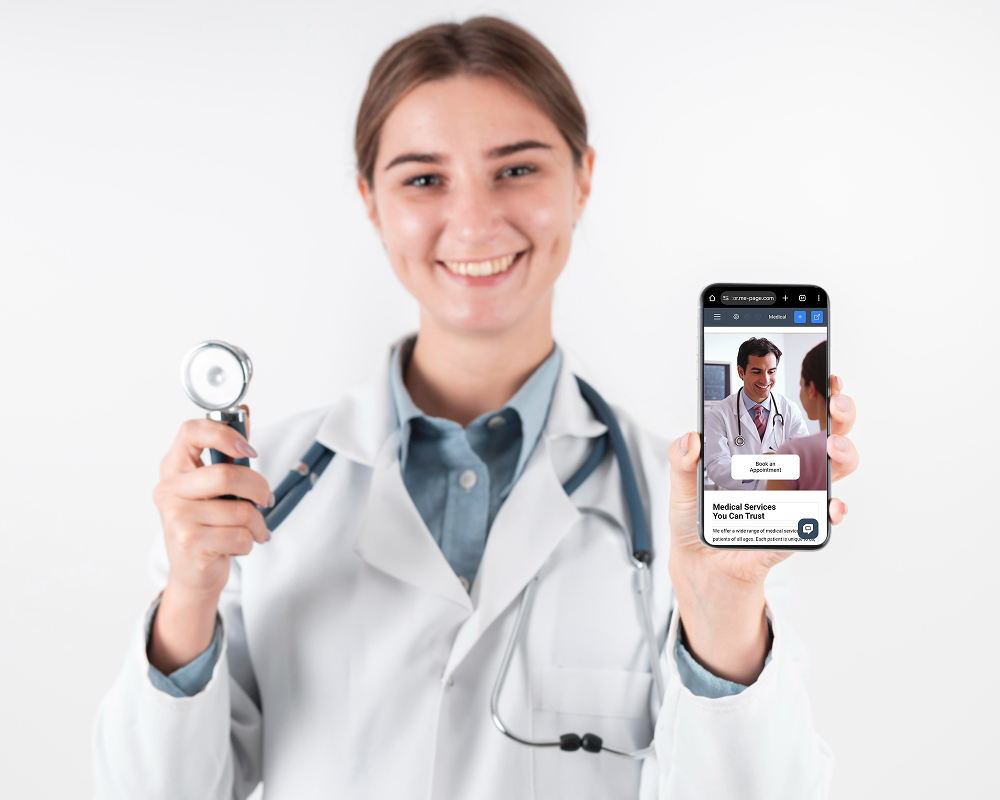
Clearly Explain Your Services
Medical language can feel intimidating. Avoid complicated terms.
Instead:
- Use plain language
- Break services into sections
- Add short descriptions
- Explain what patients can expect
For example, instead of “Outpatient diagnostics,” say: “Same-day tests and quick results without hospital stays.”
Clarity reduces anxiety — and anxiety reduction increases trust.
Build Security and Privacy Confidence
Patients share sensitive data. They must feel safe doing so.
A trustworthy medical site should include:
- HTTPS secure connection
- Privacy policy
- Consent forms
- Secure contact forms
Even small signals like a lock icon in the browser or “Your data is protected” messages can reassure visitors.
Security is a huge part of medical website trust, even if users don’t consciously think about it.

Add Reviews and Social Proof
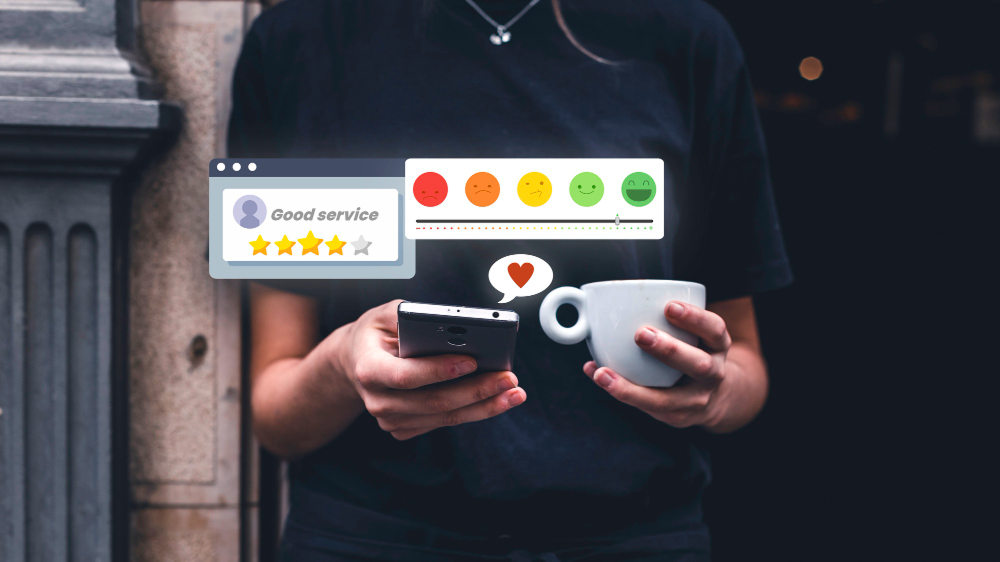
People trust other patients.
Testimonials and reviews show that real people had positive experiences. Include:
- Patient feedback
- Star ratings
- Short success stories
- Before/after results (if appropriate)
This social proof reduces hesitation and helps new patients feel confident choosing you.
Quick Overview of Website Essentials
Mobile-Friendly Is Non-Negotiable
Most patients search from phones — often while on the go.
If your site:
- Loads slowly
- Has tiny text
- Requires zooming
- Has hard-to-click buttons
You’ll lose visitors fast.
Good healthcare web design means responsive layouts that work perfectly on all devices. Fast, smooth, and simple.
Conclusion
Building trust online is no longer optional for medical services — it’s essential. Patients judge your professionalism long before they walk through your door, and your website often becomes that first handshake. A clean layout, clear service descriptions, visible contact details, secure forms, and mobile-friendly design all work together to strengthen medical website trust and create a positive first impression. When visitors feel safe, informed, and comfortable, they’re far more likely to book an appointment.
This is exactly where ME-Page makes the process simple. Instead of dealing with complicated development or expensive agencies, you can use this intuitive healthcare web design solution to launch a professional medical website quickly — without coding. Ready-made templates, easy content editing, responsive layouts, and secure hosting help clinics, doctors, and healthcare centers build trustworthy sites in minutes.
With ME-Page, you focus on caring for patients while your website works quietly in the background — presenting your services clearly, building credibility, and helping people choose you with confidence.
Frequently Asked Questions about Building Trust Online for Medical Services
Yes. Online scheduling improves convenience and increases appointment conversions.
Yes. Real photos of your team and clinic build more authenticity and trust.
Absolutely. Even small practices benefit greatly from a clean, trustworthy online presence.
Was This Article Helpful?
Click on a star to rate it!
Average Rating: 5/5
Voutes: 3
Share with Friends:


Previous
How ME-Page Helps Businesses Launch Faster
Next
Local SEO Basics: Get Found by Customers Near You
Recent Articles
Everything You Need to Know About Using ME-Page Constructor for Your Website.
How to Create an Effective Services Page for Your Business
When potential customers visit your business website, they want to understand what you offer, how you can help...
How to Create a Navigation Menu for a Multi-Page Website
A website can have excellent content, attractive visuals, and useful features, but visitors may still leave if...
One Website, Multiple Pages: When to Expand Your Site
Starting a website with a single page makes sense. You can introduce your business, showcase your work, add a ...
Create a Personal Link Hub with Pages for Every Project
Do you have a portfolio, a personal blog, freelance services, and a few side projects scattered across differe...
How to Optimize Page URLs for Better SEO
A website URL might look like a small technical detail, but it can influence how people understand your conten...
How to Design a Website Footer That Improves User Experience
A website footer might be the last thing visitors see, but that doesn't make it unimportant. When people reach...
How to Create an Effective Services Page for Your Business
When potential customers visit your business website, they want to understand what you offer, how you can help...
How to Create a Navigation Menu for a Multi-Page Website
A website can have excellent content, attractive visuals, and useful features, but visitors may still leave if...
One Website, Multiple Pages: When to Expand Your Site
Starting a website with a single page makes sense. You can introduce your business, showcase your work, add a ...
Create a Personal Link Hub with Pages for Every Project
Do you have a portfolio, a personal blog, freelance services, and a few side projects scattered across differe...
How to Optimize Page URLs for Better SEO
A website URL might look like a small technical detail, but it can influence how people understand your conten...
How to Design a Website Footer That Improves User Experience
A website footer might be the last thing visitors see, but that doesn't make it unimportant. When people reach...