Me-Page Team
Last modified 8 Sep 2026
Article Plan
- What Is Website Structure?
- One-Page Website: When Does It Make Sense?
- Multi-Page Website: When Should You Choose It?
- Compare One-Page and Multi-Page Structures
- Start with Your Website Goals
- Think About Your Content
- Consider Your Visitors
- Plan Your Navigation Before Building
- Avoid Creating Pages Just to Have More Pages
- Think About Future Growth
- How ME-Page Helps You Build the Right Structure
- A Simple Website Planning Process
- Conclusion
- Frequently Asked Questions about Website Structure
Before you choose colors, fonts, images, or buttons for your website, there is one decision worth making first: how will your pages be organized?
Your website structure affects how visitors move through your site, how easily they find information, and how simple the website is to manage as it grows.
Some projects work perfectly as a one-page website. Others need several connected pages with clear navigation. Choosing the right option early can save you from redesigning your website later.
That's why website planning should include your site's structure from the beginning.
Let's look at the main options and how to decide which one fits your project.
What Is Website Structure?
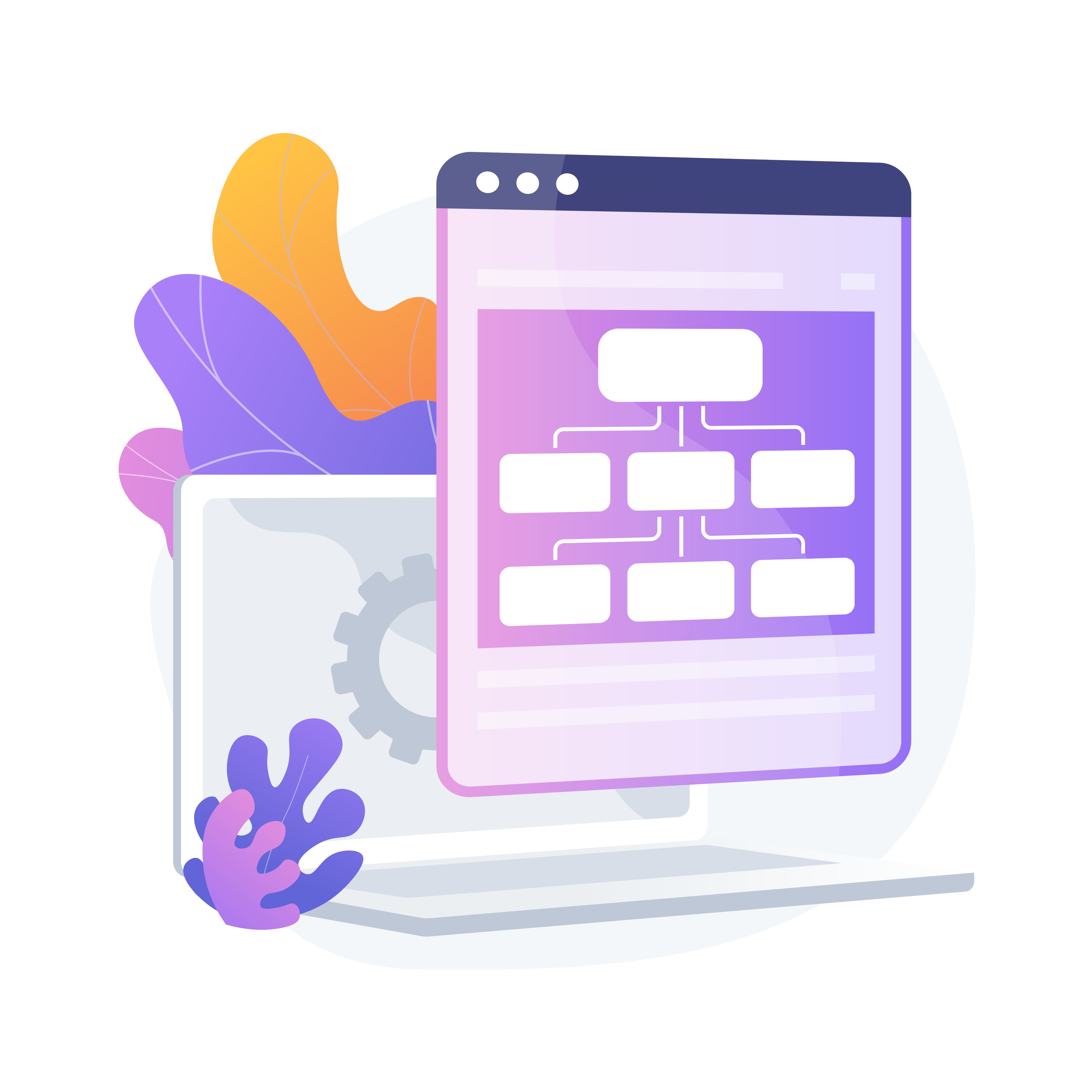
Website structure describes how the content and pages of your site are organized.
Think of it like the floor plan of a house. The homepage is the entrance, while other pages are different rooms. Good organization helps visitors reach the right "room" without getting lost.
Your structure can include:
- Homepage
- About page
- Services or Products pages
- Pricing page
- Contact page
- FAQ page
- Blog or News section
- Additional subpages
The right structure depends on how much information you need to present and what you want visitors to do.
One-Page Website: When Does It Make Sense?
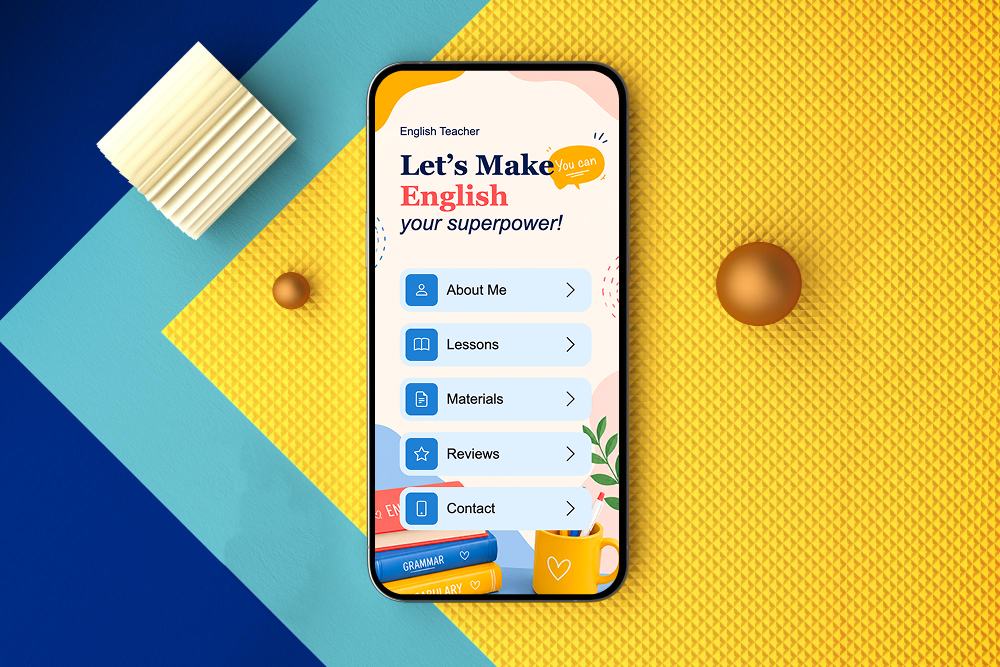
A one-page website puts most or all of your important information on a single scrolling page.
Visitors simply move from one section to another instead of navigating between separate pages.
This structure can work particularly well for:
- Freelancers
- Personal portfolios
- Event landing pages
- Small service businesses
- Product launches
- Personal brands
- Simple promotional projects
For example, a freelance photographer might have sections for their introduction, portfolio, services, pricing, testimonials, and contact information.
If your project has a limited amount of content, a one-page structure can keep the experience simple.

Advantages of a One-Page Structure
A single page can make the visitor journey very straightforward.
You can guide visitors through information in a specific order and finish with a clear call to action.
Other benefits include:
- Simple navigation
- Easy content management
- Focused user journey
- Fewer pages to maintain
- Good fit for smaller projects
However, putting too much information on one page can have the opposite effect. If visitors have to scroll through a huge amount of content to find one specific detail, the structure becomes less convenient.
Multi-Page Website: When Should You Choose It?
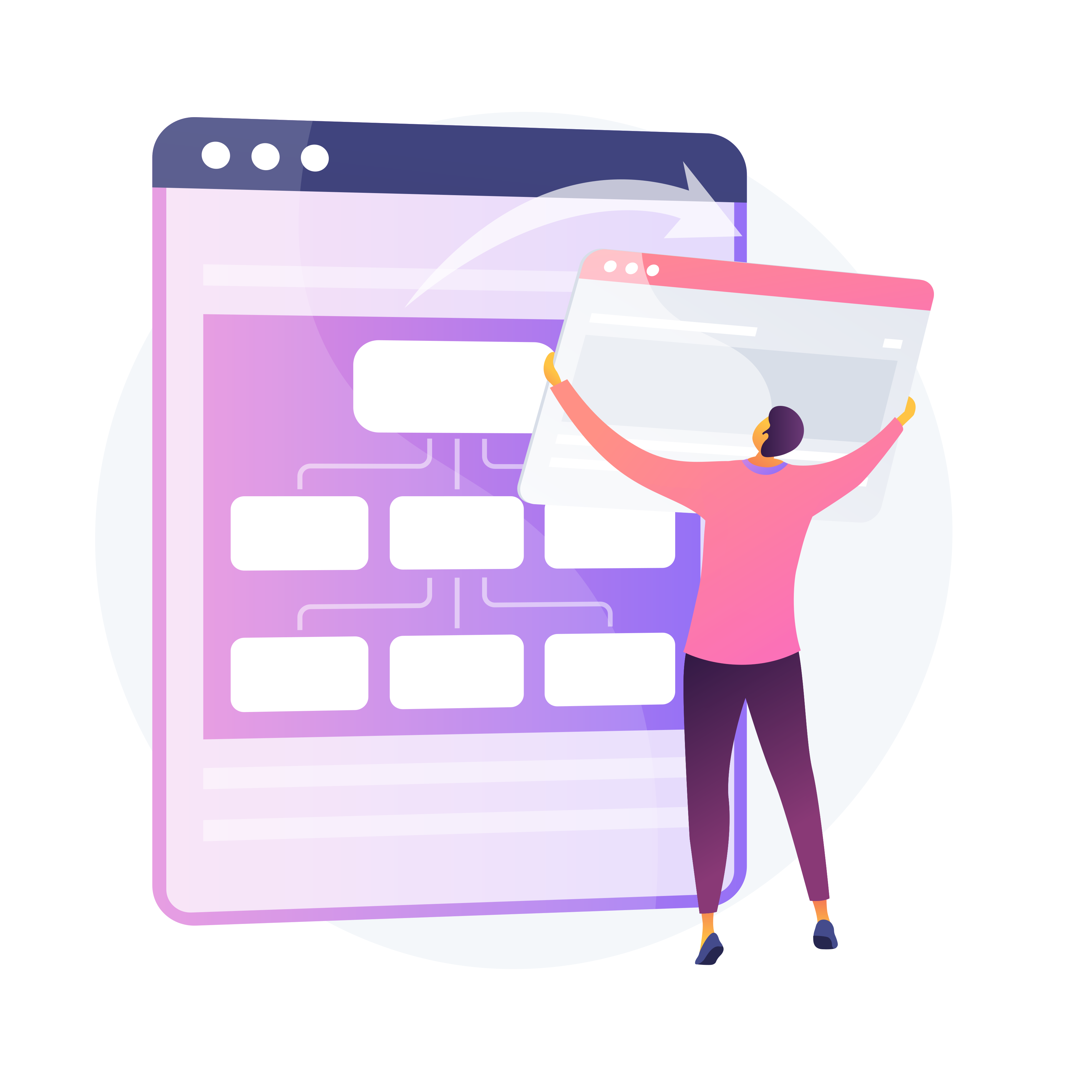
A multi-page structure separates information into different pages connected through navigation.
For example, a business website might have:
- Home
- About
- Services
- Pricing
- FAQ
- Contact
Each page has a specific purpose, so visitors can go directly to the information they need.
A multi-page website is usually a better option when your project has several services, products, audiences, or content categories.

Advantages of a Multi-Page Structure
Separating information gives every topic enough space.
Visitors don't need to scroll through one extremely long page to find what they're looking for.
A multi-page structure can help you:
- Organize large amounts of information
- Create dedicated service or product pages
- Build clearer navigation
- Explain different offerings in detail
- Expand your website over time
- Create stronger internal connections between pages
For example, a consulting company could have one page for each major service instead of describing everything in a single section on the homepage.
Compare One-Page and Multi-Page Structures
Neither option is automatically better. The important question is whether the structure matches your project's goals.
Start with Your Website Goals
Before deciding on your structure, ask what you actually want the website to accomplish.
Are you trying to:
- Get people to contact you?
- Sell products?
- Promote one service?
- Showcase your portfolio?
- Generate bookings?
- Explain several services?
- Share educational content?
- Build a long-term business presence?
A website with one primary goal can often use a simpler structure.
If your website needs to support several goals, separate pages may make more sense.


Think About Your Content
Your content volume is another major factor.
Imagine you run a small photography business. If you only need a short introduction, portfolio, service description, and contact form, one page may be enough.
Now imagine you offer wedding photography, commercial photography, portraits, photo editing, and photography workshops.
Trying to explain all of this on one page could make the website overwhelming.
During website planning, make a list of everything you need visitors to see. Then group related information together.
This gives you an early picture of how many pages you actually need.
Consider Your Visitors
Your preferred structure should also reflect how your audience searches for information.
Ask yourself:
- What will visitors want to know first?
- Which information will they look for most often?
- Will different visitors have different needs?
- Do they need detailed explanations before contacting you?
- Will returning visitors need to find specific information quickly?
For example, a restaurant may benefit from separate pages for its menu, location, reservations, and story.
A freelancer with a simple offer may not need that many destinations.
The best structure is the one that makes sense from the visitor's perspective.

Plan Your Navigation Before Building
Don't wait until your website is almost finished to think about navigation.
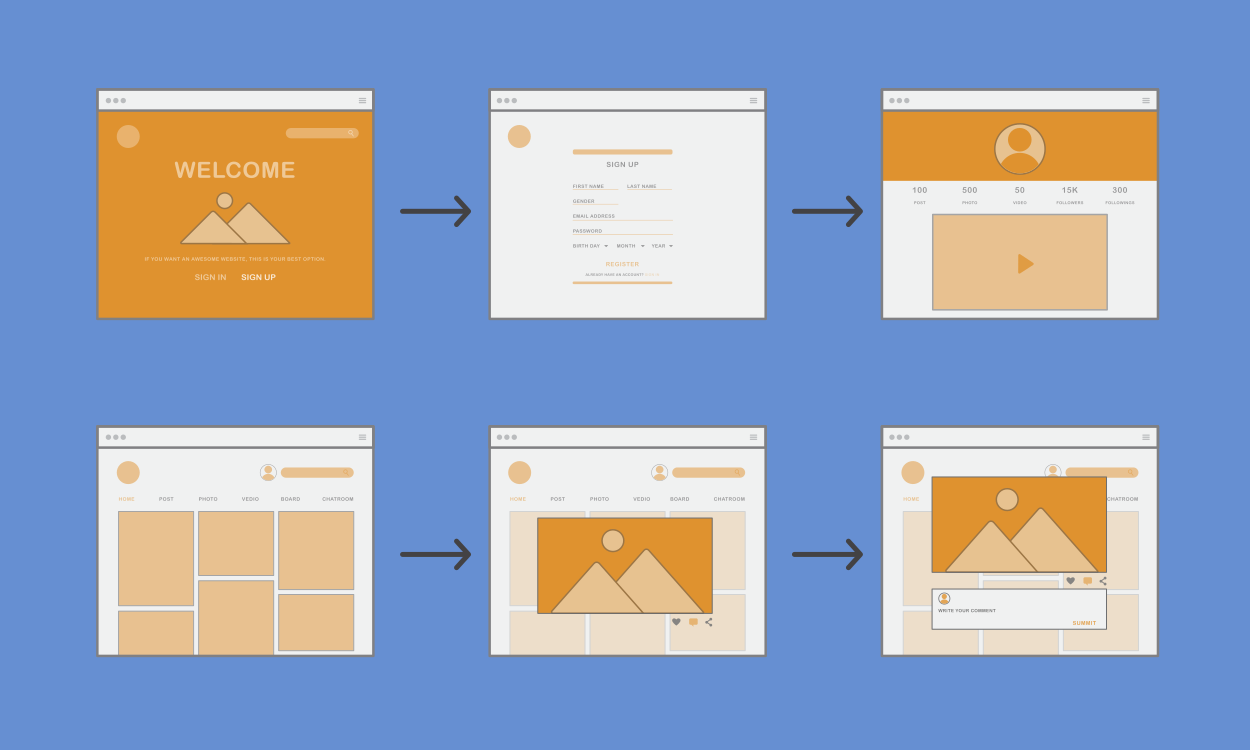
Create a simple hierarchy first.
For example:
Home → Services → Web Design
Home → Services → SEO
Home → About
Home → Contact
This basic site architecture shows how your pages relate to one another.
You don't need a complicated diagram. Even a simple list or sketch can reveal whether your structure is clear or unnecessarily complicated.
Avoid Creating Pages Just to Have More Pages
More pages don't automatically make a website more professional.
Every page should have a purpose.
Before creating a new page, ask:
- Does this information deserve its own page?
- Would it be easier to understand as part of another page?
- Will visitors actually need to find it?
- Does it support one of my website goals?
- Can I keep the information useful and up to date?
If the answer is no, you may not need another page.
A smaller, well-organized website is often better than a large site filled with unnecessary content.
Think About Future Growth
Your current needs aren't the only thing to consider. Your website may grow later.
You might add:
- New services
- New products
- Additional team members
- A blog
- New locations
- Case studies
- Resources
- Customer support content
A one-page website may work today but become restrictive as your business expands. On the other hand, you don't need to build ten pages today just because you might need them someday.
Create a structure that works now while leaving room for reasonable growth.
How ME-Page Helps You Build the Right Structure
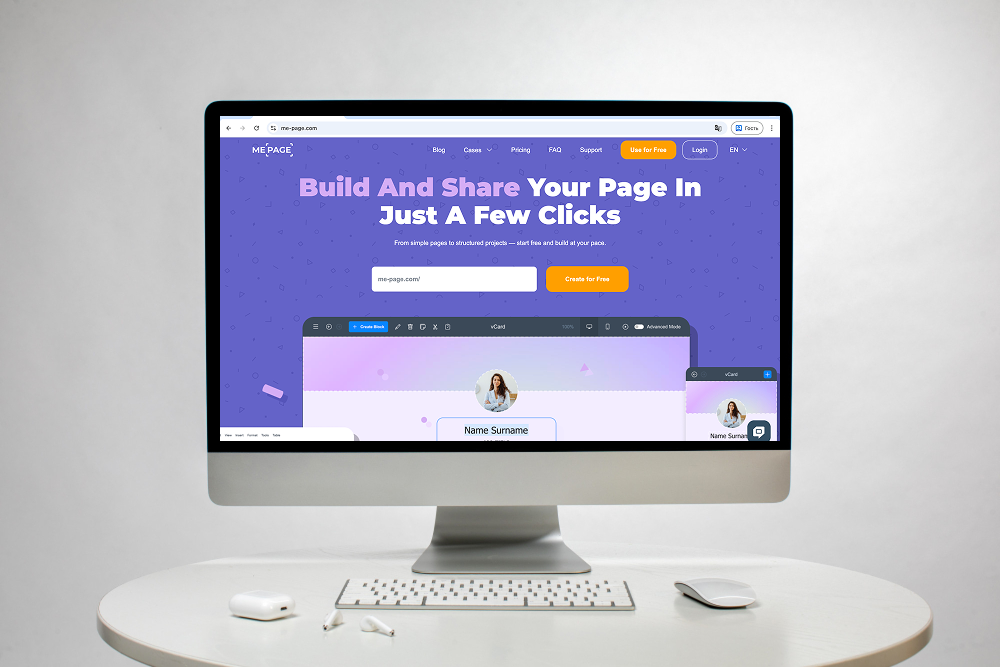
ME-Page gives you flexibility to choose a structure that matches your project instead of forcing every website into the same format.
You can start with a simple page and add connected pages when your content requires more space.
With ME-Page, you can:
- Create a focused one-page website.
- Build multi-page websites.
- Add pages for Services, About, Contact, Pricing, or other content.
- Organize information through navigation.
- Use templates as a starting point.
- Customize your layouts with the available editing tools.
- Expand your website as your project grows.
This makes it easier to begin with a manageable structure and develop it over time.

A Simple Website Planning Process
You don't need to spend weeks designing your architecture.
Try this simple process:
- Define your main goal. Decide what you want visitors to accomplish.
- List your content. Write down all the information your website needs.
- Group related topics. Put similar information together.
- Choose one-page or multi-page. Use content volume and user needs as your guide.
- Create your navigation. Give every important page a clear place.
- Think about growth. Leave room for useful additions later.
- Review the visitor journey. Make sure someone unfamiliar with your business can understand where to go.
This approach gives you a practical foundation before you start filling your website with content.
Conclusion
Choosing the right website structure is one of the most important parts of website planning. A one-page website can be ideal for a focused project with limited content, while a multi-page website gives growing businesses more space to organize services, products, and information.
The best site architecture isn't necessarily the most complicated one. It is the structure that makes your content easy to find, supports your goals, and gives visitors a clear path through your website.
With ME-Page, you can start with a simple structure and expand it as your project develops. Plan your content first, think about your visitors, and choose a structure that gives every important piece of information a logical place.
Frequently Asked Questions about Website Structure
Yes. A project can evolve as your content and business needs change. If your one-page site becomes too crowded, you can reorganize information into dedicated pages.
Was This Article Helpful?
Click on a star to rate it!
Average Rating: 5/5
Voutes: 1
Share with Friends:


Previous
Why Every Business Website Needs an FAQ Page

Next
How Freelancers Can Organize Services, Portfolio, and Contacts on One Website
Recent Articles
Everything You Need to Know About Using ME-Page Constructor for Your Website.
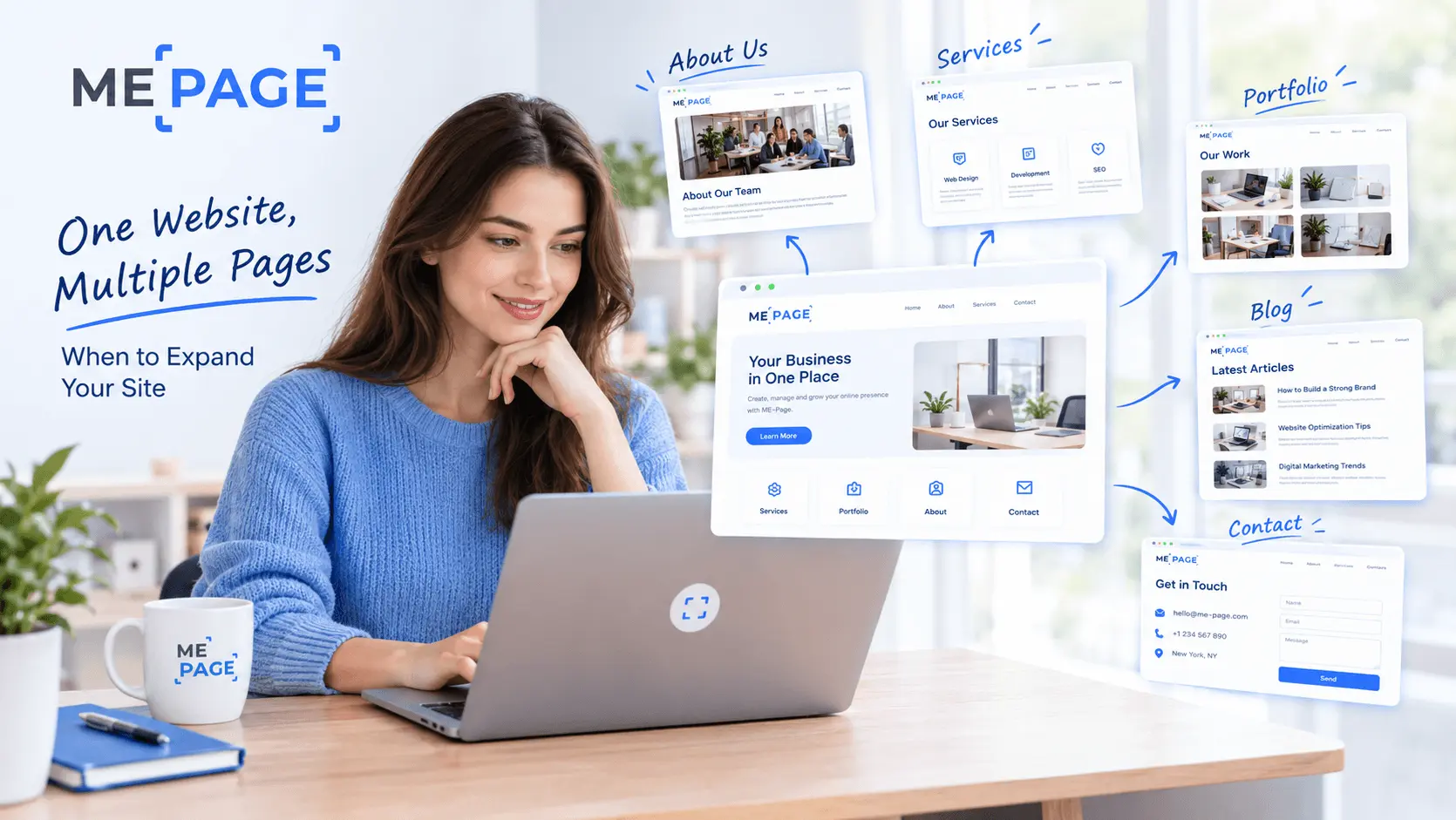
One Website, Multiple Pages: When to Expand Your Site
Starting a website with a single page makes sense. You can introduce your business, showcase your work, add a ...

Create a Personal Link Hub with Pages for Every Project
Do you have a portfolio, a personal blog, freelance services, and a few side projects scattered across differe...

How to Optimize Page URLs for Better SEO
A website URL might look like a small technical detail, but it can influence how people understand your conten...
How to Design a Website Footer That Improves User Experience
A website footer might be the last thing visitors see, but that doesn't make it unimportant. When people reach...

How to Link Pages Together for Better Website Navigation
A multi-page website gives you more room to organize information, but adding pages is only half the job. Visit...

Build a Personal Website That Stands Out in 2026
Your social media profiles can show what you do, but they do not give you complete control over your online pr...
One Website, Multiple Pages: When to Expand Your Site
Starting a website with a single page makes sense. You can introduce your business, showcase your work, add a ...
Create a Personal Link Hub with Pages for Every Project
Do you have a portfolio, a personal blog, freelance services, and a few side projects scattered across differe...
How to Optimize Page URLs for Better SEO
A website URL might look like a small technical detail, but it can influence how people understand your conten...
How to Design a Website Footer That Improves User Experience
A website footer might be the last thing visitors see, but that doesn't make it unimportant. When people reach...
How to Link Pages Together for Better Website Navigation
A multi-page website gives you more room to organize information, but adding pages is only half the job. Visit...
Build a Personal Website That Stands Out in 2026
Your social media profiles can show what you do, but they do not give you complete control over your online pr...










