Me-Page Team
Last modified 4 Aug 2026
Article Plan
- Why Planning Matters
- Mistake #1: Choosing Style Over Usability
- Mistake #2: Creating Confusing Navigation
- Mistake #3: Ignoring Mobile Users
- Mistake #4: Writing Too Much
- Mistake #5: Forgetting Strong Calls-to-Action
- Mistake #6: Using Low-Quality Images
- Mistake #7: Ignoring SEO Basics
- Mistake #8: Publishing Without Testing
- Common Mistakes and Better Alternatives
- How ME-Page Helps Beginners
- Beginner Website Tips for Success
- Conclusion
- Frequently Asked Questions about Common Website Builder Mistakes
Building your first website is exciting. Modern no-code platforms make it possible for almost anyone to create a professional online presence without learning to code. However, many beginners rush into the process and make small decisions that can affect their website's performance, appearance, and user experience.
The good news is that most website builder mistakes are easy to avoid once you know what to look for. Whether you're creating a portfolio, business website, online store, or personal page, following a few simple principles will save you time and help you build a better website from the start.
This no-code website guide highlights the most common website creation mistakes and shares practical beginner website tips to help you create a website you'll be proud of.
Why Planning Matters
Many beginners jump straight into choosing colors, fonts, and images before deciding what their website is supposed to accomplish.
Before you start building, ask yourself:
- What is the purpose of the website?
- Who is my target audience?
- What action do I want visitors to take?
- What pages do I need?
For example, a photographer may want visitors to book a session, while a coach may want people to schedule a consultation. Having a clear goal makes every design decision easier.
Mistake #1: Choosing Style Over Usability
A beautiful website is important, but it should never come at the expense of usability.
Avoid:
- Overly busy layouts
- Difficult-to-read fonts
- Excessive animations
- Too many colors
- Cluttered pages
Instead, choose a clean design that makes your content easy to read and your navigation easy to follow.
Simple websites often perform better because visitors can quickly find the information they need.

Mistake #2: Creating Confusing Navigation
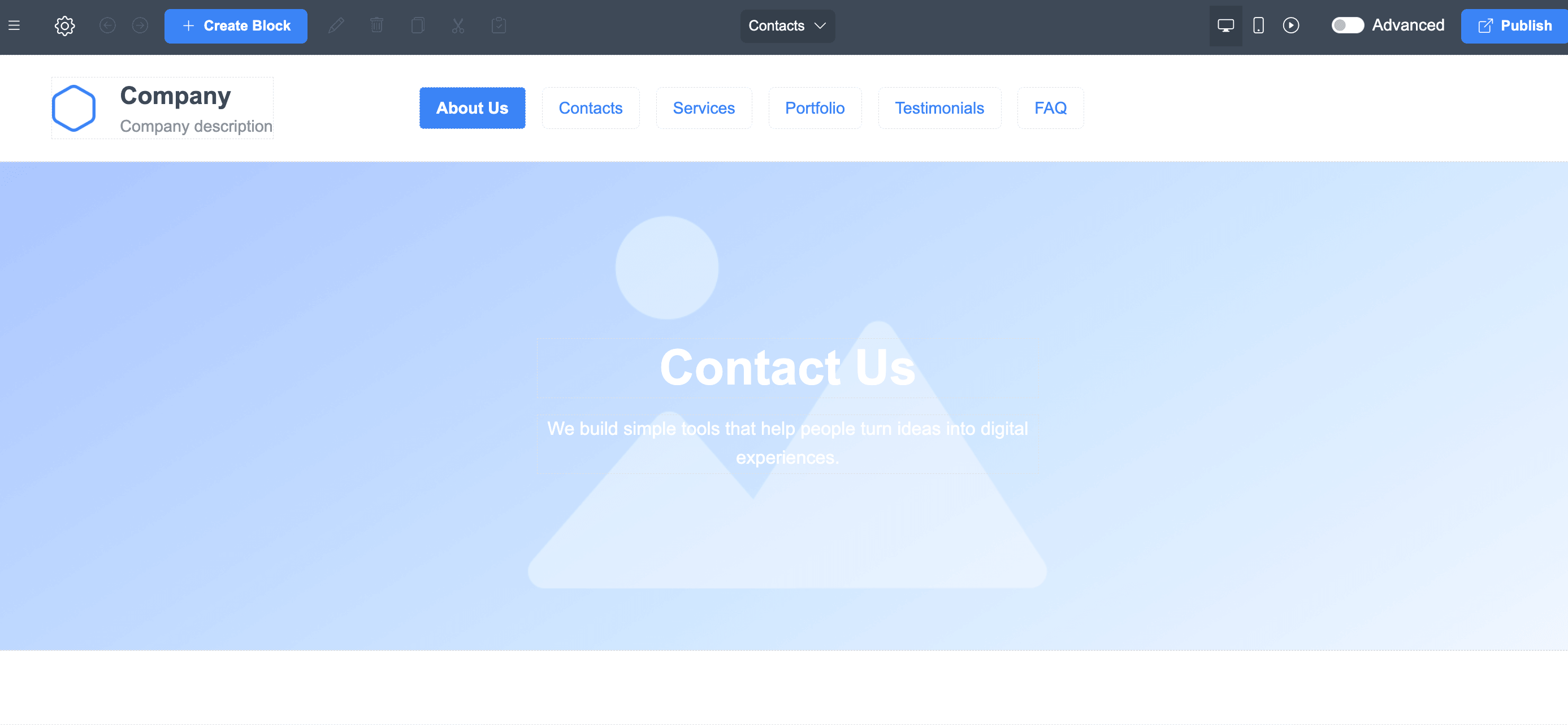
One of the biggest website creation mistakes is making visitors work too hard to find information.
Keep your navigation simple.
Include clear menu items such as:
- Home
- About
- Services
- Products
- Blog
- Contact
For example, using "Services" is usually more intuitive than a creative label like "What We Do."
Clear navigation improves both user experience and SEO.
Mistake #3: Ignoring Mobile Users
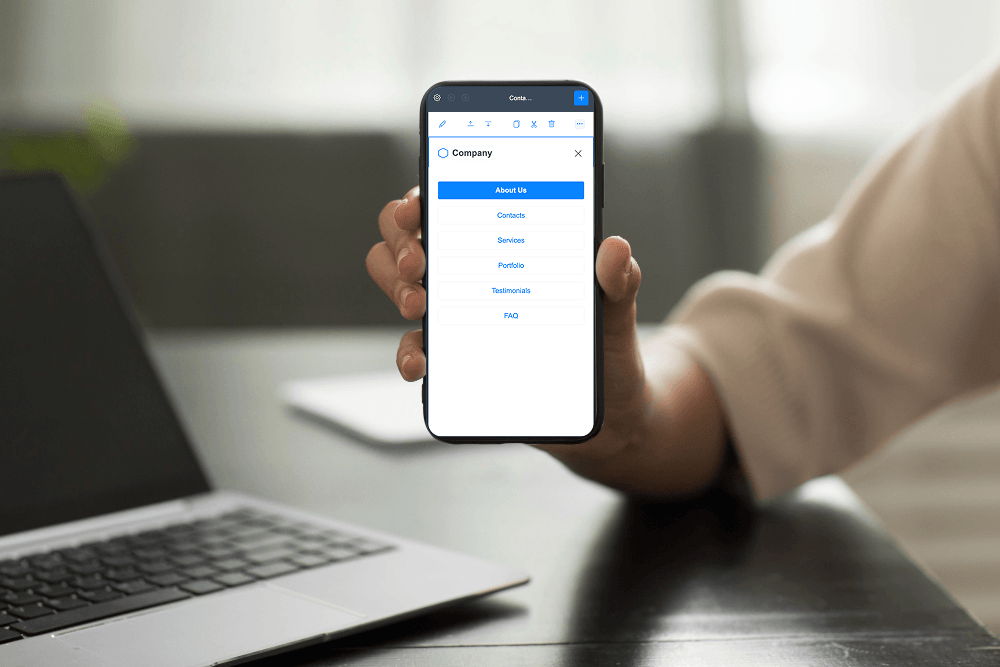
Many people browse websites from smartphones and tablets.
Your website should:
- Load quickly.
- Display correctly on small screens.
- Use large, tap-friendly buttons.
- Keep text easy to read.
- Avoid oversized images.
A mobile-friendly website creates a better experience for every visitor.

Mistake #4: Writing Too Much
Visitors rarely read every word.
Instead of long paragraphs:
- Use headings.
- Break content into short sections.
- Add bullet lists.
- Highlight important information.
For example, service pages should explain benefits clearly without overwhelming readers with unnecessary details.
Clear writing improves engagement.
Mistake #5: Forgetting Strong Calls-to-Action
Every page should encourage visitors to take the next step.
Examples include:
- Contact Us
- Get Started
- Book a Consultation
- View Portfolio
- Shop Now
Without clear calls-to-action, visitors may leave without interacting with your website.
Mistake #6: Using Low-Quality Images
Images influence how professional your website appears.
Avoid:
- Blurry photos
- Stretched graphics
- Inconsistent image styles
- Oversized files
Instead, use high-quality visuals that support your content and load efficiently.
Professional images help build trust.

Mistake #7: Ignoring SEO Basics
Some beginners build an attractive website but forget to optimize it for search engines.
Basic SEO includes:
- Writing descriptive page titles.
- Using relevant keywords naturally.
- Organizing content with headings.
- Adding internal links.
- Creating helpful content.
These simple steps help search engines understand your website.
Mistake #8: Publishing Without Testing
Always review your website before making it public.
Check:
- Navigation links
- Contact forms
- Buttons
- Images
- Mobile layout
- Spelling and grammar
Testing helps you catch small issues before visitors do.
Common Mistakes and Better Alternatives
These sections create a social links website that is useful, professional, and easy to navigate.
How ME-Page Helps Beginners
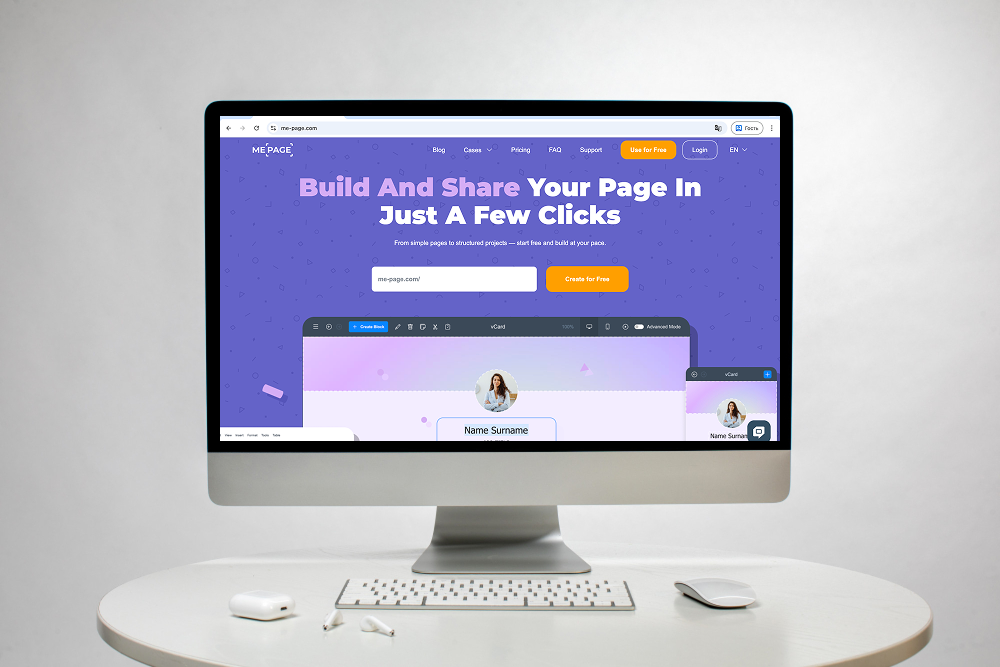
ME-Page makes website creation accessible, even for first-time users.
Some benefits include:
- Easy-to-use visual editor
- Responsive page layouts
- Flexible customization options
- Multi-page website support
- Simple navigation management
- Quick content updates
Instead of worrying about technical complexity, you can focus on creating useful content and achieving your website goals.
Beginner Website Tips for Success
Keep these practical tips in mind:
- Plan your website before building.
- Focus on one primary goal.
- Use consistent branding.
- Write for your audience.
- Keep navigation simple.
- Optimize for mobile users.
- Update your website regularly.
- Review your pages for broken links.
- Add clear calls-to-action.
- Continue improving based on visitor feedback.
Building a great website is an ongoing process, not a one-time task.

Conclusion
Making a few website builder mistakes is completely normal when creating your first website, but learning from them early can save time and improve your results. By following these beginner website tips, avoiding common website creation mistakes, and using the recommendations in this no-code website guide, you'll build a website that is easier to navigate, more professional, and more effective.
ME-Page simplifies the entire process with flexible templates, intuitive editing tools, and responsive layouts that help beginners create high-quality websites without coding experience. With thoughtful planning and continuous improvements, your first website can become a valuable tool for growing your brand, business, or personal project.
Frequently Asked Questions about Common Website Builder Mistakes
The timeline depends on the amount of content and the complexity of the project. A simple website can often be created in a few days, while larger websites may take several weeks to complete.
Was This Article Helpful?
Click on a star to rate it!
Average Rating: 5/5
Voutes: 2
Share with Friends:


Previous
Create High-Converting Product Landing Pages

Next
How to Build a Professional About Us Page
Recent Articles
Everything You Need to Know About Using ME-Page Constructor for Your Website.

How to Create an Effective Services Page for Your Business
When potential customers visit your business website, they want to understand what you offer, how you can help...
How to Create a Navigation Menu for a Multi-Page Website
A website can have excellent content, attractive visuals, and useful features, but visitors may still leave if...

One Website, Multiple Pages: When to Expand Your Site
Starting a website with a single page makes sense. You can introduce your business, showcase your work, add a ...
Create a Personal Link Hub with Pages for Every Project
Do you have a portfolio, a personal blog, freelance services, and a few side projects scattered across differe...
How to Optimize Page URLs for Better SEO
A website URL might look like a small technical detail, but it can influence how people understand your conten...
How to Design a Website Footer That Improves User Experience
A website footer might be the last thing visitors see, but that doesn't make it unimportant. When people reach...
How to Create an Effective Services Page for Your Business
When potential customers visit your business website, they want to understand what you offer, how you can help...
How to Create a Navigation Menu for a Multi-Page Website
A website can have excellent content, attractive visuals, and useful features, but visitors may still leave if...
One Website, Multiple Pages: When to Expand Your Site
Starting a website with a single page makes sense. You can introduce your business, showcase your work, add a ...
Create a Personal Link Hub with Pages for Every Project
Do you have a portfolio, a personal blog, freelance services, and a few side projects scattered across differe...
How to Optimize Page URLs for Better SEO
A website URL might look like a small technical detail, but it can influence how people understand your conten...
How to Design a Website Footer That Improves User Experience
A website footer might be the last thing visitors see, but that doesn't make it unimportant. When people reach...










