Me-Page Team
Last modified 23 Apr 2026
Article Plan
- Why No-Code Tools Are Changing Everything
- Core ME-Page Features You Can Use Without Coding
- What You Can Build Using ME-Page
- SEO-Friendly Structure Without Technical Skills
- Speed and Simplicity
- No-Code Doesn’t Mean Limited
- How ME-Page Helps You Stay Productive
- Conclusion
- Frequently Asked Questions about ME-Page Feature
Building an online presence used to mean hiring developers or learning to code. Not anymore. With platforms like ME-Page, anyone can create powerful, professional pages in minutes, no technical skills required.
In this guide, we’ll break down the most useful ME-Page features and show exactly how you can use these no-code tools to build, customize, and grow your online presence.

Why No-Code Tools Are Changing Everything
No-code tools have opened the door for creators, entrepreneurs, and small businesses to move fast without relying on developers.
Instead of writing code, you simply drag, drop, and customize.
That means:
- Faster launches
- Lower costs
- Full creative control
And ME-Page is designed to make this process as simple as possible.
Core ME-Page Features You Can Use Without Coding
1. Drag-and-Drop Page Builder
The heart of ME-Page is its intuitive builder.
You can:
- Add sections instantly
- Move elements around visually
- Customize layouts in real time
No HTML, CSS, or JavaScript needed.
This is perfect if you want to quickly build:
- Personal landing pages
- Portfolio sites
- Link-in-bio pages


2. Ready-Made Templates
Don’t want to start from scratch? ME-Page offers pre-designed templates you can customize.
These templates are:
- Mobile-friendly
- Professionally designed
- Easy to edit
Just pick one, swap in your content, and you’re good to go.
3. Custom Branding Options
Even without coding, you can fully control your brand look.
You can customize:
- Colors
- Fonts
- Backgrounds
- Layout spacing
This ensures your page feels unique, not generic.
4. Built-In Content Blocks
ME-Page includes ready-to-use blocks that you can add with one click.
Examples include:
- Text sections
- Image galleries
- Buttons and CTAs
- Social media links
These blocks eliminate the need to design elements manually.
5. Mobile Optimization (Automatic)
Every page you build is automatically optimized for mobile devices.
You don’t need to:
- Adjust layouts manually
- Write responsive code
- Test multiple screen sizes
It just works.

What You Can Build Using ME-Page
Here’s a quick overview of real-world use cases:
This flexibility is what makes ME-Page stand out among no-code tools.

SEO-Friendly Structure Without Technical Skills
One underrated advantage of ME-Page is how easy it is to structure your content properly.
Even without SEO knowledge, you can:
- Organize headings clearly
- Add readable sections
- Improve user experience
Good structure = better visibility on search engines.
Speed and Simplicity
Let’s be honest, most people don’t want to spend weeks building a page.
With ME-Page:
- You can publish in minutes
- Edits happen instantly
- No installations or setup required
This speed is especially useful for:
- Launching new ideas
- Testing campaigns
- Updating content regularly


No-Code Doesn’t Mean Limited
A common myth is that no-code tools are restrictive.
But ME-Page proves otherwise.
You still get:
- Full creative control
- Professional results
- Scalable pages
The difference? You skip the technical headaches.
How ME-Page Helps You Stay Productive
Instead of focusing on coding, you can focus on what actually matters:
- Creating content
- Engaging your audience
- Growing your brand
That’s the real power behind ME-Page features.
Conclusion
If you’ve ever felt stuck because you don’t know how to code, ME-Page removes that barrier completely.
With its powerful no-code tools, you can build polished, functional pages without writing a single line of code. From drag-and-drop editing to ready-made templates and mobile optimization, everything is designed to make your life easier.
Whether you’re a creator, freelancer, or business owner, ME-Page helps you move faster, look professional, and stay in control of your online presence.
And the best part? You don’t need to be technical to make it happen.
Frequently Asked Questions about ME-Page Feature
Yes, ME-Page is designed specifically for users with no technical background. Its interface is simple and intuitive.
Absolutely. You can edit your page anytime, and changes are applied instantly.
Yes, it works great for small businesses, freelancers, and marketers who need quick and professional pages.
ME-Page focuses on simplicity and speed while still offering flexibility, making it ideal for fast and effective page creation.
Was This Article Helpful?
Click on a star to rate it!
Average Rating: 5/5
Voutes: 1
Share with Friends:



Previous
When and Why to Use Custom Code on ME-Page

Next
How Consultants Can Use ME-Page to Generate Leads
Recent Articles
Everything You Need to Know About Using ME-Page Constructor for Your Website.
How to Create an Effective Services Page for Your Business
When potential customers visit your business website, they want to understand what you offer, how you can help...
How to Create a Navigation Menu for a Multi-Page Website
A website can have excellent content, attractive visuals, and useful features, but visitors may still leave if...
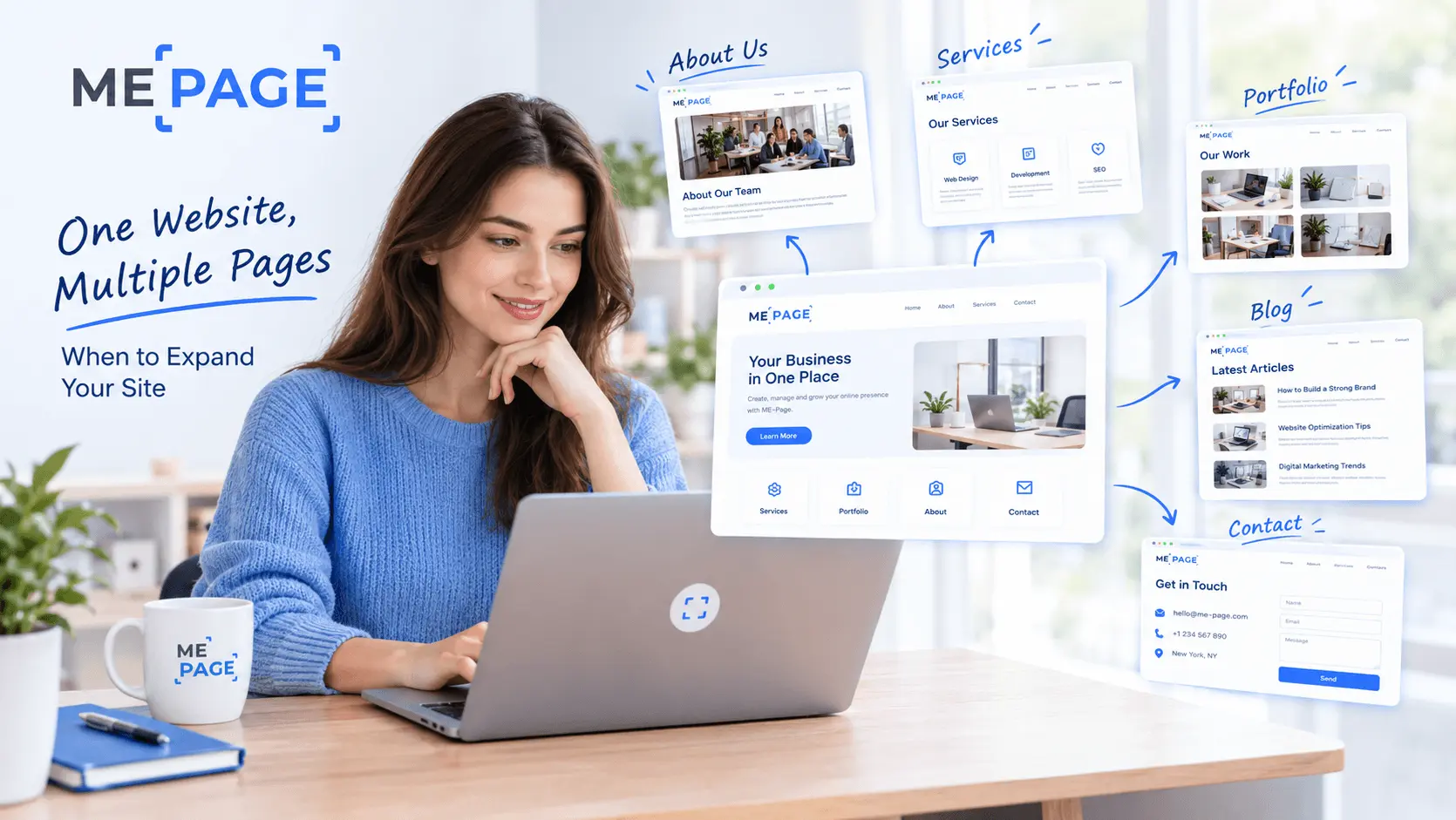
One Website, Multiple Pages: When to Expand Your Site
Starting a website with a single page makes sense. You can introduce your business, showcase your work, add a ...
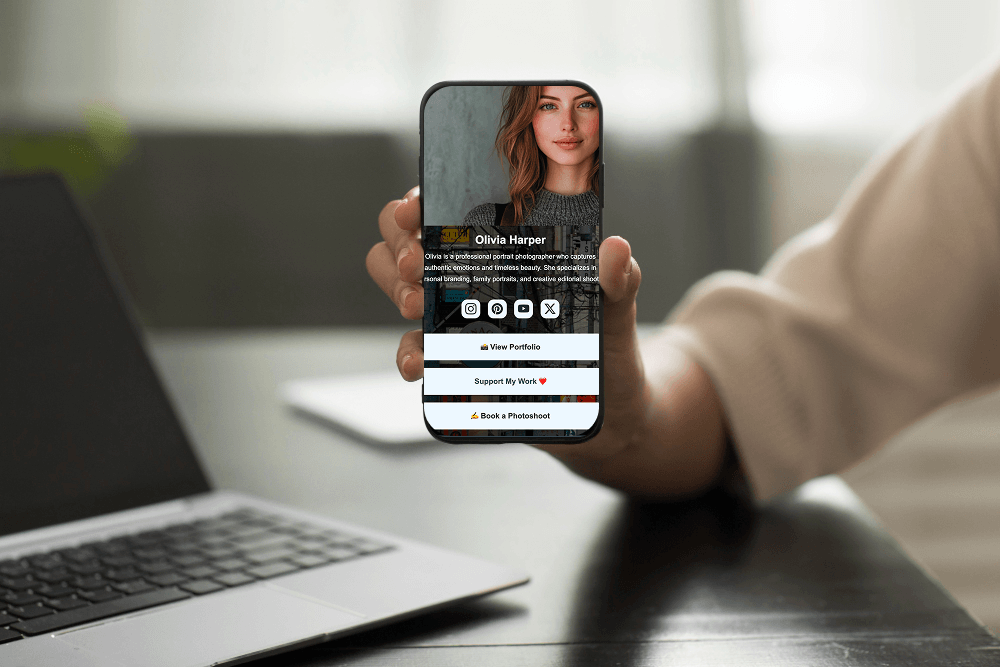
Create a Personal Link Hub with Pages for Every Project
Do you have a portfolio, a personal blog, freelance services, and a few side projects scattered across differe...
How to Optimize Page URLs for Better SEO
A website URL might look like a small technical detail, but it can influence how people understand your conten...
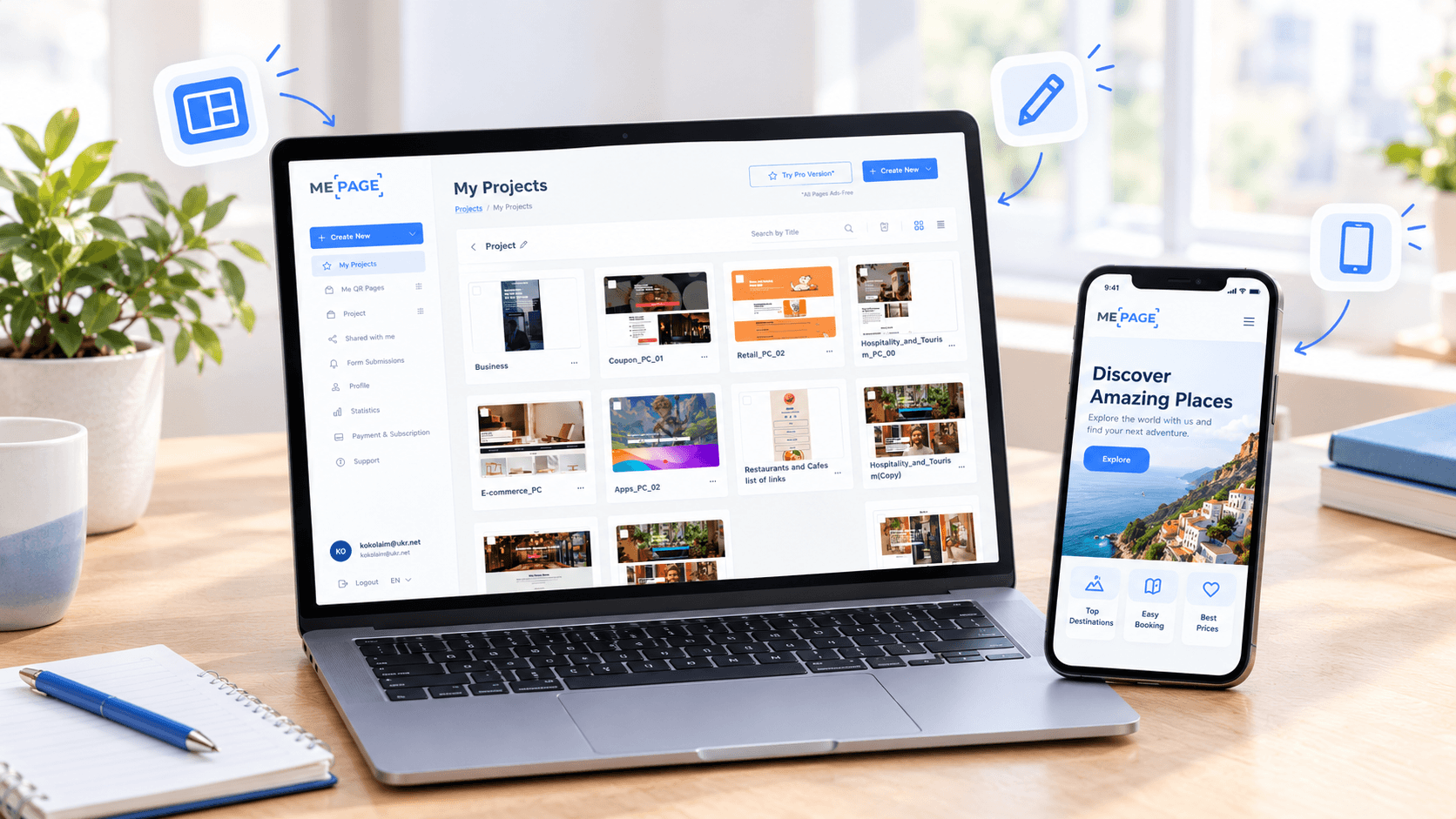
How to Design a Website Footer That Improves User Experience
A website footer might be the last thing visitors see, but that doesn't make it unimportant. When people reach...
How to Create an Effective Services Page for Your Business
When potential customers visit your business website, they want to understand what you offer, how you can help...
How to Create a Navigation Menu for a Multi-Page Website
A website can have excellent content, attractive visuals, and useful features, but visitors may still leave if...
One Website, Multiple Pages: When to Expand Your Site
Starting a website with a single page makes sense. You can introduce your business, showcase your work, add a ...
Create a Personal Link Hub with Pages for Every Project
Do you have a portfolio, a personal blog, freelance services, and a few side projects scattered across differe...
How to Optimize Page URLs for Better SEO
A website URL might look like a small technical detail, but it can influence how people understand your conten...
How to Design a Website Footer That Improves User Experience
A website footer might be the last thing visitors see, but that doesn't make it unimportant. When people reach...


