Me-Page Team
Last modified 26 Mar 2026
In a world overloaded with information, less truly is more, especially when it comes to web design. If you’ve ever landed on a website that felt calm, clear, and easy to navigate, chances are you were looking at a minimalist website design.
But minimalist design isn’t just about aesthetics. It’s about performance, usability, and delivering a focused message. Let’s break down why it works so well, and how you can create one yourself using smart strategies (and tools like ME-Page).
What Is Minimalist Website Design?
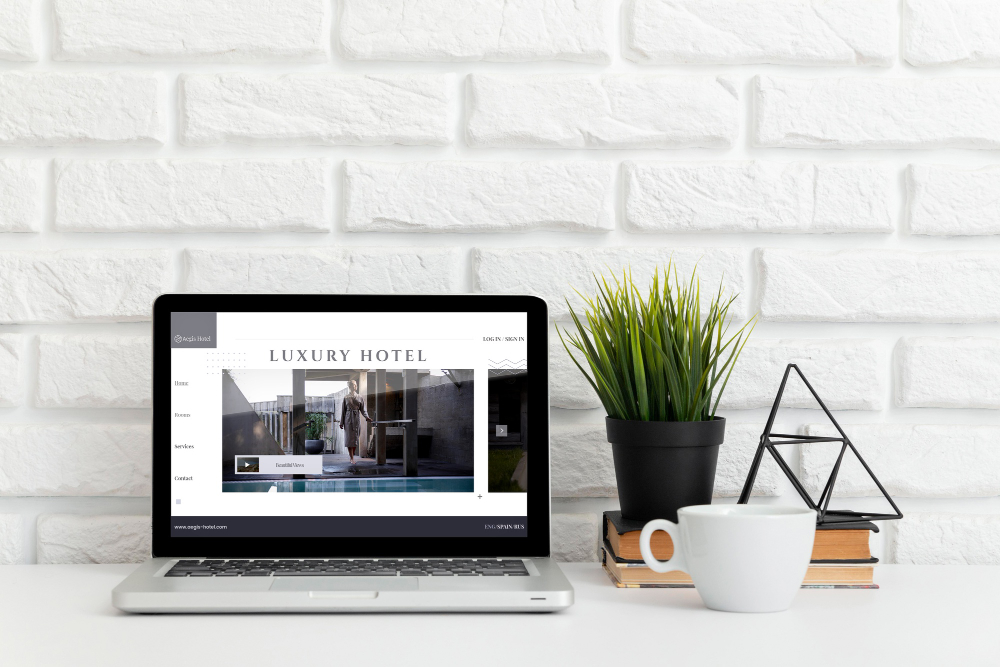
Minimalist website design focuses on simplicity. It removes unnecessary elements and highlights only what truly matters.
Core principles include:
- Clean web layouts
- Limited color palettes
- Plenty of white space
- Simple typography
- Focused content
Instead of overwhelming visitors, minimalist websites guide them effortlessly toward action.
Why Minimalist Design Works So Well
1. Faster Loading Speed
Less clutter = fewer elements to load.
Minimalist websites typically:
- Use fewer images
- Avoid heavy animations
- Keep scripts light
This leads to faster load times, which improves both user experience and SEO rankings.
2. Better User Experience
When users land on your site, they shouldn’t have to think too much.
Minimalist design:
- Reduces distractions
- Highlights key actions
- Makes navigation intuitive
The result? Visitors stay longer and engage more.

3. Stronger Visual Hierarchy
With fewer elements competing for attention, your most important content stands out.
For example:
- Headlines become more impactful
- Call-to-action buttons are easier to spot
- Key messages are clearer
4. Mobile-Friendly by Default
Clean web layouts naturally adapt better to smaller screens.
Minimalist websites:
- Scale easily across devices
- Avoid clutter on mobile
- Improve usability on touch screens
Key Elements of a Minimalist Website
Here’s a quick breakdown of what makes minimalist design effective:
How to Build a Minimalist Website
Now let’s get practical. Here’s how you can create your own minimalist website design step by step.
1. Start With a Clear Goal
Before designing anything, ask:
- What is the main purpose of your website?
- What action do you want users to take?
Everything in your design should support that goal.
2. Simplify Your Layout
Avoid overcrowding your pages.
Instead:
- Use grid-based clean web layouts
- Keep sections clearly separated
- Limit content per screen
A good rule: if it doesn’t serve a purpose, remove it.
3. Choose a Limited Color Palette
Stick to:
- One primary color
- One secondary color
- Neutral background (white or light gray)
This keeps your design consistent and visually calm.
4. Use High-Quality Typography
Typography is a major part of minimalist design.
Tips:
- Use 1–2 fonts only
- Make headings bold and clear
- Keep body text easy to read
5. Focus on Content First
Minimalism doesn’t mean less value, it means more clarity.
Make sure your content:
- Is concise and meaningful
- Uses short paragraphs
- Speaks directly to the reader
6. Optimize for Performance
Minimalist design naturally helps performance, but you should still:
- Compress images
- Use lightweight code
- Avoid unnecessary plugins
7. Use the Right Platform
Building a minimalist website becomes much easier when you use tools designed for simplicity.
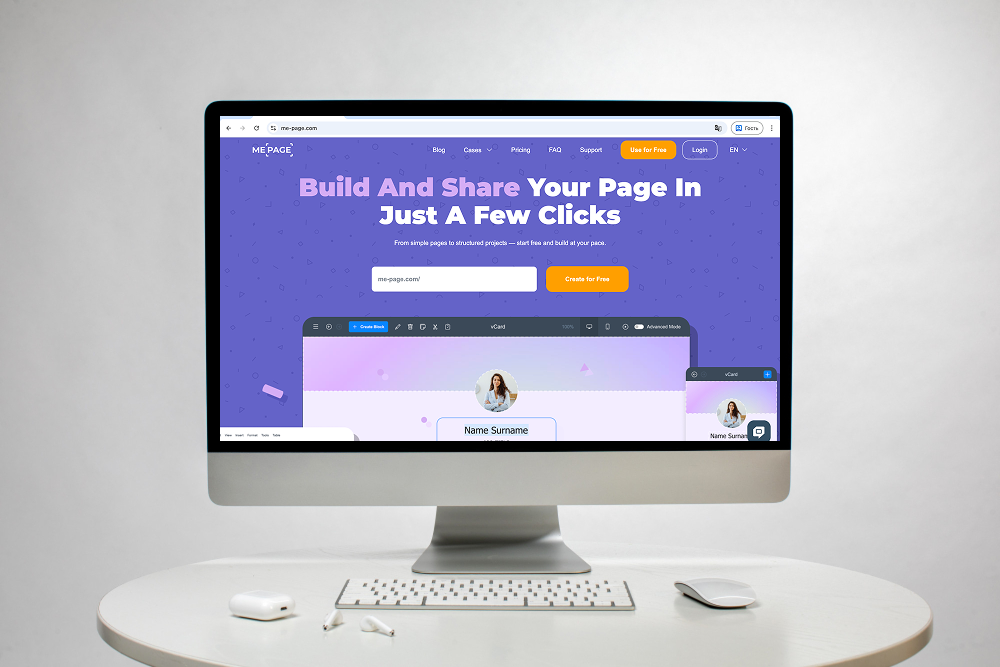
Platforms like ME-Page allow you to:
- Create clean web layouts quickly
- Focus on content instead of coding
- Maintain a sleek, modern design effortlessly

Common Mistakes to Avoid
Even minimalist design can go wrong if done incorrectly.
Watch out for:
- Too much empty space (making the site feel unfinished)
- Lack of direction (no clear user journey)
- Over-simplification (removing important content)
- Poor contrast (hurting readability)
Minimalism should feel intentional, not empty.
Real-Life Use Cases
Minimalist website design works especially well for:
Personal Brands: Clear, focused layouts help highlight your story and expertise.
Portfolios: Showcase your work without distractions.
Landing Pages: Drive conversions with a single, strong message.
Business Websites: Make services and value propositions easy to understand.
Conclusion
Minimalist website design isn’t just a trend, it’s a powerful approach to building better digital experiences.
By focusing on clean web layouts, simplicity, and clarity, you create websites that:
- Load faster
- Convert better
- Feel more professional
And the best part? You don’t need to be a design expert to get started. With platforms like ME-Page, you can easily build a modern, minimalist website that looks great and performs even better.
If your goal is to stand out while keeping things simple, minimalist design is the way forward.
Frequently Asked Questions about Minimalist Website Design
Ideally 2–3 colors, plus neutrals, to maintain visual consistency without clutter. This limited palette helps maintain visual consistency and prevents the design from feeling cluttered. It also makes important elements stand out more effectively.
There are several tools available, but platforms like ME-Page are especially useful for beginners and professionals alike. They allow you to create clean web layouts quickly without needing advanced coding skills. This makes it easier to focus on design and content rather than technical complexity.
Not at all, minimalist design is about presenting content more effectively, not reducing it. The goal is to remove unnecessary elements and focus on delivering clear, valuable information. This approach actually makes your content more impactful and easier for users to understand.
Was This Article Helpful?
Click on a star to rate it!
Average Rating: 5/5
Voutes: 1
Share with Friends:


Previous
Is ME-Page the Right Website Builder for You in 2026?

Next
How Subpages Improve Search Visibility and Keyword Coverage
Recent Articles
Everything You Need to Know About Using ME-Page Constructor for Your Website.

How to Link Pages Together for Better Website Navigation
A multi-page website gives you more room to organize information, but adding pages is only half the job. Visit...

Build a Personal Website That Stands Out in 2026
Your social media profiles can show what you do, but they do not give you complete control over your online pr...

Managing Multiple Websites from One ME-Page Account
Running more than one website used to be complicated. Different logins, scattered tools, and endless switching...
How to Organize Content Across Multiple Website Pages
A multi-page website gives you room to explain your business, services, products, and ideas without putting ev...

Essential Pages Every Business Website Should Include
A business website doesn't need dozens of pages to look professional. What it does need is a clear structure t...

How to Write Website Headlines That Attract More Visitors
A headline is often the first piece of text people notice when they open a website. Before they read your para...
How to Link Pages Together for Better Website Navigation
A multi-page website gives you more room to organize information, but adding pages is only half the job. Visit...
Build a Personal Website That Stands Out in 2026
Your social media profiles can show what you do, but they do not give you complete control over your online pr...
Managing Multiple Websites from One ME-Page Account
Running more than one website used to be complicated. Different logins, scattered tools, and endless switching...
How to Organize Content Across Multiple Website Pages
A multi-page website gives you room to explain your business, services, products, and ideas without putting ev...
Essential Pages Every Business Website Should Include
A business website doesn't need dozens of pages to look professional. What it does need is a clear structure t...
How to Write Website Headlines That Attract More Visitors
A headline is often the first piece of text people notice when they open a website. Before they read your para...










