Me-Page Team
Last modified 18 Dec 2025
Article Plan
- Why Page Flow Matters for Your Website
- Start with a Clear Structure
- Organizing Sections in ME-Page
- Recommended Section Order for ME-Page Websites
- Tips to Improve Content Flow Optimization
- Conclusion: Build a Website That Feels Natural to Explore
- Frequently Asked Questions about Organize Sections and Create a Clear Page Flow
When someone opens your website, you have just a few seconds to make a good first impression. If the page feels messy or confusing, visitors leave. That’s why organizing sections and creating a clear page flow in ME-Page is so important. Think of your website like a story — it should have a beginning, middle, and end that naturally guide the reader.
In this guide, we’ll walk through simple, beginner-friendly tips to help you build a clean structure, improve readability, and make your ME-Page website easy to explore.
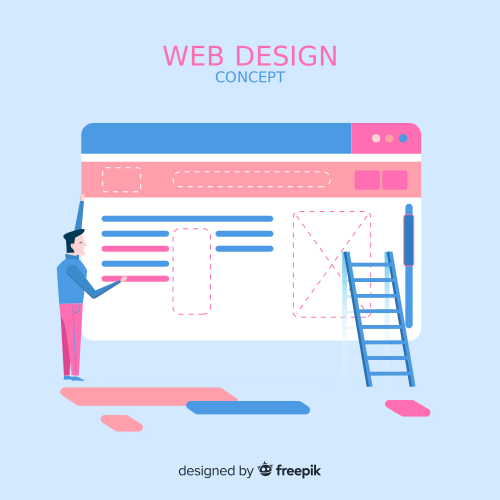
Why Page Flow Matters for Your Website
Page flow is the order and logic of how content appears on your page. A good flow helps visitors understand who you are, what you offer, and what to do next — without thinking too hard.
With ME-Page, organizing your website template structure is easy because sections are built as flexible blocks. You can move, edit, and adjust them until the flow feels just right.
A clear page flow helps you:
- Keep visitors on your site longer
- Highlight key information
- Improve trust and professionalism
- Guide users toward actions like contacting you or buying.
Start with a Clear Structure
Before adding content, it helps to plan the structure of your page. Most successful websites follow a simple logic.
A Simple Page Flow That Works
- Top section: Introduce yourself or your brand
- Middle sections: Explain services, features, or benefits
- Lower sections: Build trust with details, testimonials, or examples
- Final section: Encourage action (contact, sign up, follow)
ME-Page makes this easy by letting you stack sections vertically and reorder them anytime.

Organizing Sections in ME-Page

Use Sections with a Clear Purpose
Each section should answer one main question:
- Who are you?
- What do you offer?
- Why should visitors trust you?
- What should they do next?
Avoid mixing too many ideas in one section. Short and focused sections improve content flow optimization and make your page easier to scan.
Keep Visual Balance
Alternate between text-focused sections and visual sections (images, banners, cards). This keeps the page from feeling heavy or boring.
Use Headings to Guide the Eye
Clear headings act like signposts. When visitors scroll, they should instantly understand what each section is about. This is a key part of page flow design in ME-Page.Recommended Section Order for ME-Page Websites
This structure works well for personal pages, business websites, and portfolios built with ME-Page.
Tips to Improve Content Flow Optimization
Don’t Overload Sections
If a section feels too long, split it into two. ME-Page lets you add new sections in seconds, so use that flexibility.
Use Spacing Wisely
White space is your friend. It helps sections breathe and makes your website feel modern and organized.
Think Like a Visitor
Scroll through your page and ask yourself:
- Does this make sense in this order?
- Is anything repeated?
- Is it clear what to do next?
Small changes in section order can make a big difference.

Conclusion: Build a Website That Feels Natural to Explore
Organizing sections and creating a clear page flow in ME-Page isn’t about following strict rules — it’s about making your website comfortable and intuitive for real people. When visitors land on your page, they should feel guided, not lost.
By planning your website template structure, giving each section a clear purpose, and arranging content in a logical order, you create a smooth experience that keeps users scrolling. ME-Page gives you the freedom to move sections, test layouts, and improve flow without technical skills.
A well-organized page doesn’t just look better — it works better. It builds trust, highlights your message, and gently leads visitors toward action. Take a few minutes to review your sections, adjust the order, and refine the flow. Your audience will feel the difference.
Frequently Asked Questions about Organize Sections and Create a Clear Page Flow
There’s no fixed number, but most effective pages have between 5 and 8 sections. Focus on clarity, not quantity.
Yes. ME-Page allows you to rearrange sections anytime, even after publishing your website.
No. Some sections can be visual-only or very short. Variety helps keep the page engaging.
If visitors can quickly understand what you offer and what to do next without confusion, your page flow is working well.
Was This Article Helpful?
Click on a star to rate it!
Average Rating: 4.7/5
Voutes: 6
Share with Friends:


Previous
Customizing Fonts and Headings on Your ME-Page Website

Next
How to Showcase Products and Link to Online Stores with ME-Page
Recent Articles
Everything You Need to Know About Using ME-Page Constructor for Your Website.

How to Link Pages Together for Better Website Navigation
A multi-page website gives you more room to organize information, but adding pages is only half the job. Visit...

Build a Personal Website That Stands Out in 2026
Your social media profiles can show what you do, but they do not give you complete control over your online pr...

Managing Multiple Websites from One ME-Page Account
Running more than one website used to be complicated. Different logins, scattered tools, and endless switching...
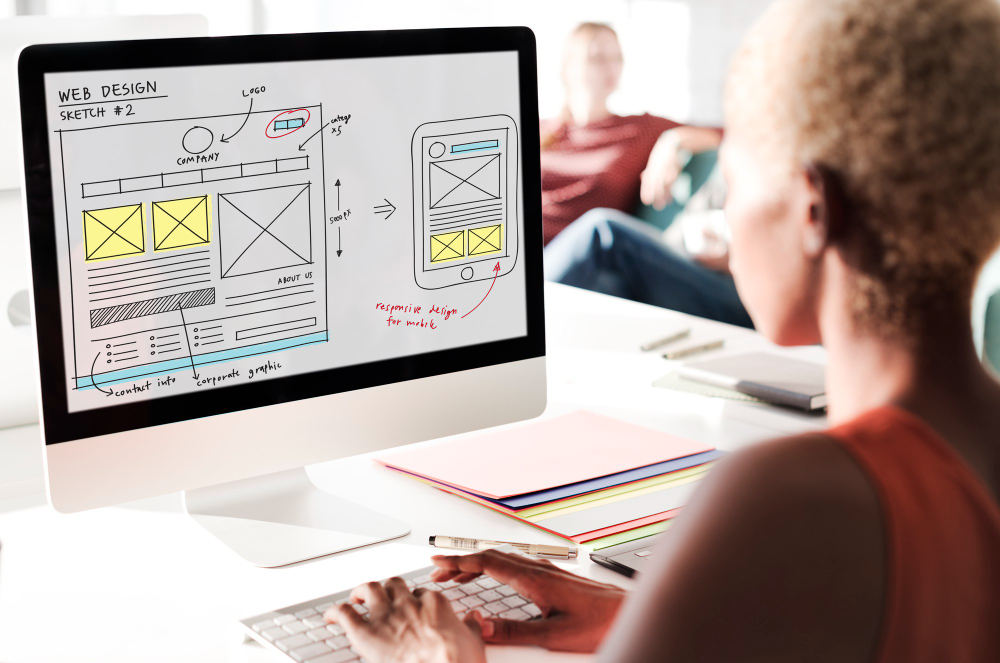
How to Organize Content Across Multiple Website Pages
A multi-page website gives you room to explain your business, services, products, and ideas without putting ev...

Essential Pages Every Business Website Should Include
A business website doesn't need dozens of pages to look professional. What it does need is a clear structure t...

How to Write Website Headlines That Attract More Visitors
A headline is often the first piece of text people notice when they open a website. Before they read your para...
How to Link Pages Together for Better Website Navigation
A multi-page website gives you more room to organize information, but adding pages is only half the job. Visit...
Build a Personal Website That Stands Out in 2026
Your social media profiles can show what you do, but they do not give you complete control over your online pr...
Managing Multiple Websites from One ME-Page Account
Running more than one website used to be complicated. Different logins, scattered tools, and endless switching...
How to Organize Content Across Multiple Website Pages
A multi-page website gives you room to explain your business, services, products, and ideas without putting ev...
Essential Pages Every Business Website Should Include
A business website doesn't need dozens of pages to look professional. What it does need is a clear structure t...
How to Write Website Headlines That Attract More Visitors
A headline is often the first piece of text people notice when they open a website. Before they read your para...










