Me-Page Team
Last modified 22 Dec 2025
Article Plan
- Why Product Presentation Matters on a One-Page Website
- Using Product Blocks to Showcase Items Clearly
- Linking Your ME-Page to an Online Store
- Best Practices for Product Display on ME-Page
- Example: How ME-Page Helps Different Businesses
- Why ME-Page Works So Well for Product Linking
- Conclusion
- Frequently Asked Questions about How to Showcase Products and Link to Online Stores
If you sell products online, your website should do one simple thing really well: show what you offer and make it easy to buy. Sounds obvious, right? But many small brands still struggle with scattered product posts, outdated links, or confusing pages. That’s exactly where ME-Page steps in. With its clean layout blocks and product-focused sections, ME-Page helps you showcase products online and link directly to your store — all in one place.
Let’s walk through how you can turn your ME-Page into a clear, attractive product display website that actually drives clicks and sales.

Why Product Presentation Matters on a One-Page Website
Think of your ME-Page as a digital storefront window. Visitors decide in seconds whether to stay or leave. If your products are hard to find or poorly presented, they’ll scroll away.
With ME-Page, you can:
- Show products with images, prices, and short descriptions
- Highlight discounts or special offers
- Add clear “Buy Now” or “View Collection” buttons
- Connect your page to an external shop in one click
This makes ME-Page perfect for creators, small shops, beauty brands, and anyone who wants a simple way to link a website to a store.
Using Product Blocks to Showcase Items Clearly
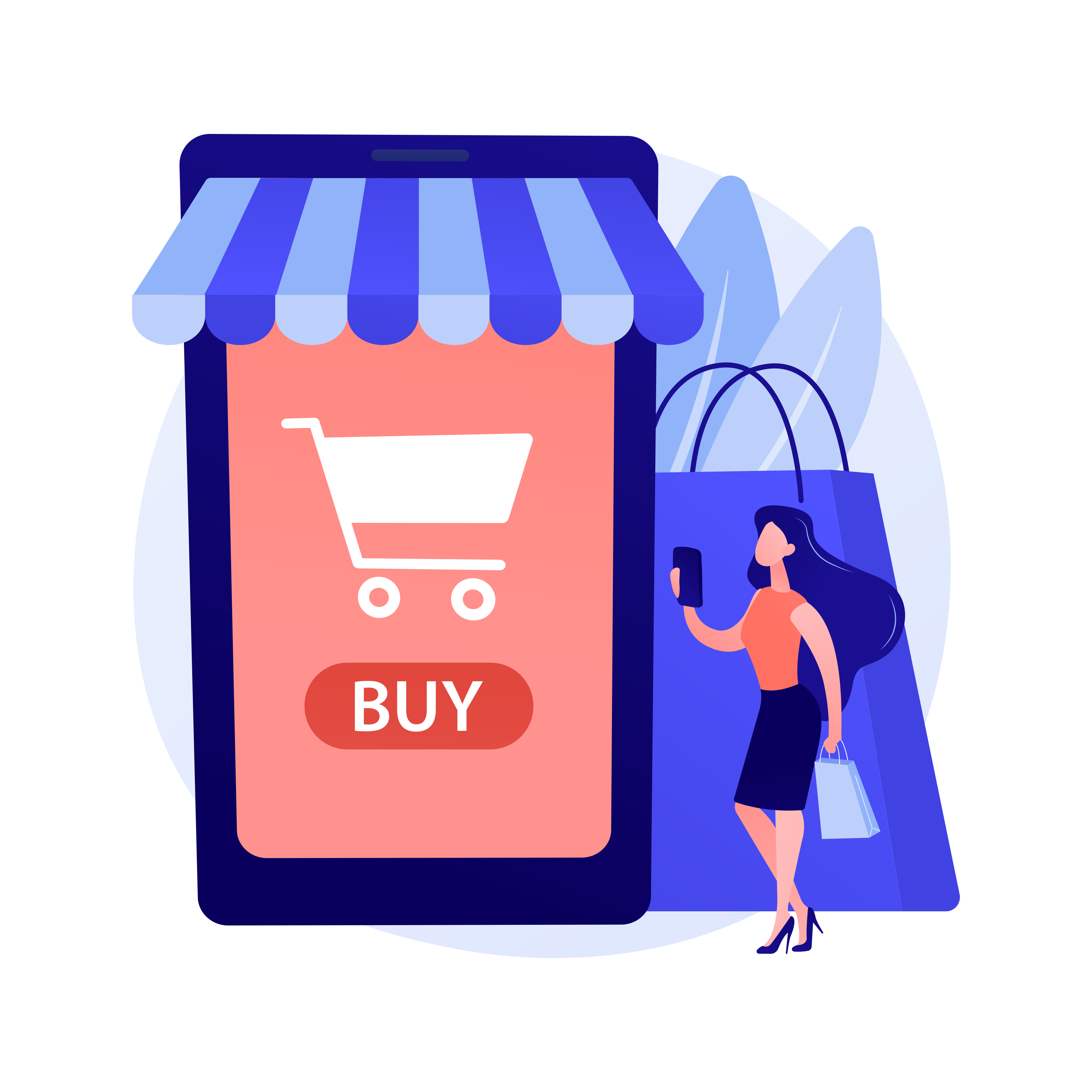
ME-Page offers ready-made blocks designed specifically for products. These blocks usually include an image area, product name, short text, and a call-to-action button.
From the examples shown:
- Products are displayed in clean cards
- Prices are easy to spot, including discounts
- Buttons like Buy Now stand out and guide users
This format works especially well on mobile, where most visitors scroll quickly and need clear visual cues.

Linking Your ME-Page to an Online Store
You don’t need to build a full shop inside ME-Page. Instead, ME-Page works as a smart connector.
You can link:
- Each product button to your online store
- A collection page with multiple items
- External platforms like Shopify, Etsy, or other checkout pages
This way, ME-Page acts as a central hub — one link that leads customers to everything you sell.
Best Practices for Product Display on ME-Page
To get the most out of your product display website, keep things simple and focused.
Helpful tips:
- Use high-quality product images
- Keep descriptions short and clear
- Show prices upfront to avoid confusion
- Highlight bestsellers or limited offers
- Place buttons where they’re easy to tap
ME-Page layouts are designed to support these practices without needing design skills.
Example: How ME-Page Helps Different Businesses
This flexibility makes it easy to connect a website to a store without overwhelming visitors.
Why ME-Page Works So Well for Product Linking
The biggest advantage of ME-Page is clarity. Instead of sending customers through multiple social posts or confusing menus, you give them one clean page.
With ME-Page, customers:
- Instantly see what’s available
- Understand pricing and value
- Know exactly where to click next
That’s how you turn casual visitors into buyers.

Conclusion
Showcasing products and linking to your online store with ME-Page is more than just adding images and buttons — it’s about creating a smooth, confident buying journey for your visitors. When your products are presented clearly, with strong visuals, simple descriptions, and direct purchase links, customers don’t have to guess what to do next. They see the value, understand the price, and can take action instantly. That ease is what turns casual visitors into real buyers.
ME-Page makes this process simple, even if you’ve never built a website before. With ready-made blocks, clean layouts, and clear call-to-action buttons, you can highlight your best products, promote special offers, and guide users straight to your online store without overwhelming them. Everything works together to keep your page focused, fast, and easy to navigate — especially on mobile, where most customers are browsing.
In the end, a well-organized product section builds trust. It shows that your brand is professional, transparent, and ready to sell. Whether you’re promoting a single featured item or a full collection, ME-Page gives you the tools to connect your products with your audience in one clear link. And when customers can find what they want in seconds, clicking “Buy Now” feels like the most natural next step.
Frequently Asked Questions about How to Showcase Products and Link to Online Stores
Yes, each product button can link to a different external store or checkout page.
No, ME-Page uses ready-made blocks that you can customize visually without coding.
Yes, you can display original prices alongside discounted ones to highlight offers.
No, ME-Page complements your store by acting as a central hub that drives traffic and sales.
Was This Article Helpful?
Click on a star to rate it!
Average Rating: 5/5
Voutes: 1
Share with Friends:


Previous
How to Organize Sections and Create a Clear Page Flow in ME-Page
Next
How to Update Text, Images, and Links on Your ME-Page Website
Recent Articles
Everything You Need to Know About Using ME-Page Constructor for Your Website.
How to Link Pages Together for Better Website Navigation
A multi-page website gives you more room to organize information, but adding pages is only half the job. Visit...

Build a Personal Website That Stands Out in 2026
Your social media profiles can show what you do, but they do not give you complete control over your online pr...

Managing Multiple Websites from One ME-Page Account
Running more than one website used to be complicated. Different logins, scattered tools, and endless switching...
How to Organize Content Across Multiple Website Pages
A multi-page website gives you room to explain your business, services, products, and ideas without putting ev...

Essential Pages Every Business Website Should Include
A business website doesn't need dozens of pages to look professional. What it does need is a clear structure t...

How to Write Website Headlines That Attract More Visitors
A headline is often the first piece of text people notice when they open a website. Before they read your para...
How to Link Pages Together for Better Website Navigation
A multi-page website gives you more room to organize information, but adding pages is only half the job. Visit...
Build a Personal Website That Stands Out in 2026
Your social media profiles can show what you do, but they do not give you complete control over your online pr...
Managing Multiple Websites from One ME-Page Account
Running more than one website used to be complicated. Different logins, scattered tools, and endless switching...
How to Organize Content Across Multiple Website Pages
A multi-page website gives you room to explain your business, services, products, and ideas without putting ev...
Essential Pages Every Business Website Should Include
A business website doesn't need dozens of pages to look professional. What it does need is a clear structure t...
How to Write Website Headlines That Attract More Visitors
A headline is often the first piece of text people notice when they open a website. Before they read your para...










