Me-Page Team
Last modified 24 Nov 2026
Article Plan
- What Is a Website Template?
- What Does Building a Website from Scratch Mean?
- Website Template vs Blank Page: Key Differences
- When Should You Choose a Website Template?
- When Is a Blank Page the Better Choice?
- How to Make the Right Choice in ME-Page
- Can You Combine Templates and Custom Design?
- Conclusion
- Frequently Asked Questions
Starting a website project comes with an important decision: should you use a ready-made template or build your website from a blank page?
Both options can help you create a professional online presence, but they offer different approaches. A template gives you a starting structure that you can customize, while a blank page lets you decide how everything should look and where each element belongs.
So, how do you know which option is right for your project?
With ME-Page, you can create a website using a template or start with a blank layout and build your design from scratch. Let's compare both approaches, explore their advantages, and help you choose the best starting point.
What Is a Website Template?
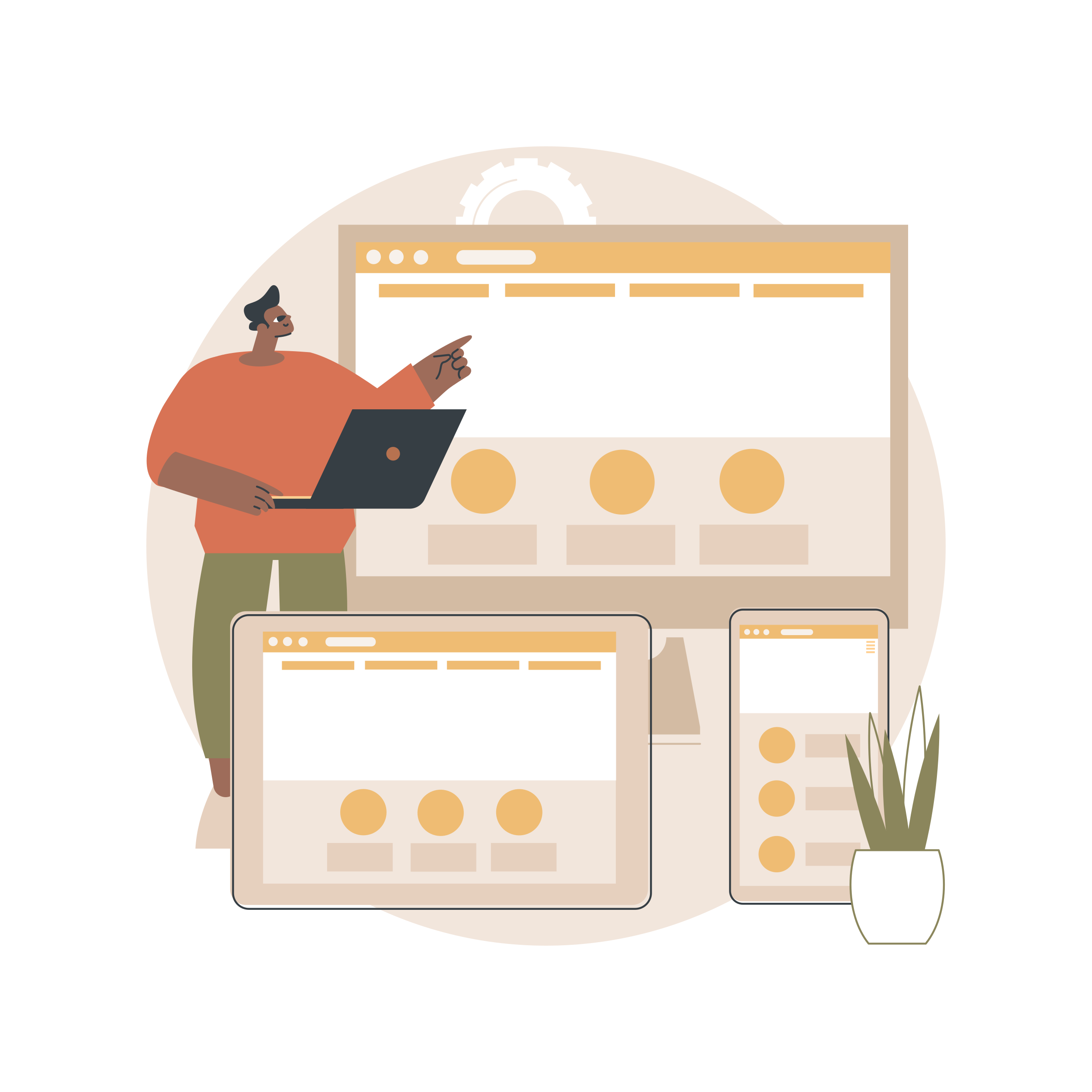
A website template is a pre-designed layout that provides a basic structure for your website. It may include sections for an introduction, images, services, contact information, and other common content.
Instead of designing every element yourself, you start with an existing layout and adapt it to your needs.
For example, a freelancer might choose a template with a profile section, portfolio area, and contact details. They can then replace the sample content with their own information, upload photographs, and adjust the design.
Benefits of Using a Website Template
Templates are especially useful when you want to launch a website without spending too much time planning its entire structure.
Their main advantages include:
- Faster setup: Start with an existing layout instead of creating every section manually.
- Clear structure: Templates provide an organized starting point for your content.
- Design inspiration: Explore different ways to arrange images, text, and other elements.
- Less decision-making: You don't need to plan every visual detail before getting started.
- Easier customization: Replace existing content and adapt the layout to your brand.
Templates can be a practical choice for personal websites, portfolios, small business pages, and landing pages.
What Does Building a Website from Scratch Mean?
Building a website from scratch means starting with a blank page and creating its structure yourself.
You decide which sections to include, where they should appear, and how visitors will move through the content. Rather than adapting an existing layout, you build the page around your own requirements.
For example, a creative agency might need a unique homepage with an unusual content arrangement, project highlights, and several custom sections. Starting with a blank page gives the team more freedom to plan that experience.
Benefits of Starting with a Blank Page
Choosing a blank layout can make sense when your project has specific requirements that don't fit standard website structures.
Here are some advantages:
- Complete layout control: Decide how your website should be organized from the beginning.
- Unique design: Create a structure that reflects your brand and creative direction.
- Project-specific content: Build sections around your exact needs instead of adapting existing ones.
- Flexible organization: Experiment with different layouts and content arrangements.
- Creative freedom: You aren't limited by the structure of a ready-made design.
However, this approach requires more planning. You'll need to think about the page hierarchy, content order, visual consistency, and navigation before publishing.

Website Template vs Blank Page: Key Differences
Both approaches can produce a professional website. The main difference is how much structure you get at the beginning and how much work you need to do yourself.
Neither option is automatically better. The right choice depends on your experience, available time, and website goals.
When Should You Choose a Website Template?
A template is a good starting point when your website follows a familiar structure or you want to get online quickly.
Consider choosing a template if:

1. You're Creating Your First Website
If you're new to website building, a template can make the process less overwhelming. You can focus on adding content and understanding how the editor works instead of planning every section from zero.
2. You Need a Website Quickly
Freelancers, small businesses, and creators sometimes need a professional website without spending weeks on design decisions. A ready-made layout can help speed up the initial setup.
3. Your Website Has a Familiar Purpose
Many websites share common sections. A portfolio needs project examples, a business website needs service information, and a personal page needs an introduction and contact details.
If a template already provides a suitable structure, there's little reason to rebuild everything manually.
4. You Want Design Inspiration
Sometimes you know what information your website needs but aren't sure how to arrange it. Browsing ME-Page templates can help you explore different layouts and find an approach that suits your project.
When Is a Blank Page the Better Choice?
Starting from scratch makes more sense when your website needs a structure that isn't easily represented by an existing template.
Choose a blank page if:
- Your project has unusual requirements: You need a specific arrangement of sections or content elements.
- You already have a detailed design plan: You know exactly how the page should look and want to build it accordingly.
- You want to experiment: You prefer testing different layouts rather than adapting a predefined one.
- Your brand needs a distinctive presentation: You want a website structure that reflects a particular creative direction.
- You have experience with website design: You're comfortable making layout decisions and organizing content yourself.
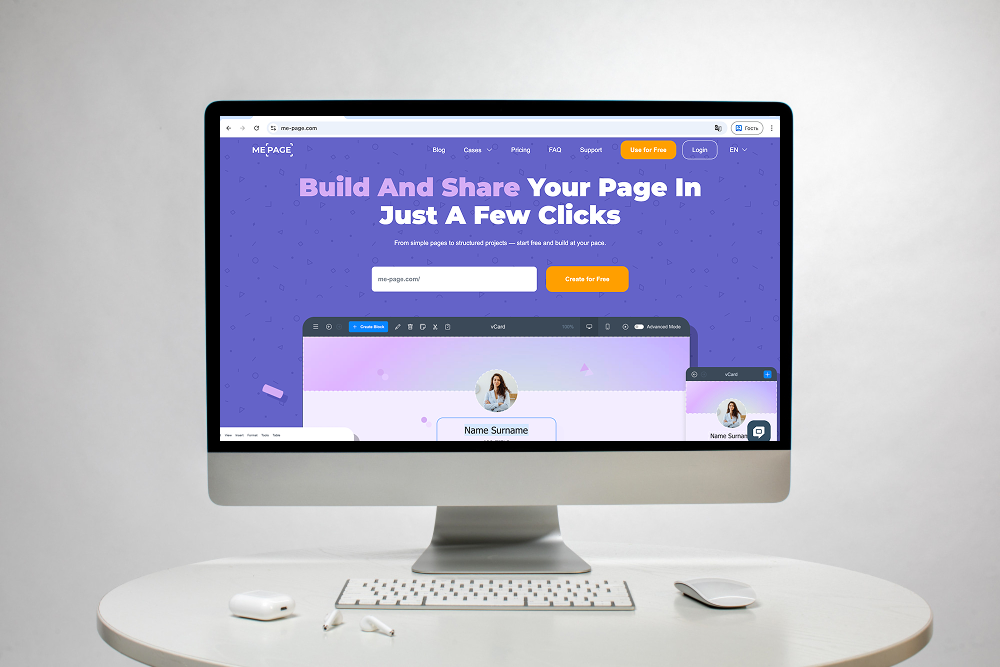
Remember that starting from a blank page doesn't mean you have to write code. You can still use ME-Page's drag-and-drop editor to add and arrange elements.
How to Make the Right Choice in ME-Page
If you're unsure which option to select, start by thinking about your website's purpose rather than its appearance.
Follow these steps to make the decision easier:
- Define your website goal. Decide whether you're creating a personal page, portfolio, business website, or landing page.
- List the required sections. Write down what visitors should be able to find, such as your introduction, services, portfolio, pricing, or contact information.
- Explore available ME-Page templates. Look for a layout that already includes most of the sections you need.
- Compare the template with your plan. Consider whether you can adapt its structure or whether it would require too many changes.
- Choose your starting point. Select a template if it fits your needs, or start with a blank page if you need more control.
- Customize and review. Add your content, adjust the layout, and check the result on desktop and mobile devices.
A useful rule is simple: if a template already covers most of your requirements, customize it instead of starting over.

Can You Combine Templates and Custom Design?
Yes. Choosing a template doesn't mean you have to keep every part of its original appearance.
A ready-made layout is a starting point, not a finished website that you can't change. You can replace sample text, upload your own images, rearrange elements, and adjust the design to match your brand.
ME-Page's drag-and-drop builder makes it possible to adapt page elements without coding. If you need more control over visual details, Advanced Mode also provides CSS customization options.
This approach gives you a practical middle ground: the convenience of a template with the flexibility to create a website that feels unique.
Conclusion
Choosing between a website template and a blank page doesn't have to be complicated. Templates are useful when you want a faster start, an organized structure, and design inspiration. A blank page is better when your project requires a more specific layout or you already have a clear creative vision.
With ME-Page, you can choose the approach that matches your goals and customize your website as your project develops.
Don't spend too much time trying to find the perfect starting point. Focus on creating a clear, useful website that gives visitors the information they need.
Frequently Asked Questions
You can continue editing your website after publishing, but changing its starting template may require rebuilding or adjusting existing content. Before making major changes, review how your current sections and elements will fit into the new design.
Was This Article Helpful?
Click on a star to rate it!
Average Rating: 5/5
Voutes: 1
Share with Friends:



Previous
How Photographers Can Build a Client-Ready Website with ME-Page

Next
Welcome to ME-Page: Your Ultimate Website Constructor
Recent Articles
Everything You Need to Know About Using ME-Page Constructor for Your Website.
How to Choose Between a Template and a Blank Page in ME-Page
Starting a website project comes with an important decision: should you use a ready-made template or build you...
How Photographers Can Build a Client-Ready Website with ME-Page
Your photographs tell stories, capture emotions, and show how you see the world. But when potential clients wa...

How to Use CSS to Fine-Tune ME-Page Website Elements
A website builder makes it easy to create pages without writing code, but sometimes the standard design option...

How to Use Search Intent to Plan Pages for Your Website
Choosing keywords is an important part of SEO, but knowing what people expect to find when they search is just...

How to Design an Effective Testimonials Section for Your Website
When people visit your website for the first time, they don't always know what to expect. They may like your s...

How to Add Social Media Links to Your ME-Page Website
Your website gives visitors a place to learn about you, explore your work, and discover what you offer. But yo...
How to Choose Between a Template and a Blank Page in ME-Page
Starting a website project comes with an important decision: should you use a ready-made template or build you...
How Photographers Can Build a Client-Ready Website with ME-Page
Your photographs tell stories, capture emotions, and show how you see the world. But when potential clients wa...
How to Use CSS to Fine-Tune ME-Page Website Elements
A website builder makes it easy to create pages without writing code, but sometimes the standard design option...
How to Use Search Intent to Plan Pages for Your Website
Choosing keywords is an important part of SEO, but knowing what people expect to find when they search is just...
How to Design an Effective Testimonials Section for Your Website
When people visit your website for the first time, they don't always know what to expect. They may like your s...
How to Add Social Media Links to Your ME-Page Website
Your website gives visitors a place to learn about you, explore your work, and discover what you offer. But yo...


