Me-Page Team
Last modified 27 May 2026
Show Your Work in One Place
Stop sending multiple links to your portfolio, Behance, or Google Drive. With a single landing page, you can present your best projects in a clear, structured way that clients actually understand.
Add images, case studies, or examples — all in one scroll.
Present Your Services Clearly
Explain what you offer without long messages or PDFs. Create simple sections for your services, pricing, or packages so clients instantly see how you can help.
Clear structure = faster decisions.
Freelancer Templates
Make It Easy to Contact You
Add direct contact options like email, phone, or messaging apps. No extra steps, no searching — clients can reach out the moment they're interested.
Less friction means more inquiries.
Replace All Your Links with One
Instead of sharing multiple platforms, send just one link. Your portfolio, services, and contacts — everything is combined into a single, professional page.
Simple for you. Clear for your clients.
Built for Freelancers in Any Field
Whether you're a designer, developer, marketer, or photographer — this format works for any type of freelance work.
Customize your page, highlight your strengths, and adapt it to your niche.
Frequently Asked Questions
Share with Friends:



Previous
Combining No-Code and Code: Advanced ME-Page Workflows
Next
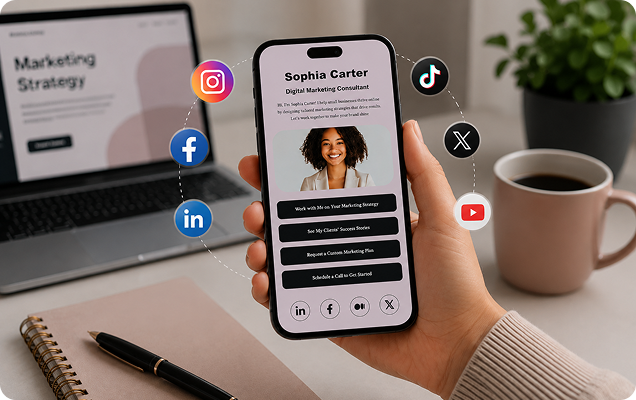
SMM & Marketing Portfolio — Show Results in One Page
Recent Articles
Everything You Need to Know About Using ME-Page Constructor for Your Website.

How to Choose Between a Template and a Blank Page in ME-Page
Starting a website project comes with an important decision: should you use a ready-made template or build you...

How Photographers Can Build a Client-Ready Website with ME-Page
Your photographs tell stories, capture emotions, and show how you see the world. But when potential clients wa...
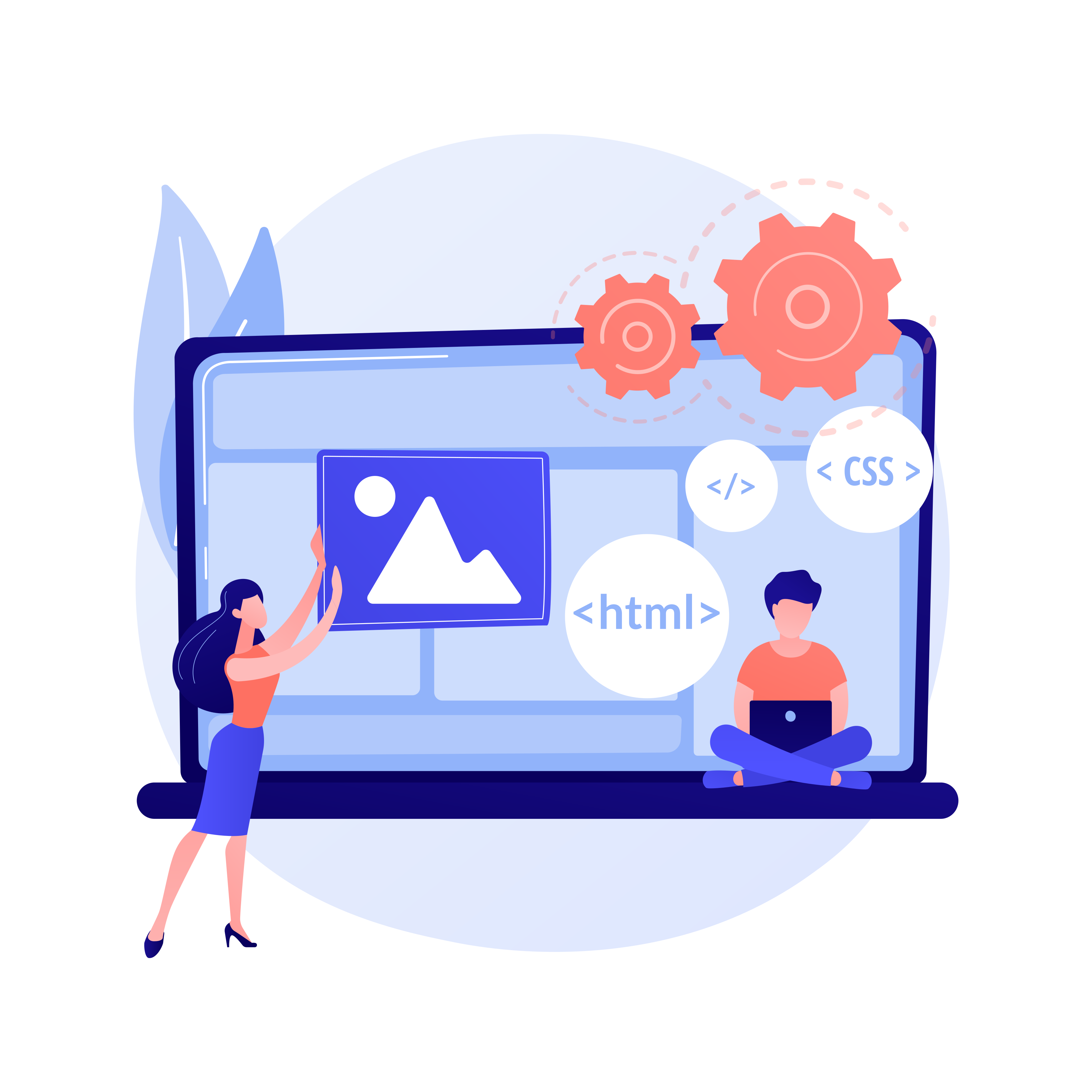
How to Use CSS to Fine-Tune ME-Page Website Elements
A website builder makes it easy to create pages without writing code, but sometimes the standard design option...

How to Use Search Intent to Plan Pages for Your Website
Choosing keywords is an important part of SEO, but knowing what people expect to find when they search is just...

How to Design an Effective Testimonials Section for Your Website
When people visit your website for the first time, they don't always know what to expect. They may like your s...

How to Add Social Media Links to Your ME-Page Website
Your website gives visitors a place to learn about you, explore your work, and discover what you offer. But yo...
How to Choose Between a Template and a Blank Page in ME-Page
Starting a website project comes with an important decision: should you use a ready-made template or build you...
How Photographers Can Build a Client-Ready Website with ME-Page
Your photographs tell stories, capture emotions, and show how you see the world. But when potential clients wa...
How to Use CSS to Fine-Tune ME-Page Website Elements
A website builder makes it easy to create pages without writing code, but sometimes the standard design option...
How to Use Search Intent to Plan Pages for Your Website
Choosing keywords is an important part of SEO, but knowing what people expect to find when they search is just...
How to Design an Effective Testimonials Section for Your Website
When people visit your website for the first time, they don't always know what to expect. They may like your s...
How to Add Social Media Links to Your ME-Page Website
Your website gives visitors a place to learn about you, explore your work, and discover what you offer. But yo...


