Me-Page Team
Last modified 27 May 2026
Article Plan
- Why No-Code Alone Isn’t Always Enough
- What Is a Hybrid Website Workflow?
- Benefits of Combining No-Code and Custom Code
- How ME-Page Supports Advanced Website Setup
- Real Examples of Hybrid Workflows
- Best Practices for Advanced Workflows
- Conclusion
- Frequently Asked Questions about Advanced ME-Page Workflows
Modern website creation has changed dramatically. You no longer need to build everything from scratch with complex programming—but sometimes, basic drag-and-drop tools alone aren’t enough either.
That’s why many creators and businesses are combining no-code and custom code workflows to build smarter, more flexible websites.
With ME-Page, users can create fast and functional pages visually while still adding advanced customizations when needed. This hybrid approach makes it easier to create an advanced website setup without turning every project into a full development process.
Let’s explore how combining no-code tools with custom code can improve flexibility, performance, and creativity.
Why No-Code Alone Isn’t Always Enough
No-code platforms are excellent for speed and simplicity.
They help users:
- Launch websites faster
- Avoid technical complexity
- Reduce development costs
- Manage pages visually
For example, a freelancer can quickly build a landing page without hiring a developer. A creator can launch a portfolio site in hours instead of weeks.
However, some businesses eventually need deeper customization:
- Custom animations
- Advanced integrations
- Unique layouts
- Specialized functionality


What Is a Hybrid Website Workflow?
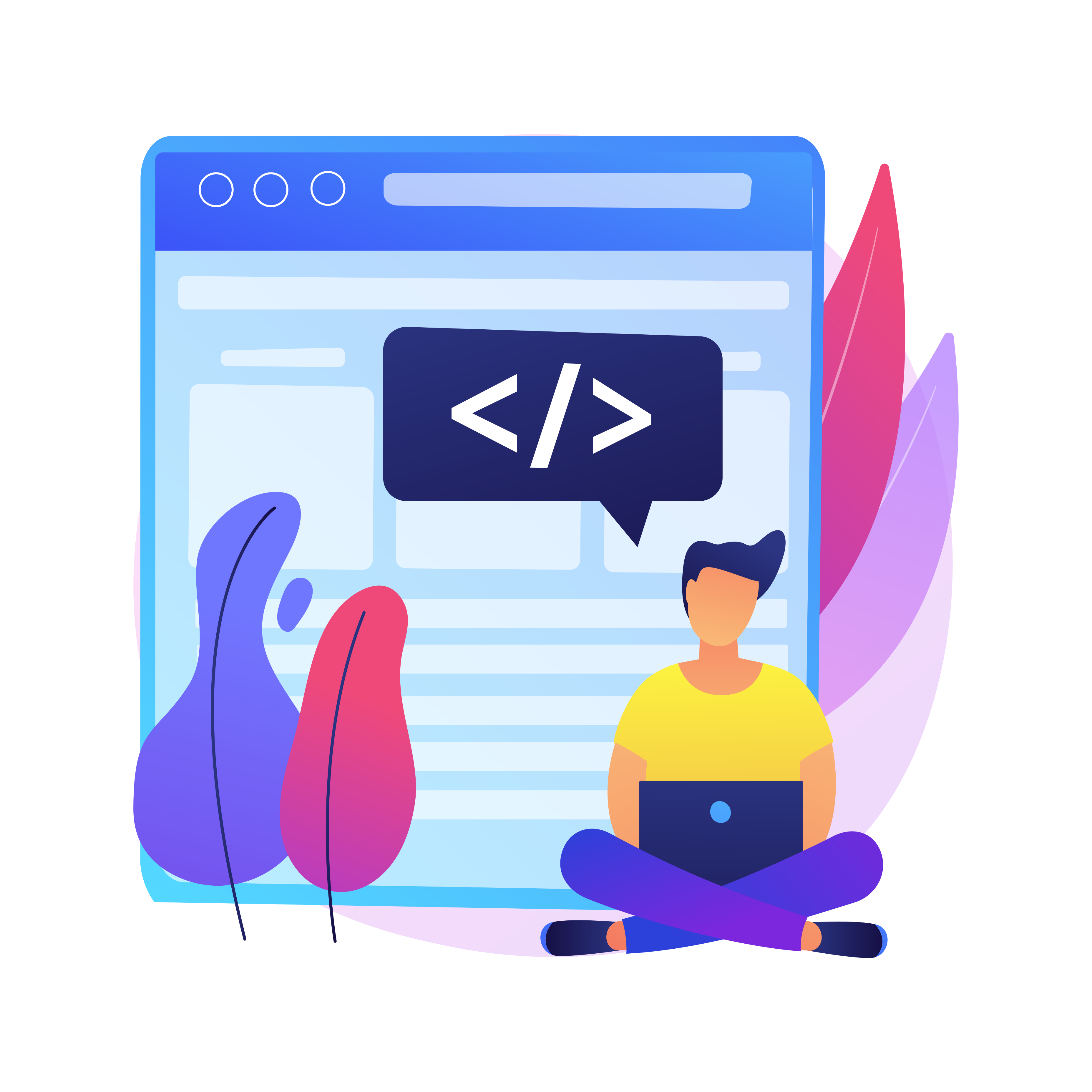
A hybrid workflow combines visual editing tools with selective coding enhancements.
Instead of coding everything manually, you:
- Build the main structure visually
- Add custom code only where needed
- Keep the workflow efficient and scalable
This creates an advanced website setup that balances simplicity and flexibility.
For example, you might use ME-Page to build service pages visually while adding custom scripts for booking systems or analytics tracking.
Benefits of Combining No-Code and Custom Code
Faster Development
No-code tools dramatically reduce setup time. You can build layouts, sections, and pages visually instead of coding basic structures manually. For example, a startup can launch a professional website quickly while still adding custom integrations later. This speeds up both testing and deployment.
Greater Flexibility
Custom code allows you to go beyond default templates and features. For instance, a business could add interactive calculators, custom forms, or advanced animations. This flexibility makes your website feel more unique and tailored to your brand.
Better Scalability
As projects grow, websites often need more advanced functionality. Combining visual tools with code makes future updates easier without rebuilding everything from scratch. For example, an online creator may start with simple landing pages and later integrate custom membership systems or automation tools.
Improved User Experience
Custom enhancements can create smoother interactions and more polished experiences. Small details like hover effects, dynamic content, or advanced transitions can make a website feel more professional and engaging.
How ME-Page Supports Advanced Website Setup
ME-Page helps users balance simplicity with customization.
Visual Page Building
The no-code editor allows users to create layouts quickly and efficiently. For example, a consultant can build a service page visually without touching code. This makes website creation accessible for beginners and fast-moving teams.
Custom Code Integration
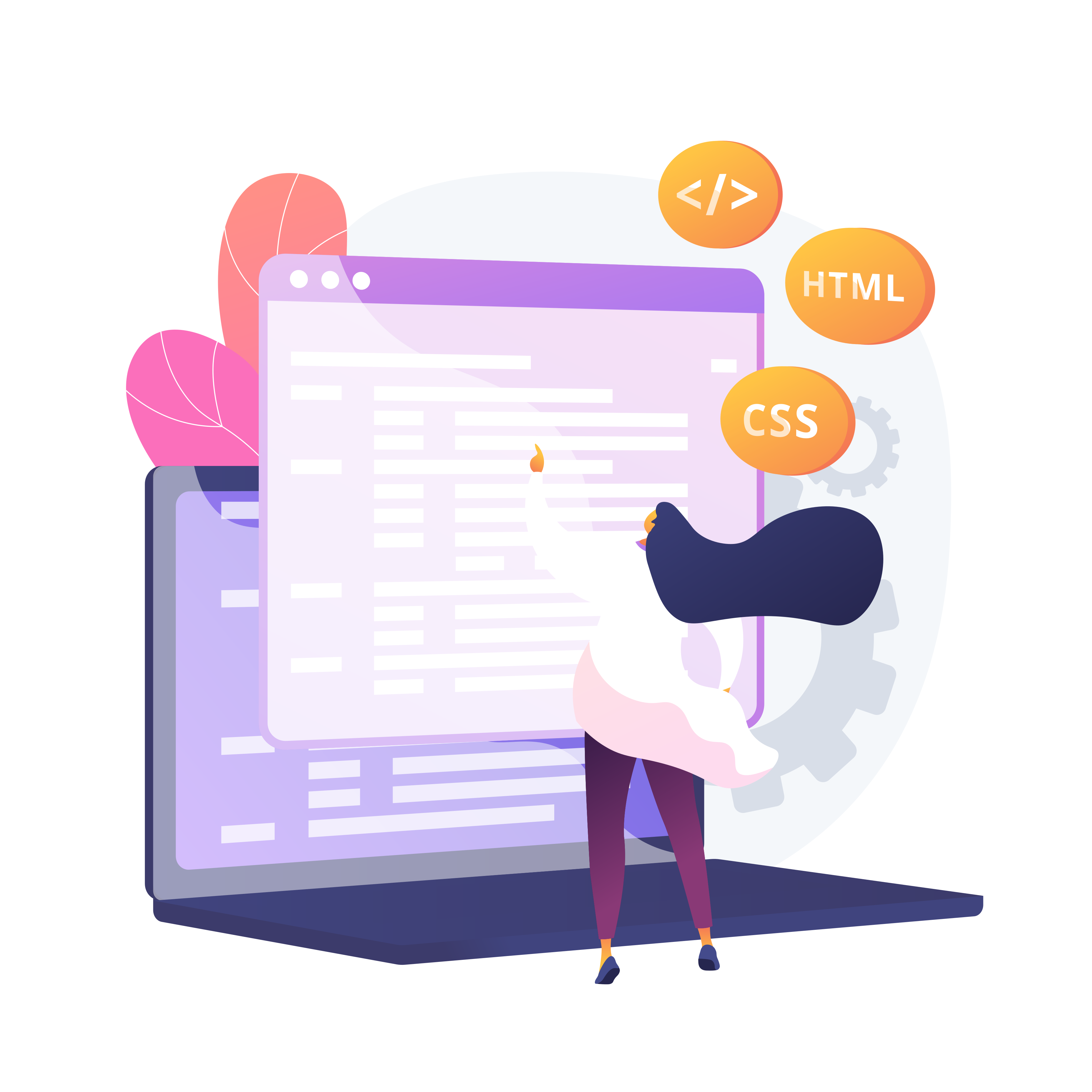
For advanced users, ME-Page supports additional customization through code enhancements. A developer could add tracking scripts, custom styling, or third-party integrations to extend functionality. This creates more flexibility without sacrificing ease of use.
Responsive Design
Even with custom modifications, pages remain optimized for mobile devices. This is essential since most visitors browse from smartphones and tablets.
Modular Workflow
Users can update specific sections without redesigning the entire site. For example, adding a new booking system or marketing integration becomes much simpler in a modular structure.
Real Examples of Hybrid Workflows
Here are some practical ways creators and businesses combine no-code and custom code:
These workflows help businesses build more advanced digital experiences without unnecessary complexity.
Best Practices for Advanced Workflows
Keep Core Structure Simple
Use no-code tools for the main layout and navigation. This keeps your website manageable and easier to update over time.
Use Code Strategically
Only add custom code where it provides clear value. For example, adding custom analytics tracking makes sense, while overloading pages with unnecessary scripts can hurt performance.
Prioritize Performance
Advanced features should never slow down the user experience. Fast-loading websites improve SEO, engagement, and conversions.
Test Across Devices
Custom code can behave differently on mobile and desktop. Always check responsiveness and usability before publishing updates.
Conclusion
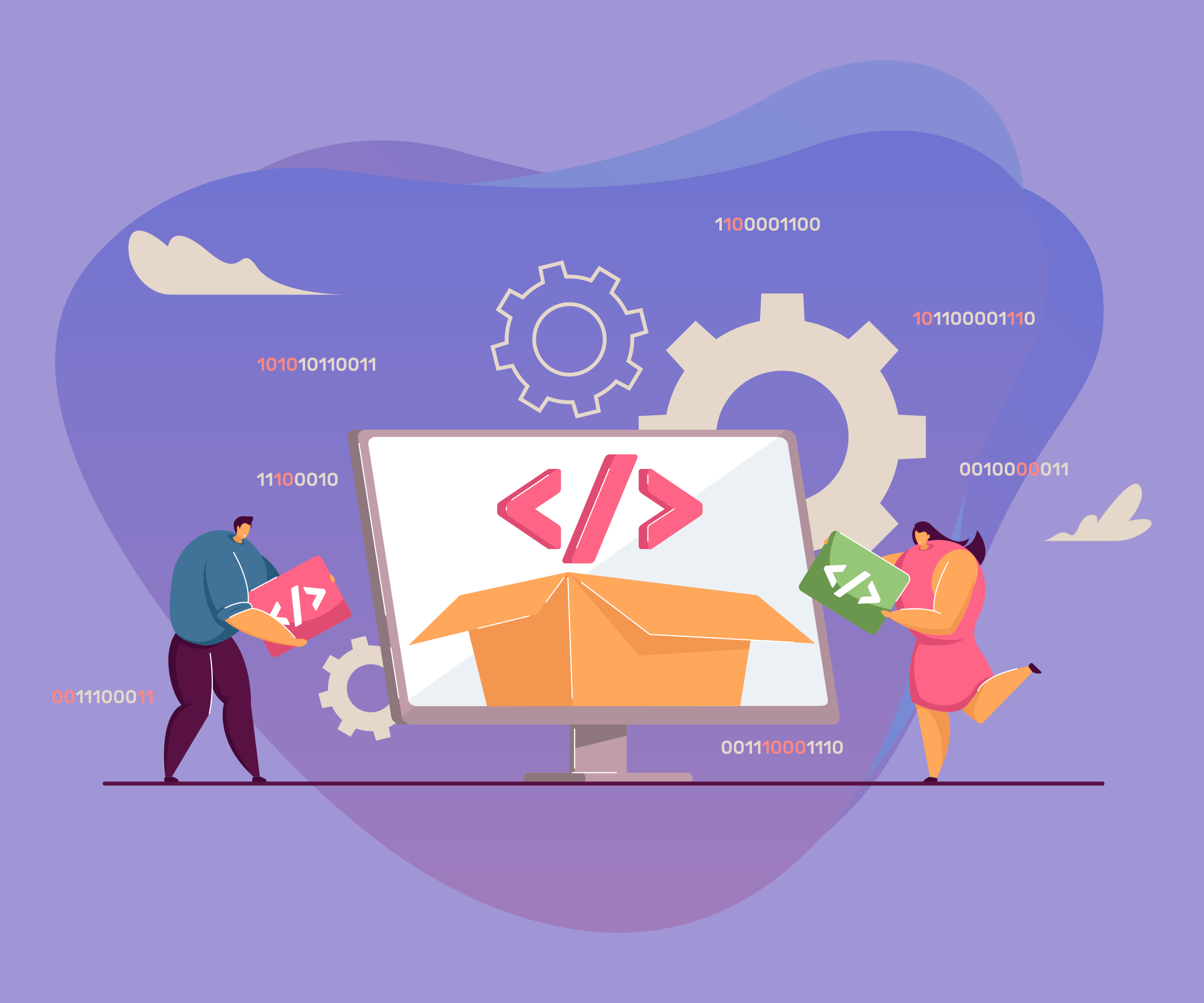
Combining no-code and custom code gives creators and businesses the best of both worlds. You get the speed and simplicity of visual website building while still having the flexibility to add advanced functionality when needed.
ME-Page makes this hybrid approach more accessible by supporting customizable workflows without overwhelming users with technical complexity. Whether you’re building a creator platform, booking website, landing page, or online portfolio, combining no-code convenience with strategic coding can create a more scalable and professional result.
As websites continue evolving, hybrid workflows are becoming one of the smartest ways to build modern digital experiences efficiently.
Frequently Asked Questions about Advanced ME-Page Workflows
It refers to combining visual website builders with manual coding enhancements for added flexibility and functionality.
No. Most users can build websites entirely with no-code tools, but advanced users can add custom features if needed.
Yes. Poorly optimized scripts can slow down websites, which is why performance optimization is important.
Businesses, creators, agencies, and freelancers who need scalable and customizable websites benefit the most.
Was This Article Helpful?
Click on a star to rate it!
Average Rating: 5/5
Voutes: 1
Share with Friends:



Previous
Building a Service Booking Website with ME-Page

Next
Freelancer Portfolio — One Page for Everything
Recent Articles
Everything You Need to Know About Using ME-Page Constructor for Your Website.
How to Choose Between a Template and a Blank Page in ME-Page
Starting a website project comes with an important decision: should you use a ready-made template or build you...

How Photographers Can Build a Client-Ready Website with ME-Page
Your photographs tell stories, capture emotions, and show how you see the world. But when potential clients wa...
How to Use CSS to Fine-Tune ME-Page Website Elements
A website builder makes it easy to create pages without writing code, but sometimes the standard design option...

How to Use Search Intent to Plan Pages for Your Website
Choosing keywords is an important part of SEO, but knowing what people expect to find when they search is just...

How to Design an Effective Testimonials Section for Your Website
When people visit your website for the first time, they don't always know what to expect. They may like your s...

How to Add Social Media Links to Your ME-Page Website
Your website gives visitors a place to learn about you, explore your work, and discover what you offer. But yo...
How to Choose Between a Template and a Blank Page in ME-Page
Starting a website project comes with an important decision: should you use a ready-made template or build you...
How Photographers Can Build a Client-Ready Website with ME-Page
Your photographs tell stories, capture emotions, and show how you see the world. But when potential clients wa...
How to Use CSS to Fine-Tune ME-Page Website Elements
A website builder makes it easy to create pages without writing code, but sometimes the standard design option...
How to Use Search Intent to Plan Pages for Your Website
Choosing keywords is an important part of SEO, but knowing what people expect to find when they search is just...
How to Design an Effective Testimonials Section for Your Website
When people visit your website for the first time, they don't always know what to expect. They may like your s...
How to Add Social Media Links to Your ME-Page Website
Your website gives visitors a place to learn about you, explore your work, and discover what you offer. But yo...


