Me-Page Team
Last modified 21 Nov 2025
Article Plan
- Quick Starter Checklist
- Step-by-Step: How to Use ME-Page to Attract Customers Online
- Showcase Your Menu and Specials Clearly
- Add Links for Orders, Reservations, and Delivery
- Make Your Design Match Your Restaurant’s Vibe
- Keep Everything Updated Easily
- Conclusion
- Frequently Asked Questions Restaurant Websites on ME-Page
- #blockContent1763712707079-27 .custom-1763631743769-0 { color: rgb(62, 73, 87) } #blockContent1763712707079-27 .custom-1763631764905-0 { font-family: Arial; font-size: 18px } #blockContent1763712707079-27 .custom-1763712757779-0 { color: rgb(62, 73, 87); font-family: Arial; font-size: 18px; font-weight: bold; line-height: 25.2px; background: none 0% 0% / auto repeat scroll padding-box border-box rgba(0, 0, 0, 0) } Can I update my restaurant menu easily?@media (max-width: 576px) { #blockContent1763712707079-27 {} }
- #blockContent1763712707079-35 .custom-1763631743769-0 { color: rgb(62, 73, 87) } #blockContent1763712707079-35 .custom-1763631764905-0 { font-family: Arial; font-size: 18px } #blockContent1763712707079-35 .custom-1763712780196-0 { color: rgb(62, 73, 87); font-family: Arial; font-size: 18px; font-weight: bold; line-height: 25.2px; background: none 0% 0% / auto repeat scroll padding-box border-box rgba(0, 0, 0, 0) } Do I need technical skills to use ME-Page?@media (max-width: 576px) { #blockContent1763712707079-35 {} }
- #blockContent1763712707079-43 .custom-1763631743769-0 { color: rgb(62, 73, 87) } #blockContent1763712707079-43 .custom-1763631764905-0 { font-family: Arial; font-size: 18px } #blockContent1763712707079-43 .custom-1763712808044-0 { color: rgb(62, 73, 87); font-family: Arial; font-size: 18px; font-weight: bold; line-height: 25.2px; background: none 0% 0% / auto repeat scroll padding-box border-box rgba(0, 0, 0, 0) } Can I add links to delivery or reservation apps?@media (max-width: 576px) { #blockContent1763712707079-43 {} }
- #blockContent1763712707079-51 .custom-1763631743769-0 { color: rgb(62, 73, 87) } #blockContent1763712707079-51 .custom-1763631764905-0 { font-family: Arial; font-size: 18px } #blockContent1763712707079-51 .custom-1763712839177-0 { color: rgb(62, 73, 87); font-family: Arial; font-size: 18px; font-weight: bold; line-height: 25.2px; background: none 0% 0% / auto repeat scroll padding-box border-box rgba(0, 0, 0, 0) } Is the website mobile-friendly?@media (max-width: 576px) { #blockContent1763712707079-51 {} }
- #blockContent1763712707079-59 .custom-1763631743769-0 { color: rgb(62, 73, 87) } #blockContent1763712707079-59 .custom-1763631764905-0 { font-family: Arial; font-size: 18px } #blockContent1763712707079-59 .custom-1763712862891-0 { color: rgb(62, 73, 87); font-family: Arial; font-size: 18px; font-weight: bold; line-height: 25.2px; background: none 0% 0% / auto repeat scroll padding-box border-box rgba(0, 0, 0, 0) } Can I use my own domain?@media (max-width: 576px) { #blockContent1763712707079-59 {} }
If you run a café, restaurant, bakery, food truck, or bar, you already know something important: customers search online before they decide where to eat. Even if your food is amazing, a weak online presence means fewer people discover you.
This is where a ME-Page restaurant website gives you an advantage. It’s simple to create, easy to update, mobile-friendly, and built to attract new customers quickly—no coding or technical skills needed.
If you’ve been thinking about upgrading your online presence, this guide will show you exactly how to use ME-Page to bring more guests through your doors.
Quick Starter Checklist
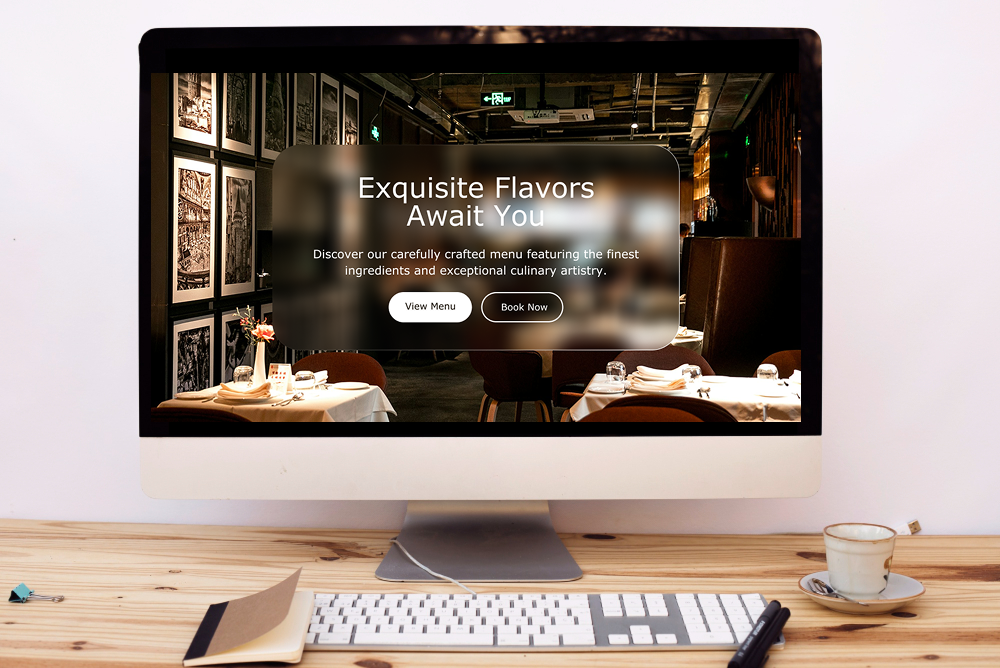
Step-by-Step: How to Use ME-Page to Attract Customers Online
- Pick a beginner-friendly template designed for restaurants on ME-Page. Choose one with a large hero image and visible CTA (call-to-action).
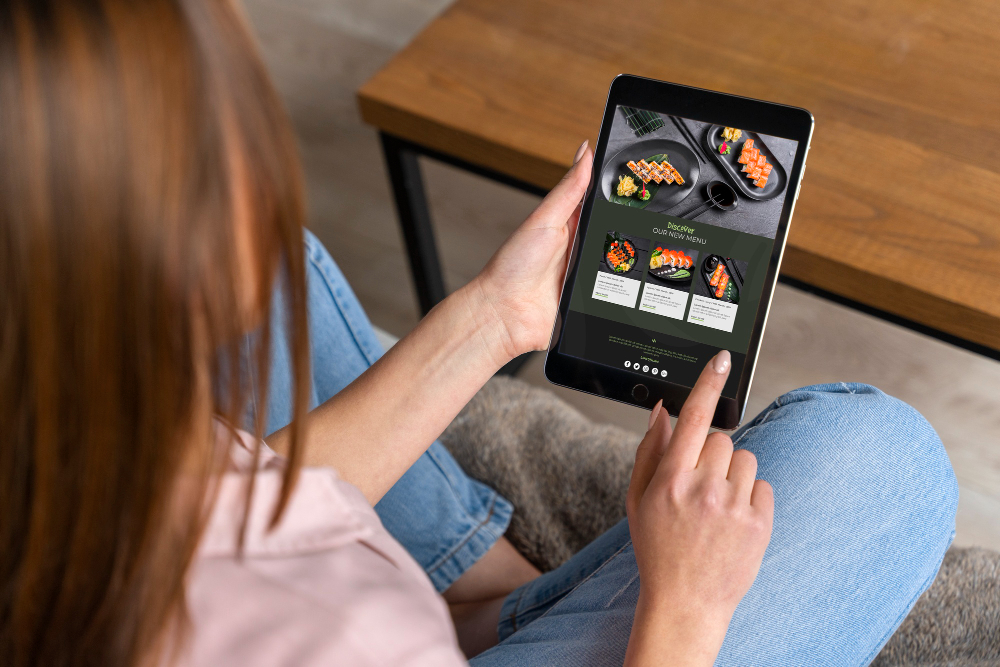
- Add your menu as a clear, scannable page — categories (starters, mains, desserts), prices, and a couple of photos per section.
- Make ordering & booking easy — link to your preferred reservation system or add a simple contact form and a click-to-call button.
- Showcase real photos — staff, interiors, dishes. Authentic images convert better than stock photos.
- Feature promotions on a banner or the homepage so visitors see limited-time offers immediately.
- Optimize for local search — include your address, opening hours, and keywords like “best brunch near me” and your city.
Publish and promote — share the ME-Page link on social media, Google Business Profile, and in email newsletters.
Showcase Your Menu and Specials Clearly
What to include:
- High-quality photos of popular menu items
- A clean list of dishes with short descriptions
- Prices (optional but helpful)
- Dietary tags like vegetarian, vegan, or spicy
Using ME-Page blocks to build your menu
ME-Page includes pre-made blocks where you can:
- Add images
- Insert text descriptions
- Place highlighted sections for “Chef’s Specials” or “Seasonal Offers”
This makes it easy to create a menu that looks professional—without needing a designer.
Add Links for Orders, Reservations, and Delivery
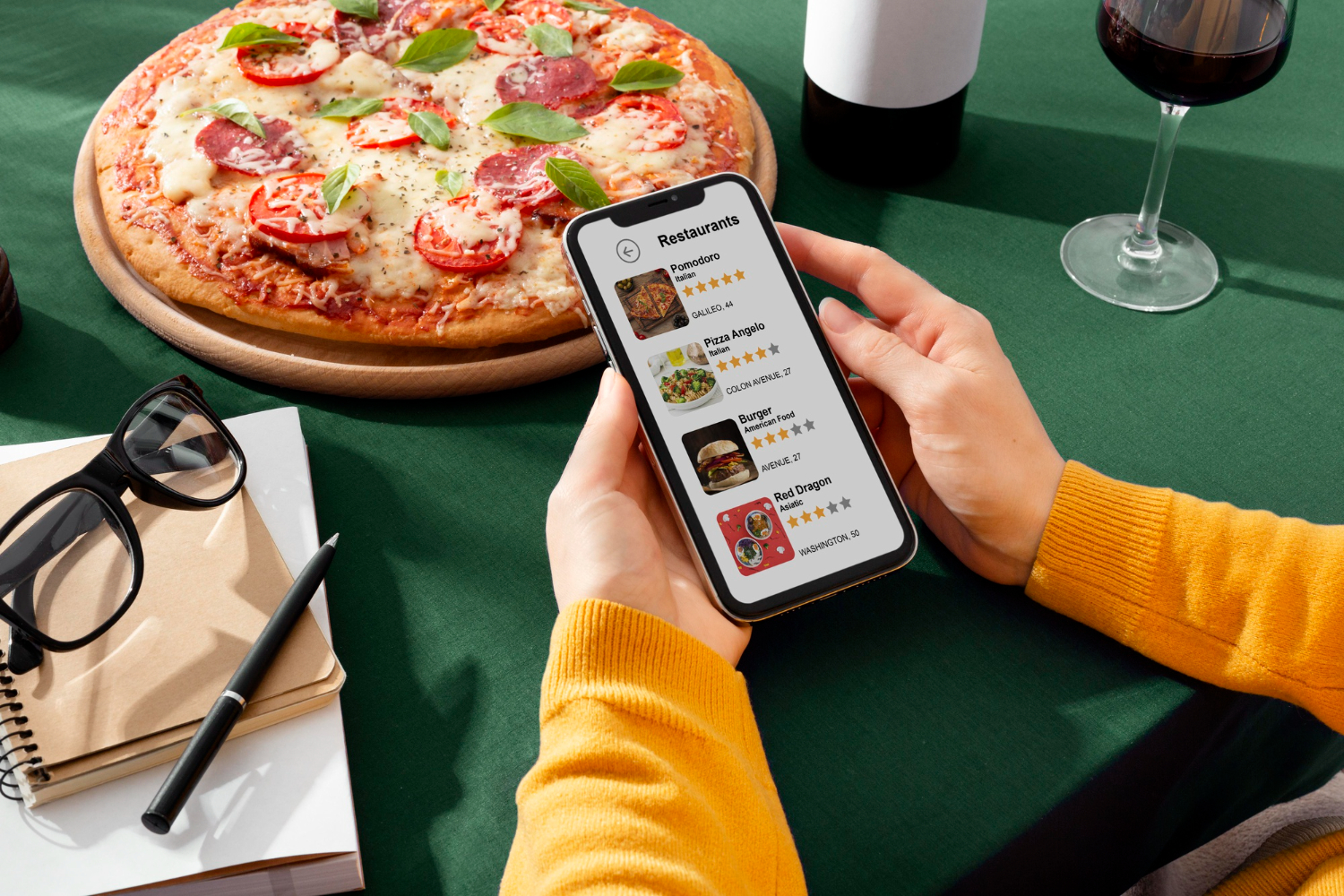
Restaurants often rely on third-party tools for:
- Table bookings
- Online ordering
- Menu downloads
- Loyalty programs
ME-Page lets you add any external link to your page—no integrations or partnerships required. Just paste the link into a button or block, and you're done.
Examples of links you can add:
- OpenTable reservation page
- Uber Eats / DoorDash / Glovo menu
- PDF file of your full menu
- Instagram / WhatsApp for instant communication
This flexibility lets you build exactly the experience you want.
Make Your Design Match Your Restaurant’s Vibe
Design plays a huge role in restaurant marketing. Customers often decide where to eat based on how “professional” the business looks online.
ME-Page helps you customize:
- Color palette (to match your brand)
- Fonts (modern, elegant, relaxed—whatever fits your style)
- Images and layout
- Spacing and structure
Whether your restaurant is cozy and rustic or modern and minimalistic, ME-Page gives you the tools to create a site that reflects your atmosphere.
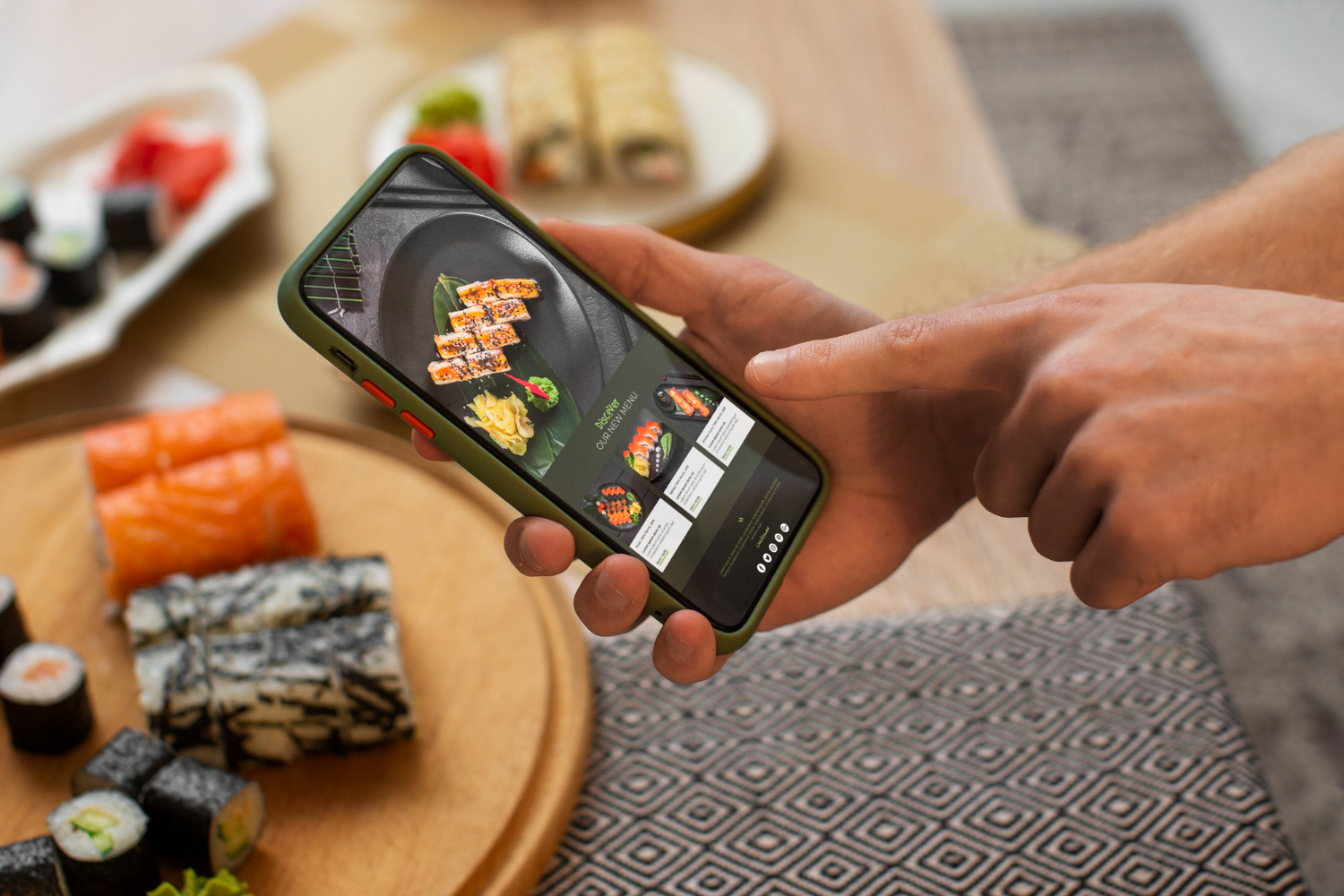
Keep Everything Updated Easily
Restaurant details change often:
- Opening hours
- Menu items
- Prices
- Specials
- Holiday schedules
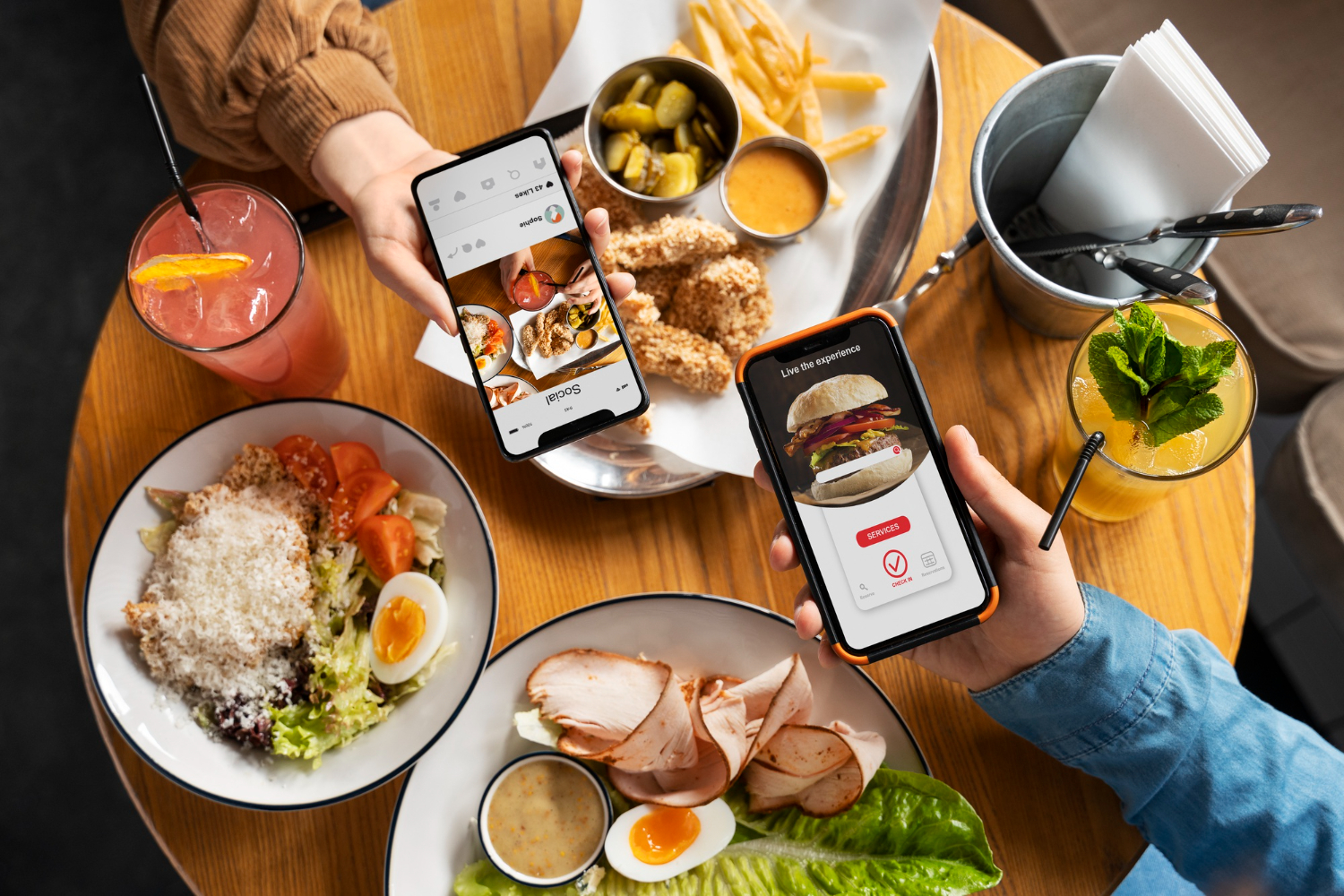
With ME-Page, you can update your website instantly—both from desktop and smartphone—so customers always see the correct information.
Fast updates help reduce customer confusion and increase trust.
Conclusion
A smart restaurant marketing website built on ME-Page is an affordable, effective way to attract customers online. Focus on a clear menu, simple booking/order options, great photos, and local optimization. Start with a ME-Page template, polish it with your branding, and promote the link everywhere—socials, Google Business, receipts, and in-store signage. Small, consistent improvements will turn casual browsers into repeat diners.
Whether you're promoting daily specials, showcasing dishes, or linking to delivery apps, a ME-Page restaurant website helps you attract customers, build your brand, and stay ahead of competitors.
Ready to get more customers? Choose a ME-Page restaurant template today and put your menu where hungry people are already searching.
Frequently Asked Questions Restaurant Websites on ME-Page
Was This Article Helpful?
Click on a star to rate it!
Average Rating: 5/5
Voutes: 1
Share with Friends:


Previous
How to Use Color Palettes and Fonts for a Professional Website Look

Next
How Personal Trainers Can Showcase Services and Pricing with ME-Page
Recent Articles
Everything You Need to Know About Using ME-Page Constructor for Your Website.
How to Choose Between a Template and a Blank Page in ME-Page
Starting a website project comes with an important decision: should you use a ready-made template or build you...
How Photographers Can Build a Client-Ready Website with ME-Page
Your photographs tell stories, capture emotions, and show how you see the world. But when potential clients wa...
How to Use CSS to Fine-Tune ME-Page Website Elements
A website builder makes it easy to create pages without writing code, but sometimes the standard design option...

How to Use Search Intent to Plan Pages for Your Website
Choosing keywords is an important part of SEO, but knowing what people expect to find when they search is just...

How to Design an Effective Testimonials Section for Your Website
When people visit your website for the first time, they don't always know what to expect. They may like your s...

How to Add Social Media Links to Your ME-Page Website
Your website gives visitors a place to learn about you, explore your work, and discover what you offer. But yo...
How to Choose Between a Template and a Blank Page in ME-Page
Starting a website project comes with an important decision: should you use a ready-made template or build you...
How Photographers Can Build a Client-Ready Website with ME-Page
Your photographs tell stories, capture emotions, and show how you see the world. But when potential clients wa...
How to Use CSS to Fine-Tune ME-Page Website Elements
A website builder makes it easy to create pages without writing code, but sometimes the standard design option...
How to Use Search Intent to Plan Pages for Your Website
Choosing keywords is an important part of SEO, but knowing what people expect to find when they search is just...
How to Design an Effective Testimonials Section for Your Website
When people visit your website for the first time, they don't always know what to expect. They may like your s...
How to Add Social Media Links to Your ME-Page Website
Your website gives visitors a place to learn about you, explore your work, and discover what you offer. But yo...


