Me-Page Team
Last modified 10 Feb 2026
Article Plan
- What Is a One-Page Website?
- What Is a Multi-Page Website?
- Why Website Structure Matters More Than You Think
- SEO: One Page vs Multiple Pages
- Using Subpages in ME-Page
- One-Page vs Multi-Page Comparison Table
- How to Decide Quickly
- Conclusion
- Frequently Asked Questions about One-Page vs Multi-Page Websites
Building a website in 2026 feels easier than ever. You pick a template, add your content, hit publish — done. But here’s the real question most people forget to ask:
Should your site be one page… or multiple pages with subpages?
This decision can seriously impact your website structure, SEO, conversions, and user experience. Choose wrong, and visitors feel lost. Choose right, and your site flows like a smooth conversation.
Some projects shine with a simple scroll. Others need clear sections and subpages website architecture to stay organized.
Let’s break down the differences and help you decide what works best — especially if you’re building with ME-Page.

What Is a One-Page Website?
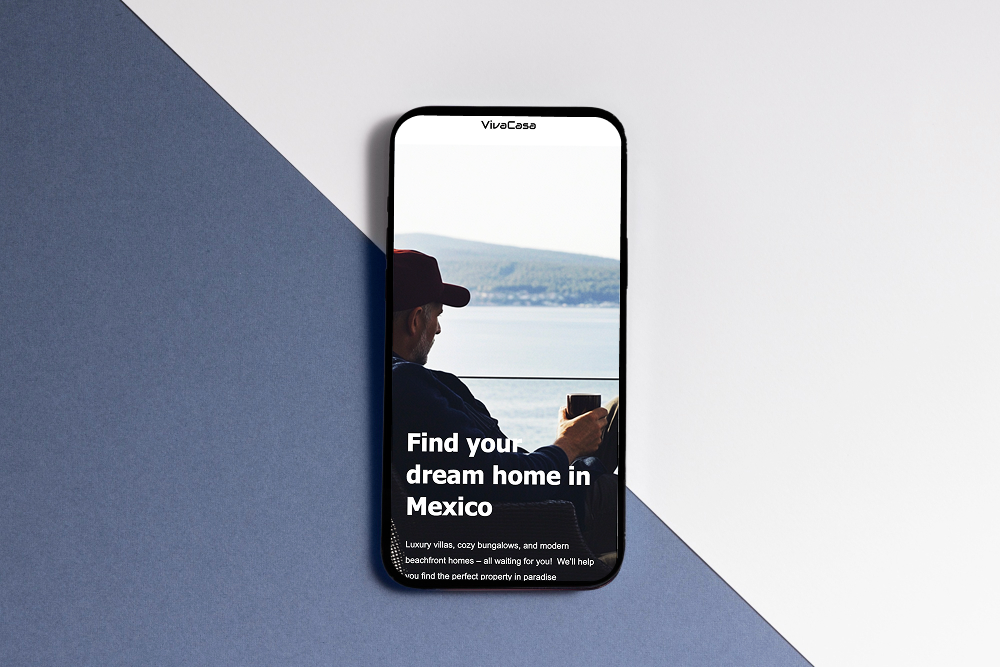
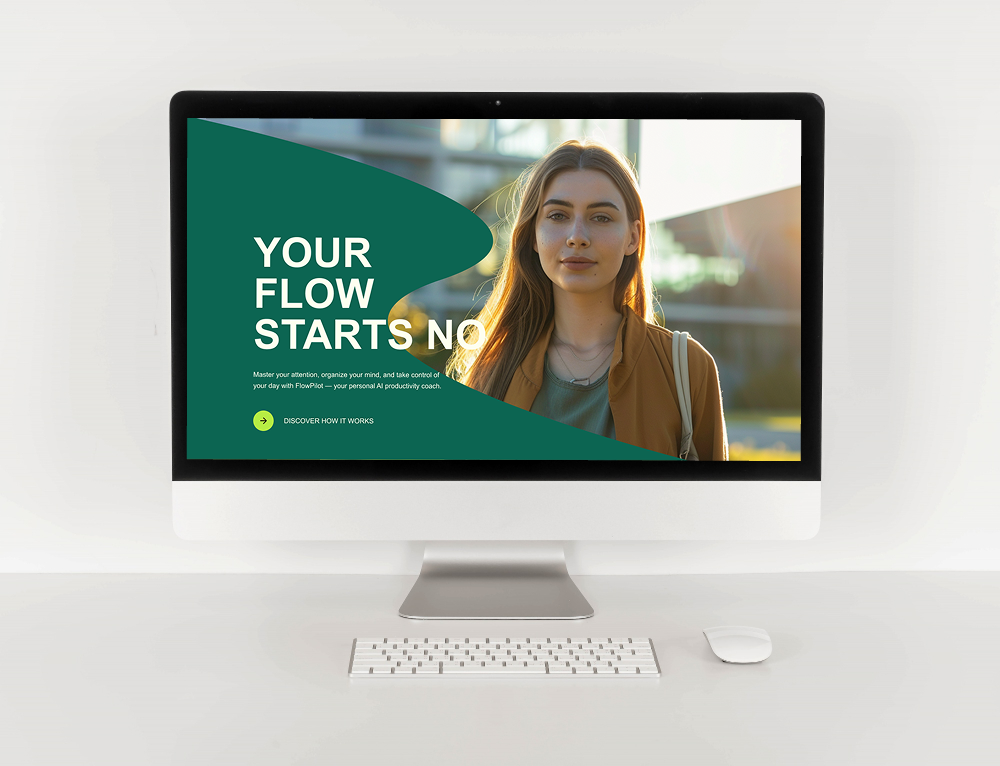
A one-page website places everything on a single scrolling page.
Visitors simply scroll down to discover:
- About
- Services
- Pricing
- Testimonials
- Contact
It’s fast, compact, and distraction-free.
Think of it like a brochure — short, focused, and straight to the point.
When a One-Page Website Works Best
One-page designs are perfect when:
- You have limited content
- You’re promoting one product or service
- You need a landing page
- Speed matters most
- You want a simple setup
Freelancers, coaches, events, and small local services often benefit from this layout.
With ME-Page, you can quickly create these single-scroll websites using ready-made blocks and sections without touching code.
What Is a Multi-Page Website?
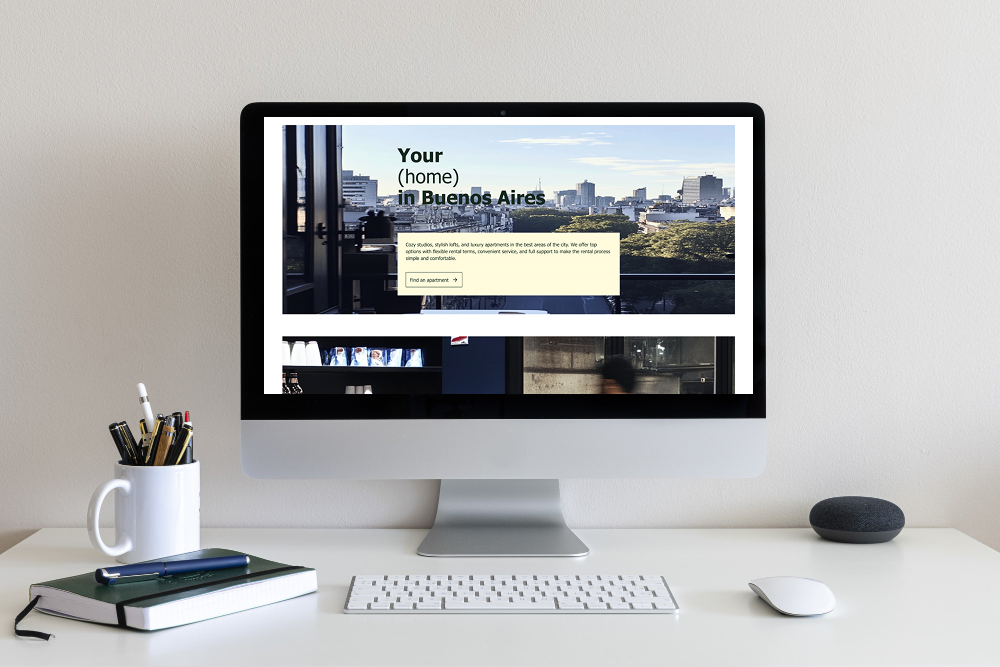
A multi-page site separates content into dedicated pages and subpages.
Instead of one long scroll, you get structure:
- Homepage
- About
- Services
- Blog
- Portfolio
- Contact
- Pricing
This approach feels more like a full website rather than a digital flyer.
And here’s the big benefit: organization.
When a Multi-Page Website Makes More Sense
You should choose multi-page when:
- You have lots of content
- You want better SEO
- You run a business or store
- You need blogs or resources
- You offer multiple services
- You plan to scale
If your content grows, stuffing everything onto one page becomes messy fast.
Subpages keep things clean and professional.


Why Website Structure Matters More Than You Think
Imagine walking into a store where everything is piled on one table. Confusing, right?
That’s what a badly structured website feels like.
A clear website structure:
- Improves navigation
- Helps search engines index pages
- Increases time on site
- Boosts conversions
- Makes content easier to find
Users shouldn’t have to hunt for information. It should feel obvious.
SEO: One Page vs Multiple Pages
Here’s something many people miss.
Search engines rank pages, not just websites.
With a one-page site, you target only a few keywords.
But with subpages, you can rank for many:
- One page for services
- One for pricing
- One for blog posts
- One for case studies
More pages = more opportunities to appear in search results.
That’s why multi-page often wins for businesses focused on traffic and growth.

Using Subpages in ME-Page
The good news? You don’t have to choose between complexity and simplicity.
With ME-Page, you can:
- Add unlimited subpages
- Create clean navigation menus
- Use pre-made templates for different pages
- Organize content logically
- Maintain consistent design across pages
Whether you build a single-page landing or a full multi-page business website, the platform supports both approaches easily.
You can even start small and expand later — which is perfect for growing businesses.
One-Page vs Multi-Page Comparison Table
How to Decide Quickly
Still unsure?
Ask yourself:
- Do I have more than 5 sections of content?
- Do I plan to blog or add resources?
- Do I want stronger SEO?
- Will my business grow soon?
It’s that simple.
Conclusion
Choosing between a one-page vs multi-page website isn’t about trends — it’s about strategy. One-page websites are clean, fast, and perfect for simple goals like personal brands, events, or focused promotions. But as soon as your content grows or your business needs expand, structure becomes everything. That’s where subpages website architecture shines. Subpages improve navigation, boost SEO visibility, and create a professional website structure that scales with your brand.
In 2026, users expect clarity. They don’t want to scroll forever searching for details. They want organized pages, clear menus, and fast access to information. A smart multi-page layout gives them exactly that while also helping search engines understand and rank your content.
The best part? With ME-Page, you don’t have to overcomplicate things. You can launch a simple one-page site today and easily add subpages tomorrow. Flexibility means your website grows with you — not against you. And that’s what modern web design should feel like: simple, scalable, and built for real results.
Frequently Asked Questions about One-Page vs Multi-Page Websites
Was This Article Helpful?
Click on a star to rate it!
Average Rating: 5/5
Voutes: 1
Share with Friends:


Previous
Homepage Best Practices: What Every Website Needs in 2026
Next
SEO in 2026: What Website Owners Need to Know
Recent Articles
Everything You Need to Know About Using ME-Page Constructor for Your Website.

How to Link Pages Together for Better Website Navigation
A multi-page website gives you more room to organize information, but adding pages is only half the job. Visit...

Build a Personal Website That Stands Out in 2026
Your social media profiles can show what you do, but they do not give you complete control over your online pr...

Managing Multiple Websites from One ME-Page Account
Running more than one website used to be complicated. Different logins, scattered tools, and endless switching...

How to Organize Content Across Multiple Website Pages
A multi-page website gives you room to explain your business, services, products, and ideas without putting ev...

Essential Pages Every Business Website Should Include
A business website doesn't need dozens of pages to look professional. What it does need is a clear structure t...

How to Write Website Headlines That Attract More Visitors
A headline is often the first piece of text people notice when they open a website. Before they read your para...
How to Link Pages Together for Better Website Navigation
A multi-page website gives you more room to organize information, but adding pages is only half the job. Visit...
Build a Personal Website That Stands Out in 2026
Your social media profiles can show what you do, but they do not give you complete control over your online pr...
Managing Multiple Websites from One ME-Page Account
Running more than one website used to be complicated. Different logins, scattered tools, and endless switching...
How to Organize Content Across Multiple Website Pages
A multi-page website gives you room to explain your business, services, products, and ideas without putting ev...
Essential Pages Every Business Website Should Include
A business website doesn't need dozens of pages to look professional. What it does need is a clear structure t...
How to Write Website Headlines That Attract More Visitors
A headline is often the first piece of text people notice when they open a website. Before they read your para...










