Me-Page Team
Last modified 6 Sep 2025
In today’s digital world, being a talented musician isn’t enough—you also need a place where fans, managers, and collaborators can find you. Social media is great, but it’s noisy and constantly changing. That’s why having your own music website is essential.
Your site becomes the hub of your creative world: a place to showcase your tracks, share your story, promote upcoming shows, and even sell merch. With ME-Page, creating a musician website template doesn’t take weeks—it takes minutes.
Build Your Music Website in 6 Steps
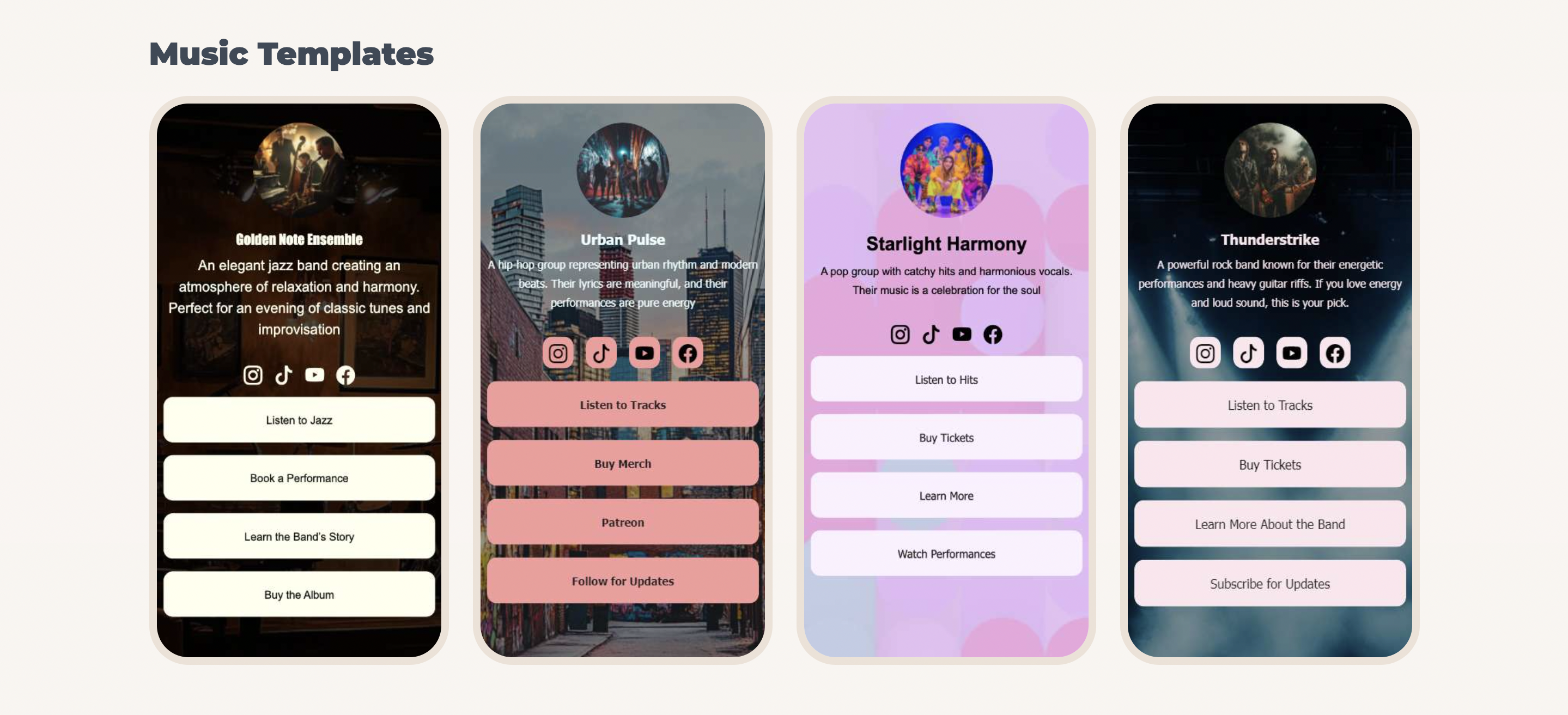
Step 1: Choose the Right Musician Website Template
Every artist is unique, and your website should reflect your vibe. ME-Page offers customizable musician website templates designed for different needs:
- Solo artists – Highlight your bio, music releases, and booking info.
- Bands – Feature members, tour dates, and a gallery of performances.
- Producers or DJs – Embed tracks, showcase playlists, and link to platforms like SoundCloud or Spotify.
Pick a template that feels like the opening note of your setlist—it sets the tone for everything that follows.
Step 2: Build a Strong Artist Portfolio
Your artist portfolio is like your digital stage. It tells your story, introduces your work, and gives visitors a reason to stick around. A great portfolio page should include:
- Bio and personal story – Share your journey and inspiration.
- Music library – Embed audio and video so fans can experience your sound.
- Photo gallery – Show your performances, album art, or behind-the-scenes moments.
- Press mentions or collaborations – Build credibility by highlighting who’s noticed your work.
With ME-Page’s drag-and-drop builder, adding media files is seamless. No tech skills required.

Step 3: Connect with Fans Through Social Links
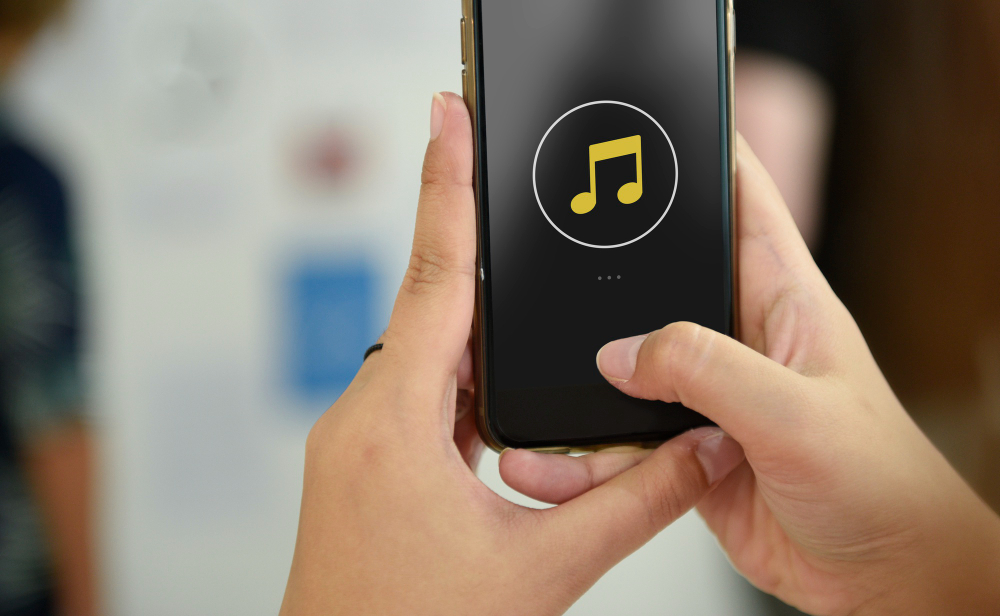
Your website doesn’t replace your socials—it enhances them. Add links to your Instagram, TikTok, YouTube, or Spotify so fans can follow you everywhere.
A great music website works like a central hub, letting visitors explore your latest posts, music drops, and videos without getting lost in endless feeds.Step 4: Promote Shows, Events, and Tours
Got gigs coming up? Your fans shouldn’t have to dig through Facebook events to find the details. With ME-Page, you can:
- Add an events calendar
- Highlight your next tour stop
- Link to ticket sales directly
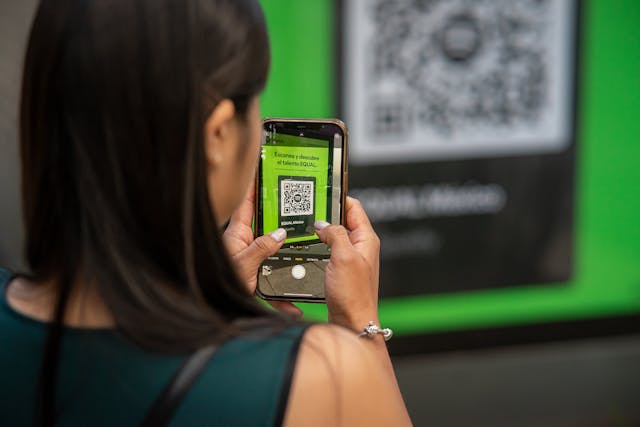
- Generate QR codes to share event pages instantly
This makes it easy to promote shows and keep your audience in the loop.

Step 5: Sell Merchandise or Digital Downloads
For many musicians, merch sales and digital downloads are as important as ticket revenue. With ME-Page, you can add:
- T-shirts, posters, and hats
- Digital albums or singles
- Exclusive fan content
Turning your website into a revenue stream not only supports your art but also deepens fan loyalty.
Step 6: Keep It Mobile-Friendly
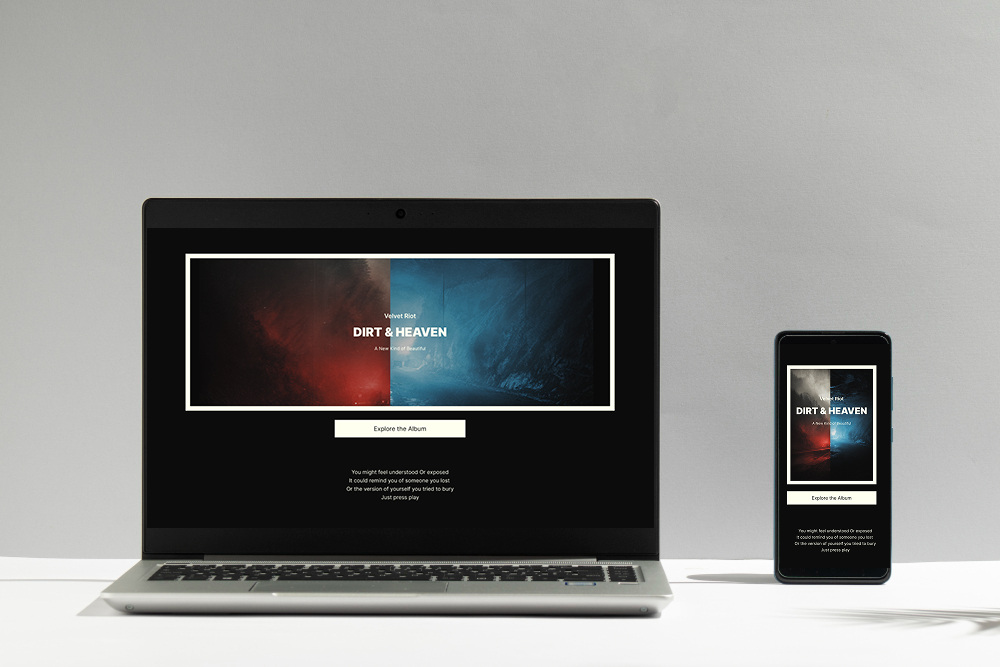
Most fans will visit your site from their phone, often right after a show or when a friend shares your link. That’s why responsive design is non-negotiable. Luckily, every ME-Page musician website template is mobile-ready out of the box.
Your site will look and work great whether someone’s on a laptop, tablet, or smartphone.
Final Thoughts: Your Music, Your Stage
Building an online presence shouldn’t be harder than writing a song. With ME-Page, you can set up a professional music website in just a few steps—no coding, no stress. From creating a polished artist portfolio to selling merch and promoting shows, your site becomes the stage you control.
Think of it this way: social media is the crowd, but your website is the concert hall. It’s where your fans gather to experience your music on your terms. With the right musician website template, you’re not just sharing your songs—you’re building a career.
So grab your template, upload your best tracks, and let your ME-Page do the heavy lifting. The spotlight is yours.
Was This Article Helpful?
Click on a star to rate it!
Average Rating: 5/5
Voutes: 1
Share with Friends:


Previous
Top Features Every Business Website Should Have

Next
How to Increase Website Traffic Without Paid Ads
Recent Articles
Everything You Need to Know About Using ME-Page Constructor for Your Website.

Essential Pages Every Business Website Should Include
A business website doesn't need dozens of pages to look professional. What it does need is a clear structure t...

How to Write Website Headlines That Attract More Visitors
A headline is often the first piece of text people notice when they open a website. Before they read your para...
How Freelancers Can Organize Services, Portfolio, and Contacts on...
Freelancers often wear many hats. One day you're working on a client project, the next you're answering inquir...
How to Choose the Right Website Structure for Your Project
Before you choose colors, fonts, images, or buttons for your website, there is one decision worth making first...
Why Every Business Website Needs an FAQ Page
When people visit a business website, they rarely arrive without questions. They may want to know how a servic...
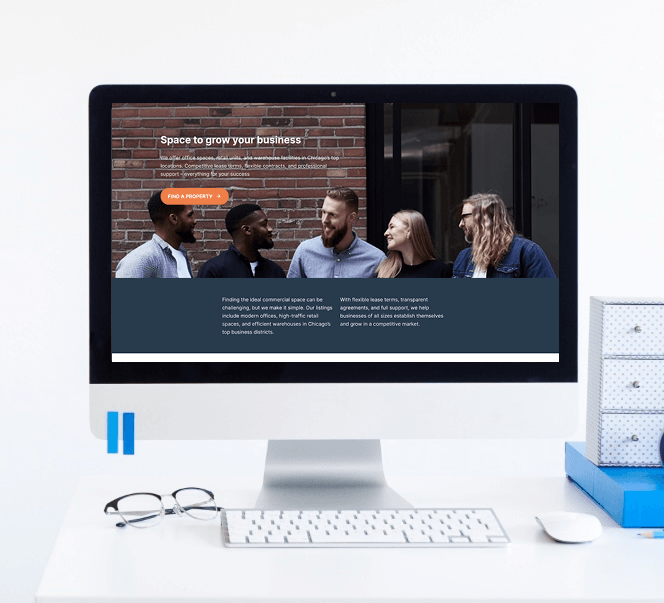
Best Homepage Sections Every Small Business Website Should Include
Your homepage is often the first place potential customers visit when they discover your business online. In j...
Essential Pages Every Business Website Should Include
A business website doesn't need dozens of pages to look professional. What it does need is a clear structure t...
How to Write Website Headlines That Attract More Visitors
A headline is often the first piece of text people notice when they open a website. Before they read your para...
How Freelancers Can Organize Services, Portfolio, and Contacts on...
Freelancers often wear many hats. One day you're working on a client project, the next you're answering inquir...
How to Choose the Right Website Structure for Your Project
Before you choose colors, fonts, images, or buttons for your website, there is one decision worth making first...
Why Every Business Website Needs an FAQ Page
When people visit a business website, they rarely arrive without questions. They may want to know how a servic...
Best Homepage Sections Every Small Business Website Should Include
Your homepage is often the first place potential customers visit when they discover your business online. In j...










