Me-Page Team
Last modified 22 Sep 2025
If you run a salon, spa, or personal care business, you already know how important first impressions are. But here’s the thing: for many customers, that first impression doesn’t happen when they walk through your doors—it happens online. That’s why having a professional beauty website is one of the most powerful ways to attract and retain clients today.
With tools like ME-Page, you don’t need to be a designer or developer. You can use a simple salon website builder to create a stunning, professional site in just a few steps. Whether you’re offering hairstyling, skincare, massage therapy, or wellness treatments, a clean and inviting personal care page can help your business shine online.
Why Your Beauty or Personal Care Business Needs a Website
Customers Search for Salons and Services Online
Think about how people find salons today. They type “best hair salon near me” or “massage spa nearby” into Google. If your business doesn’t have a beauty website, chances are they’ll never find you. A website makes it easier for local customers to discover your services, hours, and contact information instantly.
A Website Builds Trust and Professionalism
Would you book a service from a salon with no online presence? Probably not. A well-designed website reassures customers that your business is professional, trustworthy, and up to date. When people can see your services, photos, and reviews on a sleek personal care page, they’re more likely to book with you instead of your competitors.ME-Page: The Best Salon Website Builder
So how do you create a professional site without spending thousands of dollars on developers or wasting months learning web design? That’s where ME-Page comes in.
Easy to Use, Even Without Tech Skills
ME-Page is designed for busy professionals who’d rather focus on clients than coding. With its simple drag-and-drop interface, you can build a beauty website in minutes—even if you’ve never made a site before.
Templates Designed for Beauty and Wellness
Instead of starting with a blank page, you can pick from ready-made designs. ME-Page’s salon website builder includes templates created with beauty businesses in mind, featuring clean layouts, photo galleries, and service sections that make your site instantly attractive.
Create a Personalized Personal Care Page
Want to highlight your unique services, like nail art, facials, or aromatherapy? With ME-Page, you can design a personal care page that reflects your style. Add your logo, colors, and photos to make it feel like an extension of your salon or spa.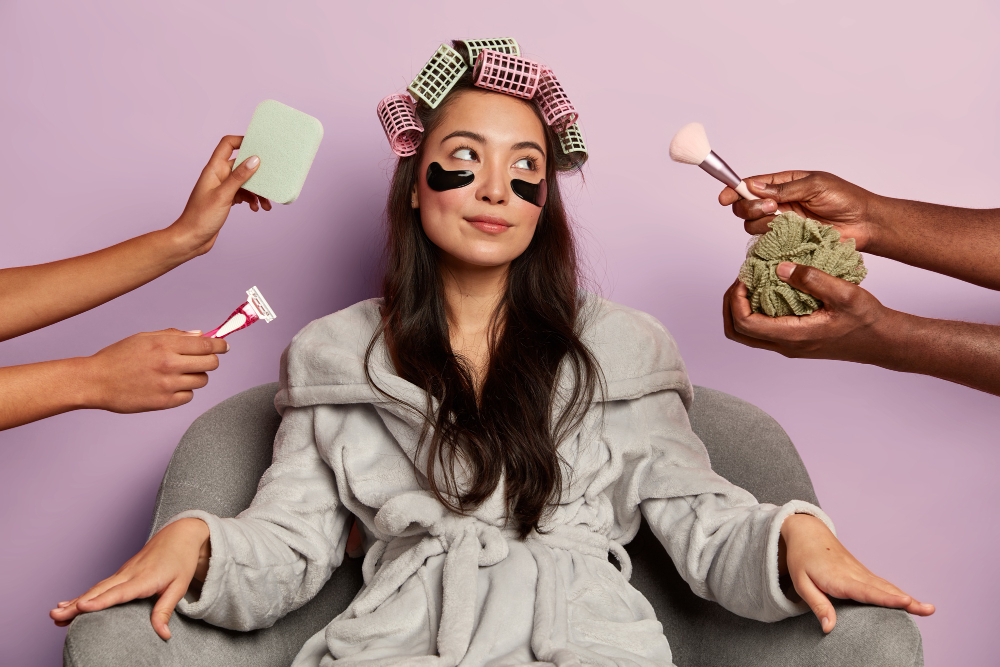
Steps to Build Your Beauty Website Easily
Ready to start? Here’s how to create your website with ME-Page in four simple steps.
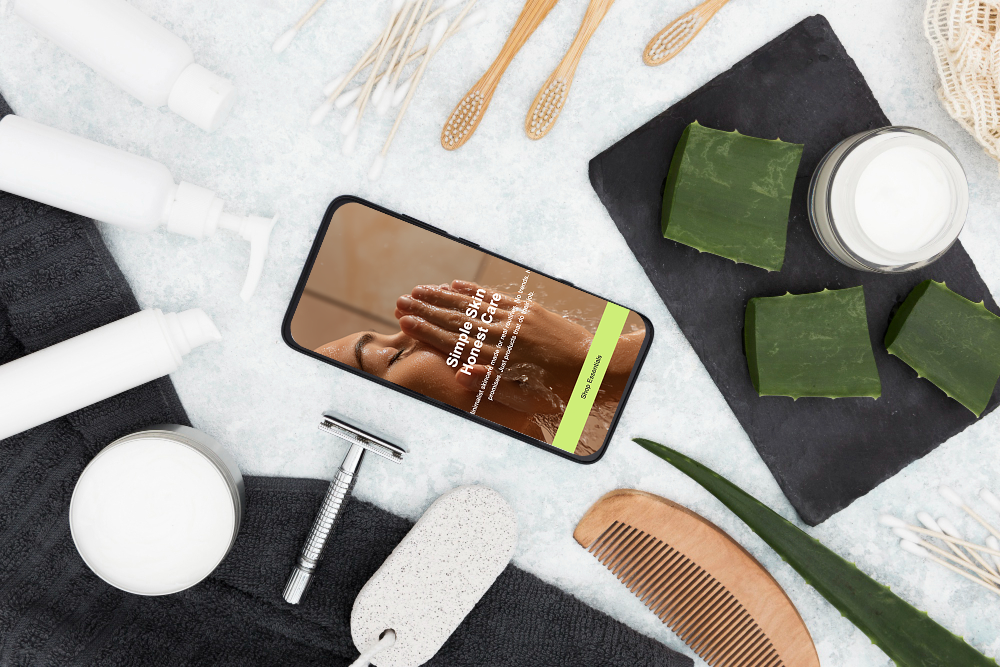
Step 1: Choose a Template that Fits Your Style
Browse through the salon website builder templates and select one that matches your brand’s personality. A modern look might suit a trendy hair salon, while a calm, minimalist template works well for a spa.
Step 2: Add Business Information and Services
Your site should clearly display your services, pricing, and contact details. Include information like opening hours, location, and how customers can book an appointment. Don’t forget to create an “About” section to introduce yourself and your team.
Step 3: Showcase Your Work with Images
A beauty business thrives on visuals. Use high-quality photos of your salon, products, and client results. A personal care page filled with real examples of your work will inspire trust and encourage bookings.
Step 4: Publish and Share Your Site
Once your site looks good, hit publish. Share your beauty website on social media, add it to your Google Business Profile, and include the link in emails or promotional materials.Tips to Make Your Beauty Website Stand Out
Now that your site is live, here are a few tips to give it an extra boost.
Highlight Customer Reviews and Testimonials
Nothing builds trust like happy clients. Feature reviews or testimonials directly on your beauty website so new visitors see proof of your excellent service.
Add Online Booking Options
Today’s customers expect convenience. If possible, link your website to an online booking system so clients can schedule appointments without calling. This small feature can drastically improve conversions.
Keep Your Content Fresh and Seasonal
Update your site regularly with new photos, promotions, or seasonal offers. For example, add summer skincare tips in June or holiday package deals in December. A fresh personal care page shows that your business is active and engaged.
Conclusion
Creating a beauty website doesn’t have to be complicated or expensive. With ME-Page’s salon website builder, you can design a professional, mobile-friendly site in just a few steps—without hiring a web developer or dealing with confusing software.
By starting with a template, adding your services, showcasing your work, and keeping the site updated, you’ll create a polished personal care page that helps you stand out from competitors. A well-designed site not only makes it easier for new customers to find you, but also builds trust, professionalism, and loyalty among existing clients.
In today’s digital-first world, your website is more than just an online brochure—it’s the heart of your business presence. So don’t wait. Start building your site with ME-Page today and give your beauty or personal care business the online spotlight it deserves.
Was This Article Helpful?
Click on a star to rate it!
Average Rating: 4/5
Voutes: 1
Share with Friends:



Previous
Case Study: How a Small Business Grew Online with ME-Page

Next
How to Create a Gaming Website or Community Page
Recent Articles
Everything You Need to Know About Using ME-Page Constructor for Your Website.

How to Link Pages Together for Better Website Navigation
A multi-page website gives you more room to organize information, but adding pages is only half the job. Visit...

Build a Personal Website That Stands Out in 2026
Your social media profiles can show what you do, but they do not give you complete control over your online pr...

Managing Multiple Websites from One ME-Page Account
Running more than one website used to be complicated. Different logins, scattered tools, and endless switching...

How to Organize Content Across Multiple Website Pages
A multi-page website gives you room to explain your business, services, products, and ideas without putting ev...

Essential Pages Every Business Website Should Include
A business website doesn't need dozens of pages to look professional. What it does need is a clear structure t...

How to Write Website Headlines That Attract More Visitors
A headline is often the first piece of text people notice when they open a website. Before they read your para...
How to Link Pages Together for Better Website Navigation
A multi-page website gives you more room to organize information, but adding pages is only half the job. Visit...
Build a Personal Website That Stands Out in 2026
Your social media profiles can show what you do, but they do not give you complete control over your online pr...
Managing Multiple Websites from One ME-Page Account
Running more than one website used to be complicated. Different logins, scattered tools, and endless switching...
How to Organize Content Across Multiple Website Pages
A multi-page website gives you room to explain your business, services, products, and ideas without putting ev...
Essential Pages Every Business Website Should Include
A business website doesn't need dozens of pages to look professional. What it does need is a clear structure t...
How to Write Website Headlines That Attract More Visitors
A headline is often the first piece of text people notice when they open a website. Before they read your para...










