Me-Page Team
Last modified 9 Dec 2025
Article Plan
- Why One-Click Website Publishing Matters in 2025
- What You Need Before You Go Live
- How to Publish Your Website on ME-Page in One Click
- What Happens After You Publish?
- Key Publishing Benefits on ME-Page
- How to Share Your Website After Publishing
- Common Mistakes to Avoid Before Publishing
- Why Beginners Love One-Click Website Publishing
- Conclusion: Your Website Is One Click Away
- Frequently Asked Questions about Publishing Your Website on ME-Page
Launching your website used to feel like sending a rocket into space—complex, expensive, and risky. But today? With ME-Page, it’s as easy as flipping a light switch. If you’ve already designed your page and you’re wondering how to publish your website on ME-Page, you’re about to see just how fast and stress-free it really is.
In this guide, I’ll walk you through the exact process to launch your website quickly, explain what happens after you go live, and share tips to make your first online launch smooth and successful.
Let’s get your idea out of your head—and onto the internet.
Why One-Click Website Publishing Matters in 2025
Speed is everything online. If it takes too long to launch, projects stall, motivation fades, and opportunities slip by. That’s why one-click website publishing is more than just a nice feature it’s a competitive advantage.
With ME-Page, you can:
- Launch instantly without technical steps
- Avoid hosting setup or server configuration
- Go live the moment your design is ready
- Share your site immediately with one clean link
No waiting. No confusing dashboards. No developer needed.
Publishing with ME-Page feels less like “deploying software” and more like pressing “send” on a message.
What You Need Before You Go Live
Before you hit that magical publish button, make sure a few basics are in place:
- Your text is finalized (headline, descriptions, contact info)
- Images are uploaded and displayed correctly
- Buttons and links lead where they should
- Your layout looks good on both desktop and mobile
ME-Page automatically saves all changes as you work, so there’s no panic about lost progress. Once everything looks right, you’re ready to publish.
How to Publish Your Website on ME-Page in One Click
Publishing on ME-Page is refreshingly simple. Here’s how the process works:
- Log in to your ME-Page dashboard
- Open the project you want to launch
- Review your page one last time
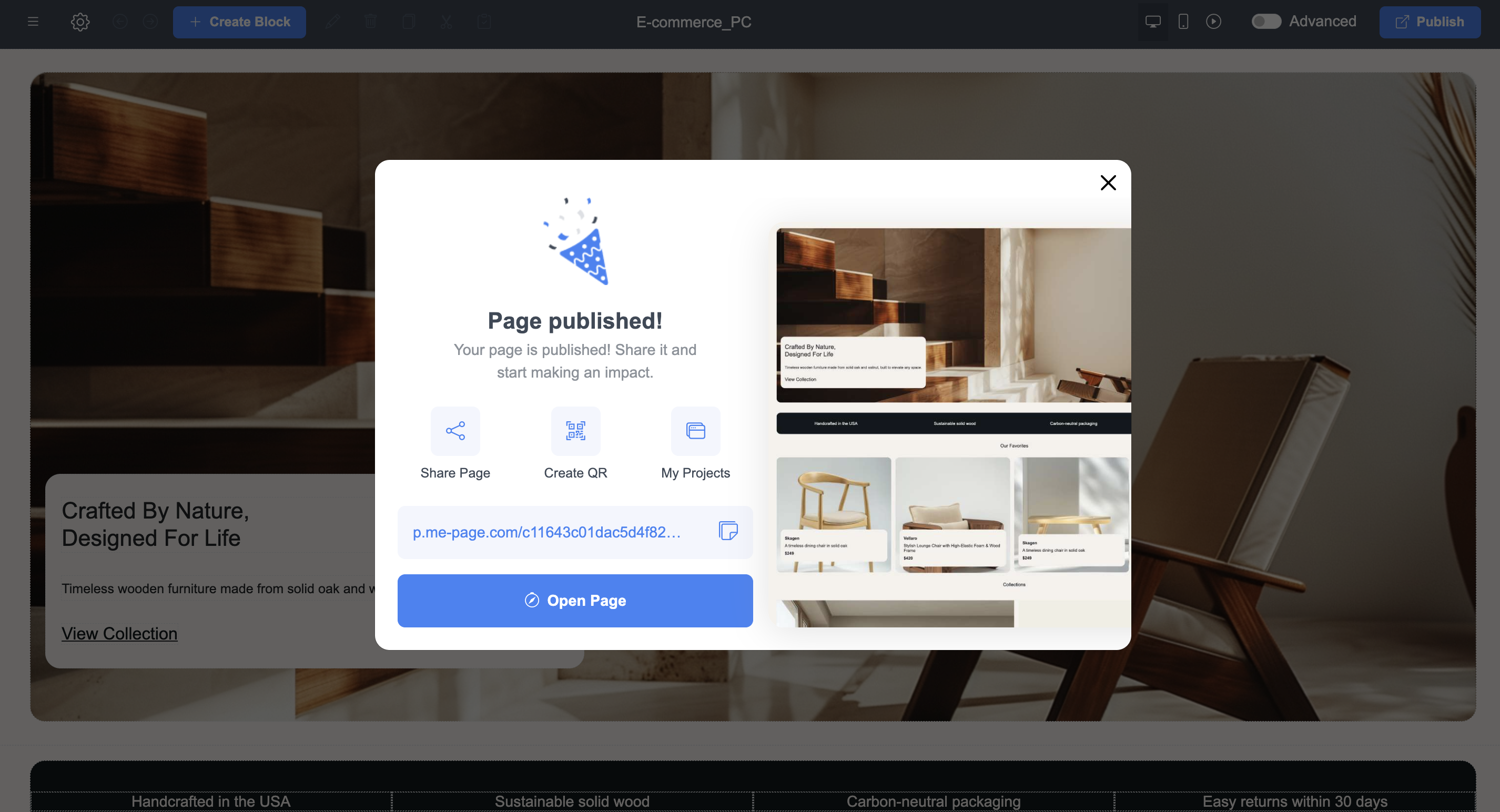
- Click the Publish button
- Your website instantly goes live with a public link
That’s it. No DNS settings. No hosting panels. No delays.
This truly is a go live website tutorial that fits on one screen.
What Happens After You Publish?
Once your site is live, ME-Page immediately gives you:
- A working public link to share anywhere
- A live version viewable on all devices
- The ability to edit and update at any time without taking the site offline
Every future change you make can be published instantly again with one click. You are always in control of your site—no downtime needed.
Editing After Publishing Is Just as Easy
Made a typo? Want to change an image? Need to add a new section? No problem. With ME-Page, your site is never “locked.” You can:
- Edit text anytime
- Change backgrounds anytime
- Add or remove blocks anytime
- Update buttons anytime
Just click Save, and your live website updates instantly. That means you’re always in full control of your content.

Key Publishing Benefits on ME-Page
Here’s a quick look at what makes ME-Page’s publishing system so powerful:
How to Share Your Website After Publishing
Once your site is live, it’s time to let the world see it. You can easily:
- Send the link in emails
- Add it to your social media bios
- Share it in messengers
- Add it to digital business cards
- Use it in ads or promotions
Because ME-Page creates clean, professional links, your site is instantly ready for real-world use.
Common Mistakes to Avoid Before Publishing
Even though publishing is easy, a few small mistakes can hurt your first impression:
- Leaving placeholder text in your sections
- Forgetting to test buttons and links
- Uploading low-quality or stretched images
- Publishing without checking mobile view
Think of your website like a shop window—once it’s open, peopдe start judging in seconds.
Take two minutes to double-check everything before you go live.
Why Beginners Love One-Click Website Publishing
For beginners, technical steps are often the biggest fear. That’s exactly what ME-Page removes.
You don’t need:
- Hosting knowledge
- Domain configuration
- File uploads
- FTP access
- Developer support
All the boring technical stuff stays behind the scenes. You stay focused on your content, your brand, and your goals.
Conclusion: Your Website Is One Click Away
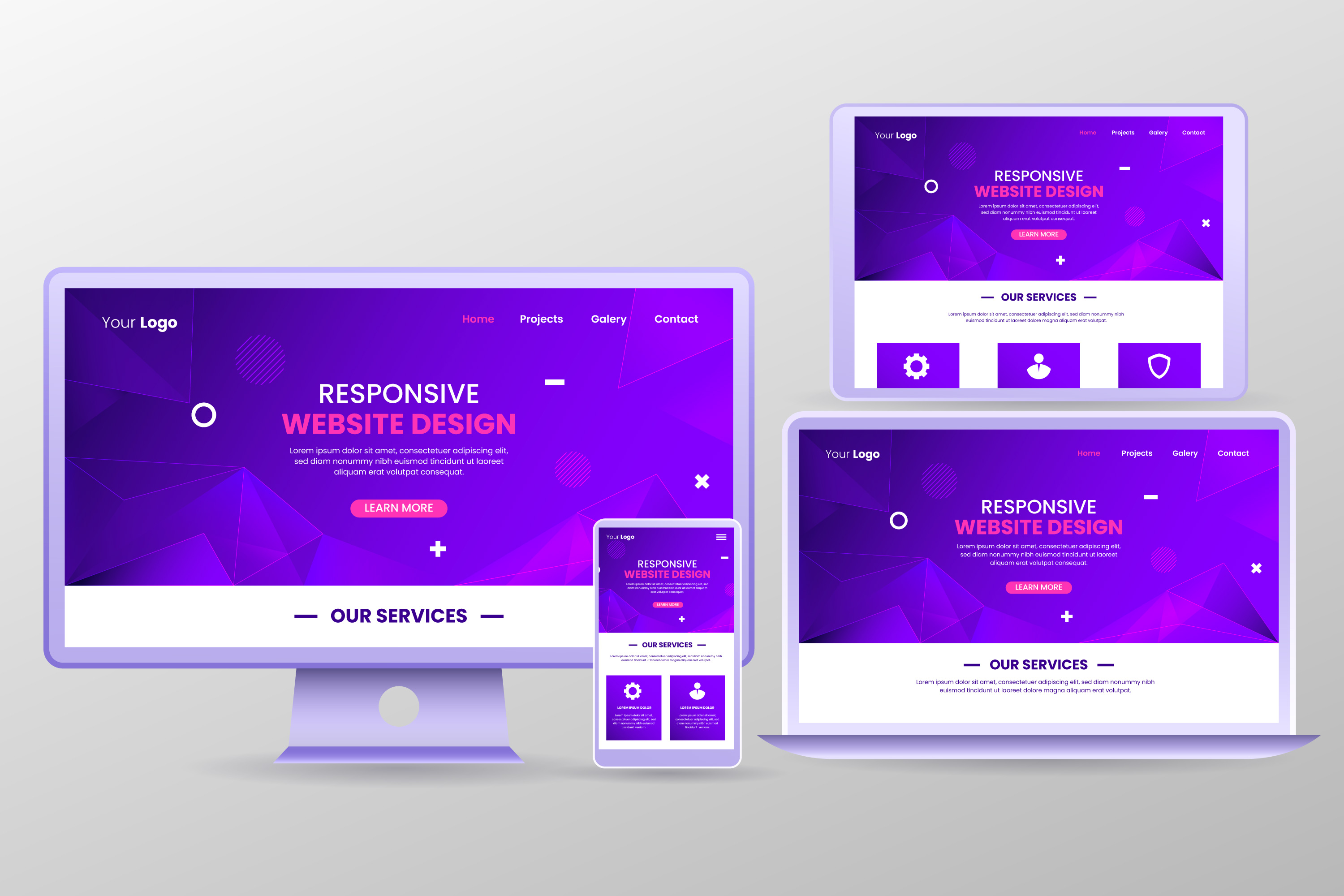
Publishing your first website doesn’t have to be complicated, expensive, or stressful. With ME-Page, you can build, edit, and publish your website in one click, without wasting time on technical setup. In a world where speed matters and attention is limited, the ability to launch your website quickly gives you a real advantage.
Whether you’re starting a business, promoting a service, hosting an event, or building your personal brand, ME-Page removes the fear from going live. No waiting. No confusion. No coding. Just simple, powerful, one-click website publishing.
If you’ve been putting off launching your site because it felt too complex now you know better. Your audience is waiting. Your website is ready. All that’s left is one click.
Frequently Asked Questions about Publishing Your Website on ME-Page
Yes, you can republish your site anytime after making edits. Every update goes live instantly with one click.
Was This Article Helpful?
Click on a star to rate it!
Average Rating: 4/5
Voutes: 23
Share with Friends:



Previous
Getting Started with ME-Page Ready-Made Blocks: A Step-by-Step Walkthrough

Next
How to Customize Pre-Made Templates in ME-Page for a Unique Website Design
Recent Articles
Everything You Need to Know About Using ME-Page Constructor for Your Website.

Essential Pages Every Business Website Should Include
A business website doesn't need dozens of pages to look professional. What it does need is a clear structure t...

How to Write Website Headlines That Attract More Visitors
A headline is often the first piece of text people notice when they open a website. Before they read your para...

How Freelancers Can Organize Services, Portfolio, and Contacts on...
Freelancers often wear many hats. One day you're working on a client project, the next you're answering inquir...
How to Choose the Right Website Structure for Your Project
Before you choose colors, fonts, images, or buttons for your website, there is one decision worth making first...
Why Every Business Website Needs an FAQ Page
When people visit a business website, they rarely arrive without questions. They may want to know how a servic...
Best Homepage Sections Every Small Business Website Should Include
Your homepage is often the first place potential customers visit when they discover your business online. In j...
Essential Pages Every Business Website Should Include
A business website doesn't need dozens of pages to look professional. What it does need is a clear structure t...
How to Write Website Headlines That Attract More Visitors
A headline is often the first piece of text people notice when they open a website. Before they read your para...
How Freelancers Can Organize Services, Portfolio, and Contacts on...
Freelancers often wear many hats. One day you're working on a client project, the next you're answering inquir...
How to Choose the Right Website Structure for Your Project
Before you choose colors, fonts, images, or buttons for your website, there is one decision worth making first...
Why Every Business Website Needs an FAQ Page
When people visit a business website, they rarely arrive without questions. They may want to know how a servic...
Best Homepage Sections Every Small Business Website Should Include
Your homepage is often the first place potential customers visit when they discover your business online. In j...










