
Website Builder Tips & Guides
Practical articles on building websites, landing pages, and growing your online presence.
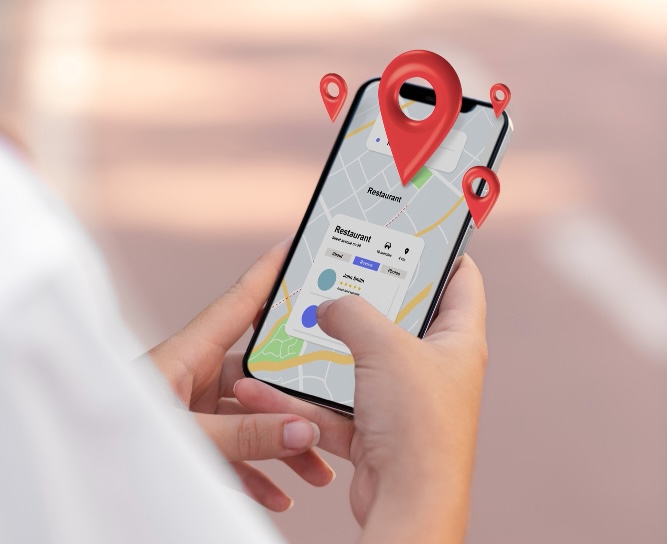
Local SEO Basics: Get Found by Customers Near You
If you run a small business, here’s a simple truth: people search locally first. They don’t type “best plumbe...
Building Trust Online: Website Essentials for Medical Services
When someone searches for a doctor, clinic, or healthcare provider online, they’re not just browsing — they’re...
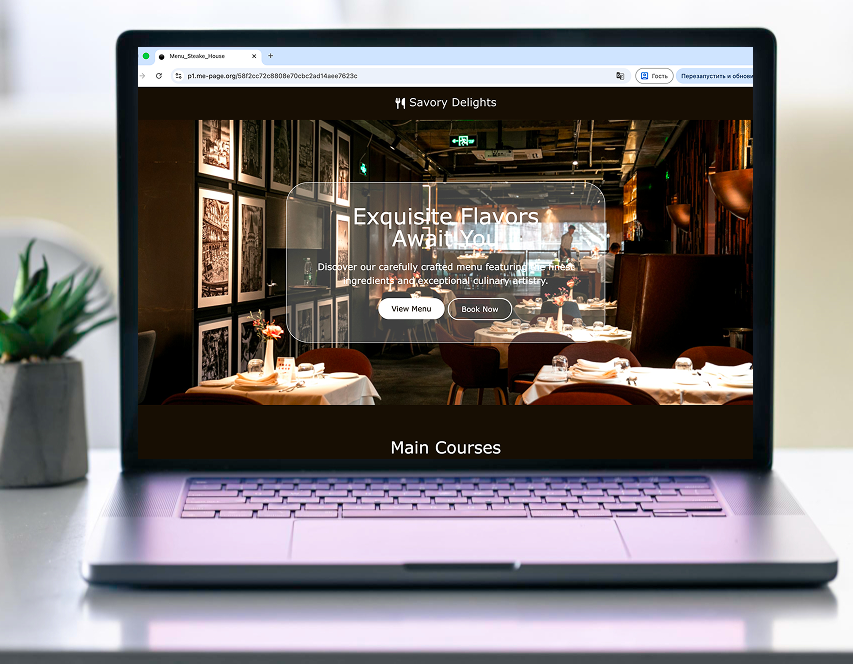
How ME-Page Helps Businesses Launch Faster
Speed is everything in today’s digital market. Whether you’re launching a startup, promoting a new service, or...
Website Builder vs Custom Development: Why ME-Page Wins
When it comes to creating a website in 2026, businesses face a familiar question: should you use a website bui...
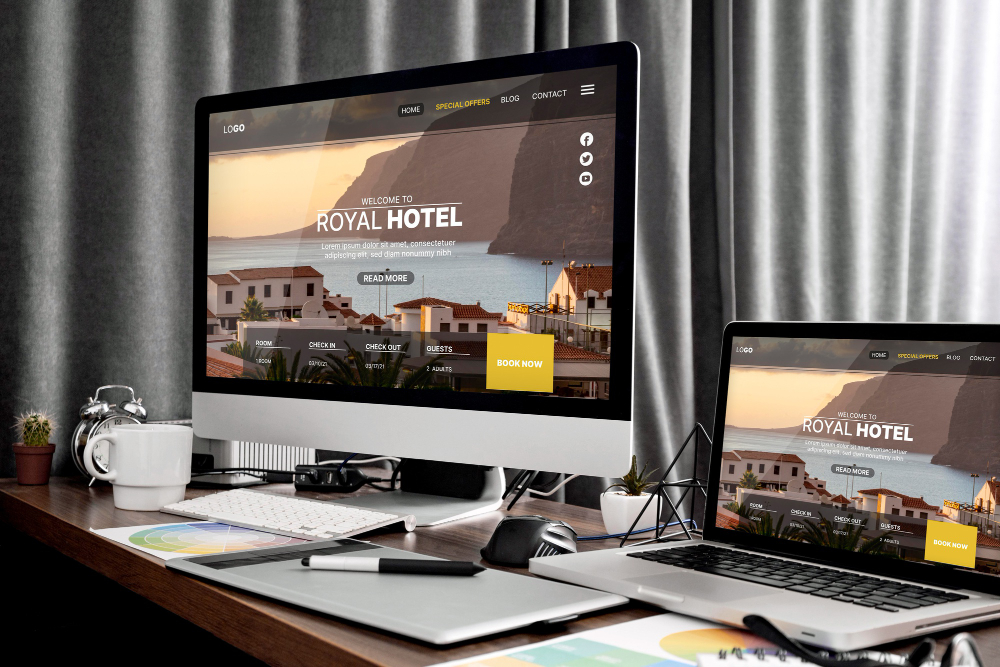
New Navigation Feature in ME-Page: Build Multi-Page Websites with...
Website navigation can make or break the user experience. Even great content won’t perform well if visitors ca...
SEO in 2026: What Website Owners Need to Know
Search engine optimization isn’t what it used to be. Gone are the days when adding a few keywords and backlink...
Most Popular Articles



Recent Articles
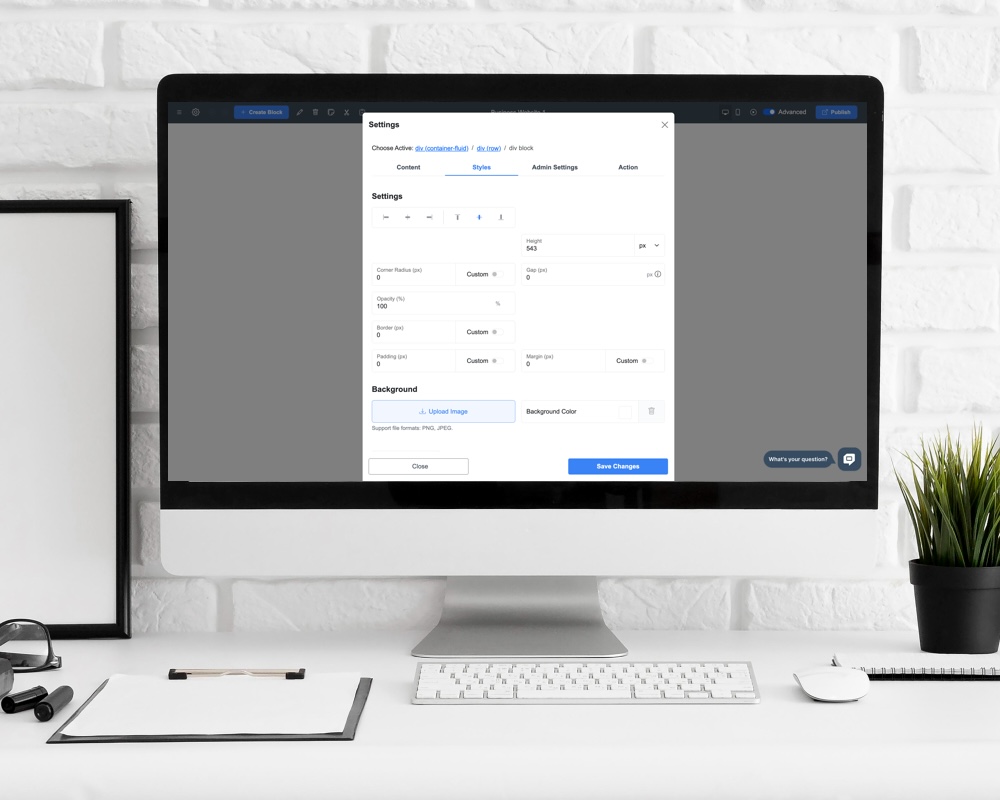
Everything You Need to Know About Using ME-Page Constructor for Your Website.
Local SEO Basics: Get Found by Customers Near You
If you run a small business, here’s a simple truth: people search locally first. They don’t type “best plumbe...
Building Trust Online: Website Essentials for Medical Services
When someone searches for a doctor, clinic, or healthcare provider online, they’re not just browsing — they’re...
How ME-Page Helps Businesses Launch Faster
Speed is everything in today’s digital market. Whether you’re launching a startup, promoting a new service, or...
Website Builder vs Custom Development: Why ME-Page Wins
When it comes to creating a website in 2026, businesses face a familiar question: should you use a website bui...
New Navigation Feature in ME-Page: Build Multi-Page Websites with...
Website navigation can make or break the user experience. Even great content won’t perform well if visitors ca...
SEO in 2026: What Website Owners Need to Know
Search engine optimization isn’t what it used to be. Gone are the days when adding a few keywords and backlink...
Local SEO Basics: Get Found by Customers Near You
If you run a small business, here’s a simple truth: people search locally first. They don’t type “best plumbe...
Building Trust Online: Website Essentials for Medical Services
When someone searches for a doctor, clinic, or healthcare provider online, they’re not just browsing — they’re...
How ME-Page Helps Businesses Launch Faster
Speed is everything in today’s digital market. Whether you’re launching a startup, promoting a new service, or...
Website Builder vs Custom Development: Why ME-Page Wins
When it comes to creating a website in 2026, businesses face a familiar question: should you use a website bui...
New Navigation Feature in ME-Page: Build Multi-Page Websites with...
Website navigation can make or break the user experience. Even great content won’t perform well if visitors ca...
SEO in 2026: What Website Owners Need to Know
Search engine optimization isn’t what it used to be. Gone are the days when adding a few keywords and backlink...










