Me-Page Team
Last modified 2 Sep 2025
Imagine handing out a flyer, a business card, or posting a banner at an event. Someone’s interested, but instead of typing a long web address, they just scan a little square image and—boom—they’re on your website instantly. That’s the magic of QR codes.
Today, QR codes aren’t just trendy; they’re a bridge between the offline and online worlds. And with ME-Page’s integration with ME-QR, you can turn your site into a fully functional QR code website in just seconds. This means less friction for visitors and more traffic for you.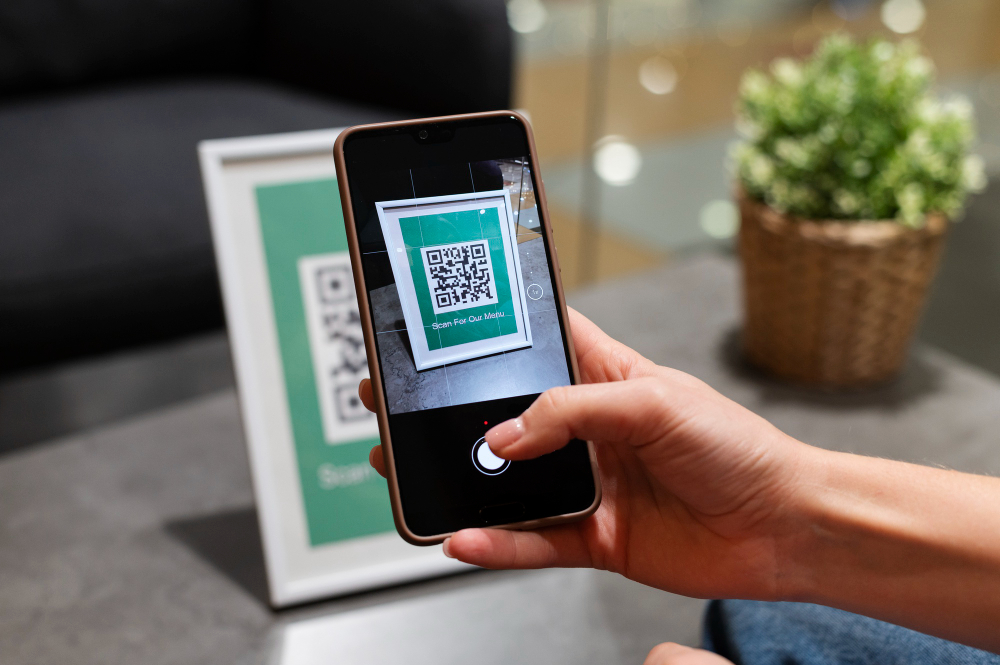
What Is a QR Code Website?
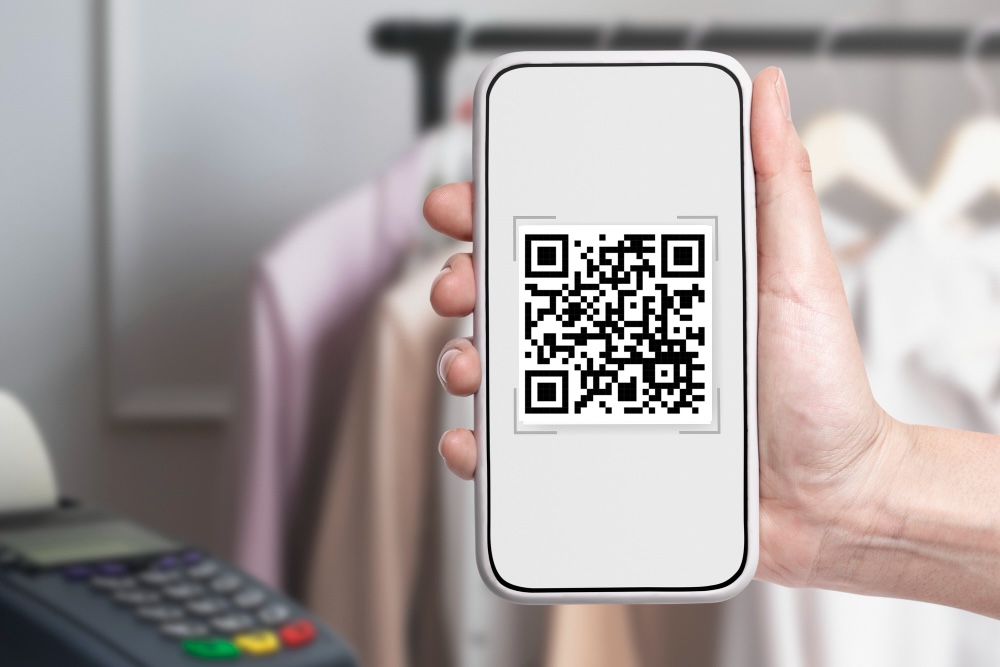
A QR code website simply means your site has its own scannable QR code. Instead of typing your URL, visitors can scan the code with their phone camera and land directly on your page. It’s fast, simple, and especially useful in:
- Retail stores (linking to promotions or menus)
- Networking (business cards that connect to your portfolio site)
- Events (quick sign-ups or schedules)
- Education (easy access to course materials or resources)
Why QR Codes Are So Effective
QR codes have grown massively in popularity, especially since smartphones now read them natively through their cameras. They remove barriers and make online access frictionless.
Here’s why adding a QR code to your site is smart:
- Instant access – No need to type long URLs.
- Boosts engagement – People are more likely to visit if it’s easy.
- Versatile sharing – Works in both digital and print formats.
- Professional branding – A QR code signals you’re modern and accessible.
With ME-Page, this isn’t an add-on or a paid extra—it’s part of the package.
How to Generate a QR Code for Your ME-Page
Creating your QR code is straightforward. Here’s how you can do it in just a few steps:
- Build your site on ME-Page
Use one of the templates to set up your landing page, portfolio, or business site. - Publish your site
Make sure it’s live so that your QR code links to an active page. - Generate the QR code
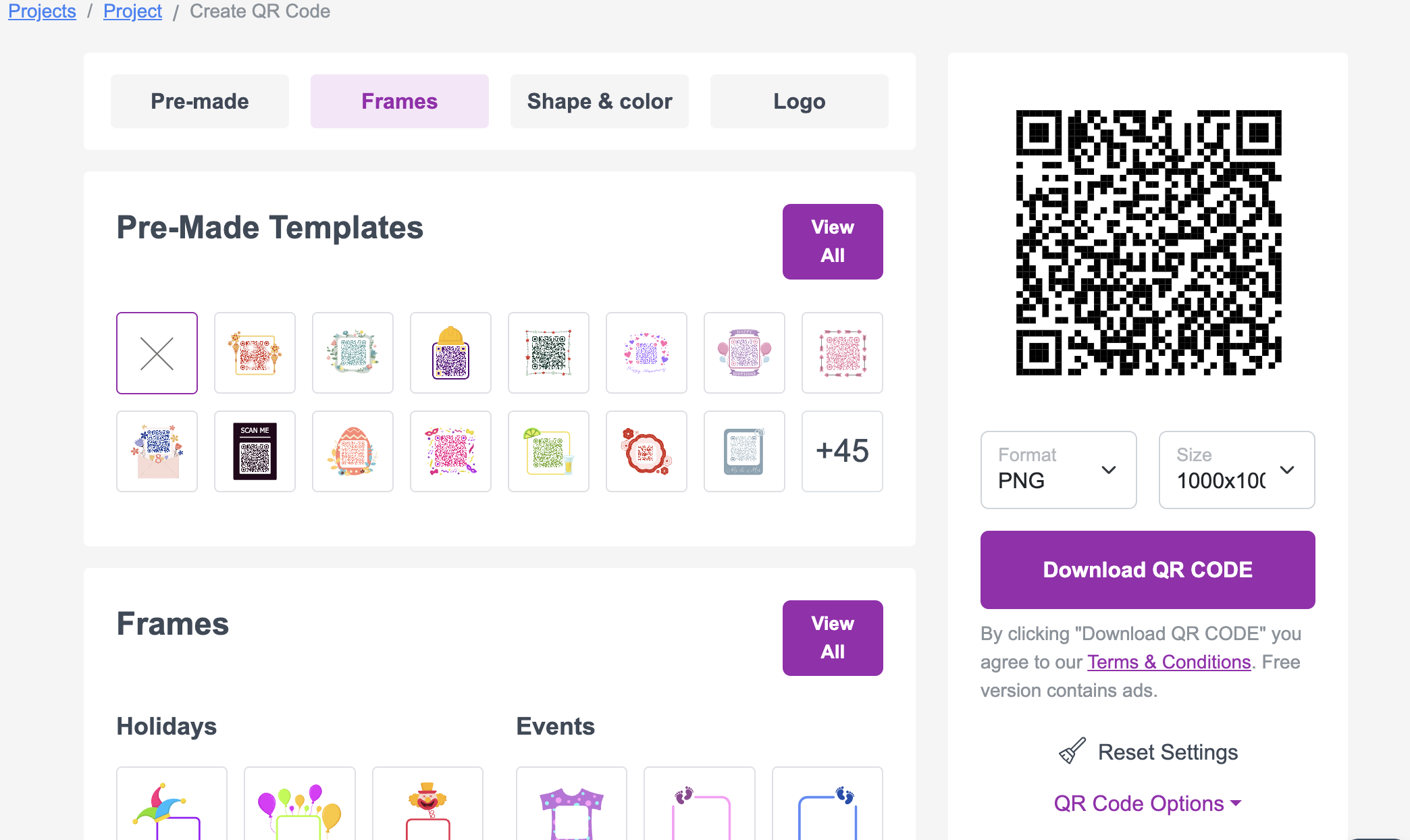
Inside your ME-Page dashboard, look for the “Get QR Code” option. With a single click, you’ll create a fully functional code that links directly to your page. - Download and share
Save the image and start placing it wherever you need: flyers, posters, business cards, packaging, or social media graphics.
Ways to Share Your Website with QR Codes
Once you’ve created your QR code, it’s time to put it to work. Here are some powerful ways to share your website with QR:
- Business cards – Instead of just listing your name and number, add a QR code that links to your full online profile or portfolio.
- Printed menus – Cafes and restaurants often link customers to their online menu, which can be updated anytime without reprinting.
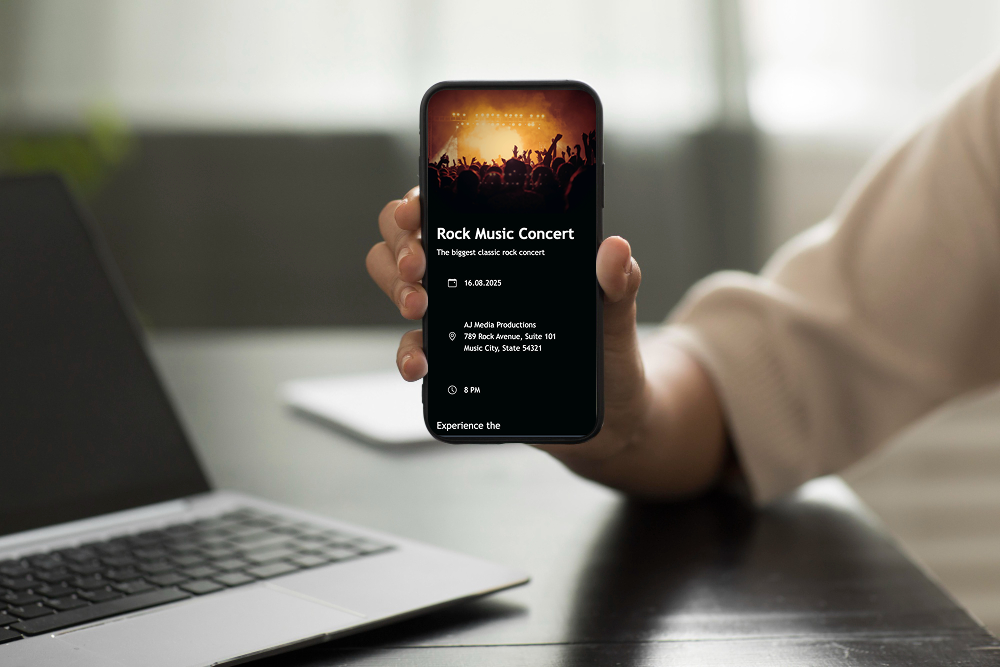
- Event posters – Attendees can scan for tickets, schedules, or sign-up pages.
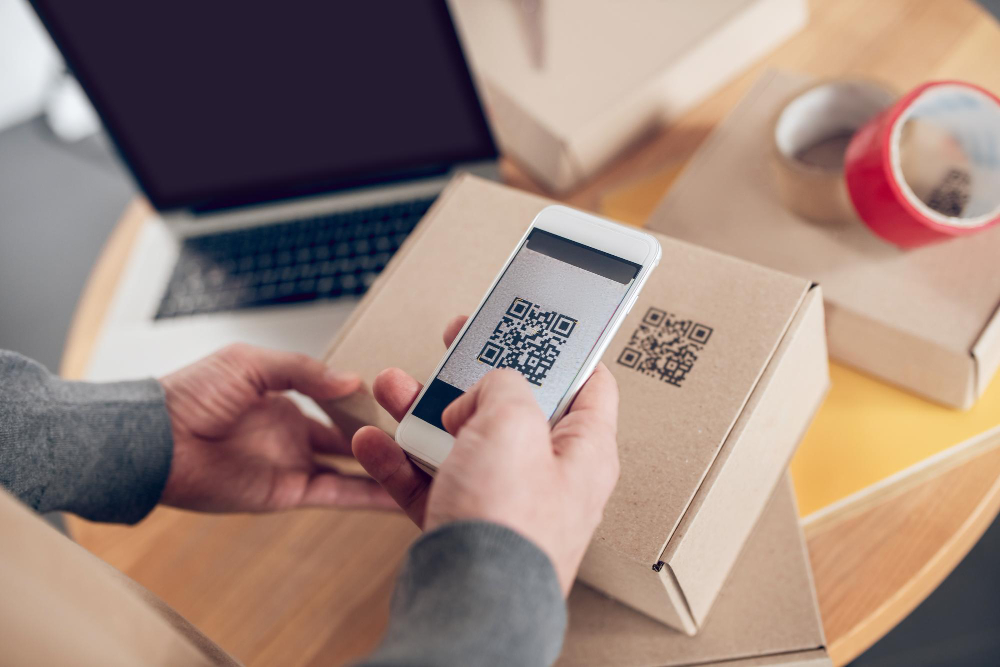
- Product packaging – Add QR codes to boxes or labels that link to user manuals, how-to videos, or brand stories.
- Social media posts – Share your QR code image as a graphic that drives people straight to your website.
Every scan is a new opportunity for engagement—and unlike a web address, QR codes are quick, visual, and easy to remember.

Real-World Use Cases of QR Code Websites
Still wondering how useful this can be? Let’s look at a few real-world scenarios:
- A freelancer hands out business cards with a QR code linking to their online portfolio. Instead of juggling multiple links, clients scan once and see everything.
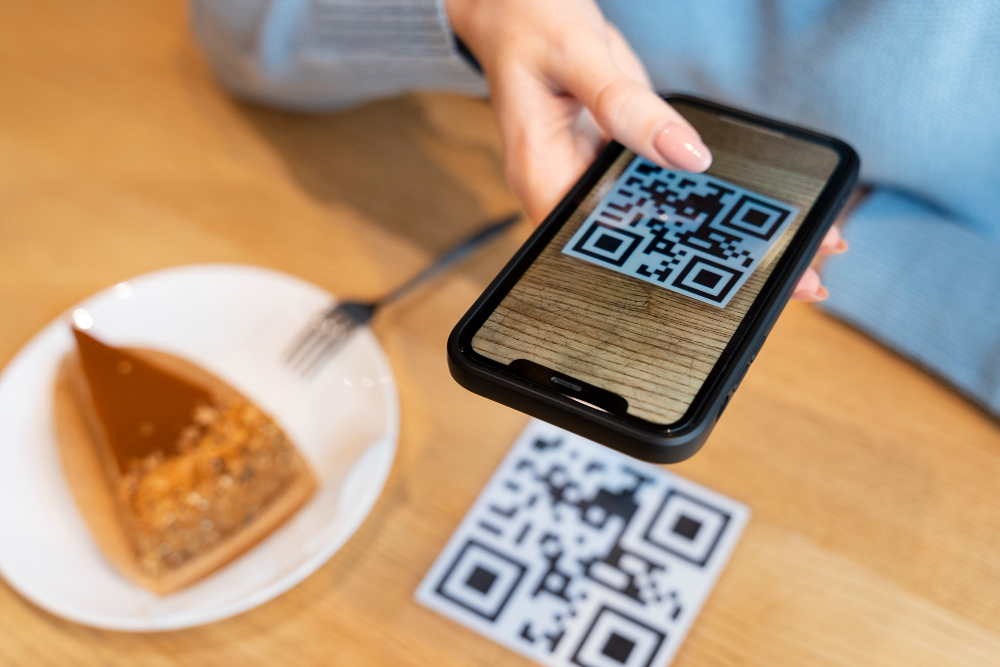
- A local café prints QR codes on tables that take customers directly to an online menu. They can update daily specials online without reprinting menus.
- An event organizer adds QR codes to posters around town. Attendees scan them to purchase tickets instantly through the event page.
- A teacher uses QR codes on handouts so students can access digital resources instantly.
- A startup includes QR codes on product packaging that lead to instructional videos, making setup smoother for customers.
Each of these examples shows how QR codes turn offline interactions into direct website traffic.
Best Practices for QR Code Success
Just creating a QR code isn’t enough—you want people to actually use it. Here are a few tips:
- Make it visible – Place it where people naturally look (front of a flyer, center of a poster, or near the bottom of a card).
- Add a call-to-action – Don’t just show the code; add text like “Scan to see the menu” or “Scan for tickets.”
- Check readability – Ensure the code is large enough to scan easily, even from a distance.
- Test before sharing – Always scan it yourself to confirm it works and loads fast on mobile.
- Use it consistently – Add the same QR code across all touchpoints: print, packaging, email signatures, and more.
Following these steps ensures your QR code isn’t just stylish—it’s functional.
Final Thoughts: A Smarter Way to Share Your Website
Adding QR codes to your ME-Page website is one of the simplest ways to expand your reach. In just minutes, you can generate a code that makes your site instantly accessible anywhere—online or offline.
With ME-Page’s built-in QR code generator, you don’t need outside tools or technical know-how. You can create, download, and start using your QR code in seconds. And when you share your website with QR, you transform casual interest into meaningful engagement with one quick scan.
Whether you’re a freelancer, café owner, teacher, or event organizer, QR codes can make your website more visible, more practical, and more powerful. The question isn’t whether you should use them—it’s where you’ll put them first.
Was This Article Helpful?
Click on a star to rate it!
Average Rating: 4/5
Voutes: 1
Share with Friends:


Previous
How to Create an Event Page and Sell Tickets Online
Next
How to Build an Education or Training Website
Recent Articles
Everything You Need to Know About Using ME-Page Constructor for Your Website.

How to Link Pages Together for Better Website Navigation
A multi-page website gives you more room to organize information, but adding pages is only half the job. Visit...

Build a Personal Website That Stands Out in 2026
Your social media profiles can show what you do, but they do not give you complete control over your online pr...

Managing Multiple Websites from One ME-Page Account
Running more than one website used to be complicated. Different logins, scattered tools, and endless switching...

How to Organize Content Across Multiple Website Pages
A multi-page website gives you room to explain your business, services, products, and ideas without putting ev...

Essential Pages Every Business Website Should Include
A business website doesn't need dozens of pages to look professional. What it does need is a clear structure t...

How to Write Website Headlines That Attract More Visitors
A headline is often the first piece of text people notice when they open a website. Before they read your para...
How to Link Pages Together for Better Website Navigation
A multi-page website gives you more room to organize information, but adding pages is only half the job. Visit...
Build a Personal Website That Stands Out in 2026
Your social media profiles can show what you do, but they do not give you complete control over your online pr...
Managing Multiple Websites from One ME-Page Account
Running more than one website used to be complicated. Different logins, scattered tools, and endless switching...
How to Organize Content Across Multiple Website Pages
A multi-page website gives you room to explain your business, services, products, and ideas without putting ev...
Essential Pages Every Business Website Should Include
A business website doesn't need dozens of pages to look professional. What it does need is a clear structure t...
How to Write Website Headlines That Attract More Visitors
A headline is often the first piece of text people notice when they open a website. Before they read your para...










