Me-Page Team
Last modified 22 Aug 2025
We live in a mobile-first world. People shop, browse, and connect with brands right from their phones. But what about you—the site owner? Shouldn’t you also have the freedom to update and manage your website anywhere, anytime?
That’s exactly what ME-Page delivers. With its intuitive mobile website editor, you can build, adjust, and publish updates on the go—no desktop required. If you’ve ever wished you could edit your website on phone without fighting with clunky tools, ME-Page makes it effortless.
If you’ve ever wished you could edit your website on mobile without the hassle of clunky interfaces or endless zooming, ME-Page is about to make your life a whole lot easier.
The Power of Build-on-the-Go
Running a business or personal brand doesn’t stop when you step away from your desk. Maybe you want to fix a typo, update your pricing, or announce a flash sale. Waiting until you’re back at a laptop could mean missed opportunities.
With ME-Page, you carry your website in your pocket. It’s fast, intuitive, and designed for modern entrepreneurs who need a mobile website editor that works just as smoothly as a desktop builder.Step 1: Log Into Your ME-Page on Mobile
The first step is simple—open your phone’s browser, head to ME-Page, and log in. The platform is fully optimized for mobile use, so everything fits perfectly on your screen. No awkward scrolling, no pinching to zoom.
Once you’re logged in, you’ll see your dashboard with your website ready to be edited.
Step 2: Choose the Page You Want to Edit
Whether you want to make single landing page or multiple sections, ME-Page makes navigation a breeze. Tap on the page or block you want to change, and the editor opens instantly. Want to adjust your homepage headline? Done. Need to update your contact info? Two taps and you’re good to go.
The process feels as natural as moving apps on your phone screen. That’s the beauty of ME-Page’s design—it doesn’t just let you edit website on phone, it makes the experience enjoyable.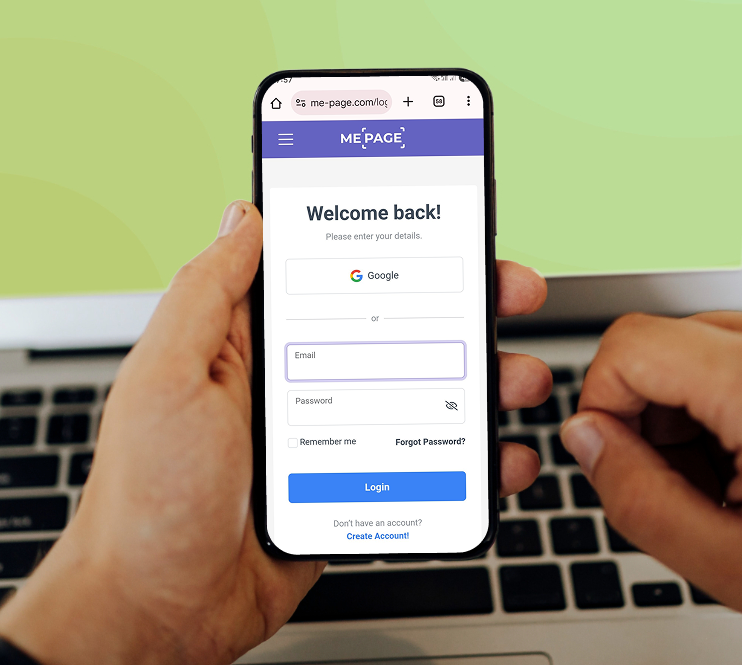
Step 3: Edit Content with Drag-and-Drop Simplicity
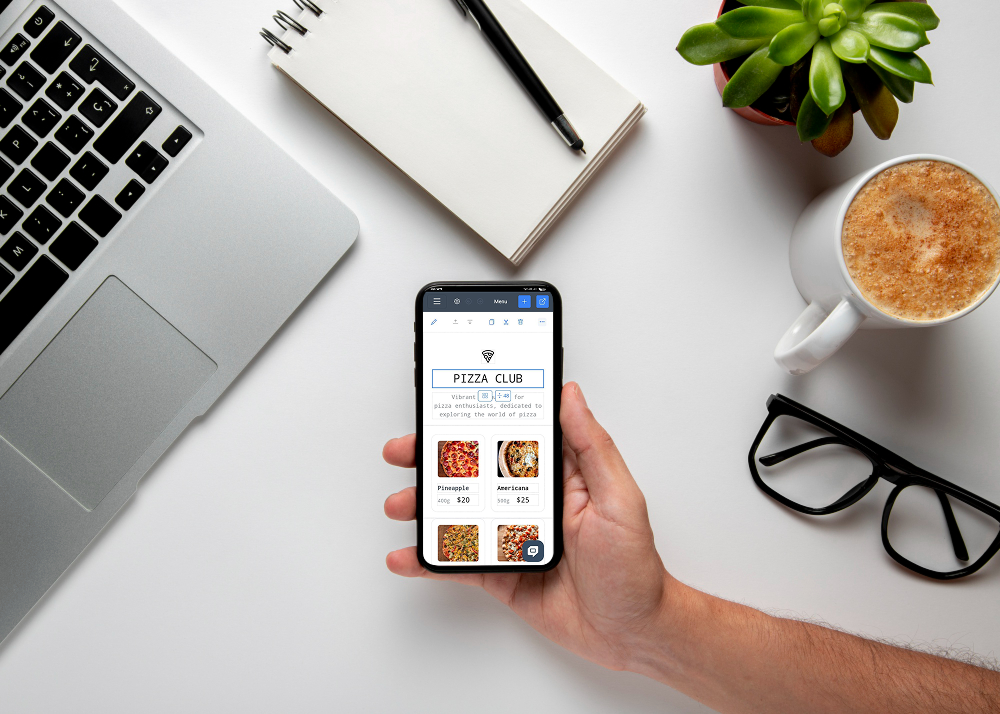
Here’s where ME-Page shines. Its editor uses drag-and-drop blocks that make changes fast and intuitive. You don’t need coding skills. Want to:
- Add a new text section? Drag in a block.
- Insert an image? Upload it straight from your phone’s gallery.
- Change colors or fonts? Adjust them in seconds.
All changes happen in real time. You instantly see how your site looks—no guesswork, no messy previews.
Even better, ME-Page templates are built with responsive web design, meaning they adapt to any screen size automatically. Whether your visitors use a desktop, tablet, or smartphone, your site always looks professional.Step 4: Publish and Share
Once your edits are ready, ME-Page makes publishing a breeze. Every change is saved automatically and can go live instantly. That means no more “Oops, I forgot to hit save!” moments.
Here’s what makes it even better:
- Instant Publishing: Your site updates immediately, so visitors see the changes right away.
- Easy Sharing: Grab your site link and share it through text, email, or social media—directly from your phone.
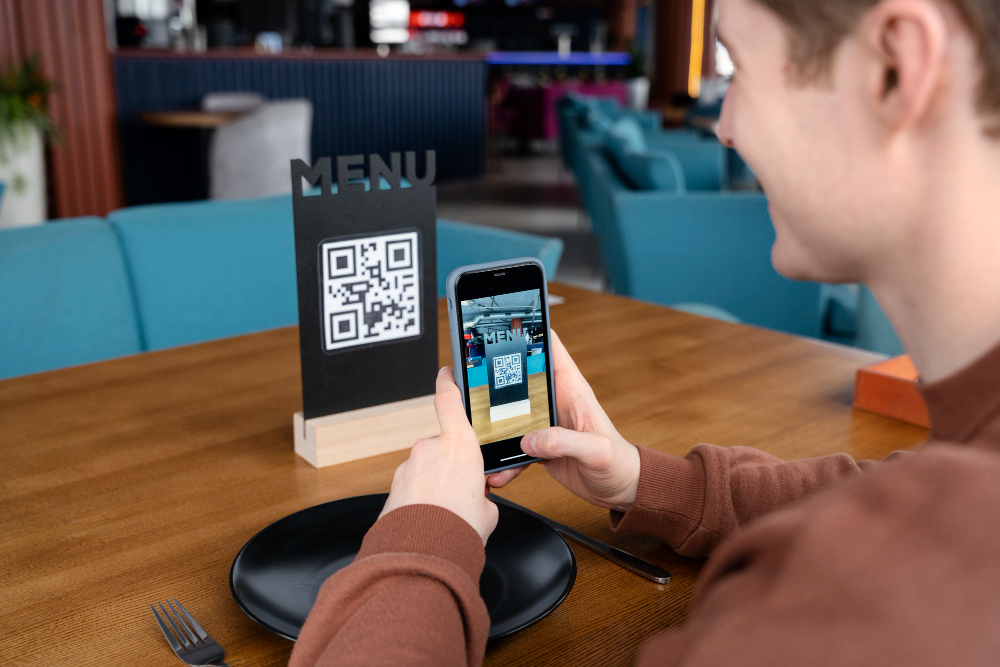
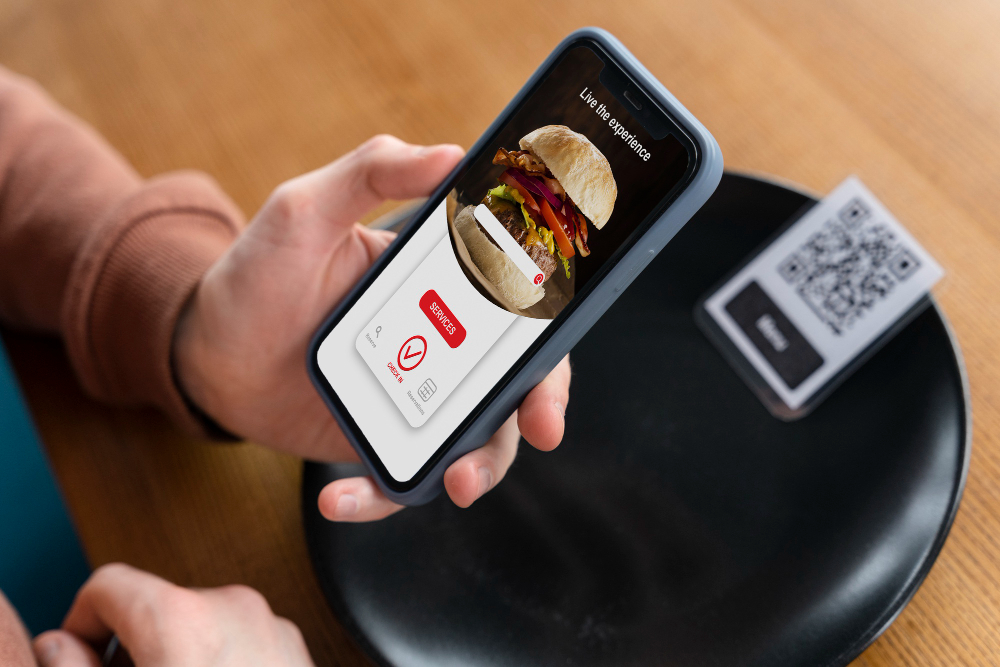
- ME-QR Integration: Create a QR code in seconds, perfect for business cards, flyers, or product packaging. Customers simply scan and land on your updated site.
It’s more than just publishing—it’s about spreading your message quickly and effectively, no matter where you are.
Real-World Examples of Mobile Editing with ME-Page
Here are some everyday ways people use ME-Page’s mobile website editor:
- Restaurant Owners update daily menus or specials before customers arrive.
- Freelancers add new portfolio pieces right after finishing a project.
- Event Planners adjust schedules on the fly and keep attendees informed.
- Fitness Coaches update class times or cancellations in seconds.
- Shop Owners launch flash sales or holiday promotions while on the go.
- Travel Bloggers share photos and stories instantly from the road.
No matter your industry, the ability to edit website on phone means you stay connected with your audience and keep your site fresh—without being tied to a desk.
Tips for Editing Your Website on Mobile
To get the most out of ME-Page mobile editing, here are a few quick tips:
- Keep content short and sharp. Mobile visitors prefer bite-sized information.
- Use clear buttons. Big, bold call-to-action buttons improve navigation.
- Check load times. Lighter images keep your site fast on mobile data.
- Preview often. Always view changes as a visitor to catch small design issues.
- Update regularly. Even small edits—like adding testimonials or updating hours—signal freshness to Google.

Conclusion: Your Website, Your Pocket-Sized Power Tool
Editing your website on mobile used to sound impossible—but not anymore. With ME-Page, you have the power to manage your site anywhere, anytime, with nothing more than your phone.
Here’s the bottom line:
- You can edit website on phone with ease.
- ME-Page is a responsive web design designed for real life—fast, simple, and responsive.
- Whether you’re fixing a typo, adding new content, or tweaking your design, you can do it instantly.
Your website doesn’t live only on your desktop, and neither should your ability to edit it. With ME-Page, your business website becomes as flexible as you are—always ready, always professional, and always in your pocket.
So the next time you’re on the go and need to make a change, remember: with ME-Page, it only takes minutes to update your world online
Was This Article Helpful?
Click on a star to rate it!
Average Rating: 5/5
Voutes: 1
Share with Friends:



Previous
Create a Professional Business Website in Minutes

Next
How to Create an Online Menu or Restaurant Website
Recent Articles
Everything You Need to Know About Using ME-Page Constructor for Your Website.
Using Multi-Page Navigation to Improve User Experience
As your website grows, visitors need an easy way to move between pages without getting lost. Whether you're bu...

How Internal Links Improve SEO on Multi-Page Websites
When people think about SEO, they often focus on keywords, backlinks, or content creation. While those factors...
How to Choose the Best Homepage Layout for Your Goals
Your homepage is often the first impression visitors have of your brand. Within just a few seconds, people dec...

How to Plan Your Website Before You Start Building
Building a website can feel exciting. You may already be thinking about colors, images, fonts, and clever head...
Using Subpages to Build Service, Pricing, and About Pages
As your website grows, placing all your information on a single page becomes less effective. Visitors want to ...

Why Every Artist Needs a Website Beyond Social Media
For artists, musicians, photographers, illustrators, and other creatives, social media has become an important...
Using Multi-Page Navigation to Improve User Experience
As your website grows, visitors need an easy way to move between pages without getting lost. Whether you're bu...
How Internal Links Improve SEO on Multi-Page Websites
When people think about SEO, they often focus on keywords, backlinks, or content creation. While those factors...
How to Choose the Best Homepage Layout for Your Goals
Your homepage is often the first impression visitors have of your brand. Within just a few seconds, people dec...
How to Plan Your Website Before You Start Building
Building a website can feel exciting. You may already be thinking about colors, images, fonts, and clever head...
Using Subpages to Build Service, Pricing, and About Pages
As your website grows, placing all your information on a single page becomes less effective. Visitors want to ...
Why Every Artist Needs a Website Beyond Social Media
For artists, musicians, photographers, illustrators, and other creatives, social media has become an important...










