Me-Page Team
Last modified 19 Nov 2025
Creating a professional-looking website isn’t just about great images or well-written text. The secret ingredients that tie everything together are colors and fonts. These two elements shape the personality of your site, influence how visitors feel, and even affect how long they stay. With ME-Page, you can easily craft a clean, modern design that looks polished—even if you’re not a designer.
In this guide, you’ll learn simple and effective website color palette tips, how to choose the best fonts for websites, and how to combine both to build a site with strong visual appeal.
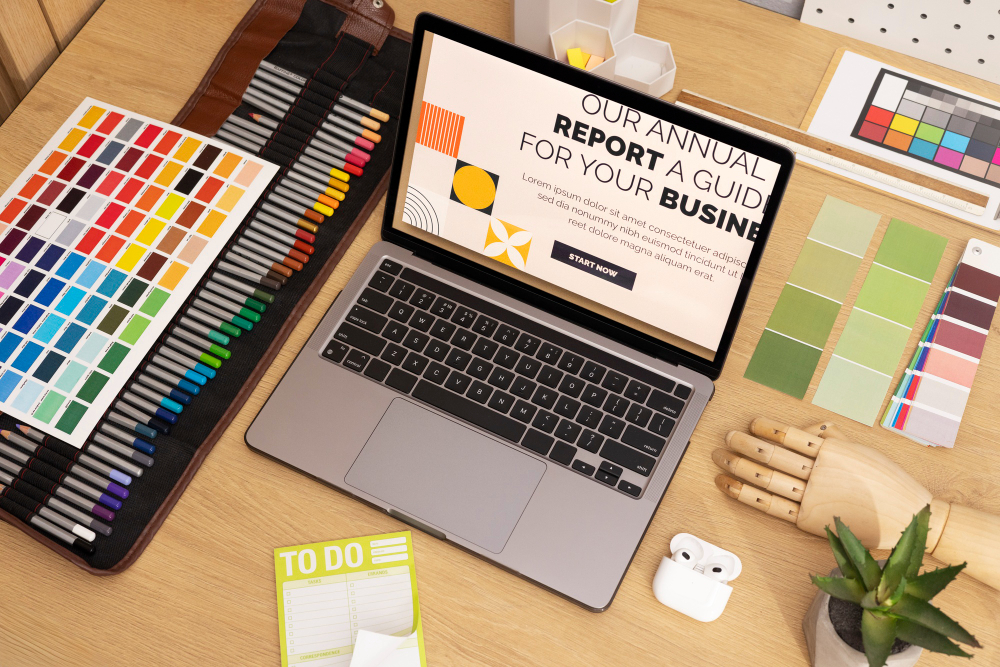
Why Colors and Fonts Matter More Than You Think
Have you ever opened a website and felt instantly impressed, even before reading anything? That’s the power of color and typography.
Color and type affect:
- First impressions
- Brand recognition
- Readability
- User experience
Choosing the Right Color Palette
Picking the perfect colors doesn’t have to be scary. You don’t need to be an artist - you just need to understand a few simple rules.
How to Pick Colors That Match Your Brand
Start with the feeling you want your website to express. For example:
- Blue feels trustworthy and calm
- Green feels fresh and natural
- Red feels bold and energetic
- Purple feels creative and premium
Then choose:
- One main color – This is your brand’s primary color.
- One or two accent colors – For buttons, highlights, and small details.
- A neutral background – White, light gray, or soft beige keeps things clean.
This basic structure helps your site look balanced and intentional.
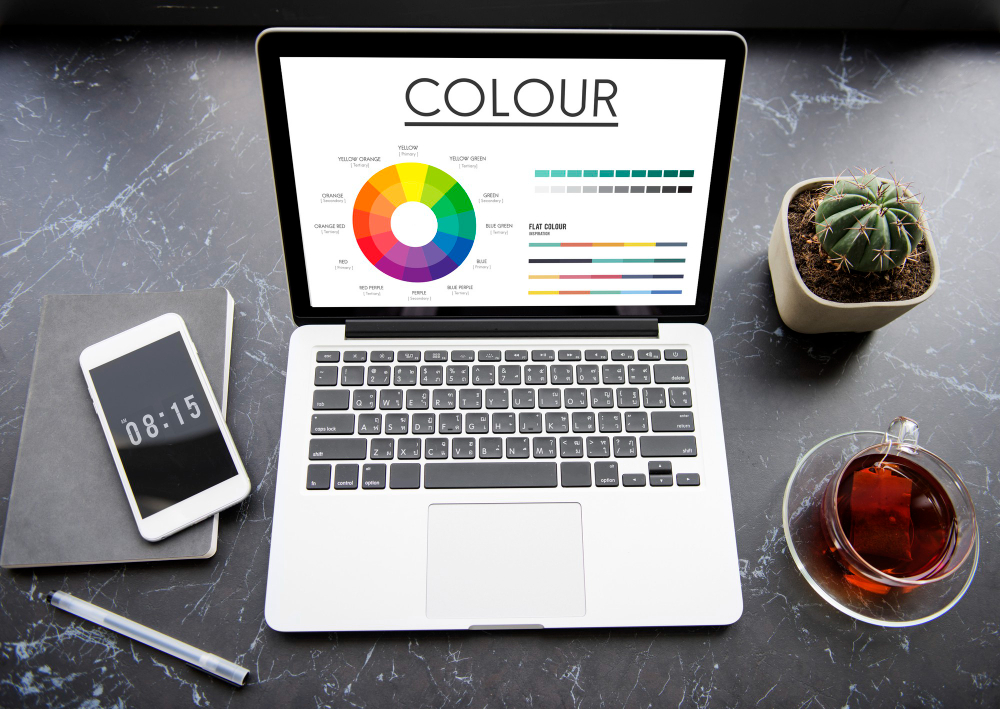
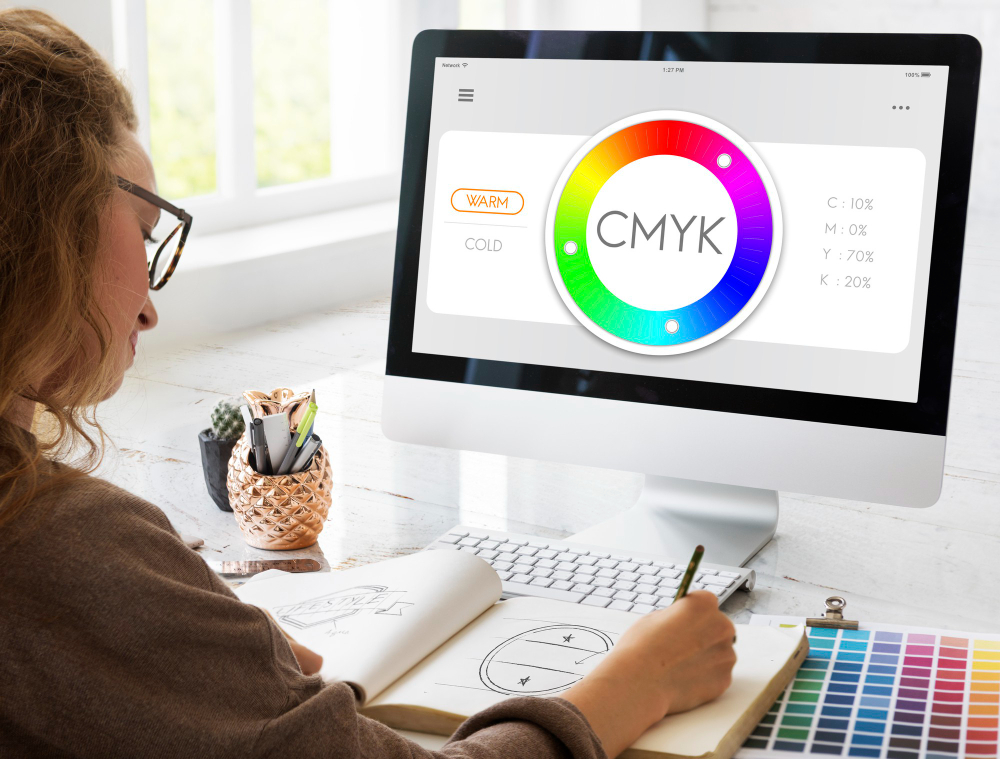
Tips for Using Colors the Right Way
Here are easy typography and color palette website tips:
- Stick to 2-3 main colors, not five or six.
- Make your buttons stand out with an accent color.
- Keep backgrounds light so text stays readable.
- Use contrast - dark text on light background or vice versa.
- Avoid neon colors unless they match your brand’s personality.
Consistency is key. When your colors match across your banners, sections, and buttons, your site instantly looks more professional.
Selecting the Best Fonts for Your Website
Fonts influence how visitors feel when reading your content. The wrong font can make your website look outdated, messy, or hard to read. The right one makes everything feel polished and trustworthy.
How to Combine Fonts Like a Pro
A simple rule: Use one font for headings and another for body text.
For example:
- A bold, modern font for headings
- A clean, easy-to-read font for paragraphs
This creates visual hierarchy—your headlines stand out, and your text remains smooth to read.
Here’s how to choose well:
- Use sans-serif fonts (like Poppins or Inter) for a modern look.
- Use serif fonts (like Playfair Display) for a classy or editorial style.
- Make sure your fonts match your brand personality.
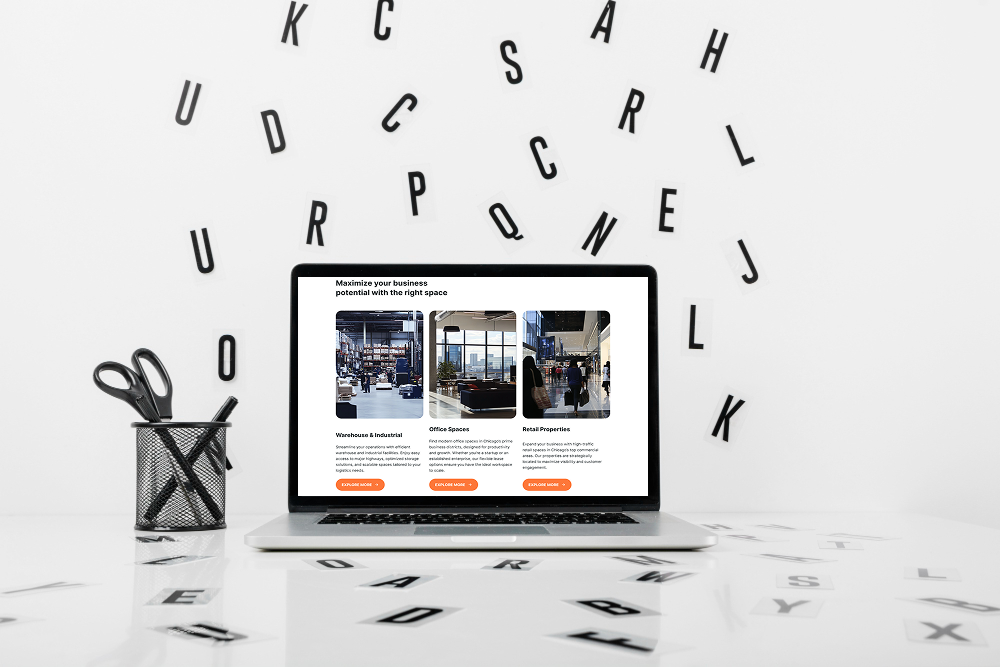
Keeping Your Text Clean and Readable
Professional websites always focus on readability. Keep these quick tips in mind:
- Use a font size that’s comfortable on mobile (16px or bigger).
- Avoid extremely decorative fonts for body text.
- Keep spacing wide enough so text doesn’t feel cramped.
- Use bold text for emphasis - not all caps everywhere.
Readable text = a more enjoyable website experience.
Bringing It All Together on ME-Page
ME-Page makes color and font customization simple, even for beginners. You don’t need any design background - the editor is intuitive and visually clear.
Using ME-Page Tools to Apply Your Style
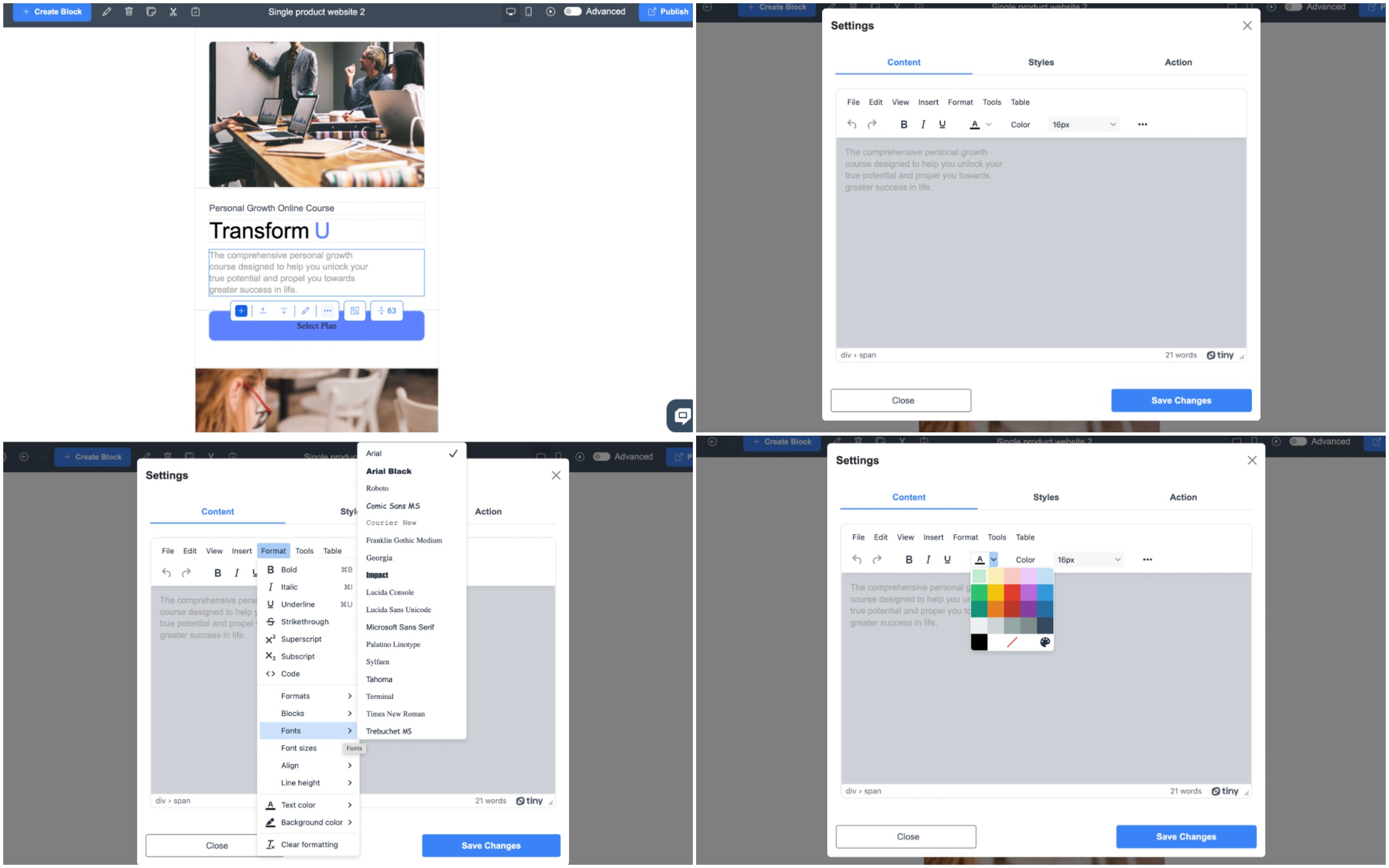
On ME-Page, you can:
- Customize fonts for headings and paragraphs right in the editor.
- Set global color palettes so your entire site stays consistent.
- Adjust section backgrounds, button colors, and banners to match your theme.
- Preview your design instantly to see what works.
If you want to get more creative, you can also use the Advanced Mode to fine-tune styles. But even without that, the built-in design tools give you everything you need for a professional website look.
ME-Page is designed for beginners, meaning you can build a stylish, visually cohesive site without needing to understand complex design rules. The templates already follow modern design standards—you just customize them to fit your brand.
Final Thoughts
Choosing the right color palette and fonts is one of the simplest ways to level up your website instantly. These choices shape your site’s personality, make your content easier to read, and help you appear more professional to visitors.
ME-Page gives you the tools to do this effortlessly. With the right mix of color and typography, your site won’t just look nice—it will feel polished, memorable, and aligned with your brand.
So take a few minutes to experiment with colors and fonts in ME-Page. Small design decisions can transform your website from basic to beautiful—and help you make a strong, lasting first impression online.
Was This Article Helpful?
Click on a star to rate it!
Average Rating: 4.5/5
Voutes: 2
Share with Friends:


Previous
7 Design Mistakes to Avoid When Building a Website

Next
Why Restaurants Need a Strong Online Presence
Recent Articles
Everything You Need to Know About Using ME-Page Constructor for Your Website.
Using Multi-Page Navigation to Improve User Experience
As your website grows, visitors need an easy way to move between pages without getting lost. Whether you're bu...
How Internal Links Improve SEO on Multi-Page Websites
When people think about SEO, they often focus on keywords, backlinks, or content creation. While those factors...
How to Choose the Best Homepage Layout for Your Goals
Your homepage is often the first impression visitors have of your brand. Within just a few seconds, people dec...

How to Plan Your Website Before You Start Building
Building a website can feel exciting. You may already be thinking about colors, images, fonts, and clever head...
Using Subpages to Build Service, Pricing, and About Pages
As your website grows, placing all your information on a single page becomes less effective. Visitors want to ...

Why Every Artist Needs a Website Beyond Social Media
For artists, musicians, photographers, illustrators, and other creatives, social media has become an important...
Using Multi-Page Navigation to Improve User Experience
As your website grows, visitors need an easy way to move between pages without getting lost. Whether you're bu...
How Internal Links Improve SEO on Multi-Page Websites
When people think about SEO, they often focus on keywords, backlinks, or content creation. While those factors...
How to Choose the Best Homepage Layout for Your Goals
Your homepage is often the first impression visitors have of your brand. Within just a few seconds, people dec...
How to Plan Your Website Before You Start Building
Building a website can feel exciting. You may already be thinking about colors, images, fonts, and clever head...
Using Subpages to Build Service, Pricing, and About Pages
As your website grows, placing all your information on a single page becomes less effective. Visitors want to ...
Why Every Artist Needs a Website Beyond Social Media
For artists, musicians, photographers, illustrators, and other creatives, social media has become an important...










