Me-Page Team
Last modified 1 Sep 2025
Hosting an event—whether it’s a workshop, concert, webinar, or community meetup—takes effort. But here’s the thing: even the most amazing event can fail if people don’t know about it. That’s where an event landing page comes in.
Think of it as the digital front door to your event. It’s where people learn what’s happening, why they should care, and how to grab a ticket. Without one, you’re relying on scattered social media posts or long email chains that easily get lost.
The good news? You don’t need to be a tech expert to create one. With tools like ME-Page, you can launch a free event website in minutes and start selling tickets right away.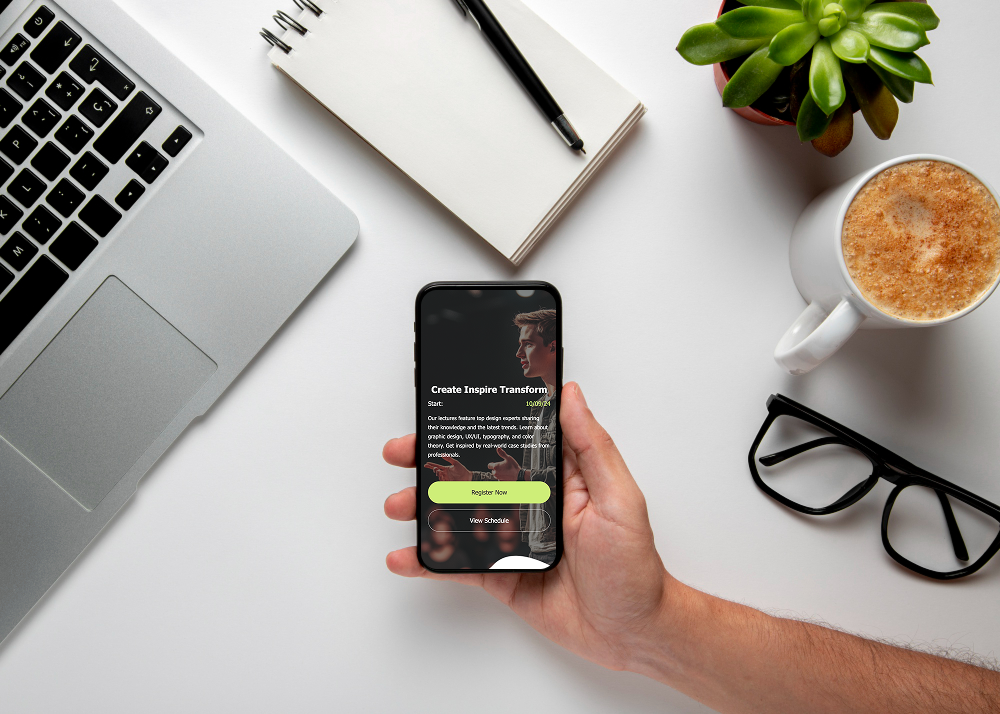
The Power of an Event Landing Page
So, why not just use a Facebook event or a quick email invite? Because a dedicated landing page does more:
- Professional presentation – A clean, branded site builds credibility.
- All info in one place – Attendees find details, schedules, and tickets easily.
- Higher conversions – A focused page removes distractions and nudges people to take action.
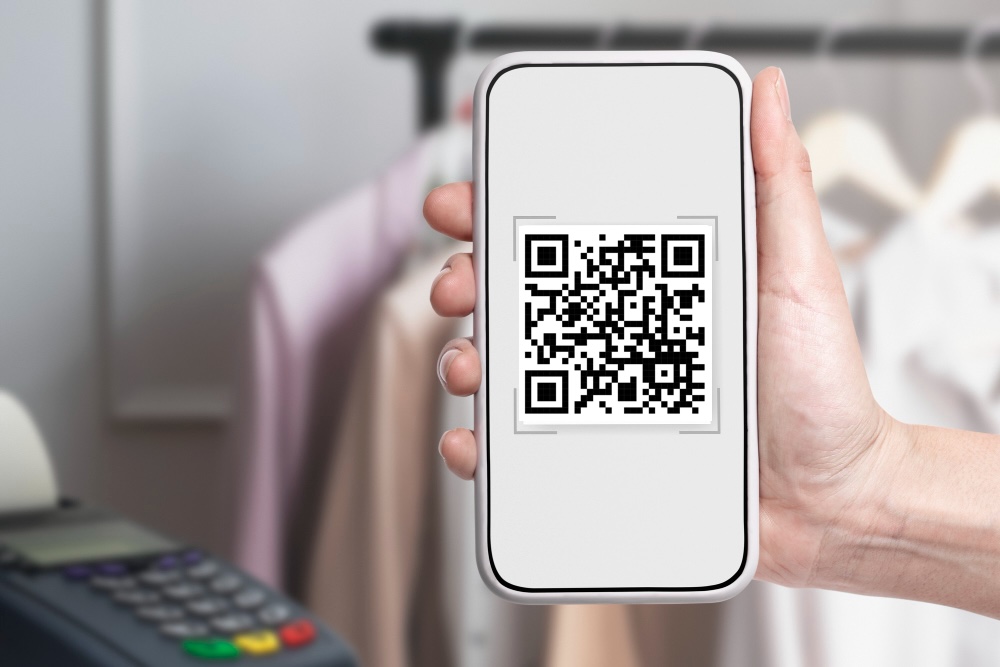
- Easy sharing – One link you can promote everywhere: email, social, or even QR codes.
Steps to Build a Free Event Website
Let’s break down how to go from idea to a published page in just a few steps.
Step 1: Choose a Template
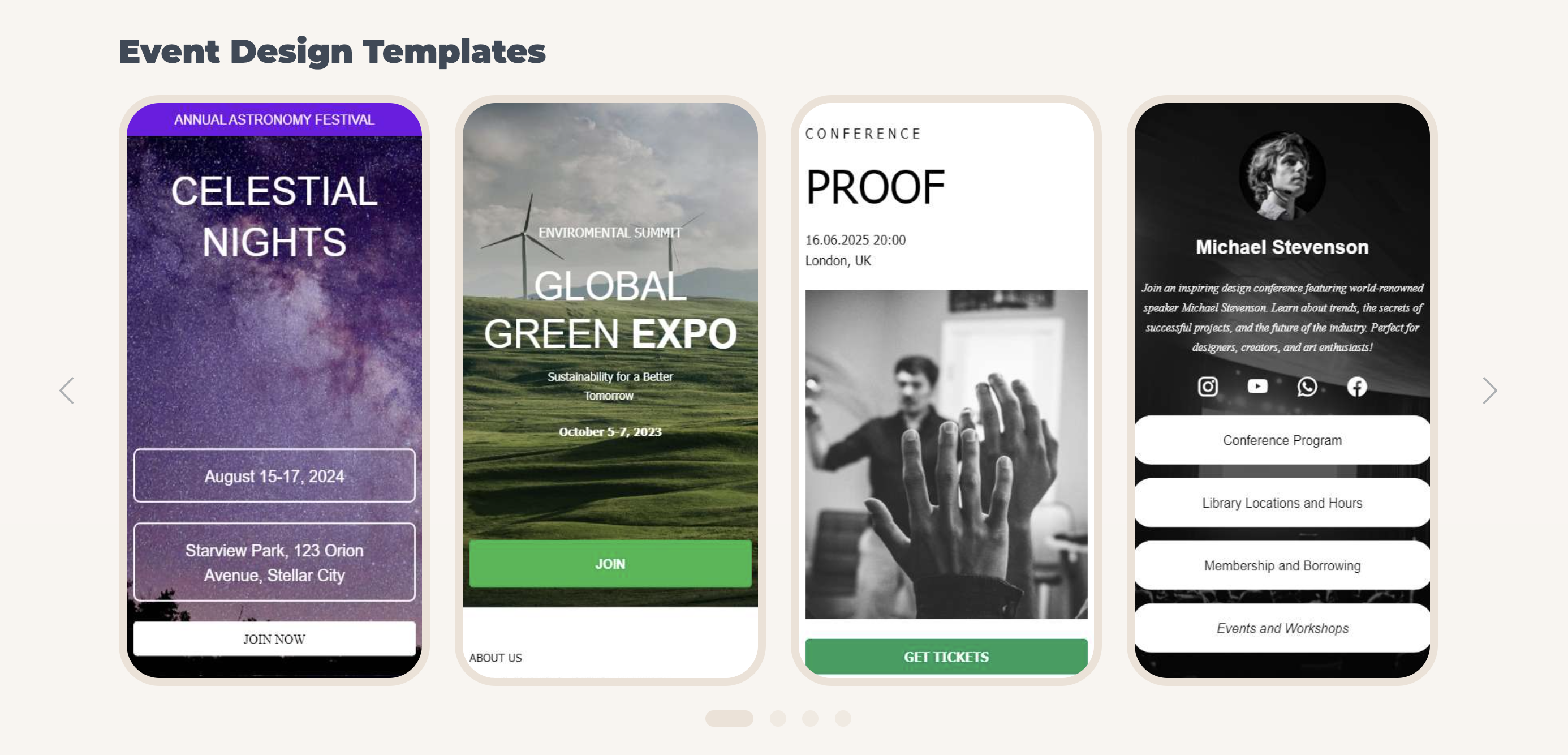
Start with a free event website template. ME-Page offers ready-to-use designs where you can plug in your details without worrying about coding.
Step 2: Add Event Details
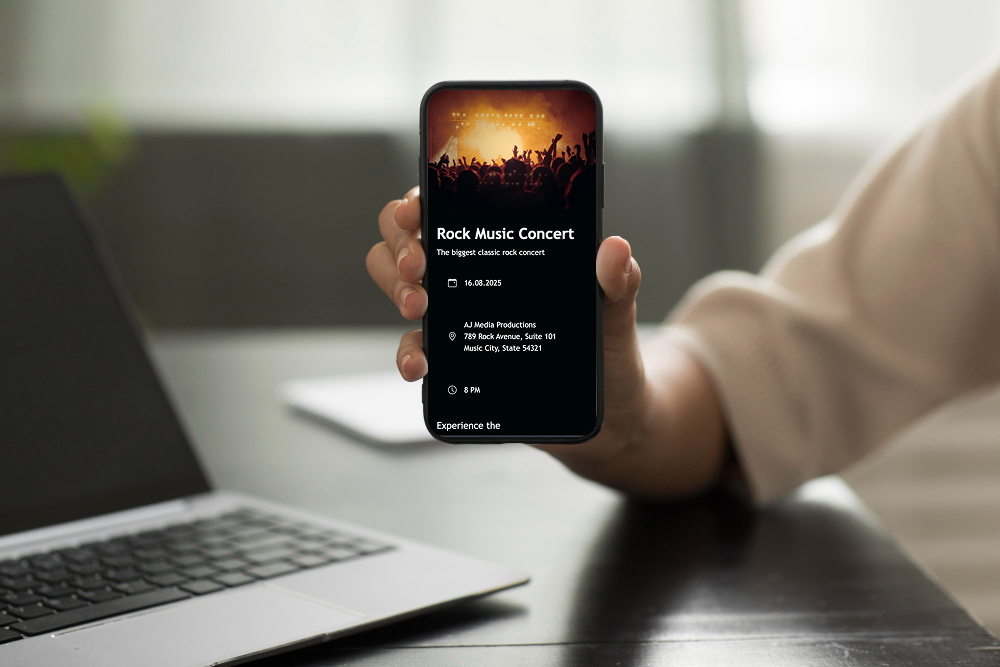
Be clear and concise. Include the event name, date, time, location (or streaming link), and a short description of what attendees can expect.
Step 3: Highlight the Value
Why should people attend? Add speaker bios, performer highlights, or key takeaways. Use bullet points for quick reading.
Step 4: Integrate Online Ticketing
Here’s where things get exciting—embed online ticketing directly into your page. This means visitors can learn about your event and buy tickets without leaving the site.
Step 5: Use Engaging Visuals
Images, videos, or teaser graphics make the event feel real and exciting. Visuals often drive more clicks than text alone.
Once live, promote the link everywhere: on social media, in newsletters, or even printed flyers with QR codes that point to your page.
Website Traffic Tips for Event Success
Getting your event landing page online is just step one. To make it successful, you need visitors. Here are quick ways to drive traffic:
- Leverage social media – Share sneak peeks, countdown posts, and behind-the-scenes content with a direct link to your page.
- Use email marketing – Invite your existing list and encourage them to forward the invite.
- Encourage social sharing – Ask attendees to share the event link with their networks.
- Promote with QR codes – Print them on posters, business cards, or brochures.
The easier you make it for people to discover and share your event, the more tickets you’ll sell.


Real-World Examples of Event Pages in Action
- A local music band created a simple event page with ticketing. Instead of juggling messages, they directed all fans to one link. Result? Faster sales and no overbooking.
- A fitness instructor used a free event website to promote weekly online classes. With integrated ticketing, attendees paid upfront, ensuring higher commitment.
- A non-profit group launched an event landing page for a fundraiser. Clear details and donation ticket options helped them exceed their target.
No matter the size or type of event, a focused landing page makes management smoother and attendance higher.
Final Thoughts: Build It, Share It, Sell Out
Creating an event landing page with ME-Page is one of the easiest ways to boost attendance and ticket sales. You don’t need design skills or coding experience—just your event details and a few minutes of setup.
From a free event website template to smooth online ticketing integration, you get everything needed to turn curiosity into confirmed attendance.
Your event deserves attention. Don’t let it get lost in a busy feed or forgotten email. Give it a dedicated home online—a place that excites people, answers their questions, and makes buying a ticket effortless.
Start today. Create your page, share the link, and watch your audience grow—seat by seat, ticket by ticket.
Powered by

Was This Article Helpful?
Click on a star to rate it!
Average Rating: 4.8/5
Voutes: 4
Share with Friends:



Recent Articles
Everything You Need to Know About Using ME-Page Constructor for Your Website.
Using Multi-Page Navigation to Improve User Experience
As your website grows, visitors need an easy way to move between pages without getting lost. Whether you're bu...

How Internal Links Improve SEO on Multi-Page Websites
When people think about SEO, they often focus on keywords, backlinks, or content creation. While those factors...
How to Choose the Best Homepage Layout for Your Goals
Your homepage is often the first impression visitors have of your brand. Within just a few seconds, people dec...

How to Plan Your Website Before You Start Building
Building a website can feel exciting. You may already be thinking about colors, images, fonts, and clever head...
Using Subpages to Build Service, Pricing, and About Pages
As your website grows, placing all your information on a single page becomes less effective. Visitors want to ...
Why Every Artist Needs a Website Beyond Social Media
For artists, musicians, photographers, illustrators, and other creatives, social media has become an important...
Using Multi-Page Navigation to Improve User Experience
As your website grows, visitors need an easy way to move between pages without getting lost. Whether you're bu...
How Internal Links Improve SEO on Multi-Page Websites
When people think about SEO, they often focus on keywords, backlinks, or content creation. While those factors...
How to Choose the Best Homepage Layout for Your Goals
Your homepage is often the first impression visitors have of your brand. Within just a few seconds, people dec...
How to Plan Your Website Before You Start Building
Building a website can feel exciting. You may already be thinking about colors, images, fonts, and clever head...
Using Subpages to Build Service, Pricing, and About Pages
As your website grows, placing all your information on a single page becomes less effective. Visitors want to ...
Why Every Artist Needs a Website Beyond Social Media
For artists, musicians, photographers, illustrators, and other creatives, social media has become an important...










