Me-Page Team
Last modified 11 Dec 2025
Article Plan
- Why Customize a Template?
- How to Choose the Right Template on ME-Page
- How to Customize Layout and Structure
- Visual Design Customization
- Making Your Website Truly Unique
- Common Mistakes to Avoid
- ME-Page design tips to Make Templates Look Custom, Not Cookie-Cutter
- Final Checklist Before You Publish
- Conclusion
- Frequently Asked Questions about Customizing Pre-Made Templates in ME-Page
Why Customize a Template?
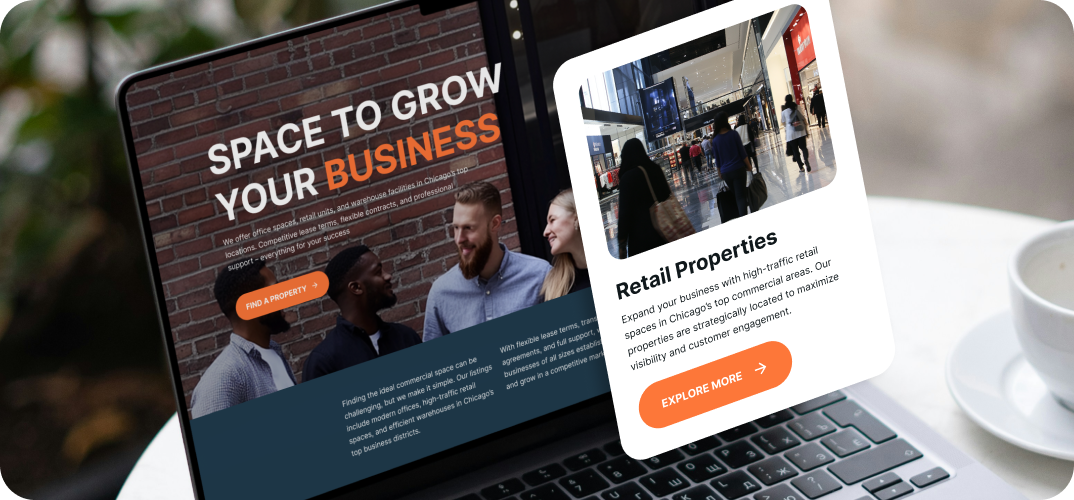
Templates are like ready-made outfits — they save time, but you still want accessories that show your personality. Customizing a template helps you:
- Keep the speed and structure of a template
- Add brand colors, fonts, and imagery that match you
- Improve user experience and conversions
- Avoid a “generic” look that blends into the crowd
ME-Page makes this easy: pick a template, then follow a few focused steps to make it yours.
How to Choose the Right Template on ME-Page
Before editing, you’ve got to choose the right foundation. ME-Page offers templates for:
- Business pages
- Portfolios & CVs
- Online stores
- Events
- Personal brands
When you choose a ME-Page template, ask yourself:
- What is my website’s main goal?
- Do I need to sell, inform, book, or showcase?
- Who is my audience?
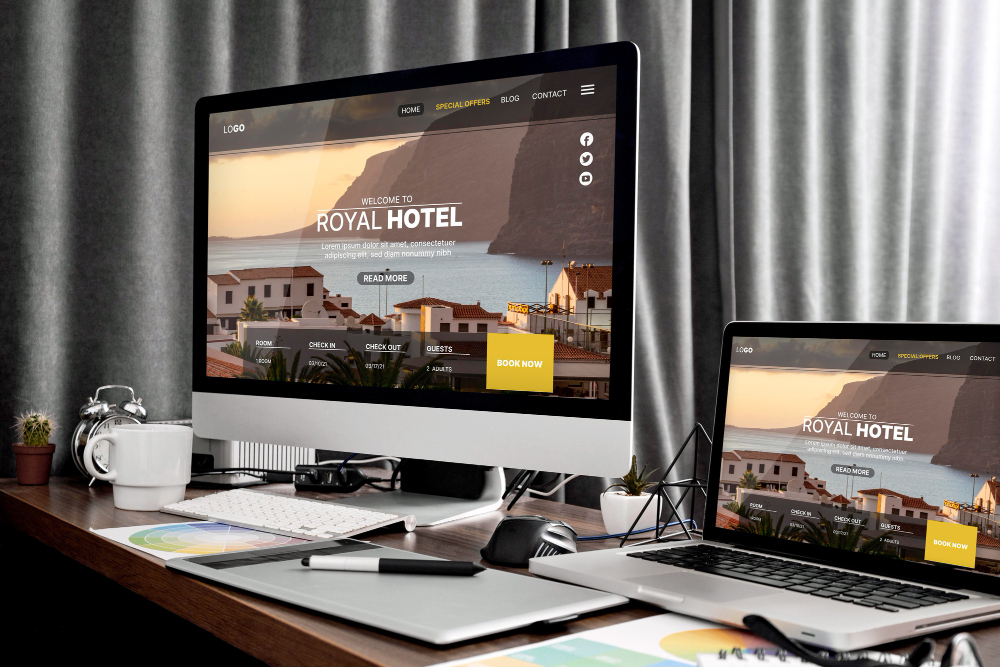
Choosing the closest match saves time and keeps your layout clean from the start.
How to Customize Layout and Structure
Now the fun begins. This is where your site starts feeling like your site.
Editing Text and Content Blocks
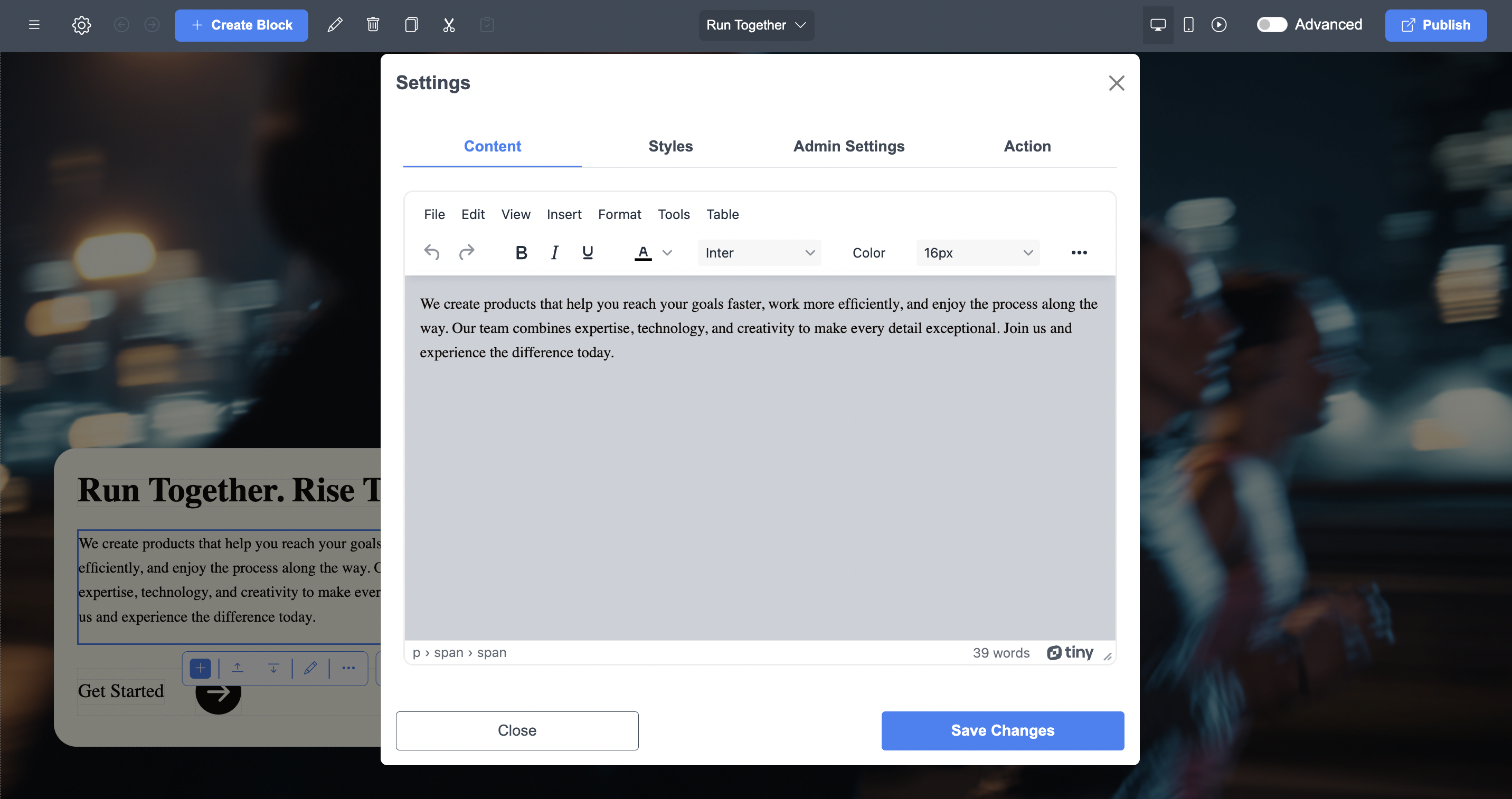
With ME-Page’s editor, you can:
- Click on any text and rewrite it instantly
- Change font size, style, and alignment
- Edit buttons, descriptions, titles, and headings
No coding. No confusion. Just click and type.
Want a personal bio instead of a generic “About Us”? Replace it.
Need to update services? Edit the block and you’re done.
Rearranging Sections for Better Flow
Don’t like the order of your page? No problem.
- Move blocks up or down
- Delete sections you don’t need
- Add new blocks wherever you want
This lets you design your visitor’s journey from first impression to final action.
Visual Design Customization
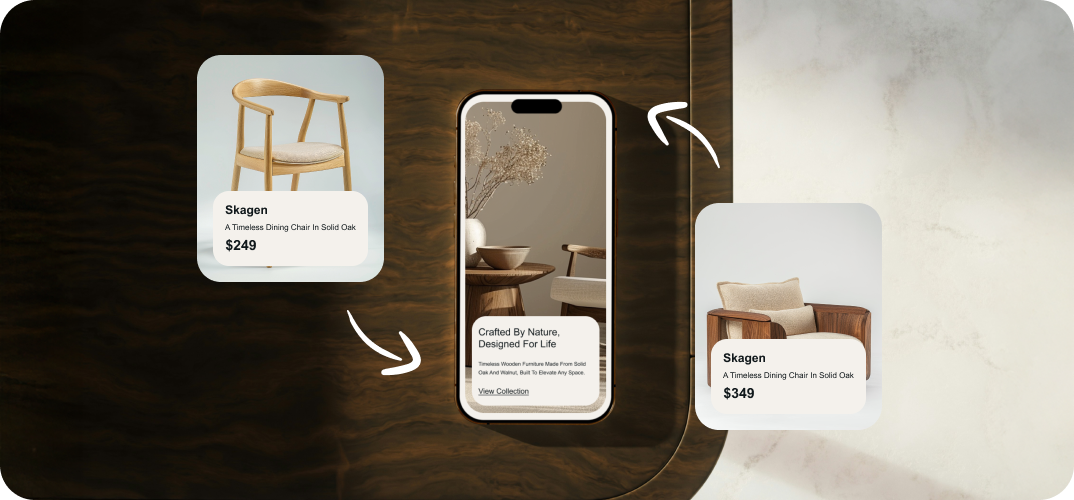
This is where your unique website design truly comes alive.
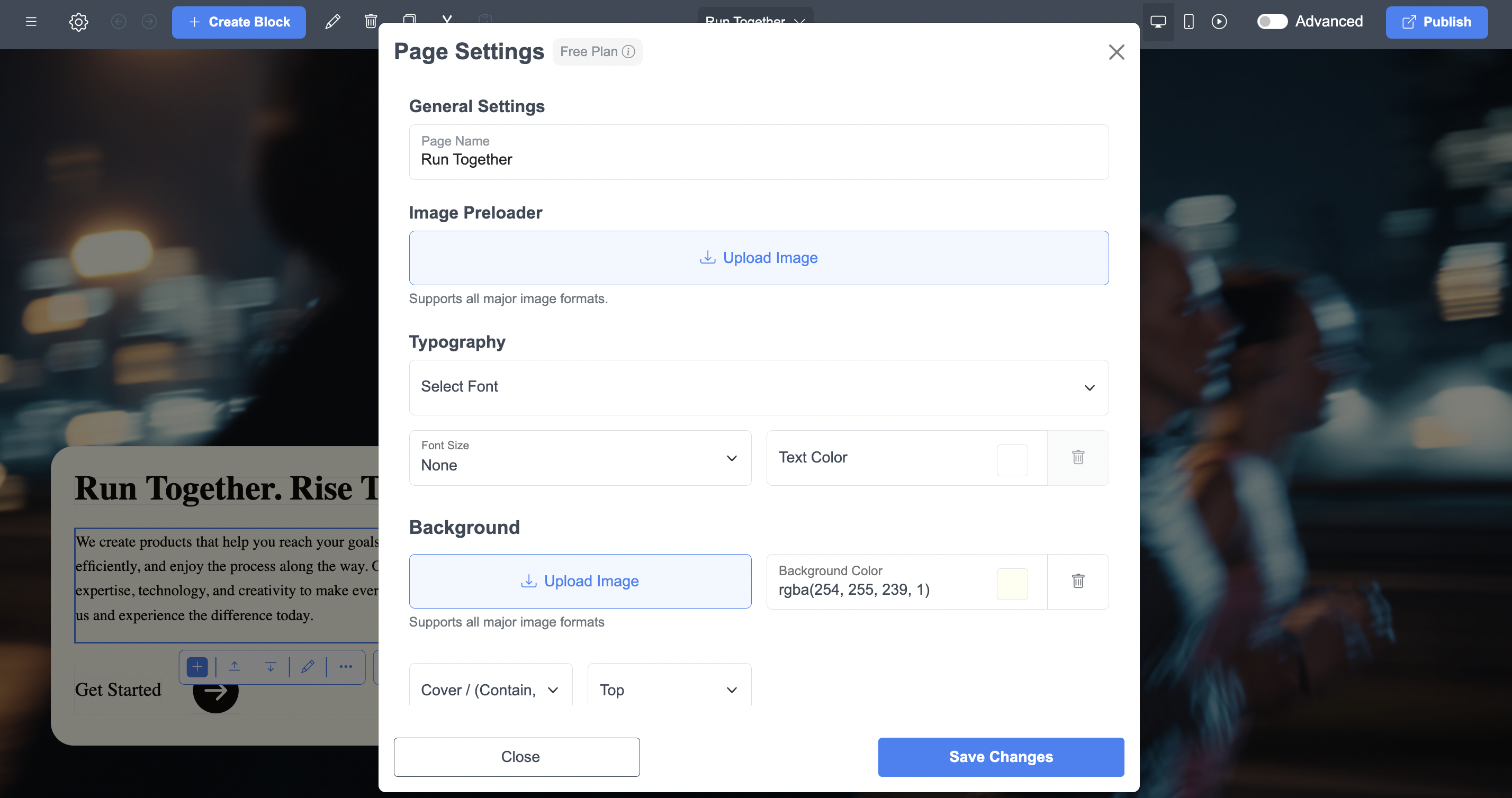
Changing Colors, Backgrounds, and Fonts
Colors speak louder than words. Inside ME-Page you can:
- Change the background of any section
- Adjust font colors for headings and text
- Apply brand colors across the entire page
Your website should feel like your logo, your business card, your social media. This keeps your brand consistent and professional.
Adding Images, Banners, and Branding
Want a bold hero image? Add it.
Need a banner to promote an offer? Drop it in.
Showcasing your work? Use image galleries.
Visuals instantly increase:
- Trust
- Time spent on page
- Conversions
And ME-Page lets you upload, replace, and resize images with just a few clicks.
Making Your Website Truly Unique
Customization is more than visuals, it’s personality.
Here’s how to break away from “template look”:
- Write in your own voice
- Use real photos instead of stock when possible
- Adjust spacing and layout for breathing room
- Add your own call-to-action text
Your visitors should feel like they’re talking to a real human, not a generic layout.
This is the magic of editing pre-made templates the right way.
Common Mistakes to Avoid
Even with a great builder like ME-Page, a few mistakes can weaken your design:
- Using too many fonts
- Overloading with colors
- Cramming too much text into one section
- Forgetting mobile users
- Using low-quality images
A clean, simple layout always wins in the long run.
ME-Page design tips to Make Templates Look Custom, Not Cookie-Cutter
- Swap one major layout element (e.g., move the hero to a full-bleed image)
- Use real customer photos instead of stock imagery every chance you get
- Add a consistent visual accent (pattern, line, or icon style) across sections
- Keep headings short and benefit-driven — visitors skim, so lead with what they gain
Small tweaks add up — think of them as the brushstrokes that make your template a custom piece.
Final Checklist Before You Publish
- Proofread every headline and button
- Test contact forms and links
- Preview on mobile and desktop
- Ensure your branding (colors, fonts, logos) is applied globally
- Run a quick speed check and compress images if needed
Tidy up these last details and you’ll launch a site that looks professional and genuinely yours.
Conclusion
Your website is your digital home and thanks to ME-Page, customizing it doesn’t have to feel like rocket science. With just a few clicks, you can transform a pre-made layout into a bold, branded, and unique website design that actually represents your vision.
By learning how to:
- Customize website templates
- Apply smart ME-Page design tips
- Edit layout, colors, text, and visuals the right way
You gain full creative control without spending money on designers or developers.
So go ahead. Pick a template. Break it. Rebuild it. Shape it into something that feels unmistakably yours.
Your brand deserves more than “good enough.” With ME-Page, your unique site is just a few clicks away.
Frequently Asked Questions about Customizing Pre-Made Templates in ME-Page
Was This Article Helpful?
Click on a star to rate it!
Average Rating: 5/5
Voutes: 1
Share with Friends:


Previous
How to Publish Your First ME-Page Website in One Click

Next
Customizing Fonts and Headings on Your ME-Page Website
Recent Articles
Everything You Need to Know About Using ME-Page Constructor for Your Website.
Using Multi-Page Navigation to Improve User Experience
As your website grows, visitors need an easy way to move between pages without getting lost. Whether you're bu...

How Internal Links Improve SEO on Multi-Page Websites
When people think about SEO, they often focus on keywords, backlinks, or content creation. While those factors...
How to Choose the Best Homepage Layout for Your Goals
Your homepage is often the first impression visitors have of your brand. Within just a few seconds, people dec...

How to Plan Your Website Before You Start Building
Building a website can feel exciting. You may already be thinking about colors, images, fonts, and clever head...
Using Subpages to Build Service, Pricing, and About Pages
As your website grows, placing all your information on a single page becomes less effective. Visitors want to ...

Why Every Artist Needs a Website Beyond Social Media
For artists, musicians, photographers, illustrators, and other creatives, social media has become an important...
Using Multi-Page Navigation to Improve User Experience
As your website grows, visitors need an easy way to move between pages without getting lost. Whether you're bu...
How Internal Links Improve SEO on Multi-Page Websites
When people think about SEO, they often focus on keywords, backlinks, or content creation. While those factors...
How to Choose the Best Homepage Layout for Your Goals
Your homepage is often the first impression visitors have of your brand. Within just a few seconds, people dec...
How to Plan Your Website Before You Start Building
Building a website can feel exciting. You may already be thinking about colors, images, fonts, and clever head...
Using Subpages to Build Service, Pricing, and About Pages
As your website grows, placing all your information on a single page becomes less effective. Visitors want to ...
Why Every Artist Needs a Website Beyond Social Media
For artists, musicians, photographers, illustrators, and other creatives, social media has become an important...










