Me-Page Team
Last modified 24 Jul 2026
What Is HTML and CSS Editing in ME-Page?
ME-Page is a flexible website builder that allows users to create and customize web pages without the need for advanced programming knowledge. However, for those who want full control over the design and functionality of their website, ME-Page provides the ability to directly edit HTML and CSS code. This means that you can make changes directly to the structure and styling of your site, tailoring it to your unique needs and preferences.

Benefits of Editing HTML and CSS in ME-Page
-
Full customization: By editing HTML and CSS, you can customize every element of your site, from fonts and colors to layout and interactive elements.
-
Unique design: Create a unique look for your site that will set it apart from the competition and attract visitors.
- Performance optimization: Power users can optimize code to improve page load speed and overall user experience.
Who Needs It and Why?
The ability to edit HTML and CSS in ME-Page will be useful for:
-
Web designers and developers: To create complex and unique designs, as well as to integrate additional features beyond the standard features of the website builder.
-
Businesses and entrepreneurs: To adapt the site to the corporate style and specific requirements of the brand, providing integrity and recognizability.
- Bloggers and content creators: To create a customized look and feel and improve audience interaction through unique interface elements.

How Do I Get Started Editing HTML and CSS in ME-Page?
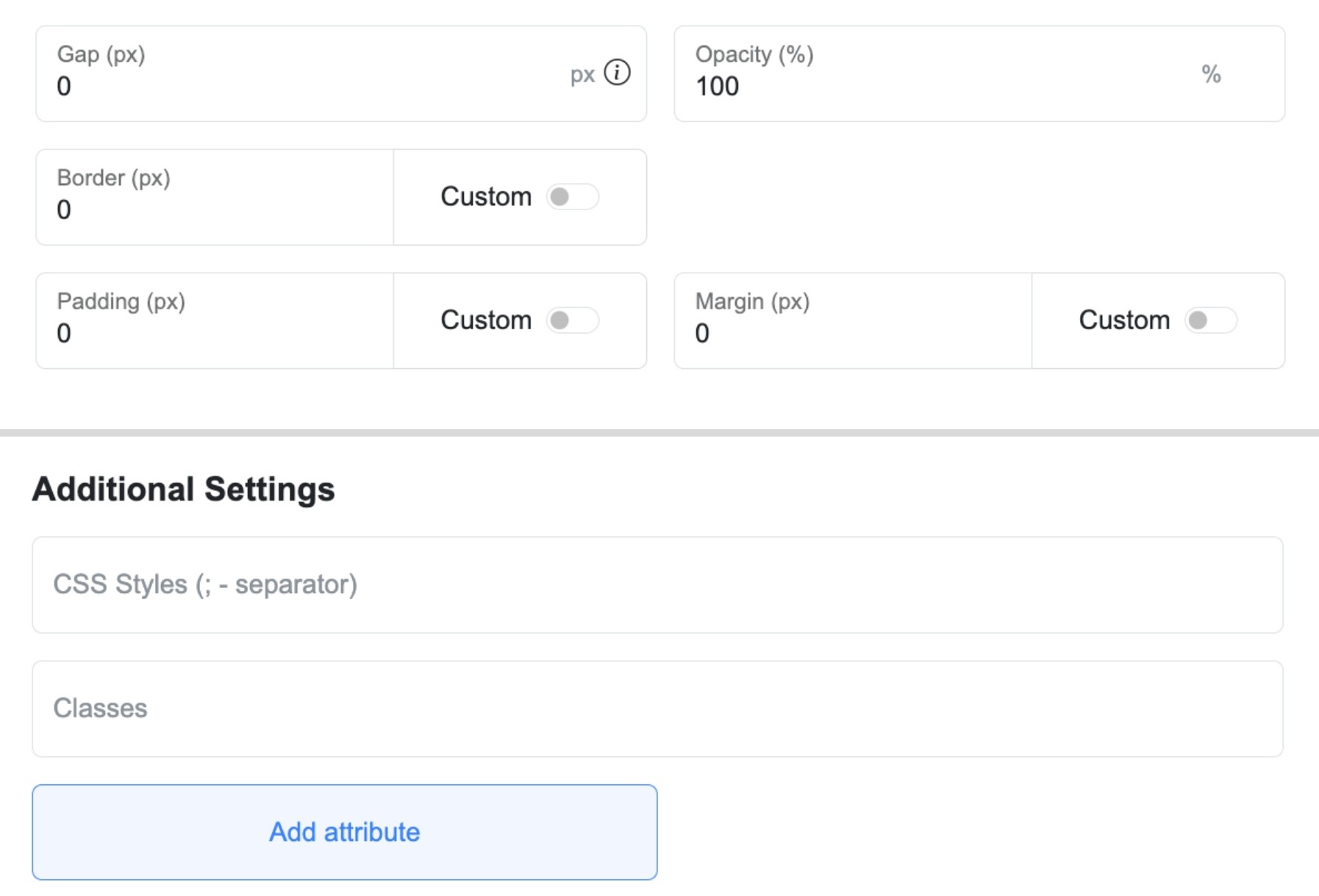
To use this feature, enter edit mode on your website on the ME-Page platform. You can modify HTML directly within the builder, adjusting elements like colors, sizes, and spacing. The user-friendly interface makes it easy to implement changes.
To edit CSS, enable Advanced Mode to access the Additional Settings field, where you can add custom CSS styles and classes. Advanced users can upload custom CSS Link, allowing them to add unique styles and expand their site's functionality.
Editing HTML and CSS in ME-Page opens up a wide range of possibilities for personalizing and improving your website. Use this feature to create a truly unique and effective online resource that meets your goals and the expectations of your audience.
Was This Article Helpful?
Click on a star to rate it!
Average Rating: 3.7/5
Voutes: 6
Share with Friends:


Previous
Using Multi-Page Navigation to Improve User Experience

Next
Welcome to ME-Page: Your Ultimate Website Constructor
Recent Articles
Everything You Need to Know About Using ME-Page Constructor for Your Website.
Using Multi-Page Navigation to Improve User Experience
As your website grows, visitors need an easy way to move between pages without getting lost. Whether you're bu...

How Internal Links Improve SEO on Multi-Page Websites
When people think about SEO, they often focus on keywords, backlinks, or content creation. While those factors...
How to Choose the Best Homepage Layout for Your Goals
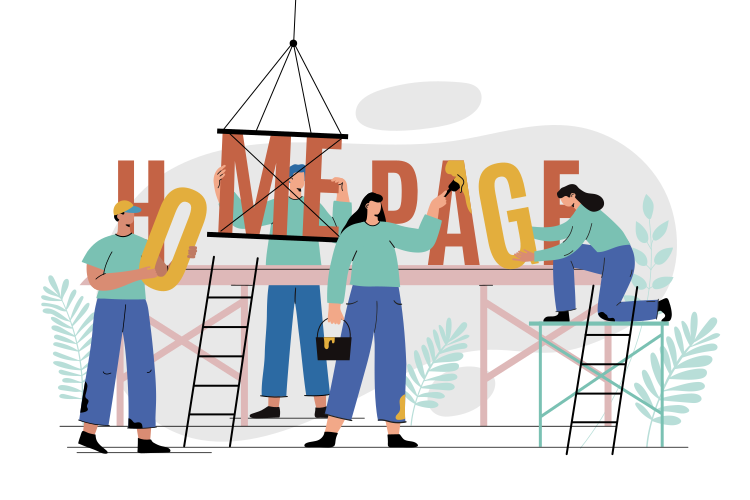
Your homepage is often the first impression visitors have of your brand. Within just a few seconds, people dec...

How to Plan Your Website Before You Start Building
Building a website can feel exciting. You may already be thinking about colors, images, fonts, and clever head...
Using Subpages to Build Service, Pricing, and About Pages
As your website grows, placing all your information on a single page becomes less effective. Visitors want to ...

Why Every Artist Needs a Website Beyond Social Media
For artists, musicians, photographers, illustrators, and other creatives, social media has become an important...
Using Multi-Page Navigation to Improve User Experience
As your website grows, visitors need an easy way to move between pages without getting lost. Whether you're bu...
How Internal Links Improve SEO on Multi-Page Websites
When people think about SEO, they often focus on keywords, backlinks, or content creation. While those factors...
How to Choose the Best Homepage Layout for Your Goals
Your homepage is often the first impression visitors have of your brand. Within just a few seconds, people dec...
How to Plan Your Website Before You Start Building
Building a website can feel exciting. You may already be thinking about colors, images, fonts, and clever head...
Using Subpages to Build Service, Pricing, and About Pages
As your website grows, placing all your information on a single page becomes less effective. Visitors want to ...
Why Every Artist Needs a Website Beyond Social Media
For artists, musicians, photographers, illustrators, and other creatives, social media has become an important...










