Me-Page Team
Last modified 26 Aug 2025

HTML vs CSS: What You Need to Know
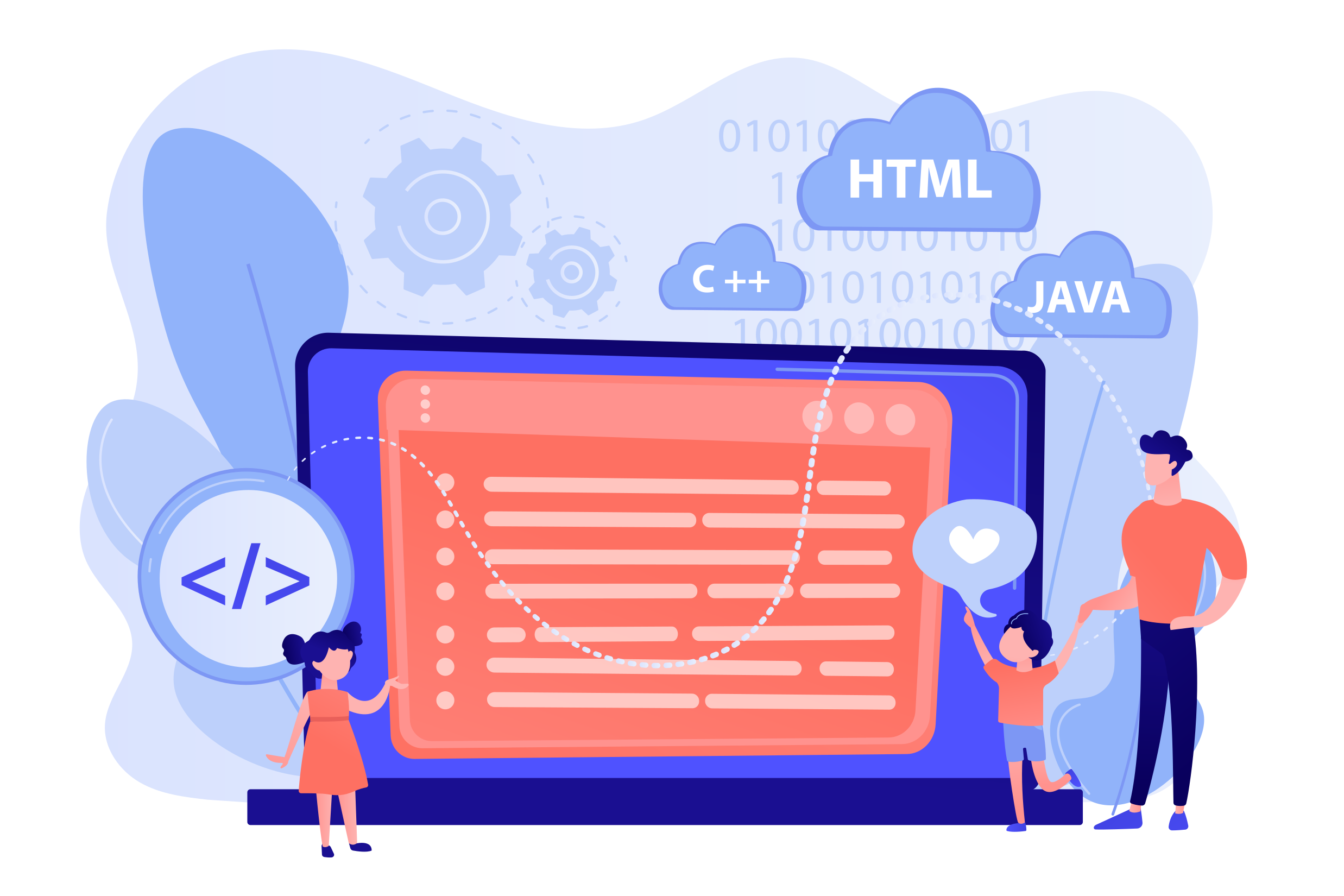
- HTML structures your content—like headings, images, and text blocks.
- CSS styles that structure—defining fonts, colors, spacing, layout, and responsiveness.
Together, they transform your site from generic to uniquely yours.
Why ME-Page Makes Website Customization Simple
ME-Page gives you the tools to explore website customization safely and powerfully:
- Advanced Mode unlocks the ability to directly edit HTML and CSS code.
- You can fully customize every element—from fonts and colors to layout and interactive elements.
- Need bespoke styles? Upload your own CSS file or inject custom styles and classes via the Additional Settings.
- It’s the perfect balance—templates and blocks give you structure, while advanced code access gives you precision and creativity
Your HTML CSS Tutorial: Roadmap to Customize
Let’s break it down—with ME-Page, this HTML CSS tutorial is designed to guide you easily:1. Enter Advanced Mode
In your ME-Page dashboard, switch on Advanced Mode to enable HTML/CSS editing.
2. Tweak the HTML structure
Want to add a new section or move things around? You can modify html website editor directly within the builder, adjusting elements like colors, sizes, and spacing. The user-friendly interface makes it easy to implement changes.
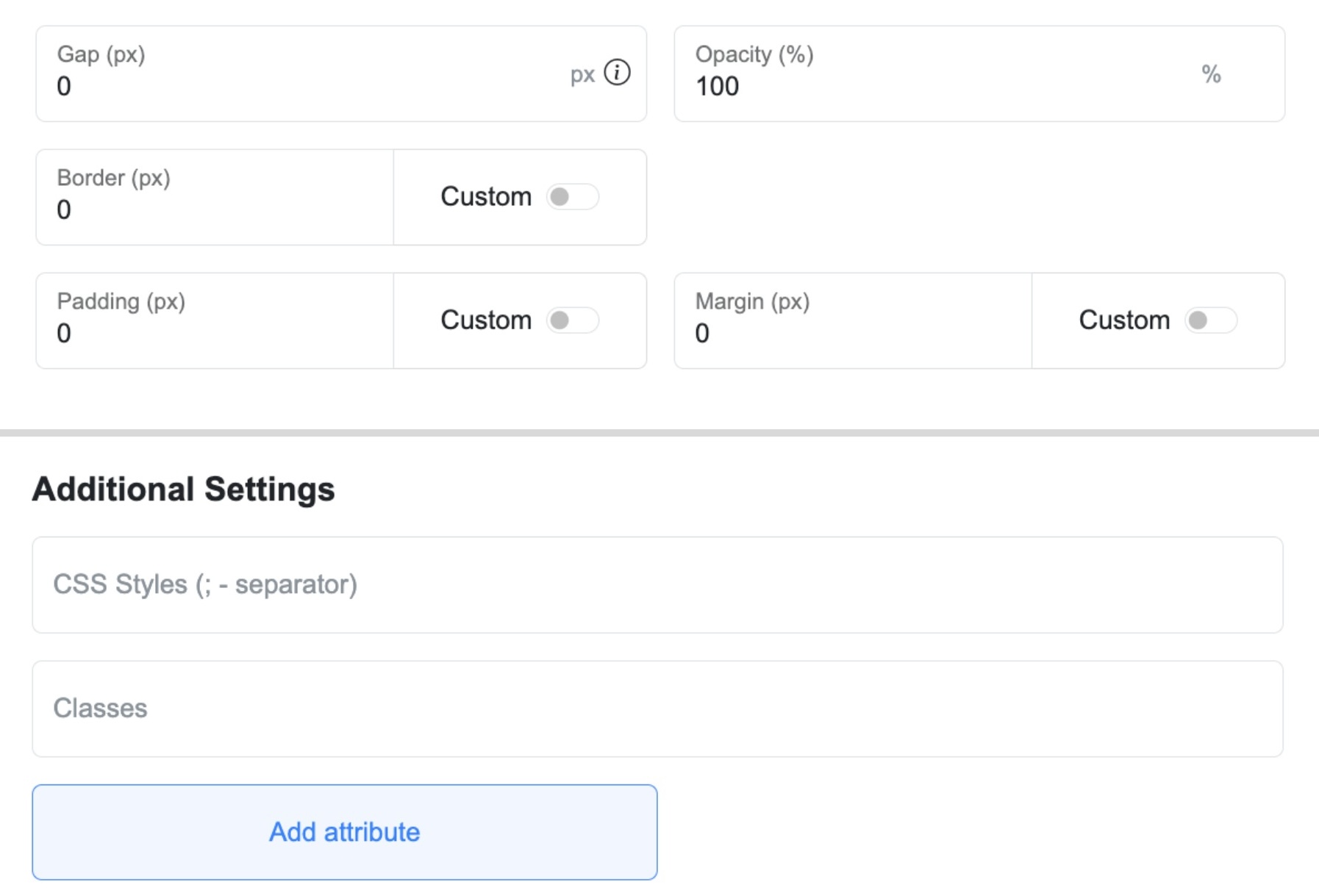
3. Style it with CSS
Use your CSS—either via the Additional Settings panel or by linking an external CSS file—to change styling, layout, colors, spacing, etc.
4. Preview and Test
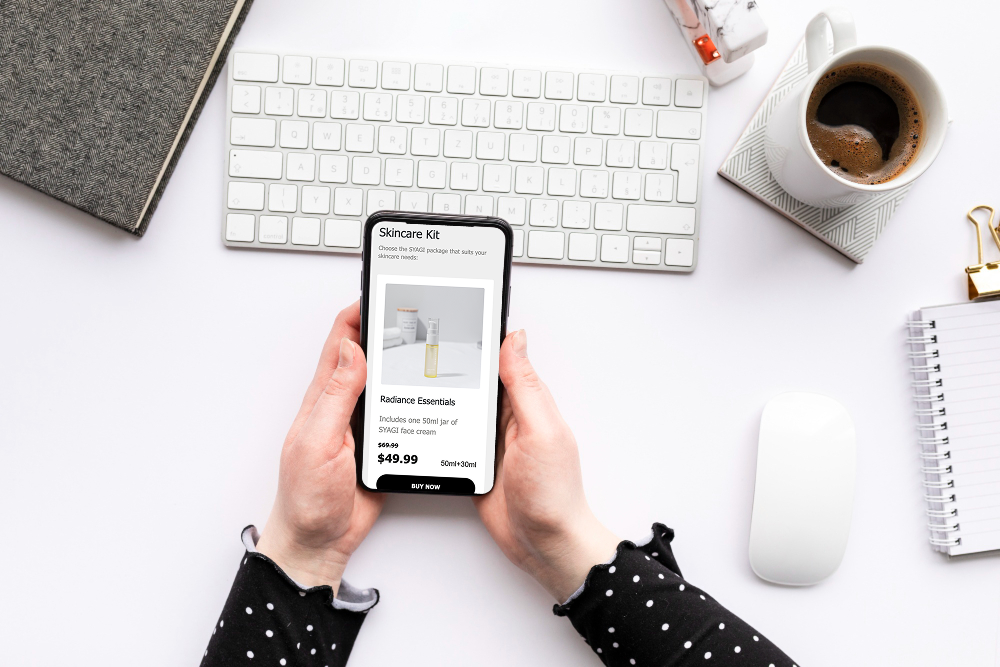
ME-Page shows your adjustments instantly in the editor—no guessing required.
Once you're confident in your tweaks, hit publish—your custom site appears immediately online. If you click “Create QR Code,” ME-Page will automatically generate a QR code for your page. You can customize, download, and use it on business cards, flyers, or other promotional materials
Why Make These Customizations?
Here’s what editing your site code lets you achieve:
- Unique design - stand out from cookie-cutter templates.
- Precision styling - adjust colors, typography, and layout exactly how you envision.
- Performance optimization - minimize extraneous code for faster loading.
- Brand consistency - align your site with your brand guidelines perfectly.
Quick Tips for Beginners Diving into Code
- Start with small CSS tweaks - like changing button colors or adjusting padding.
- Keep your edits structured - comment your code for clarity.
- Always preview on mobile - ME-Page ensures your customizations remain responsive.
- Save frequently and review with a clear head before publishing
Final Thoughts: Your Site, Your Code
Using ME-Page's HTML and CSS editing capabilities puts you in the driver’s seat. You get the simplicity of a builder and the precision of actual coding—all without needing a dev background. This website customization tool empowers you to build a site that isn’t just functional—but unforgettable.
The beauty here is flexibility. Beginners can start small—changing colors, fonts, or margins—while advanced users can dig deeper, creating responsive layouts, animations, and custom designs. Every tweak adds personality and strengthens your brand identity.
Think of it this way: templates give you a strong foundation, but code is where your creativity shines. With ME-Page, you’re free to experiment, refine, and craft a digital space that feels authentically yours. So whether you’re a freelancer, a business owner, or simply someone who wants their site to stand out, editing your website code with HTML & CSS is the path to making your online presence truly unique.
Was This Article Helpful?
Click on a star to rate it!
Average Rating: 4/5
Voutes: 1
Share with Friends:



Previous
How to Create an Online Menu or Restaurant Website

Next
Freelancer Success Story: Landing More Clients with ME-Page
Recent Articles
Everything You Need to Know About Using ME-Page Constructor for Your Website.
Using Multi-Page Navigation to Improve User Experience
As your website grows, visitors need an easy way to move between pages without getting lost. Whether you're bu...

How Internal Links Improve SEO on Multi-Page Websites
When people think about SEO, they often focus on keywords, backlinks, or content creation. While those factors...
How to Choose the Best Homepage Layout for Your Goals
Your homepage is often the first impression visitors have of your brand. Within just a few seconds, people dec...

How to Plan Your Website Before You Start Building
Building a website can feel exciting. You may already be thinking about colors, images, fonts, and clever head...
Using Subpages to Build Service, Pricing, and About Pages
As your website grows, placing all your information on a single page becomes less effective. Visitors want to ...

Why Every Artist Needs a Website Beyond Social Media
For artists, musicians, photographers, illustrators, and other creatives, social media has become an important...
Using Multi-Page Navigation to Improve User Experience
As your website grows, visitors need an easy way to move between pages without getting lost. Whether you're bu...
How Internal Links Improve SEO on Multi-Page Websites
When people think about SEO, they often focus on keywords, backlinks, or content creation. While those factors...
How to Choose the Best Homepage Layout for Your Goals
Your homepage is often the first impression visitors have of your brand. Within just a few seconds, people dec...
How to Plan Your Website Before You Start Building
Building a website can feel exciting. You may already be thinking about colors, images, fonts, and clever head...
Using Subpages to Build Service, Pricing, and About Pages
As your website grows, placing all your information on a single page becomes less effective. Visitors want to ...
Why Every Artist Needs a Website Beyond Social Media
For artists, musicians, photographers, illustrators, and other creatives, social media has become an important...










